


A One-Time Load Virtual Card is a disposable virtual card designed primarily for eligible one-time online transactions. It is funded once with a fixed amount and can be used for eligible online payments while a balance remains available.
Important: Disposable virtual cards are primarily designed for eligible one-time online transactions. Acceptance may vary depending on the merchant and its payment processor, and some recurring or subscription-based transactions may not be supported. For recurring payments and subscriptions, we recommend using a regular virtual card.
How to Purchase Your Disposable Card
Follow the steps below to create and activate your One-Time Load Virtual Card.
Step 1: Open the One-Time Load Virtual Card Form
Fill out the Basic Disposable Card form with the following details:
First name, Last name, Country, Address 1, Email address, Phone number, etc
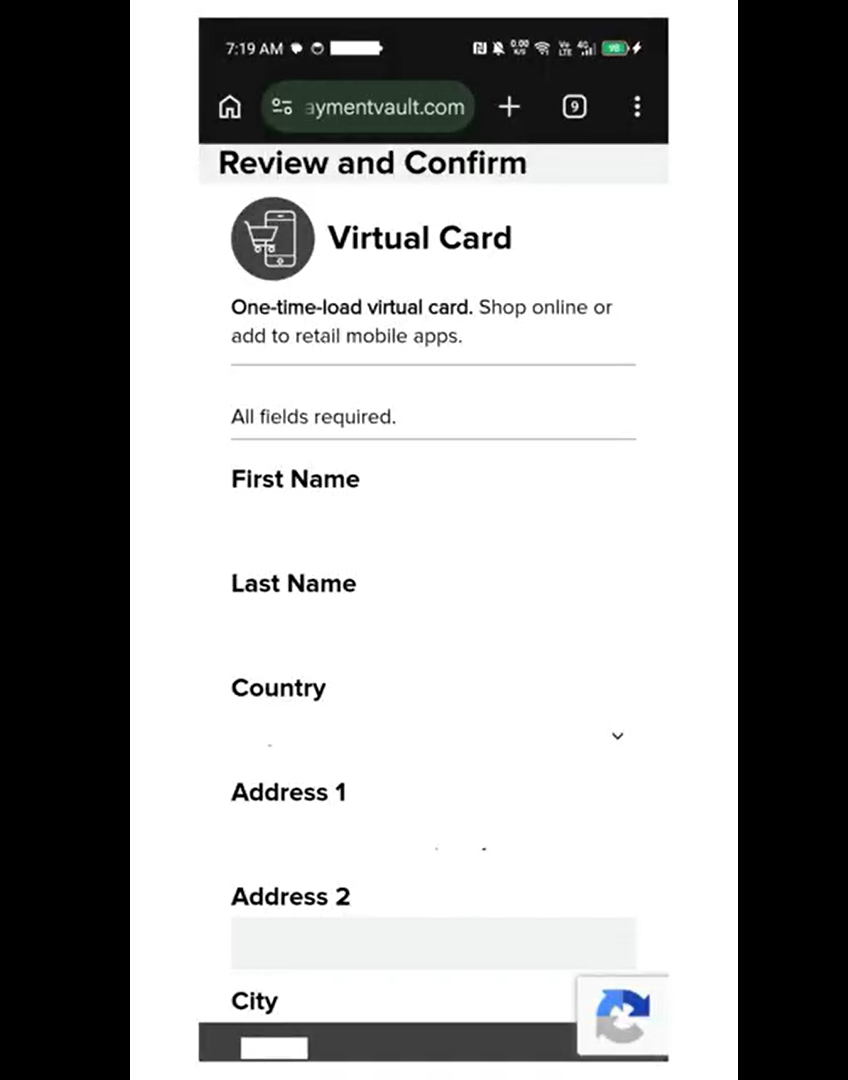
Step 2: Confirm Your Details
Review the information you entered and confirm to proceed.
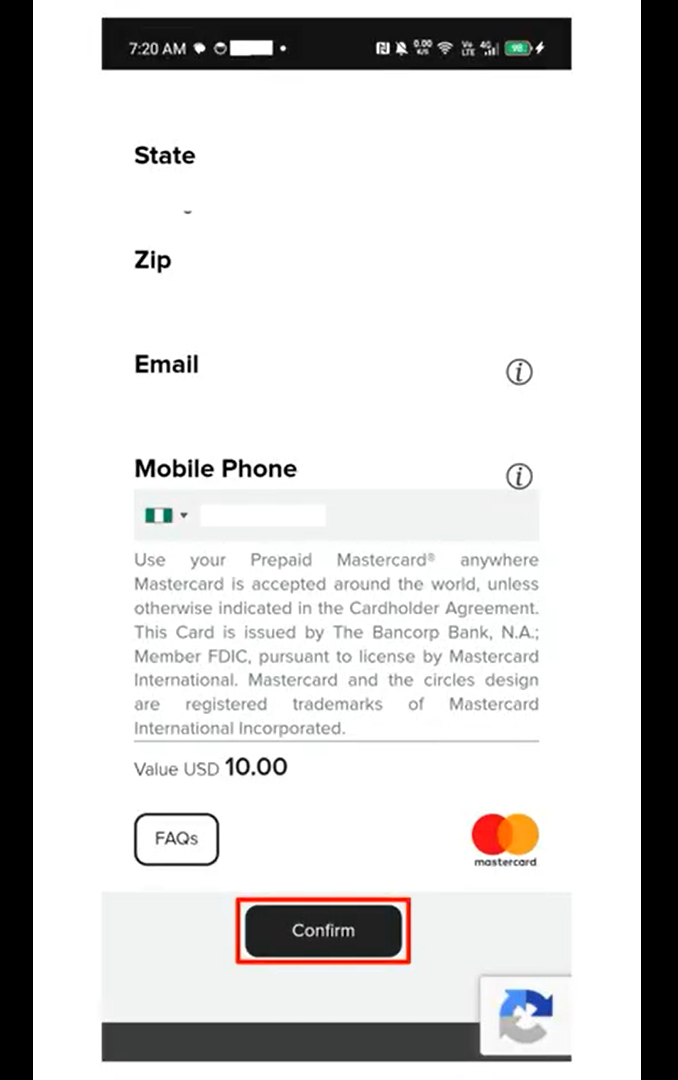
Step 3: Complete The Purchase
Follow the prompts to complete the purchase of your One-Time Load Virtual Card.
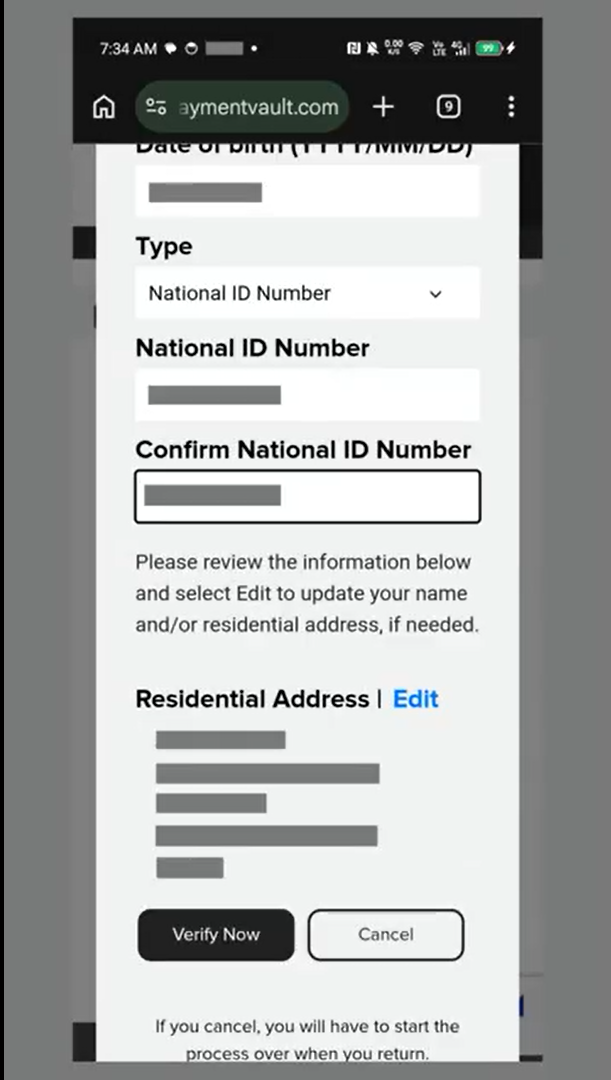
Card Redemption and Identity Verification
Card redemption takes place outside the TransferXO app through the card provider.
The card provider may require you to complete identity verification during the redemption process.
If KYC is requested, follow the instructions provided by the card provider.
If KYC Is Required During Redemption
The provider may ask you to provide additional information and a valid government-issued identification document.
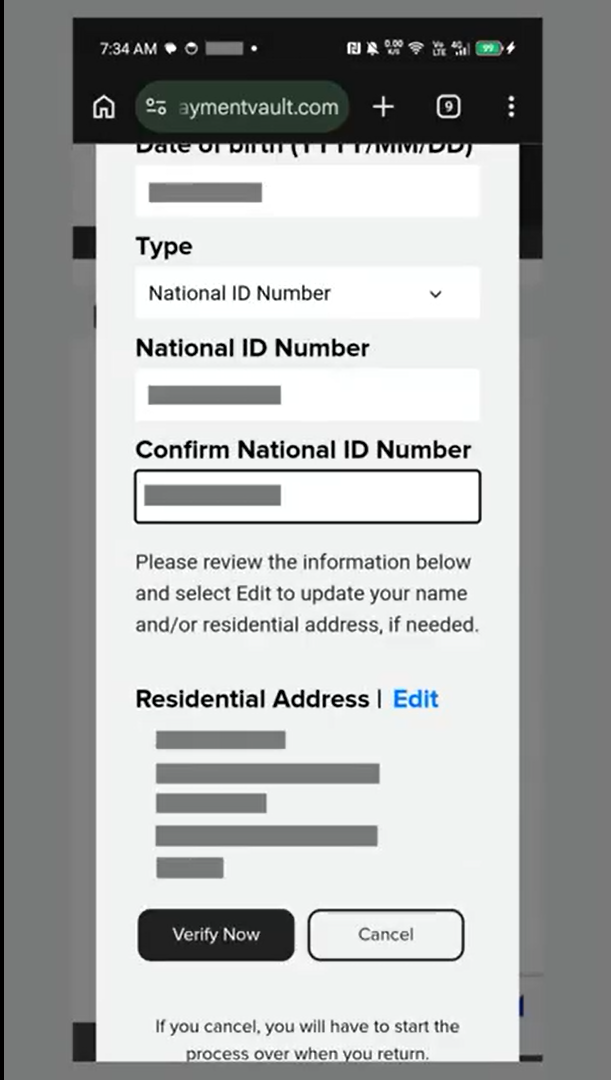
Depending on the provider's verification process, you may be asked to:
- Provide your personal information.
- Select an accepted identity document.
- Capture your identity document.
- Submit the document for verification.
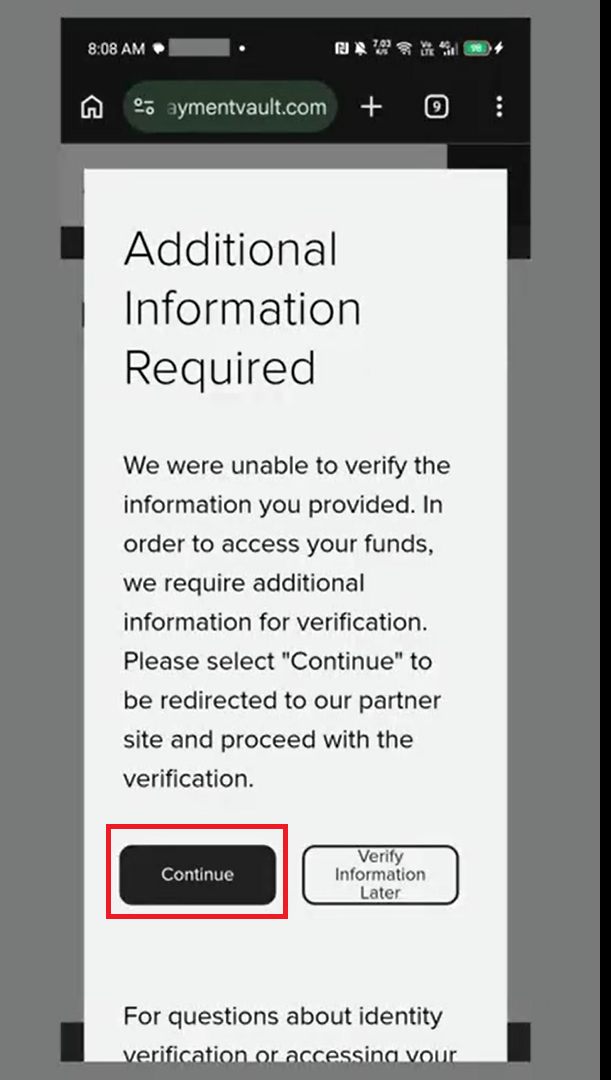
If verification is not successful on the first attempt, click 'Continue' to provide additional information about your identity.
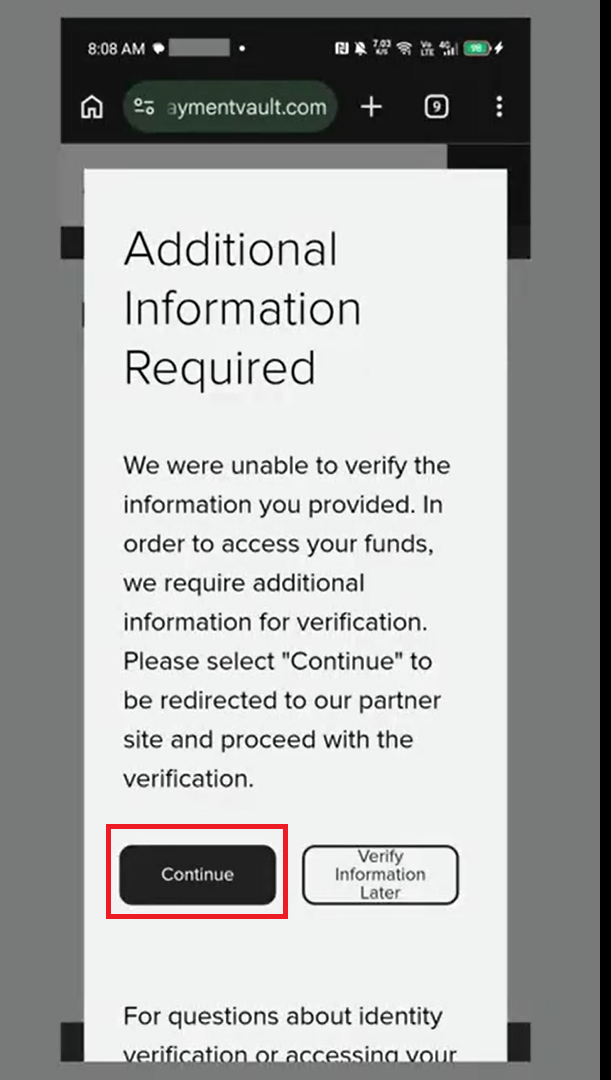
Step II: Access the Secure Verification Page
You will be redirected to a secure page to provide more information about yourself.
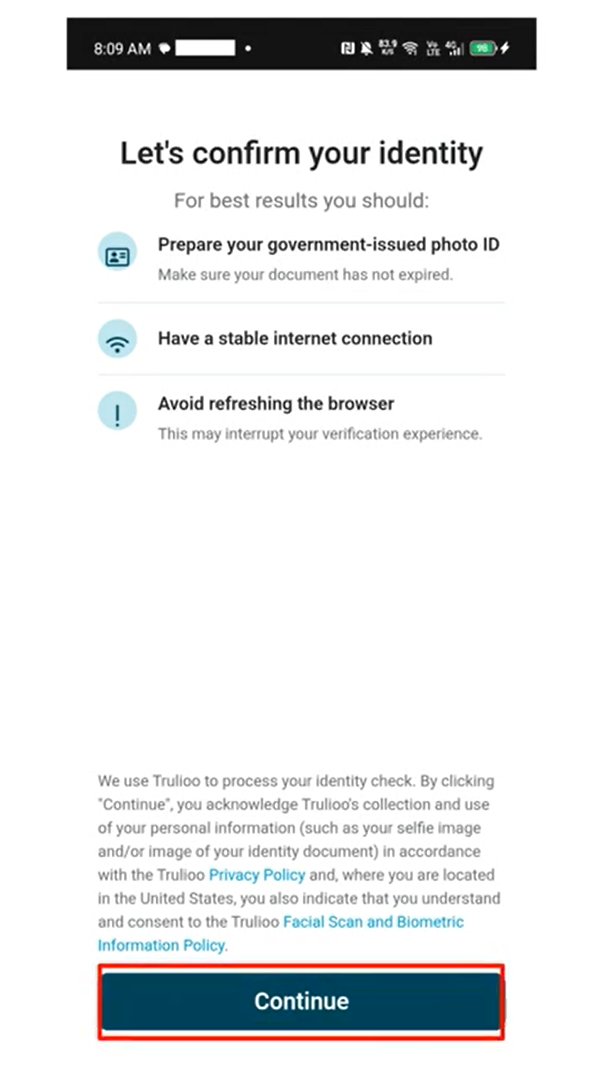
Step III: Select an Identity Document
Choose your preferred identity document from the supported options:
Driver’s license
Passport
Visa
Other government-issued photo ID
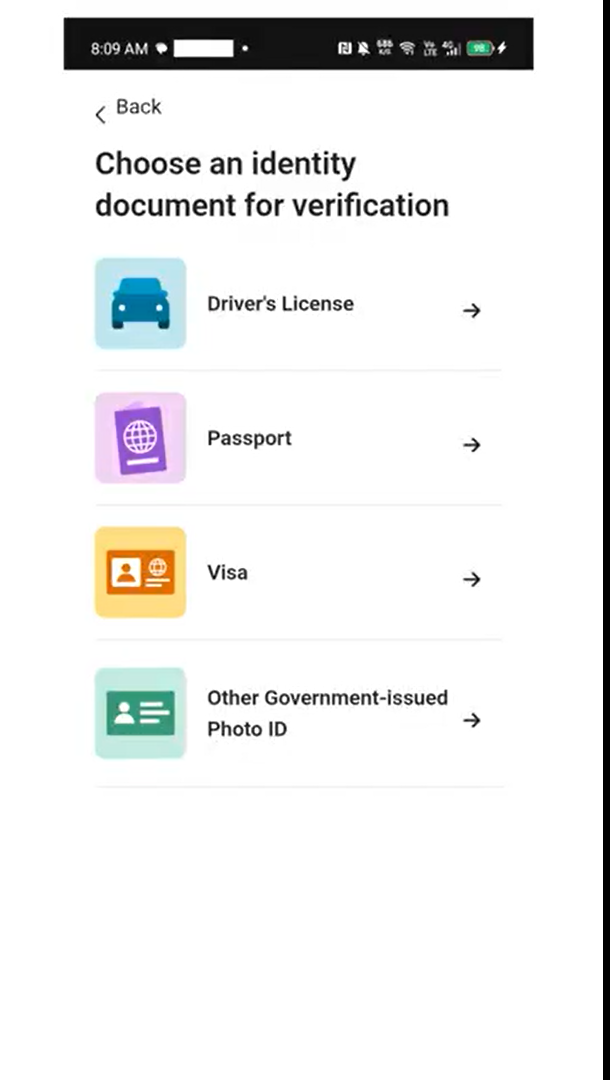
Step IV: Capture Your Document
After selecting your document, tap Start to begin the document capture process.
Hold your phone steady.
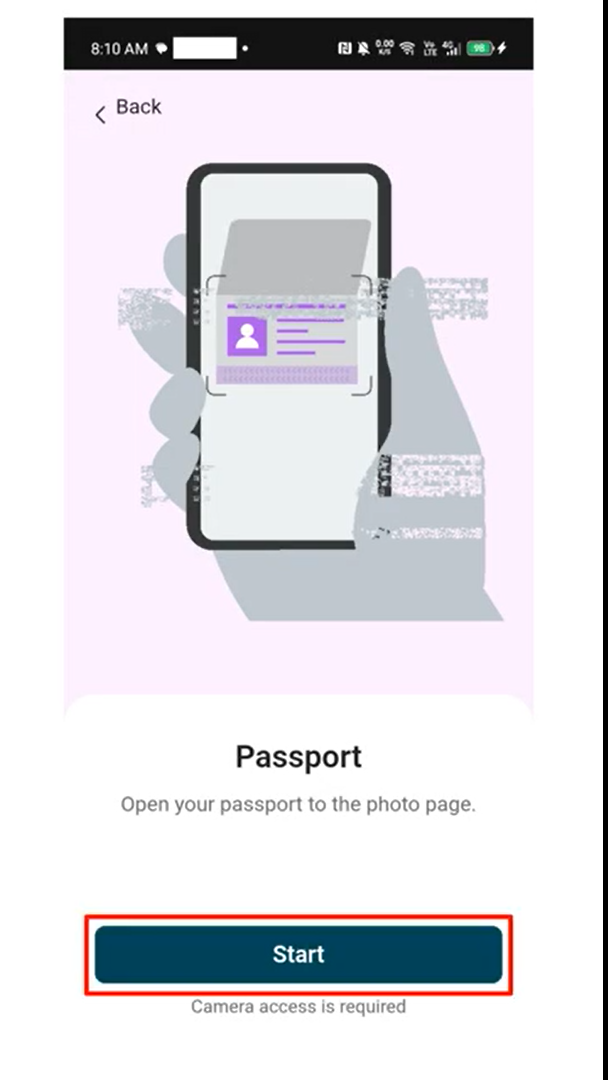
Ensure the document is captured clearly in bright lighting.
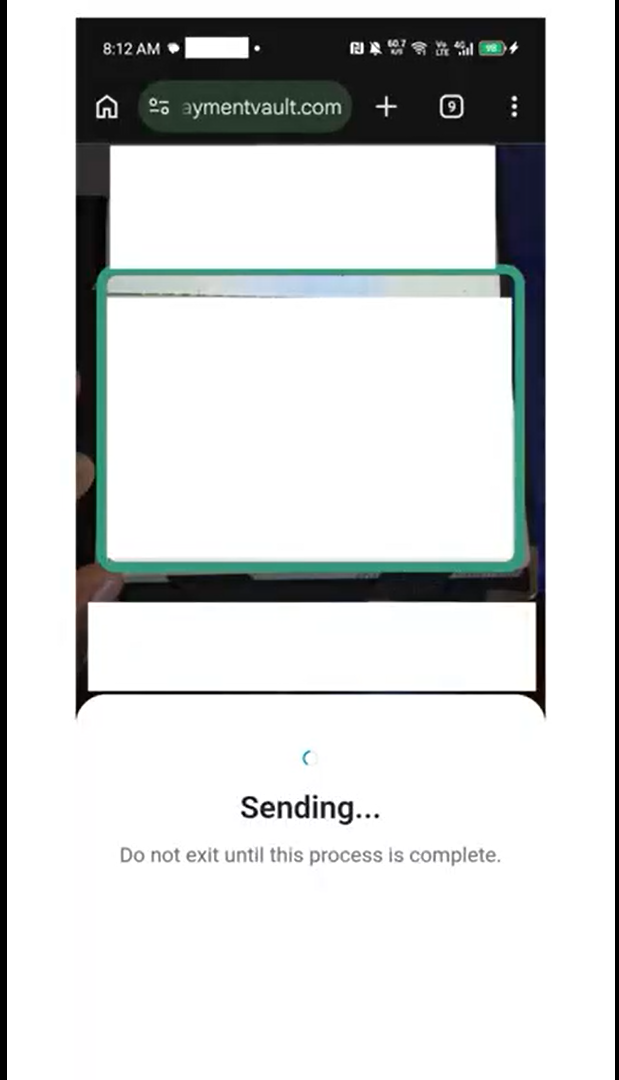
Step V: Submit the Document
Once the document is captured, tap Continue to proceed.
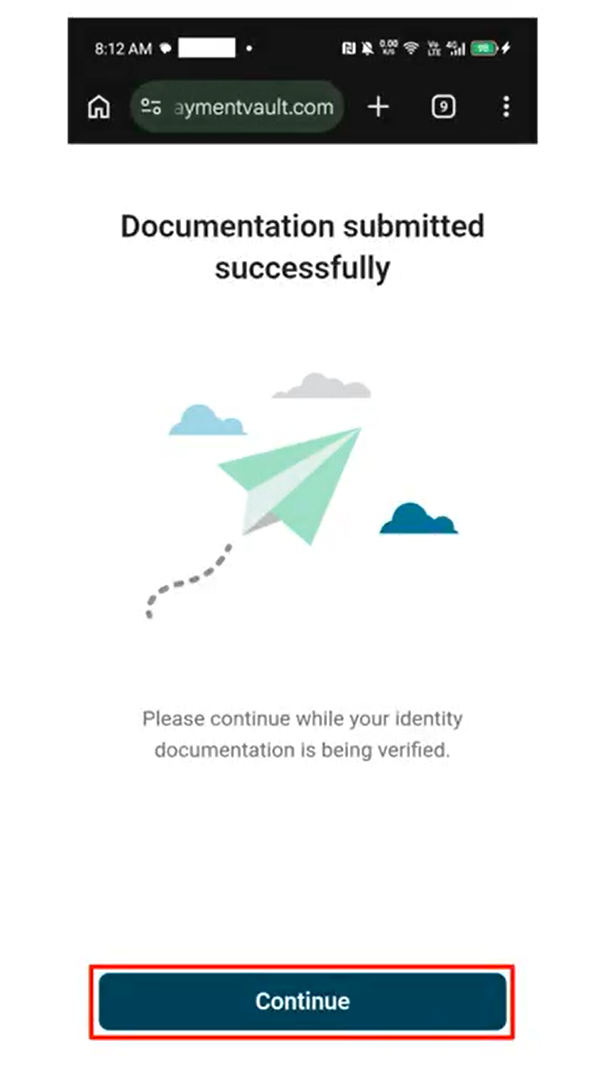
Step VI: Wait for Upload and Verification
Allow a brief moment for the document to upload securely to the system.
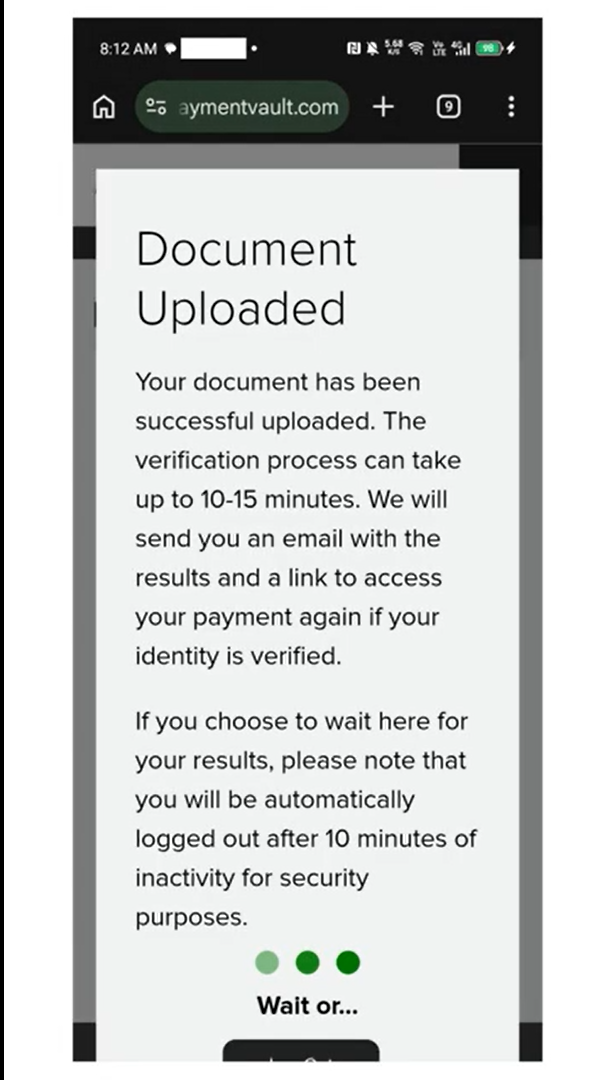
If submitted correctly, your identity verification status will update to Successful.
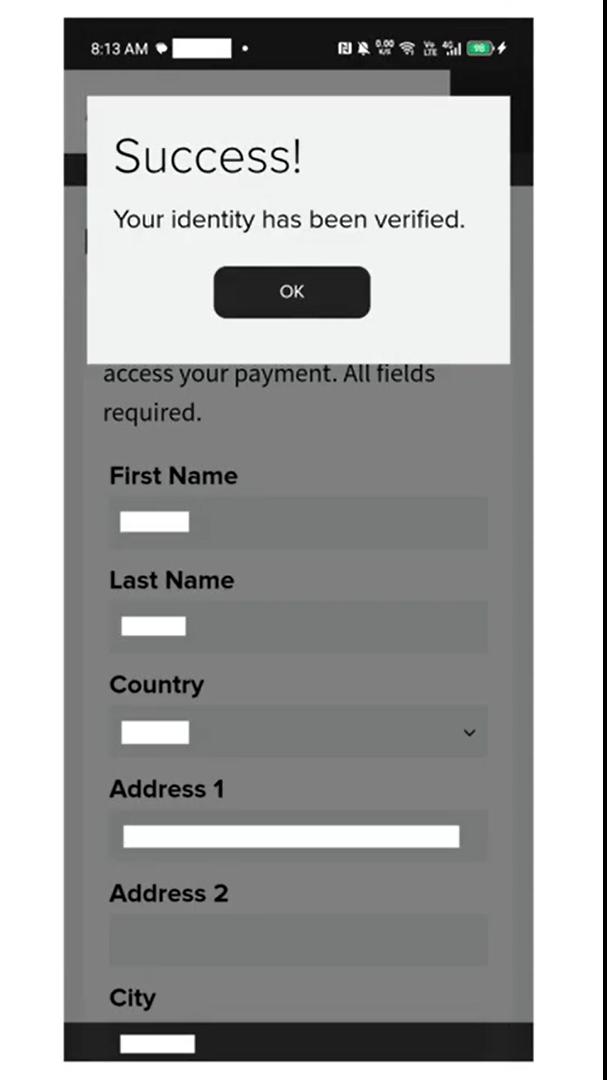
Step 4: Final Confirmation
Review the details and provide a final confirmation to create your One-Time Load Virtual Card.
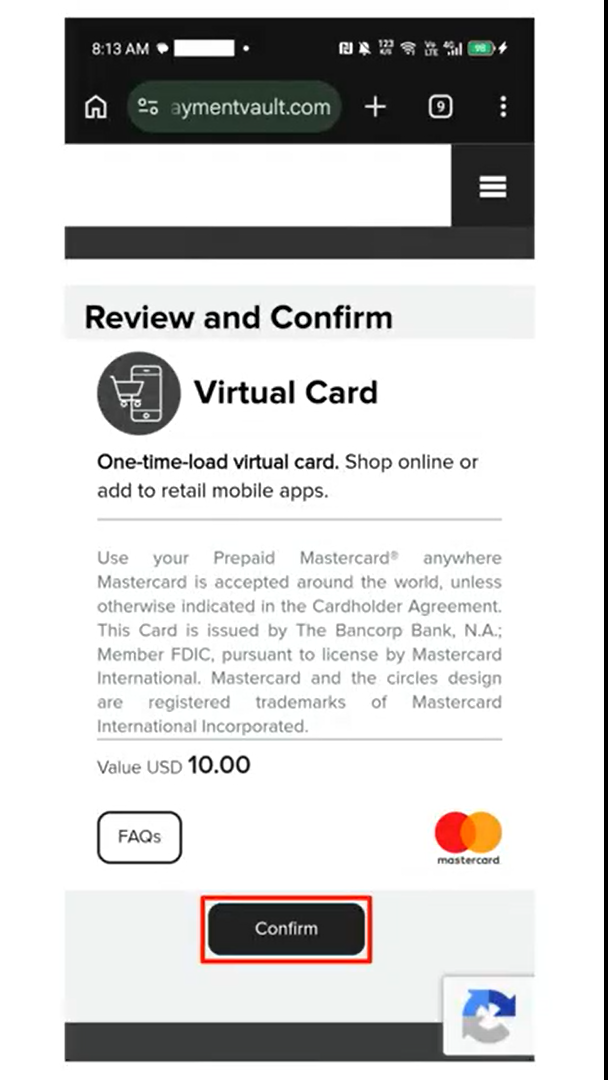
Step 5: Access Your Card
Once the purchase and redemption process has been completed, your disposable card will be ready for use.
You can securely view or copy your card details when they become available.
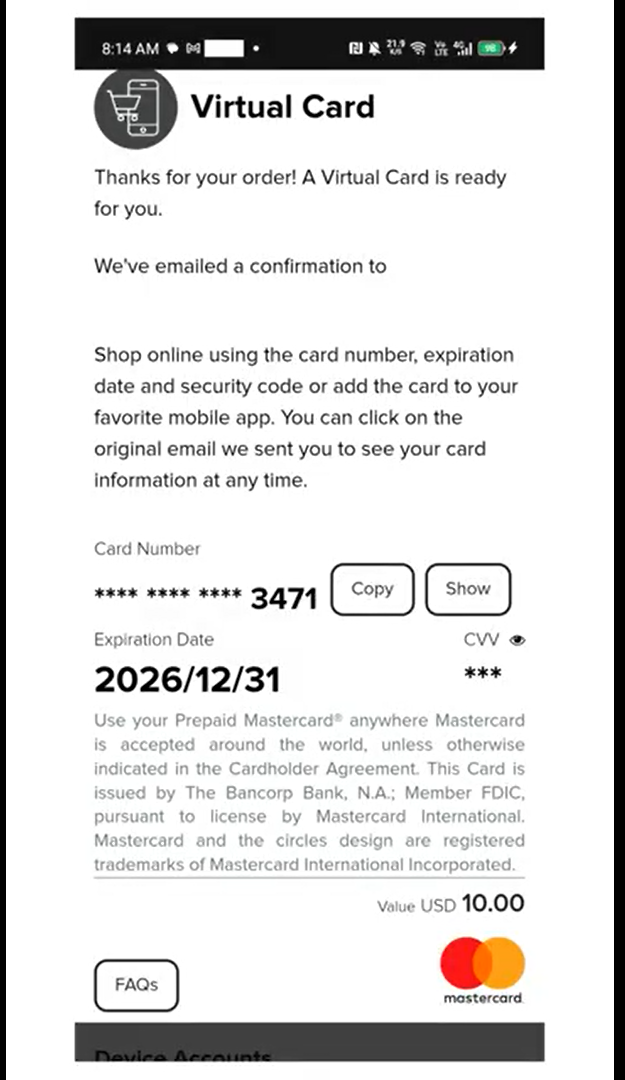
A confirmation email containing a secure digital token may also be sent to you.
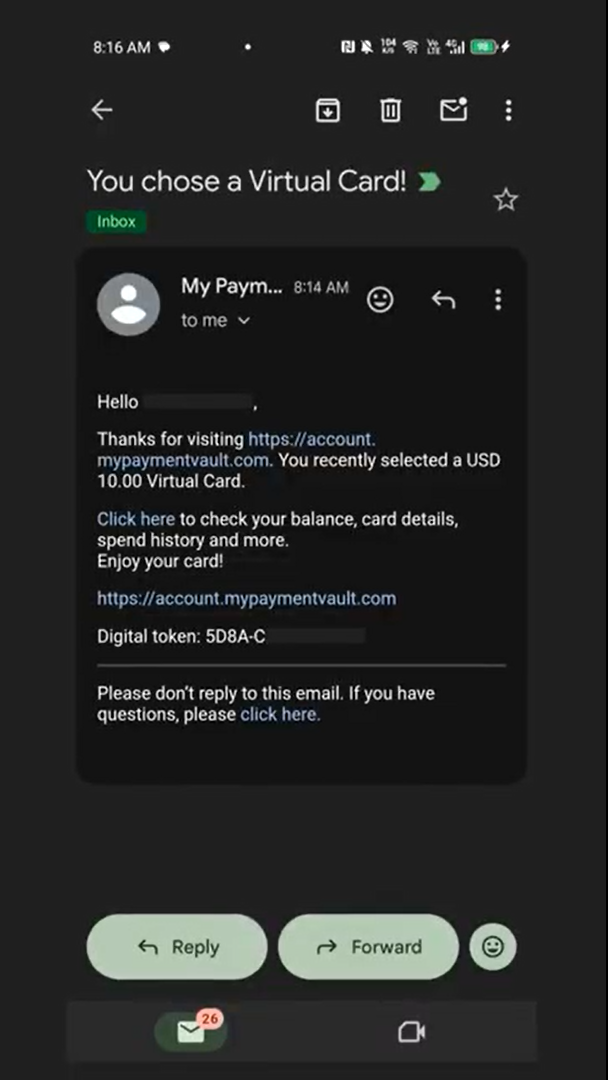
Step 6: View Your Card Later
To access your card details in the future:
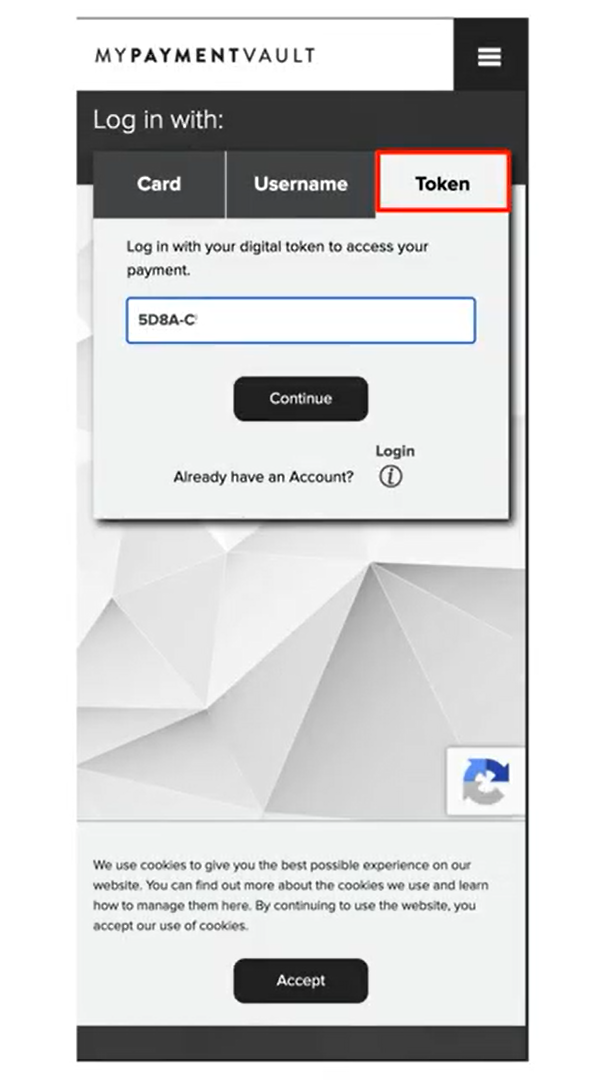
Select the Token Login option.
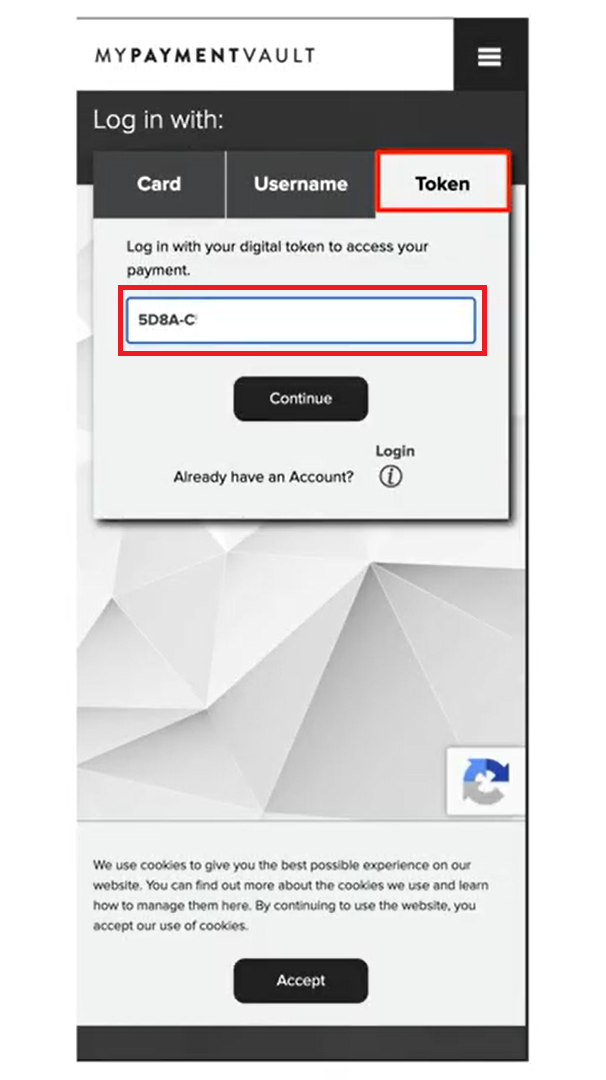
Enter your secure digital token.
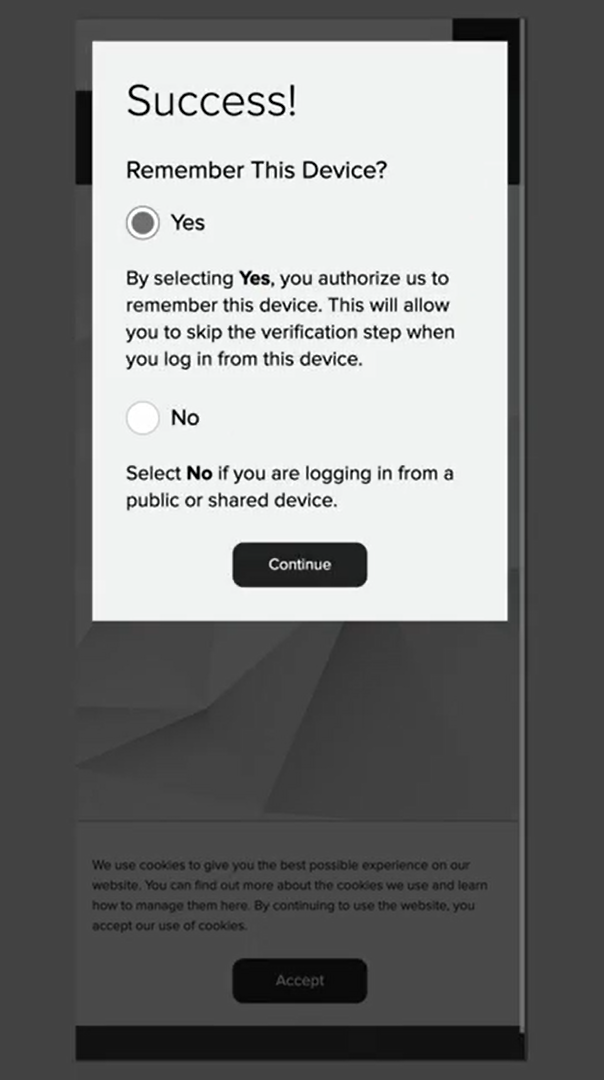
You may choose to remember the device to skip this verification step next time.
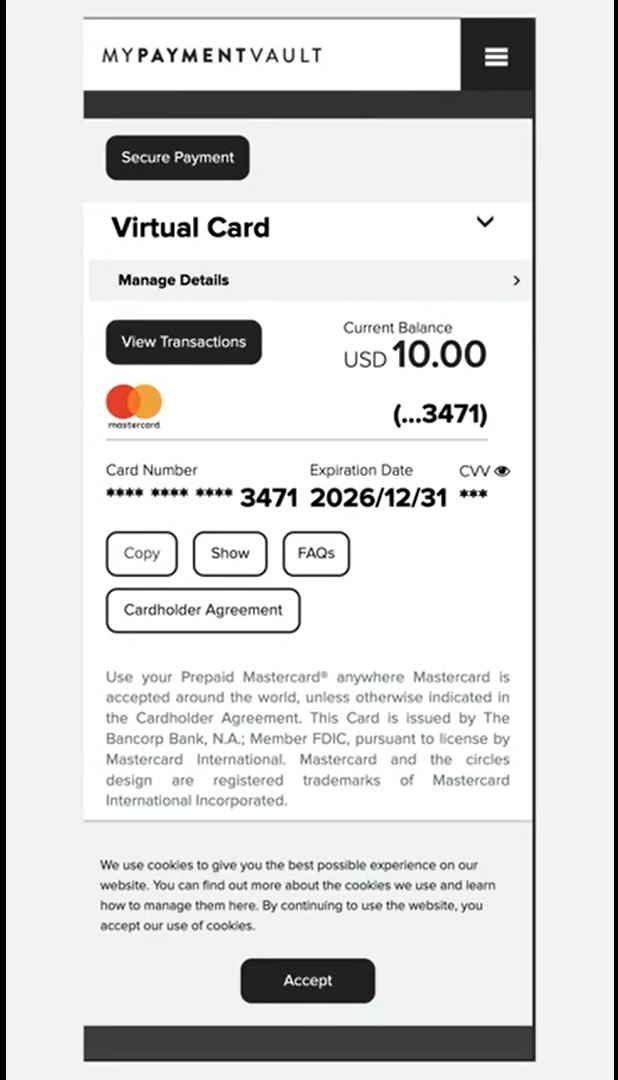
Step 7: Start Using Your Card
Your active disposable card details are securely displayed and ready for your online transactions.
A disposable card is one-time-load, not necessarily one-time-use. This means you may be able to make multiple eligible purchases using the remaining balance.
For example, if you load $100 and spend $30 on an eligible purchase, you may have $70 remaining for another eligible purchase.
Once the balance is exhausted, the card becomes inactive and cannot be reloaded.
Important: Merchant Acceptance
A disposable card may not be accepted by every online merchant.
Acceptance depends on the merchant, its payment processor, and how the transaction is configured.
Some merchants may classify a transaction as recurring or subscription-based, even where you intend to make only an initial payment. In such cases, the disposable card may be declined.
If your card is declined, this does not necessarily mean that your card is invalid.
Disposable Cards and Subscriptions
Disposable cards are not intended to be relied upon for recurring or subscription-based payments.
For subscriptions and recurring payments, we recommend using a regular virtual card, where supported.
Important Notes
- TransferXO does not require KYC to purchase a disposable card.
- The card provider may require KYC during the redemption process.
- Card redemption takes place outside the TransferXO app.
- Disposable cards are primarily designed for eligible one-time online transactions.
- Acceptance may vary depending on the merchant and its payment processor.
- Some recurring or subscription-based transactions may not be supported.
- Keep your digital token and card details secure.