


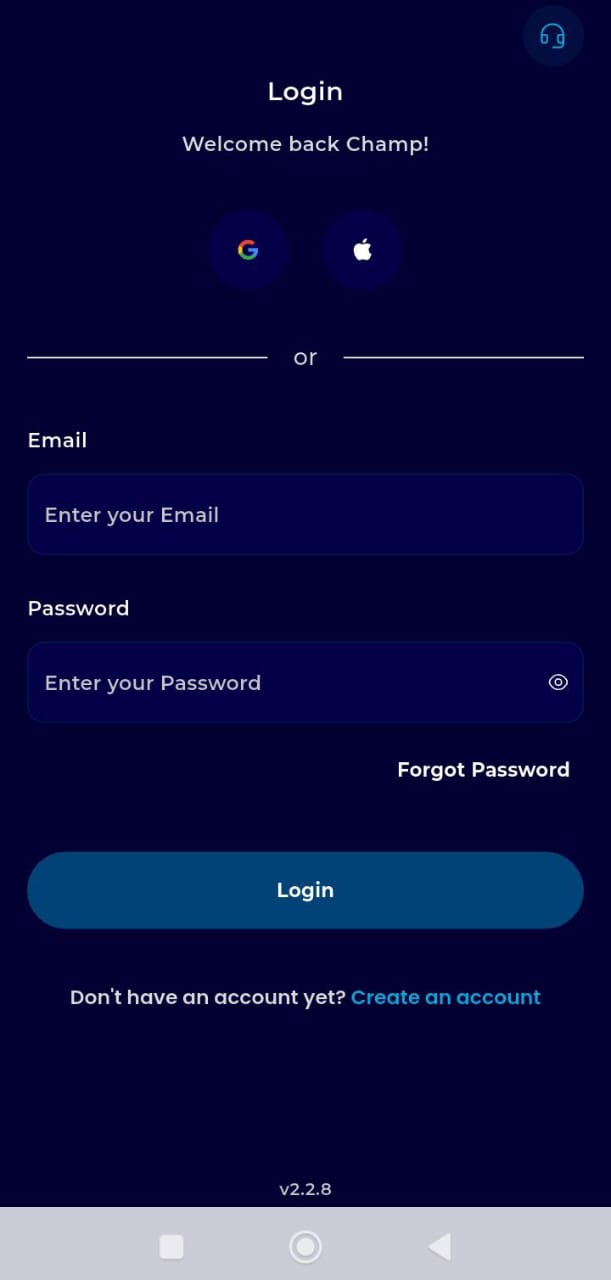
Step 1: Log In to your TransferXO account.
Open the TransferXO app on your mobile device and log in securely to your account.
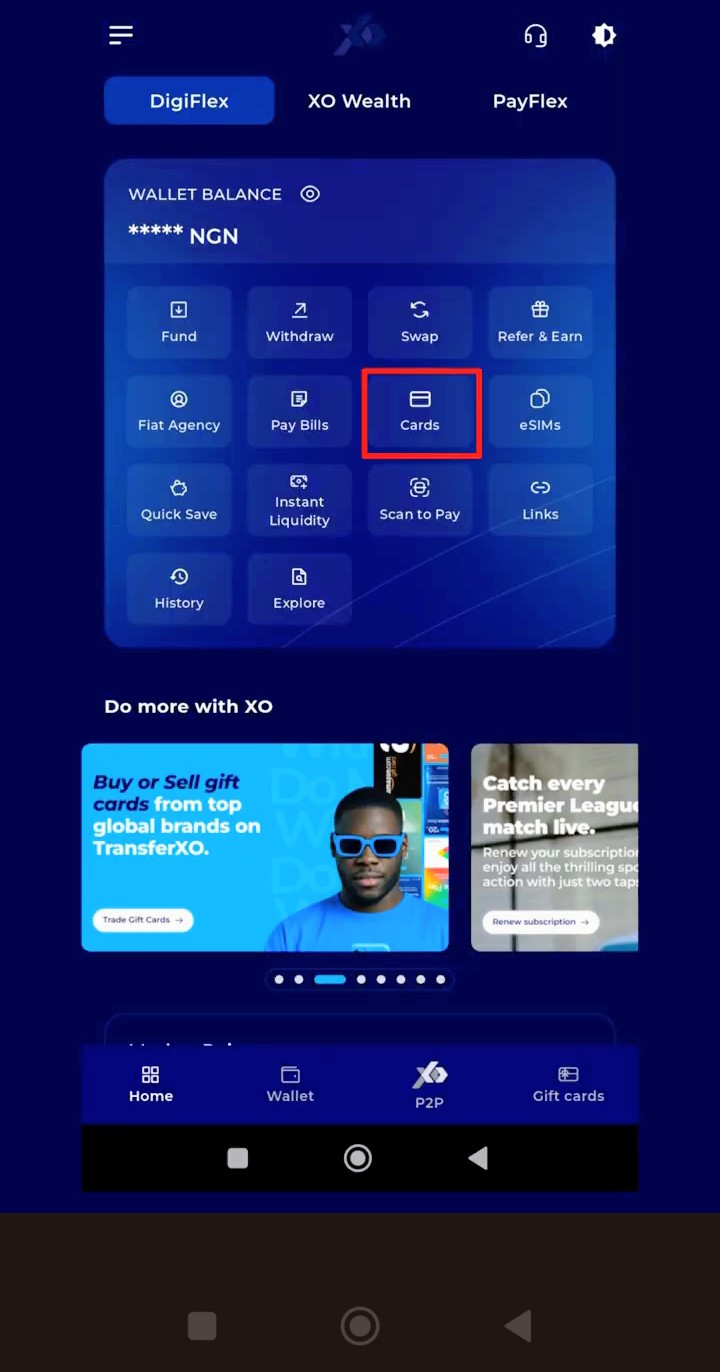
Step 2: Click on Cards
From your dashboard, click on Cards to access the card services section.
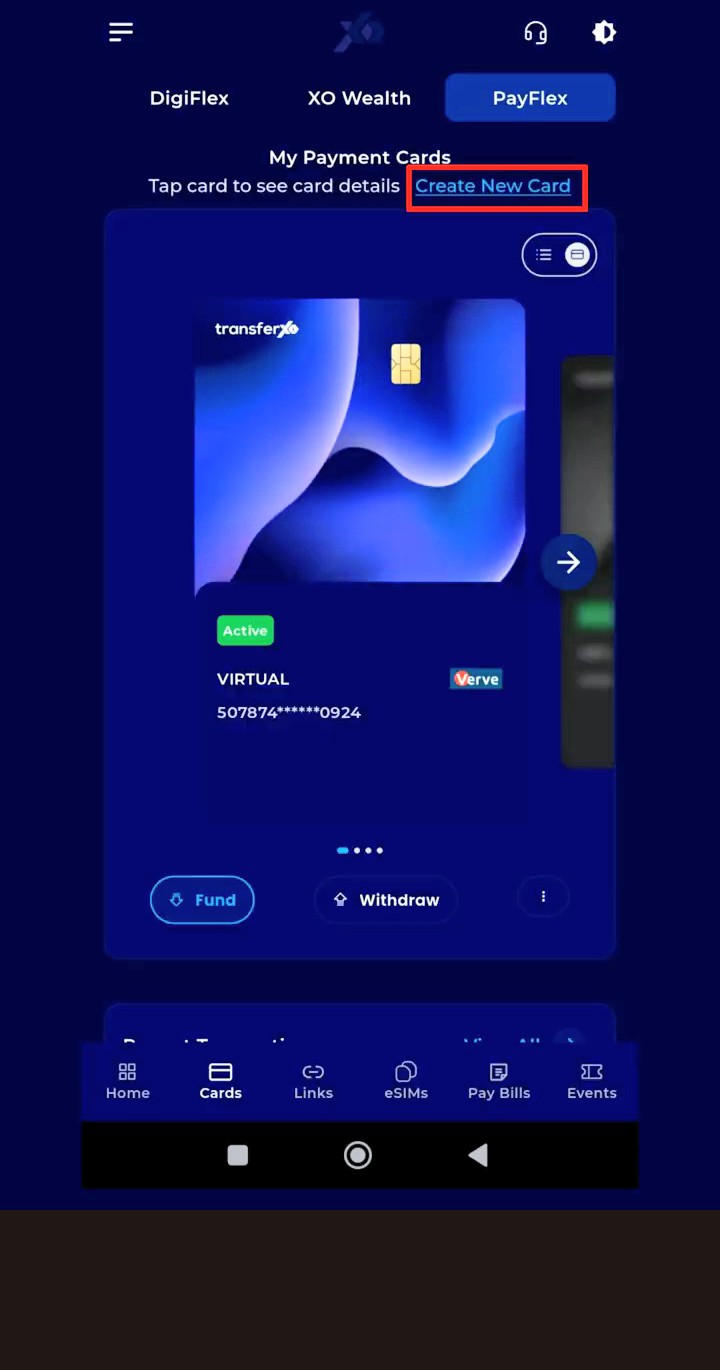
Step 3: Click on Create New Card
In the Cards section, click on Create New Card to begin the card creation process.
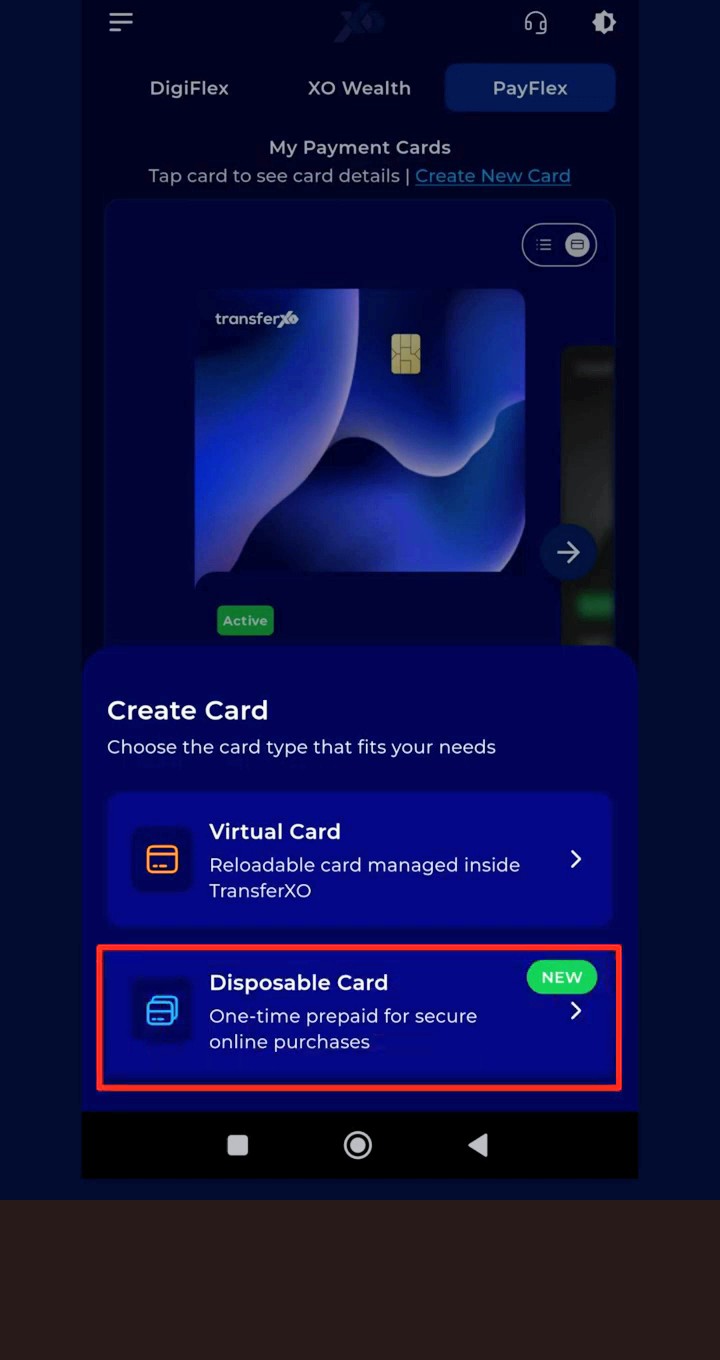
Step 4: Select Disposable Card
Select Disposable Card to create a one time virtual card for secure online purchases and payments.
Step 5: Choose Your Preferred Currency
Our disposable cards support multiple global currencies, including:
- USD
- GBP
- CAD
- EUR
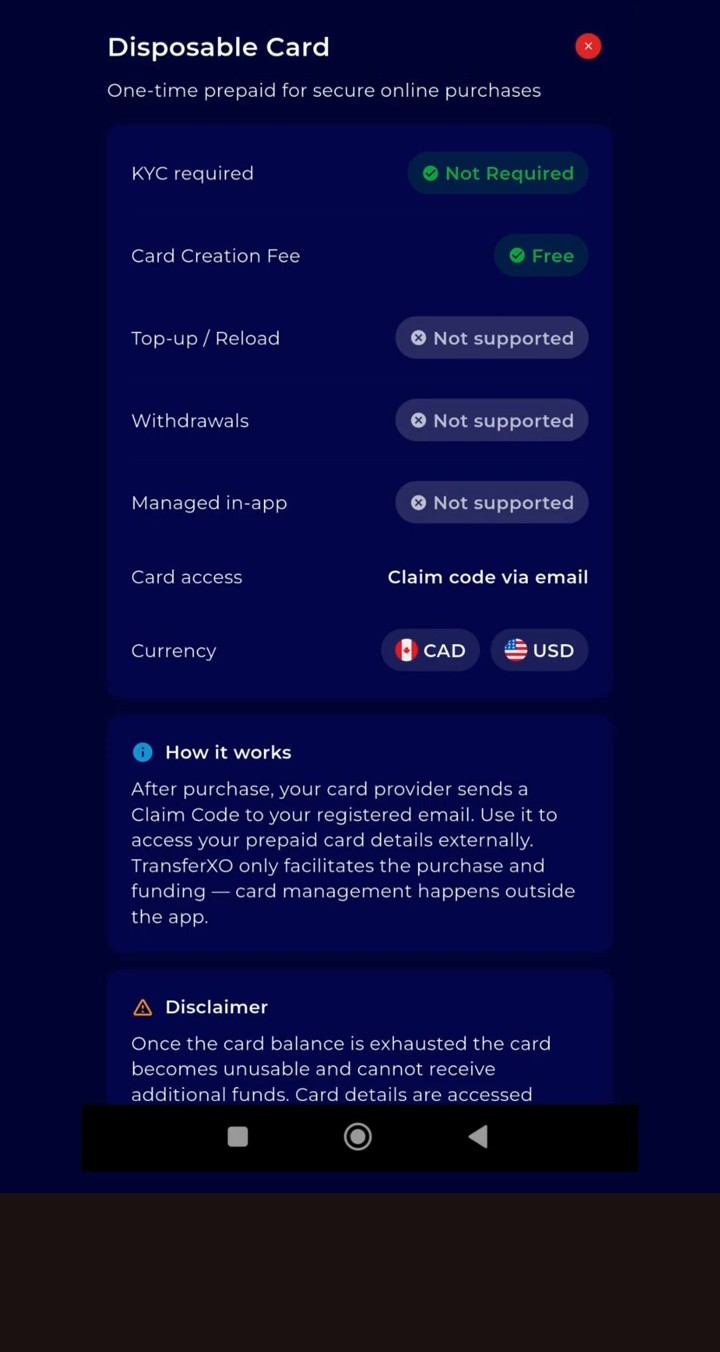
Select the currency that best suits your transaction needs.
Step 6: Select Your Desired Card
Select your preferred disposable card.
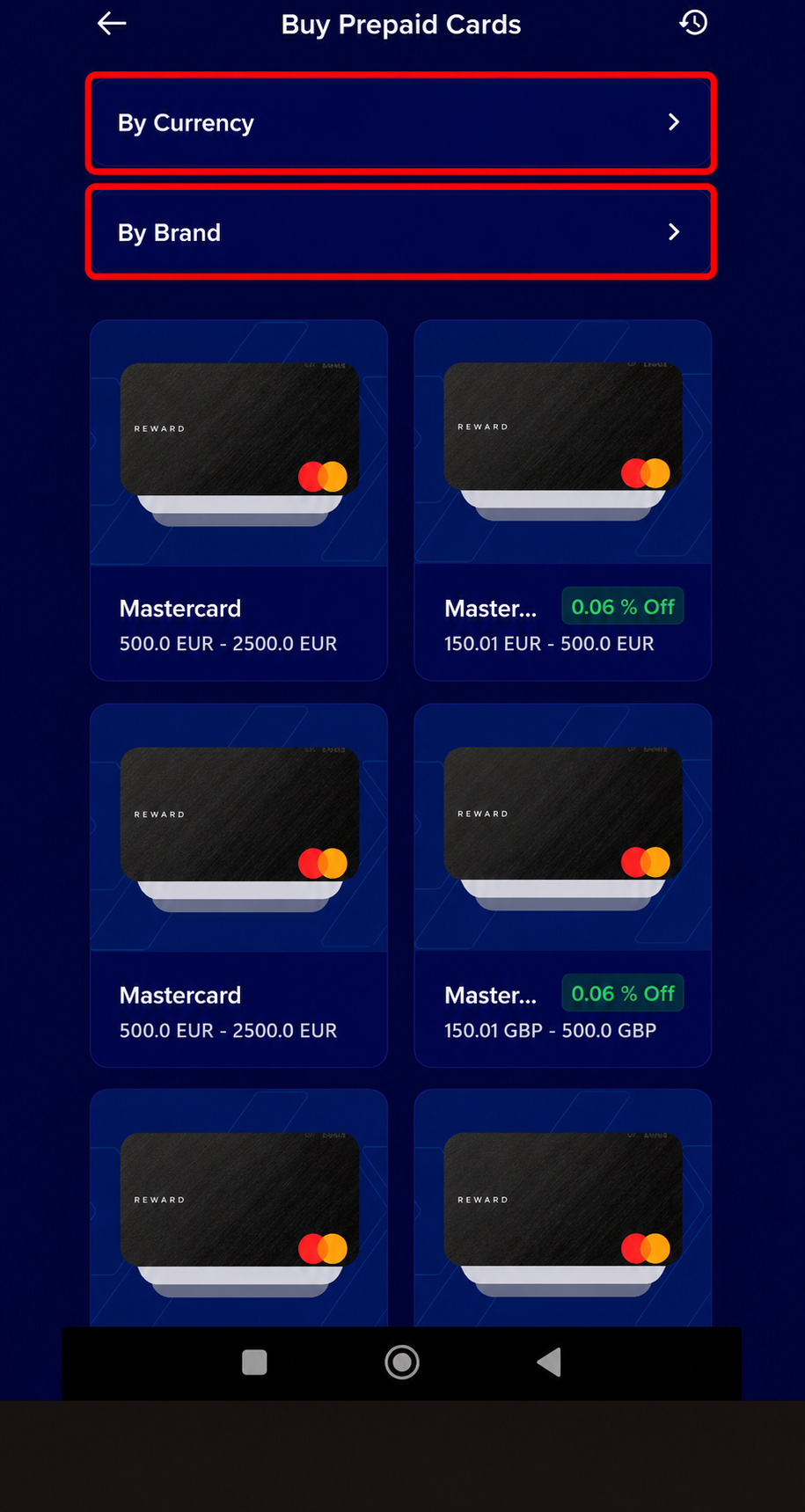
You can use the available filters to search by card brand or currency.
Step 7: Enter the Amount
Input your desired card amount and click Proceed.
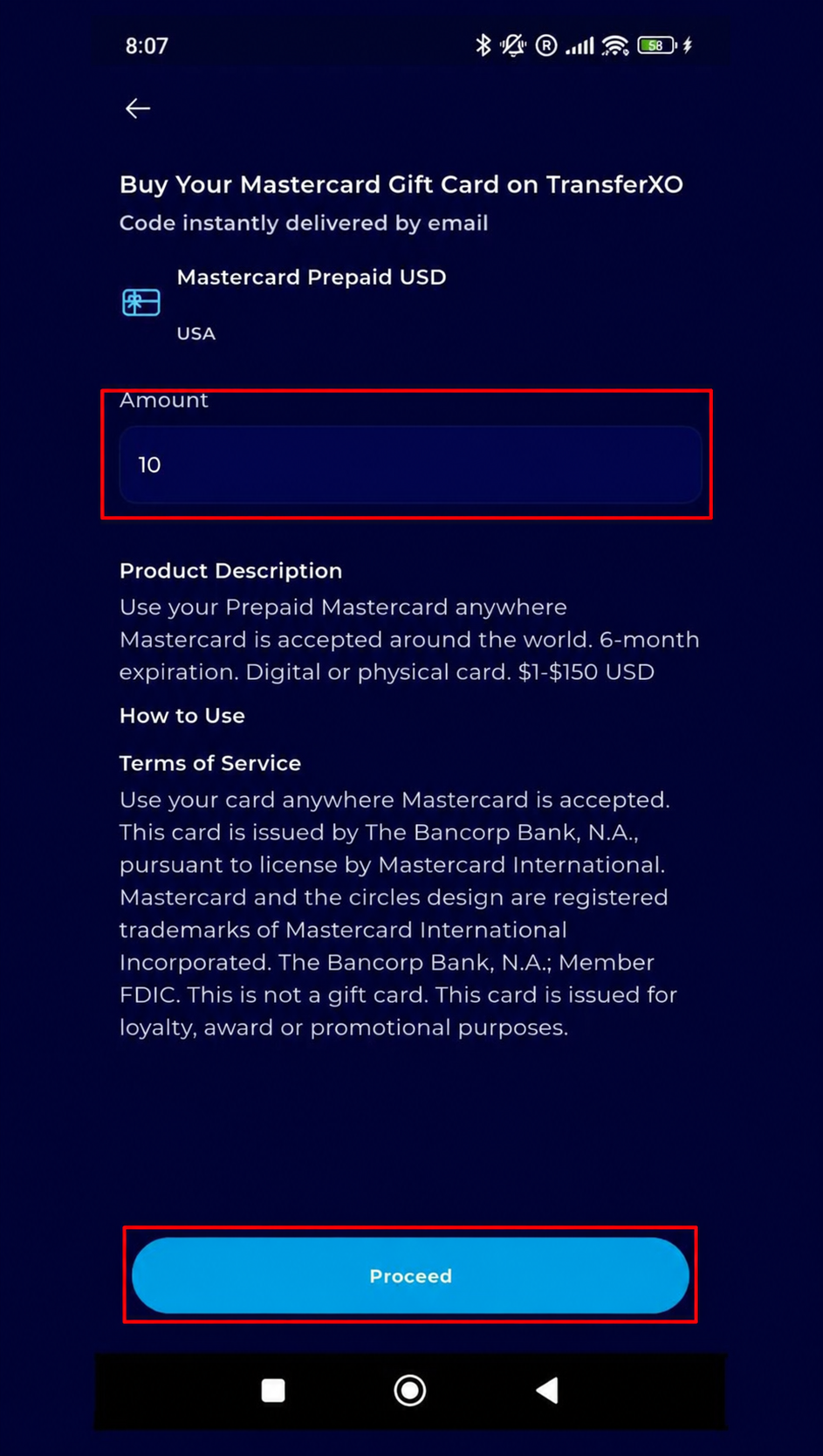
Step 8: Confirm Your Purchase Details
Carefully review and confirm the details of your card purchase before continuing.

Step 9: Proceed to Payment
Cl Proceed to Payment and complete the payment process.
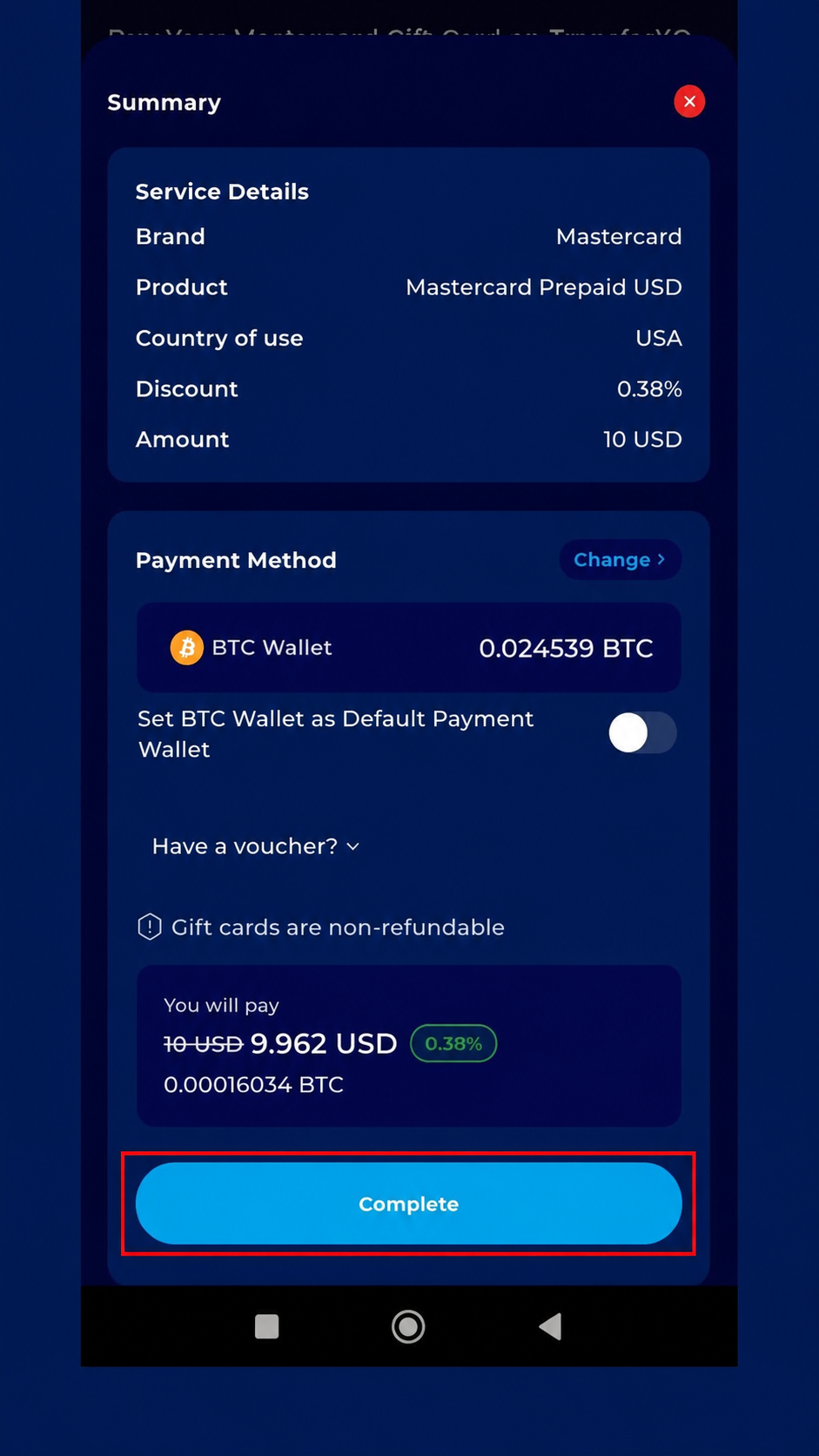
Step 10: Card Created Successfully
Once your payment is successful, your disposable virtual card will be created and ready for use.

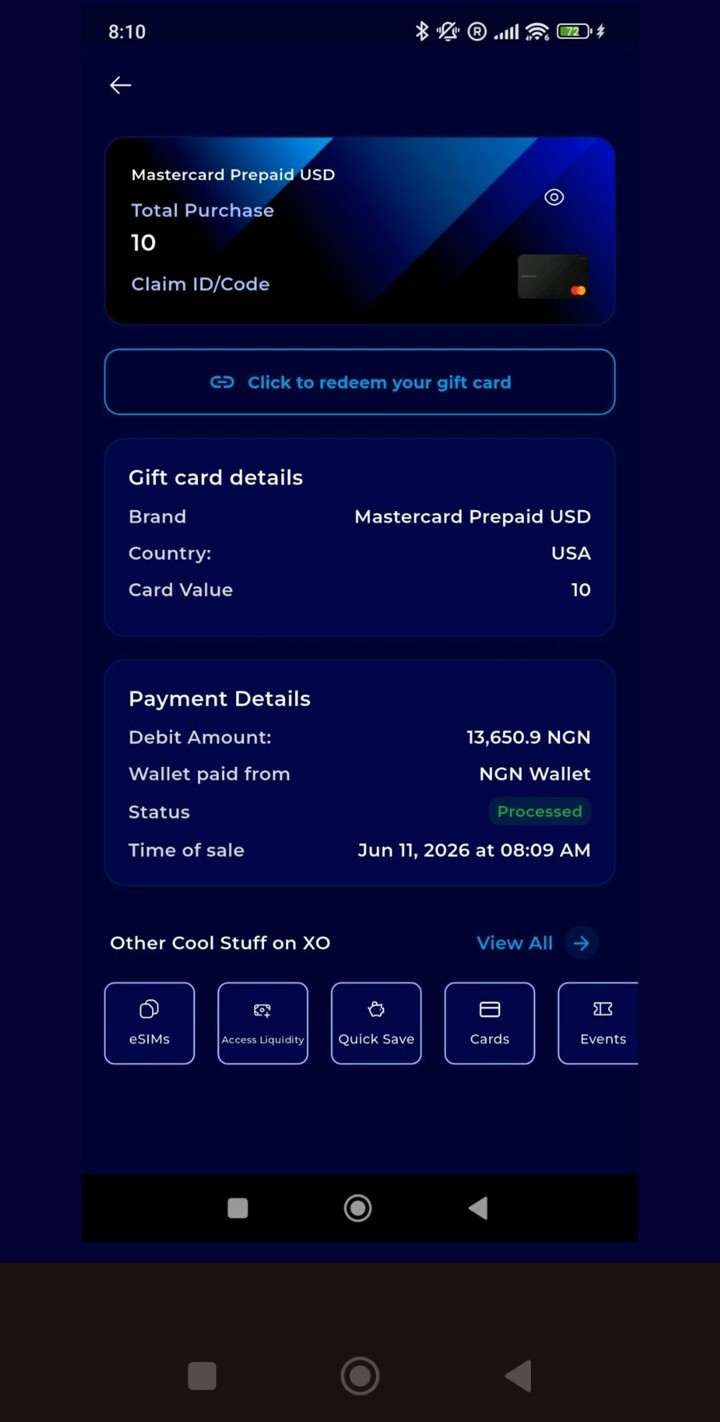
Congratulations! You have successfully created a disposable virtual card. You can now use your card for secure online purchases and payments.