


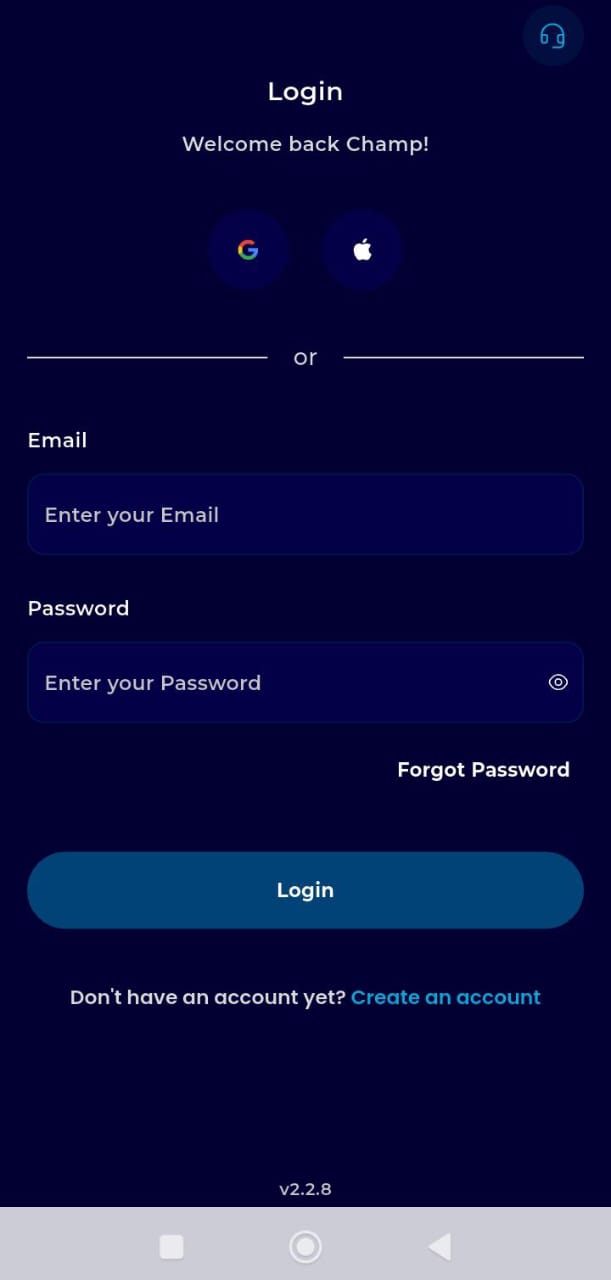
Step 1: Authentication
Launch your transferxo app on your mobile device
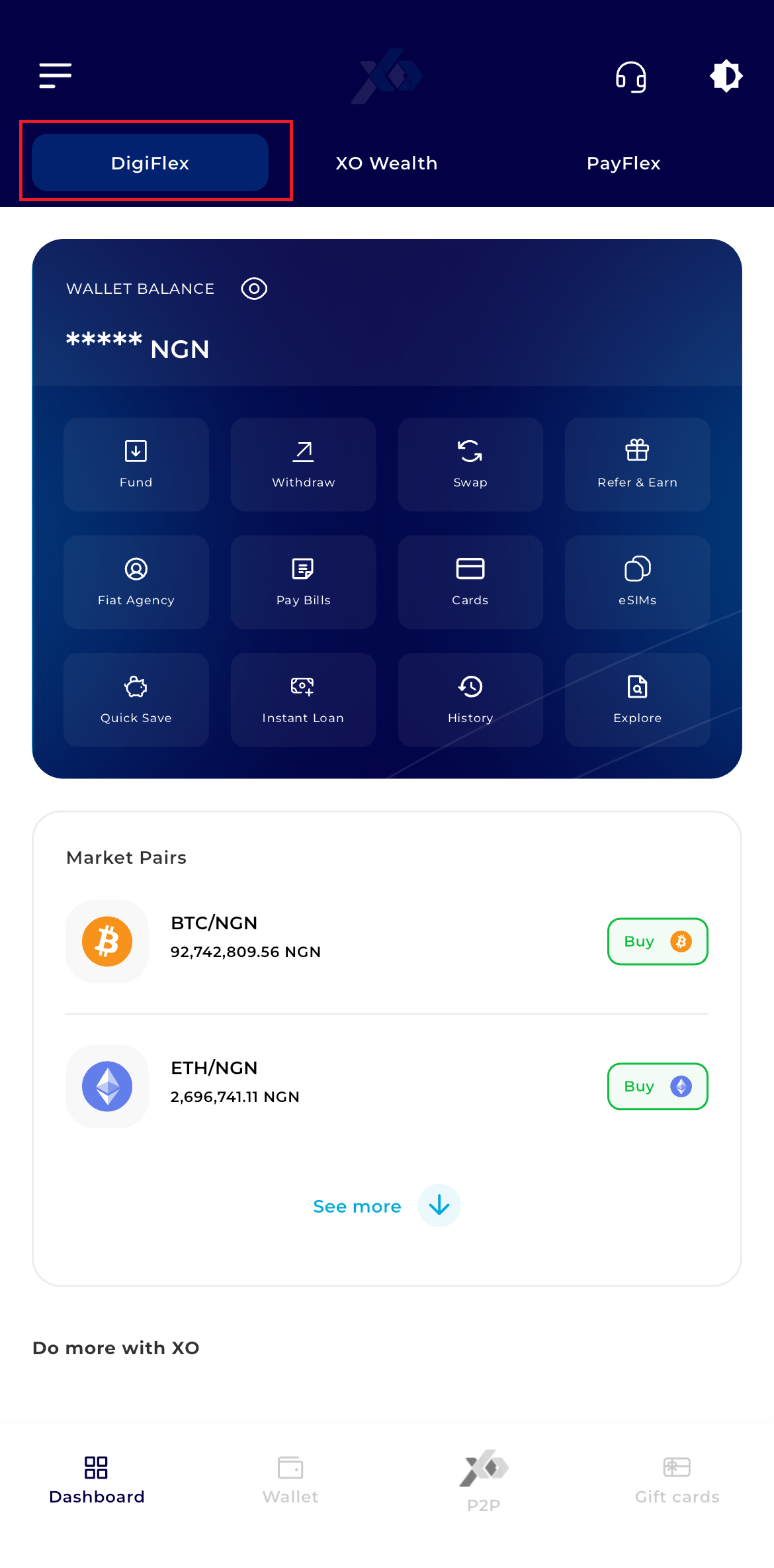
Step 2: Dashboard Access
Upon successful login, you will land on the DigiFlex Dashboard.
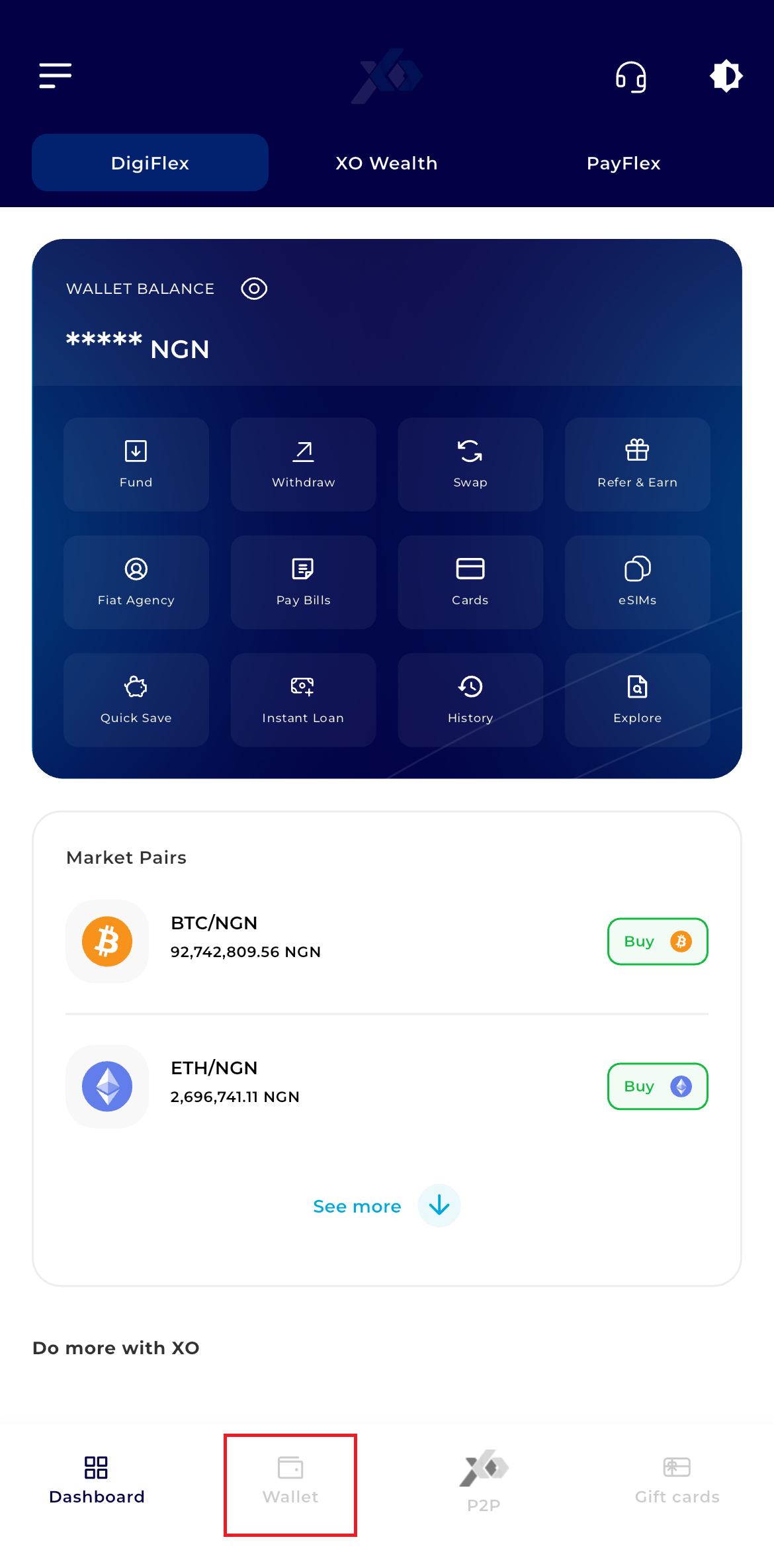
Step 3: Navigate to Wallet
Locate the navigation bar at the bottom of the screen. Tap the Wallet icon
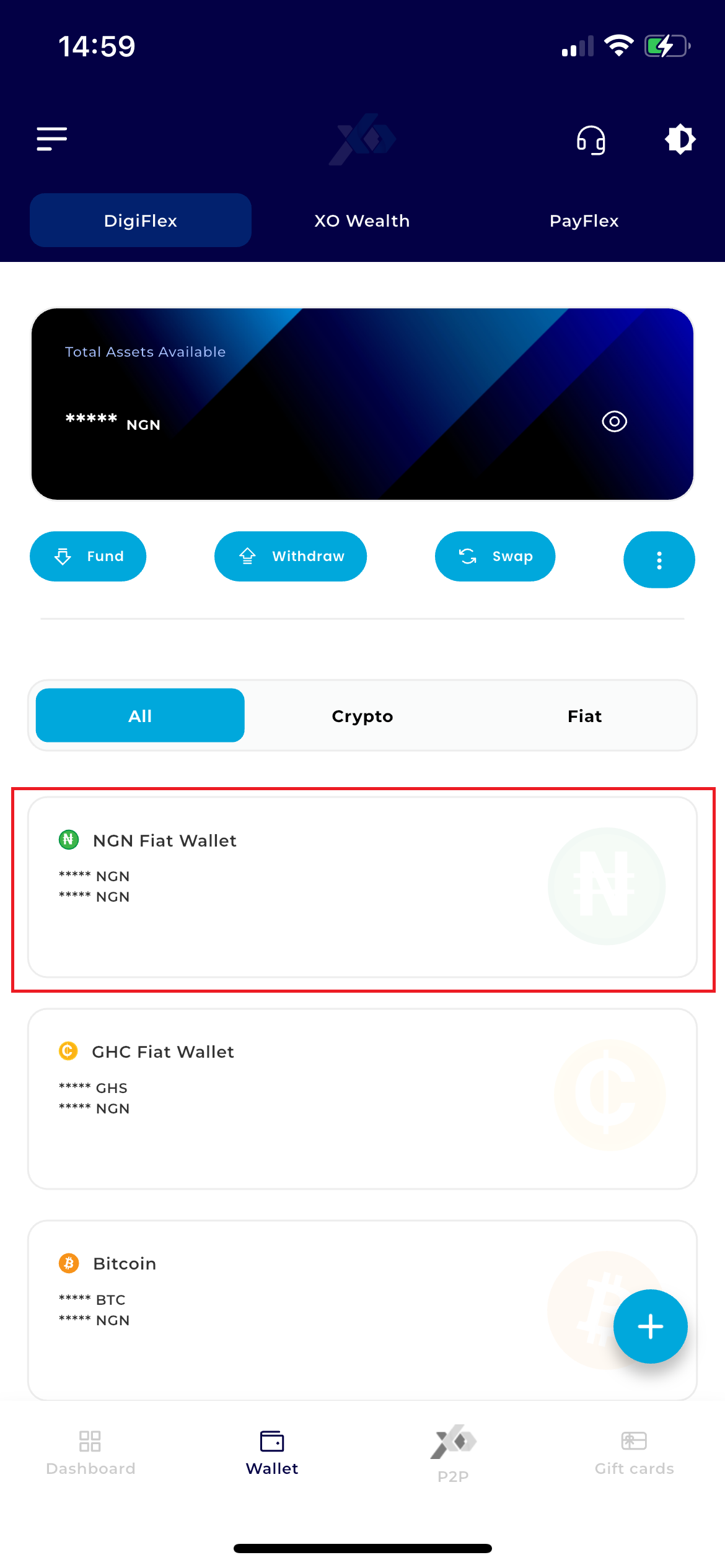
Step 4: Select Currency
Within your wallet list, tap on your NGN Wallet (Naira).
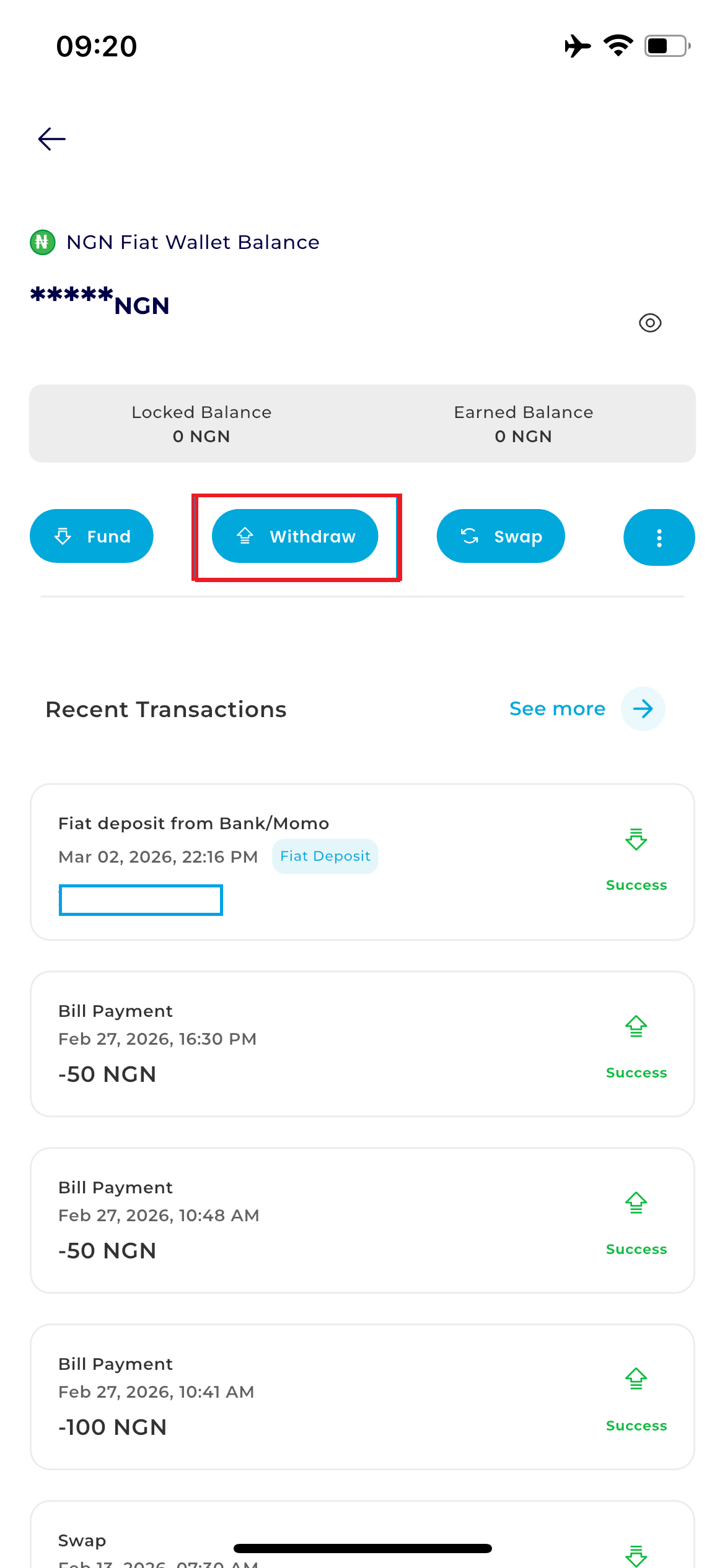
Step 5: Access Withdrawal Menu
Locate the action buttons directly below your balance card and tap Withdraw.
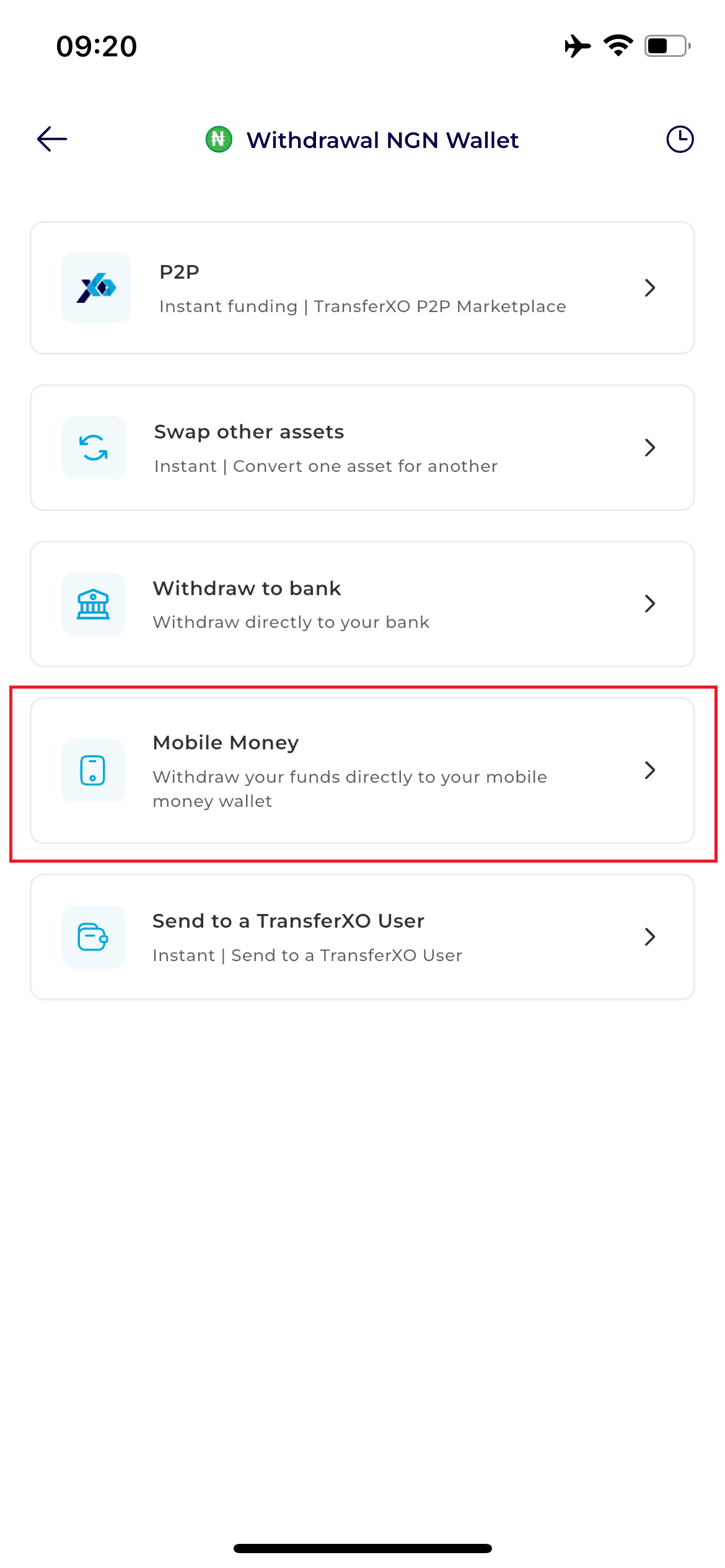
Step 6:Select Method
From the available payout options, choose Withdraw to Bank. This option specifically handles transfers to Nigerian commercial bank accounts.
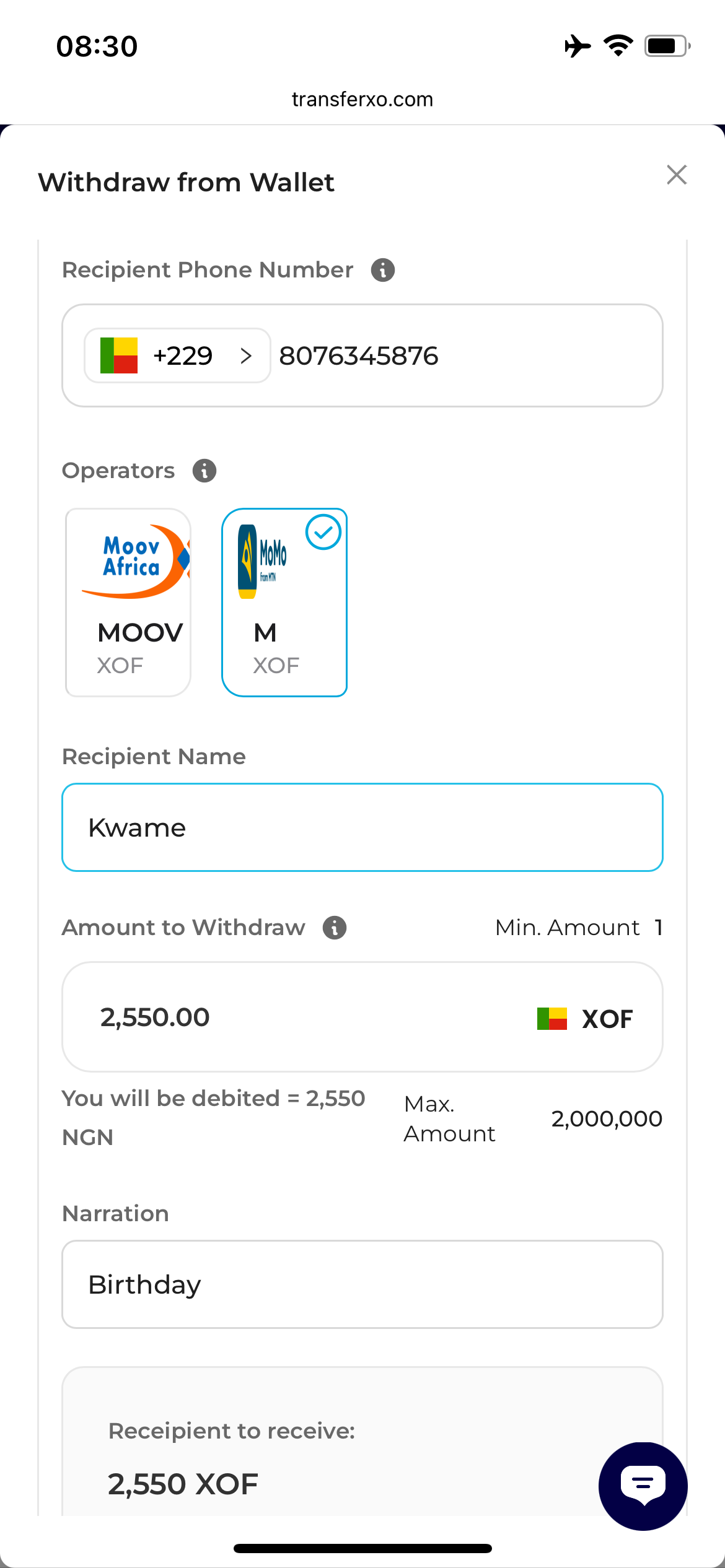
Step 7: Enter Transaction Details
- Enter Recipient Number
- Select Operators
- Enter Recipient Name
- Enter The Amount To Withdraw
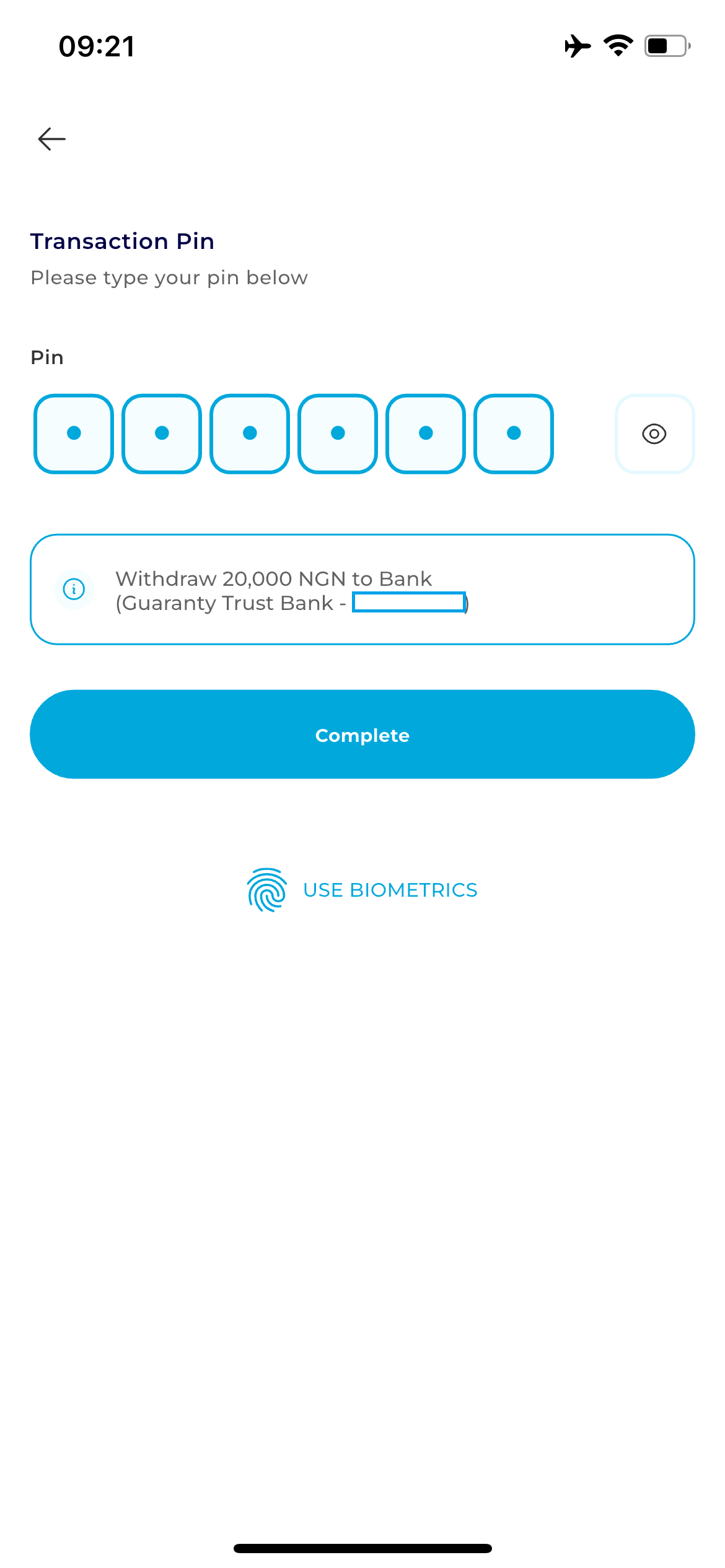
Step 8: Authorization
Tap the Confirm button. A security prompt will appear:
Enter your 6-digit Transaction PIN.
Step 9: Payment Processing Window
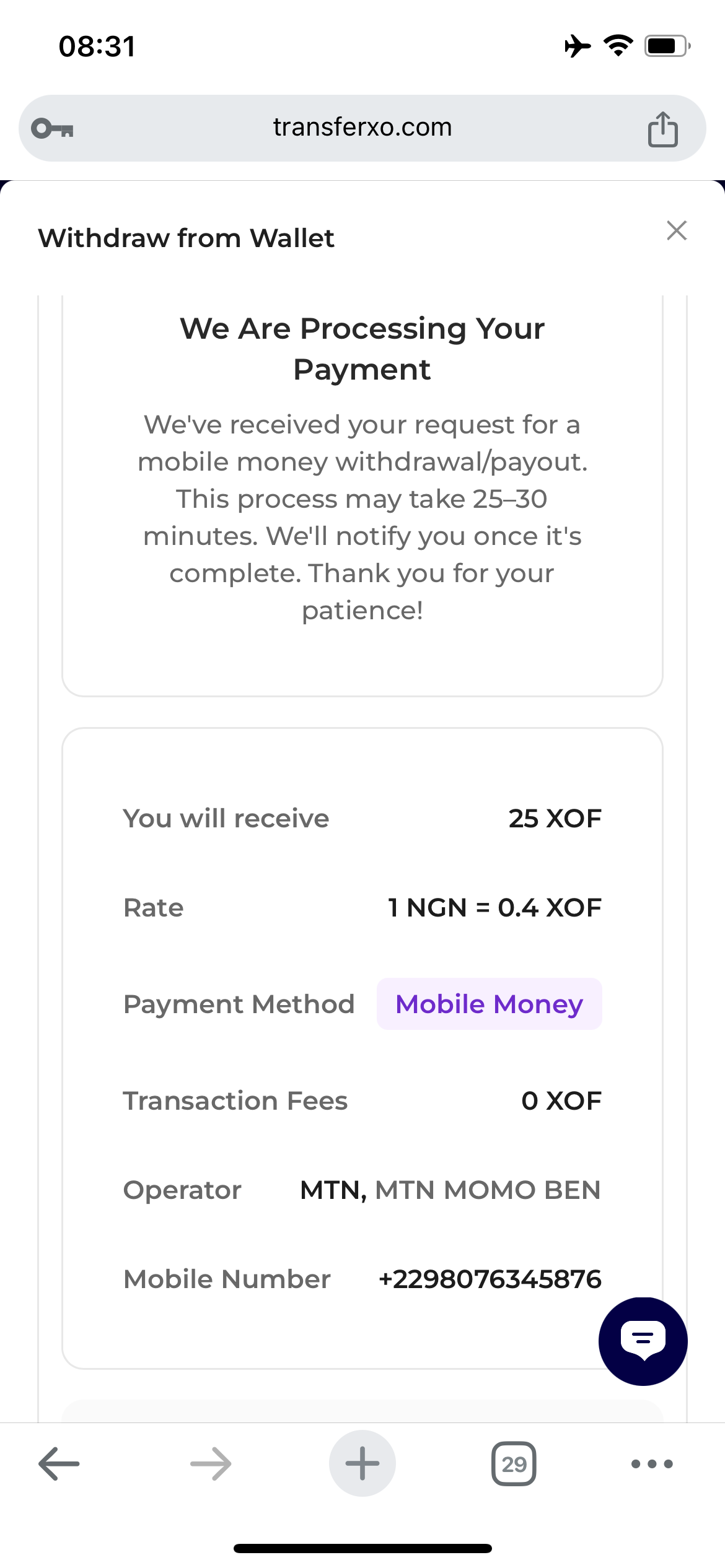
Congratulations! you have successfully withdrawn to your funds.