


This guide walks you through how to access the QR code linked to your payment link from the desktop website.
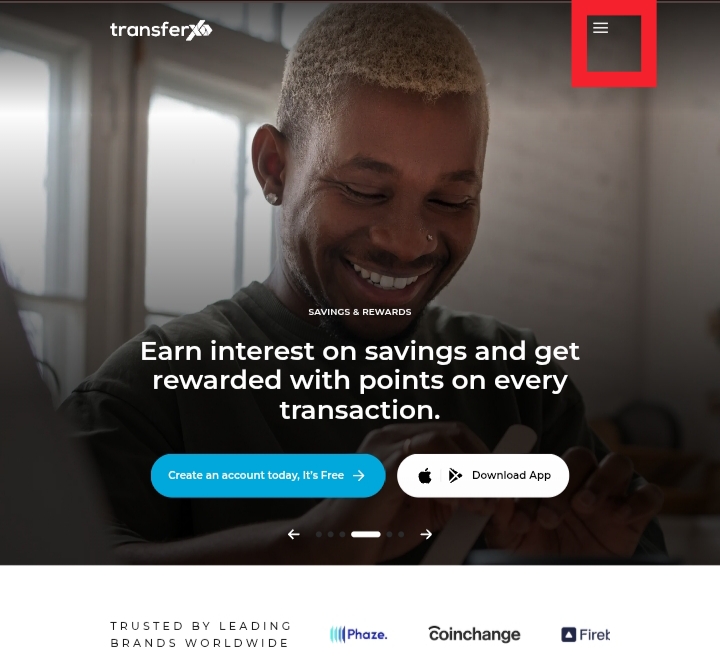
Step 1: Visit TransferXO.com and click the Hamburger menu.
This opens the navigation menu where you can access the login option.
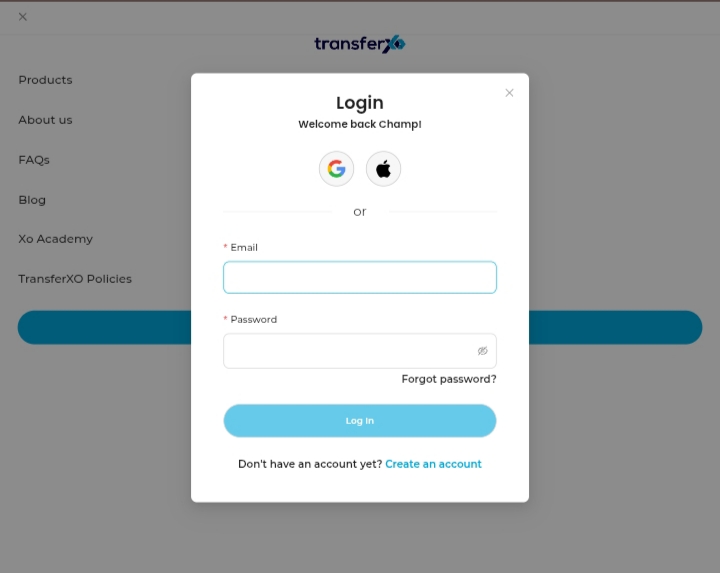
Step 2: Log in to your account.
Enter your username and password to access your dashboard.
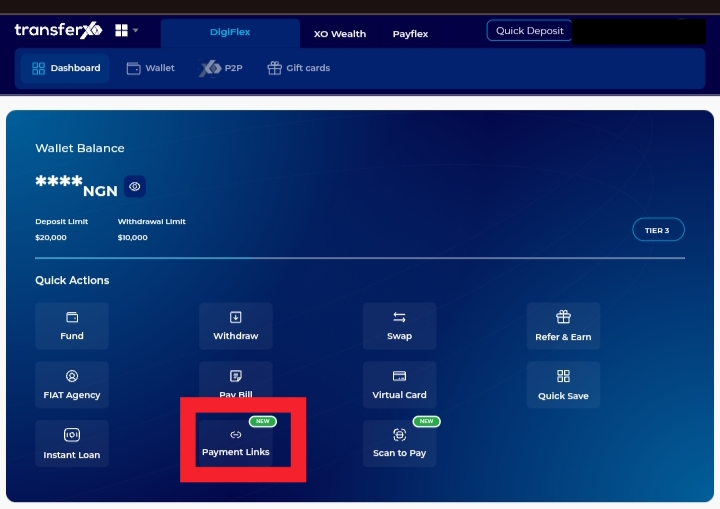
Step 3: Click Payment Links on your Dashboard.
This opens the section where all your created payment links are listed.
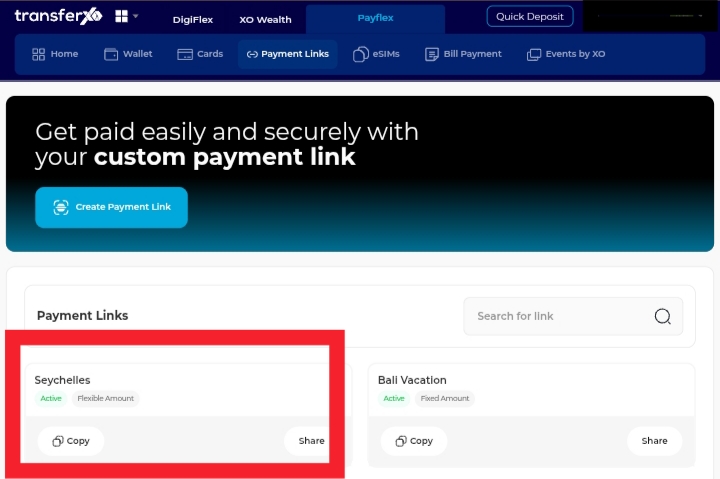
Step 4: Select the payment link whose QR code you want to access.
Click the specific payment link to open its details page.
Step 5: Click Download.
This displays the sharing options available for the payment link.
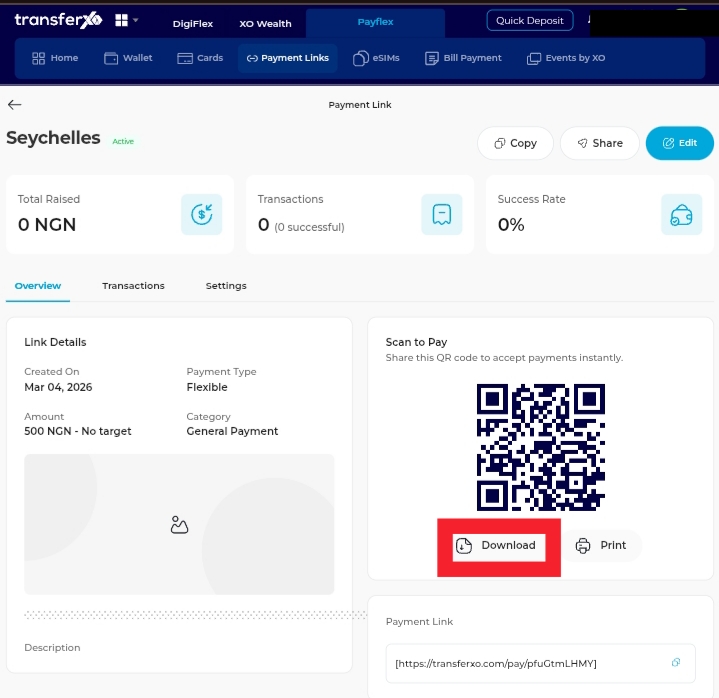
Download the QR code on your screen and save it for sharing or printing.