


This guide walks you through how to track payments completed through a payment link from the desktop website.
Step 1: Visit TransferXO.com and click on the Hamburger menu.
This opens the navigation menu where you can access the login option.

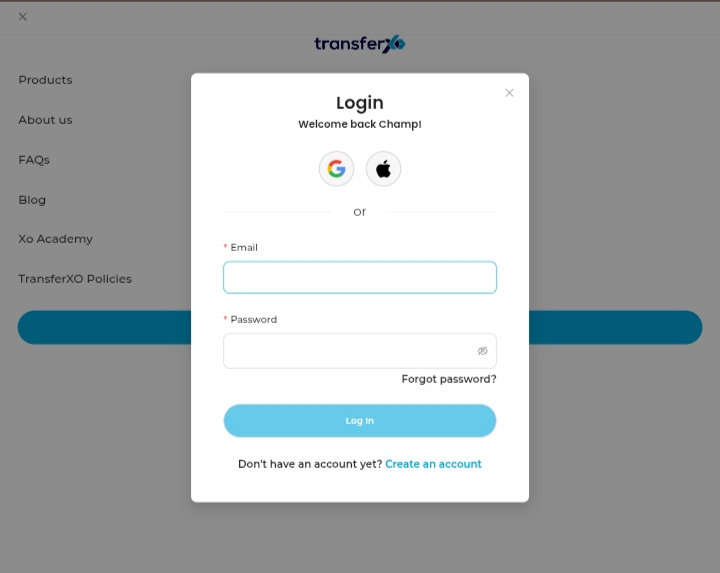
Step 2: Log in to your account.
Enter your username and password to sign in.
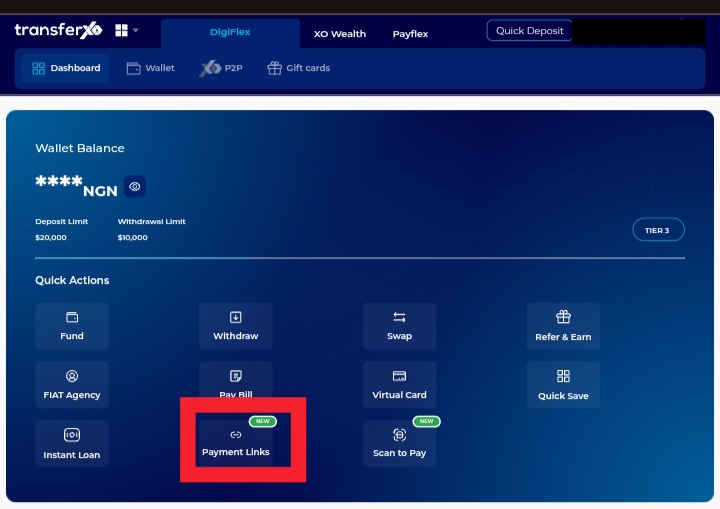
Step 3: Click Payment Links on your Dashboard.
This takes you to the payment link management section.
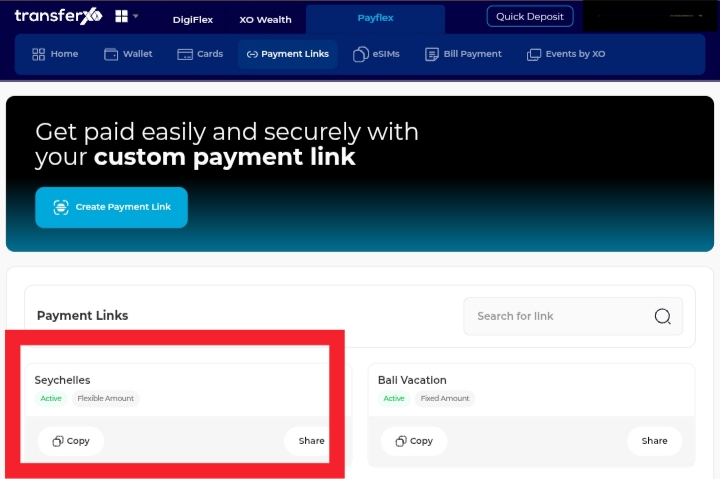
Step 4: Click the payment link of the transactions you want to view.
Selecting the link opens its details page.
Step 5: Click Transactions.
This displays the list of payments that have been made using the selected payment link.
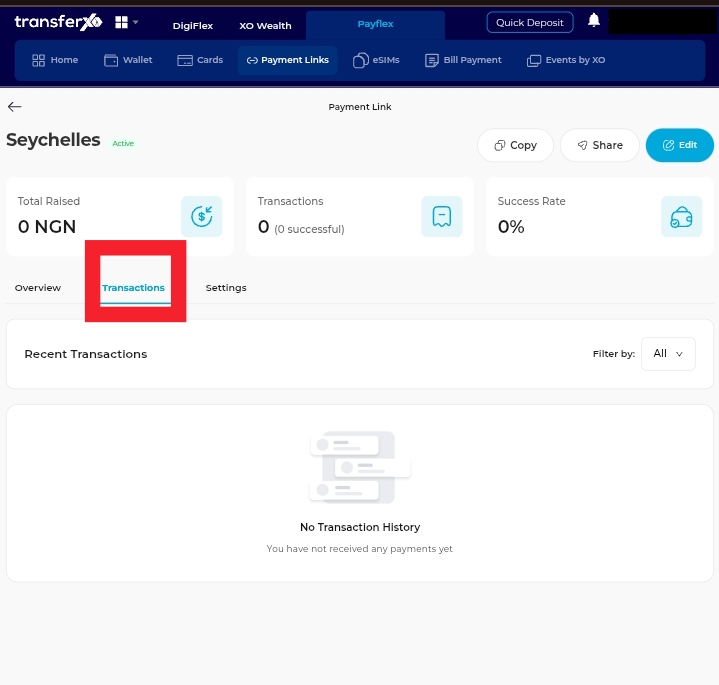
You can now review the transaction details and monitor payments made through the payment link.