


This guide walks you through how to track payments that have been completed using a specific payment link.
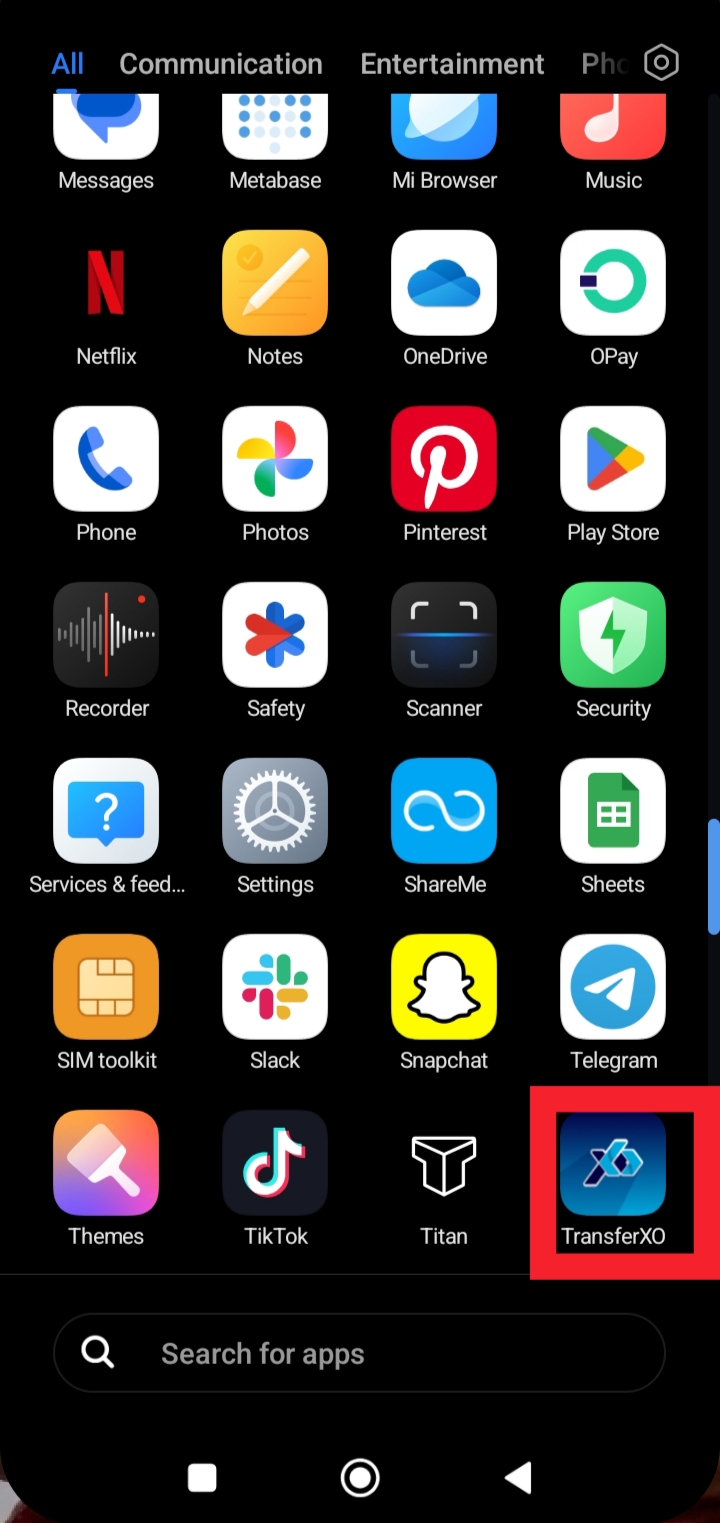
Step 1: Launch the TransferXO app on your mobile device.
Open the app to access your account and manage your payment links.
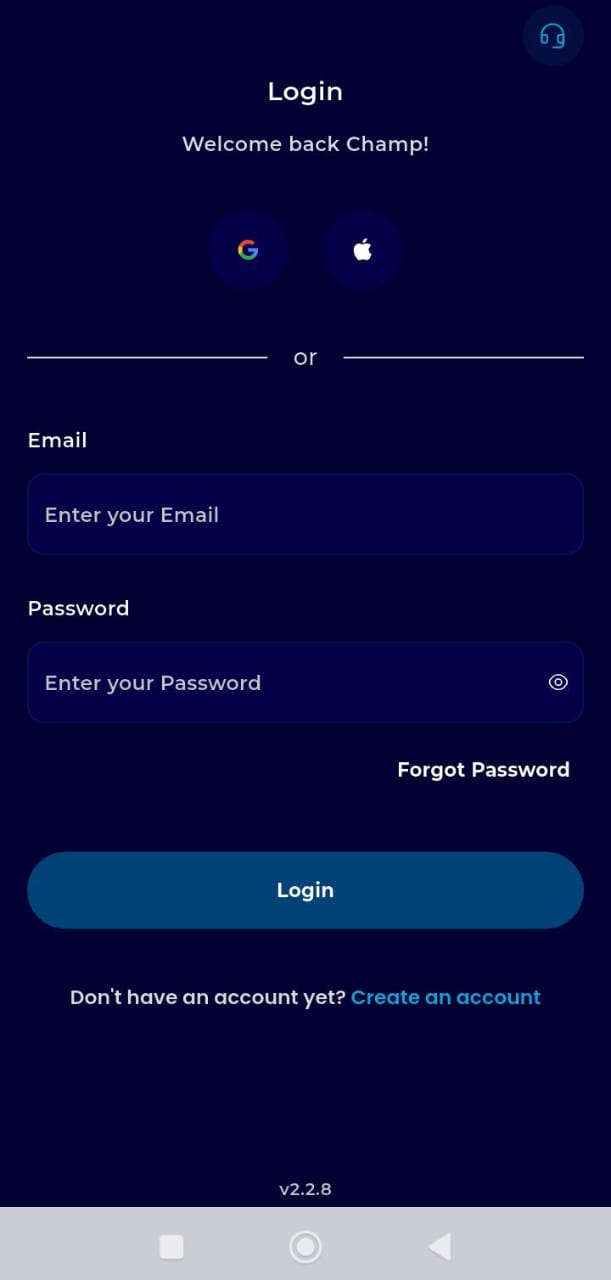
Step 2: Log in to your account.
Enter your username and password to securely access your dashboard.
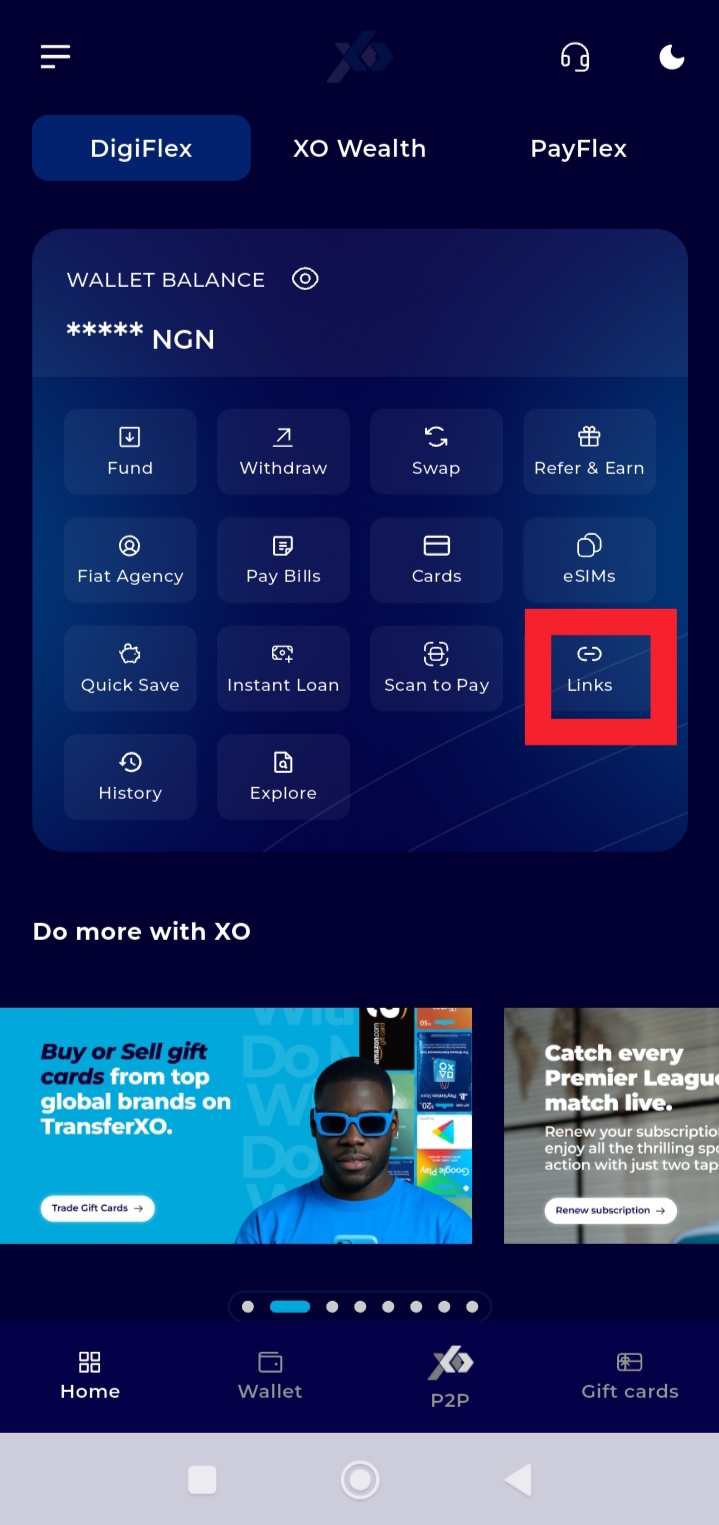
Step 3: Tap Links on your Dashboard.
This opens the section where all your created payment links are stored.
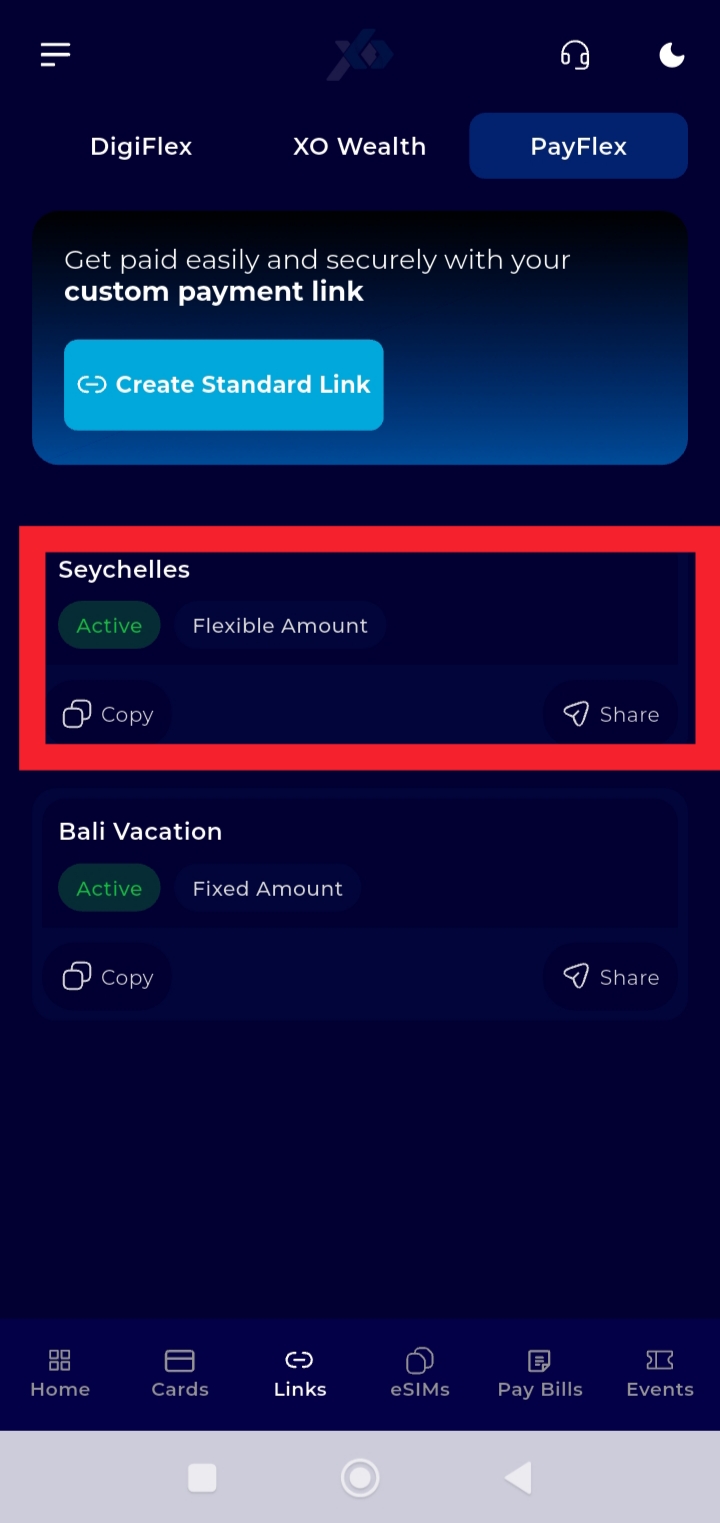
Step 4: Select the payment link of the transactions you want to view.
Tap the specific payment link to open its details page.
Step 5: Tap Transactions.
This option displays all payments that have been made through the selected payment link.
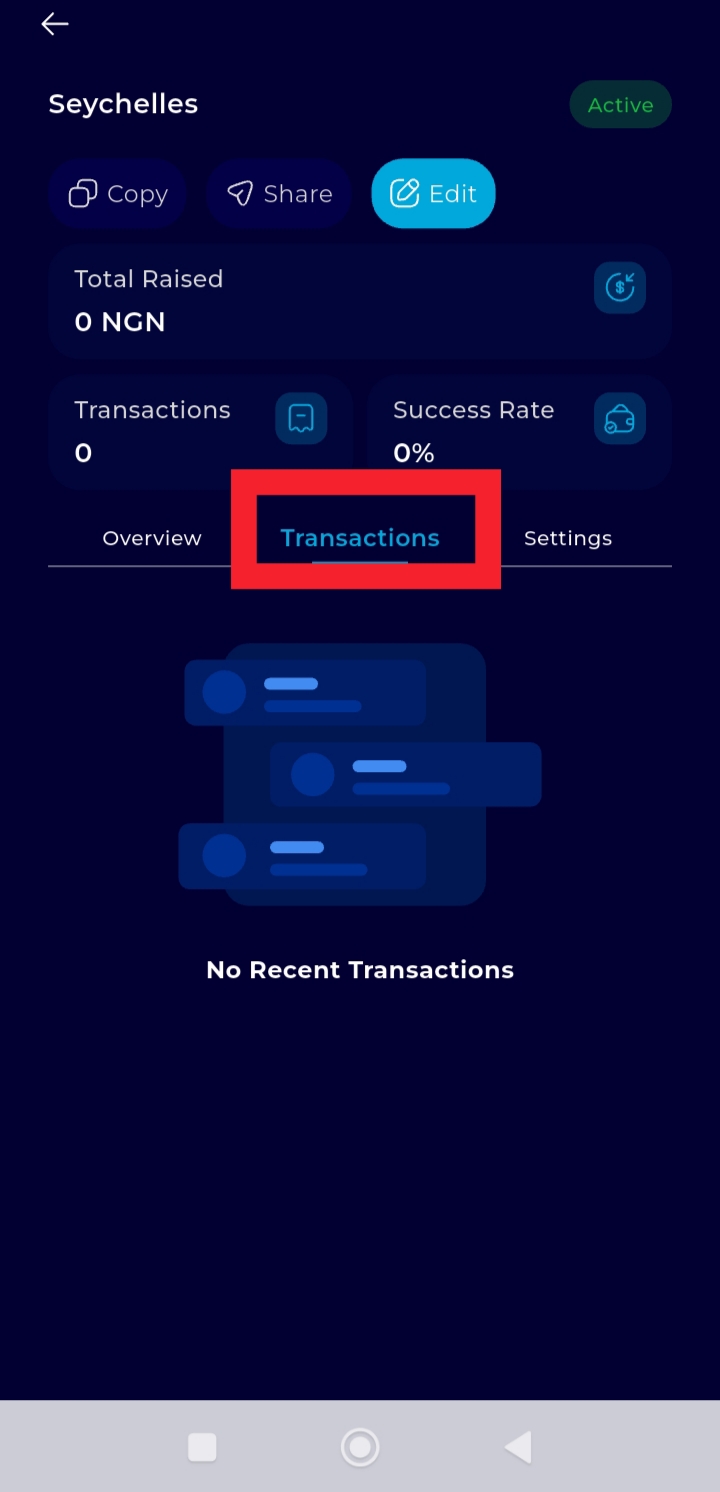
You can now review the transaction details and monitor all payments made through your payment link.