


This guide walks you through the steps to deactivate a payment link so that it can no longer receive payments.
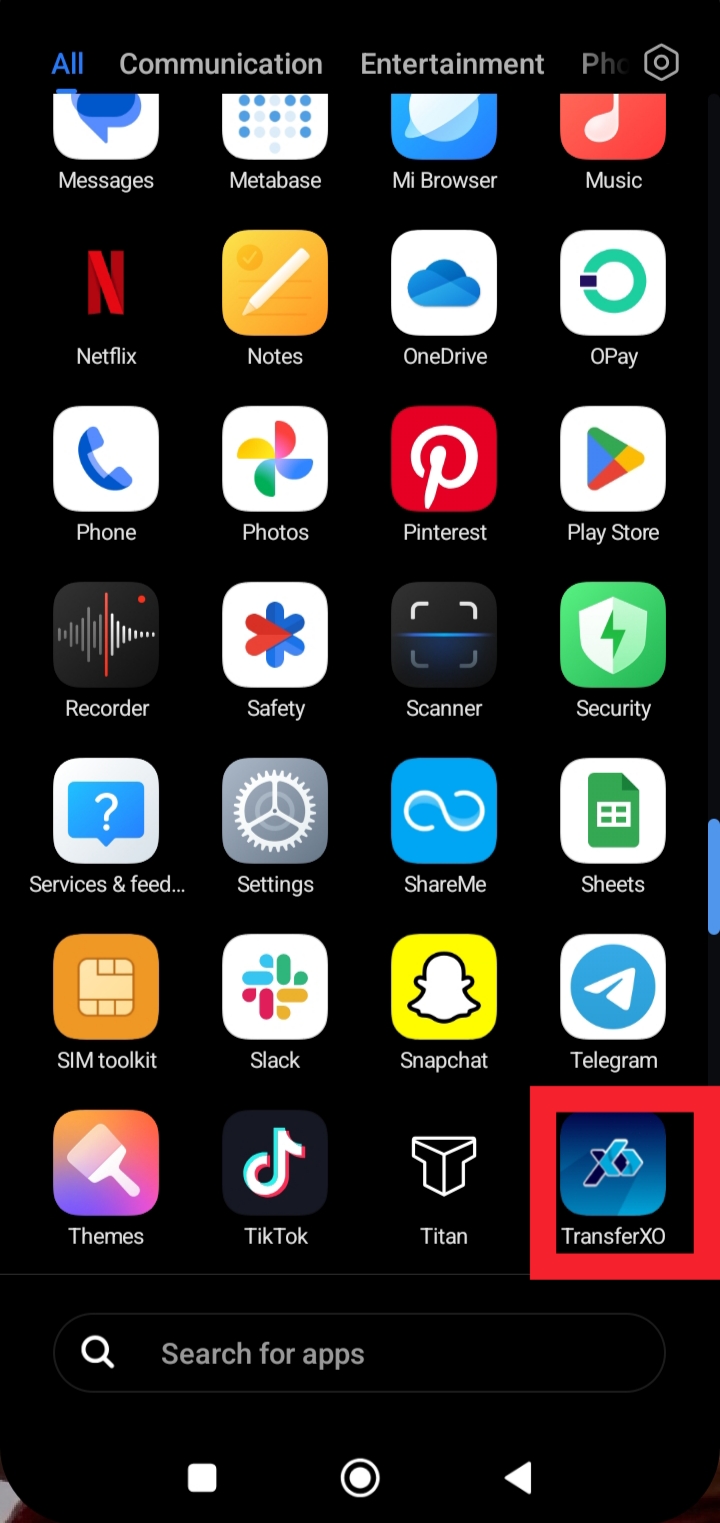
Step 1: Launch the TransferXO app on your mobile device.
Open the app to access your account and services.
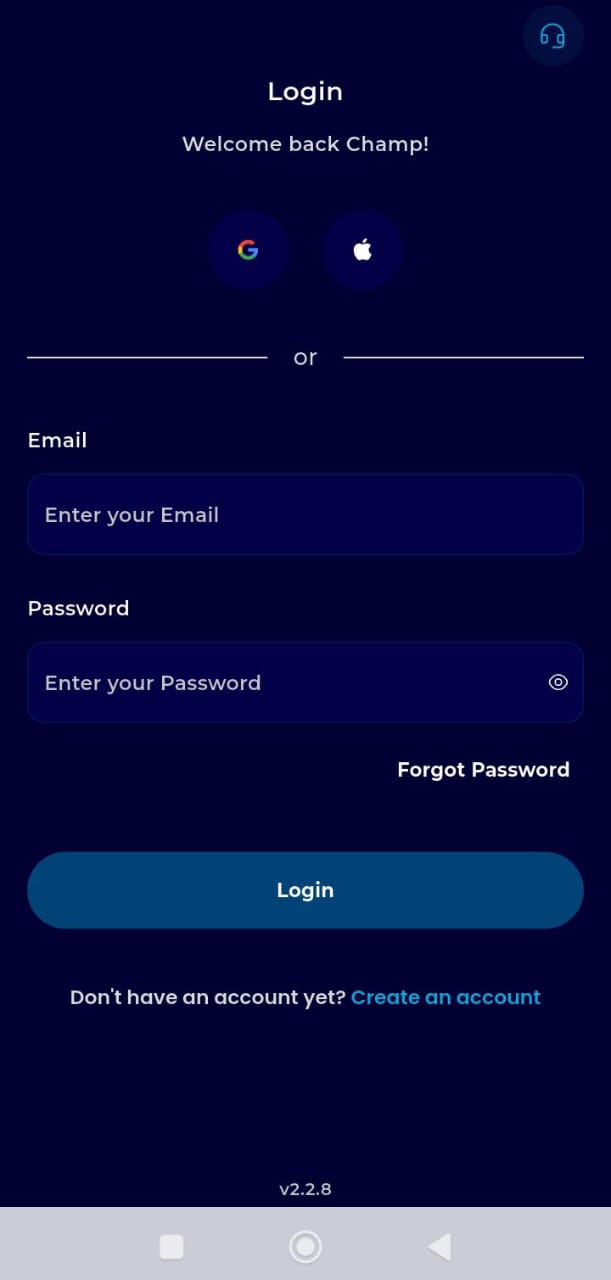
Step 2: Login to your account.
Enter your username and password to securely access your dashboard.
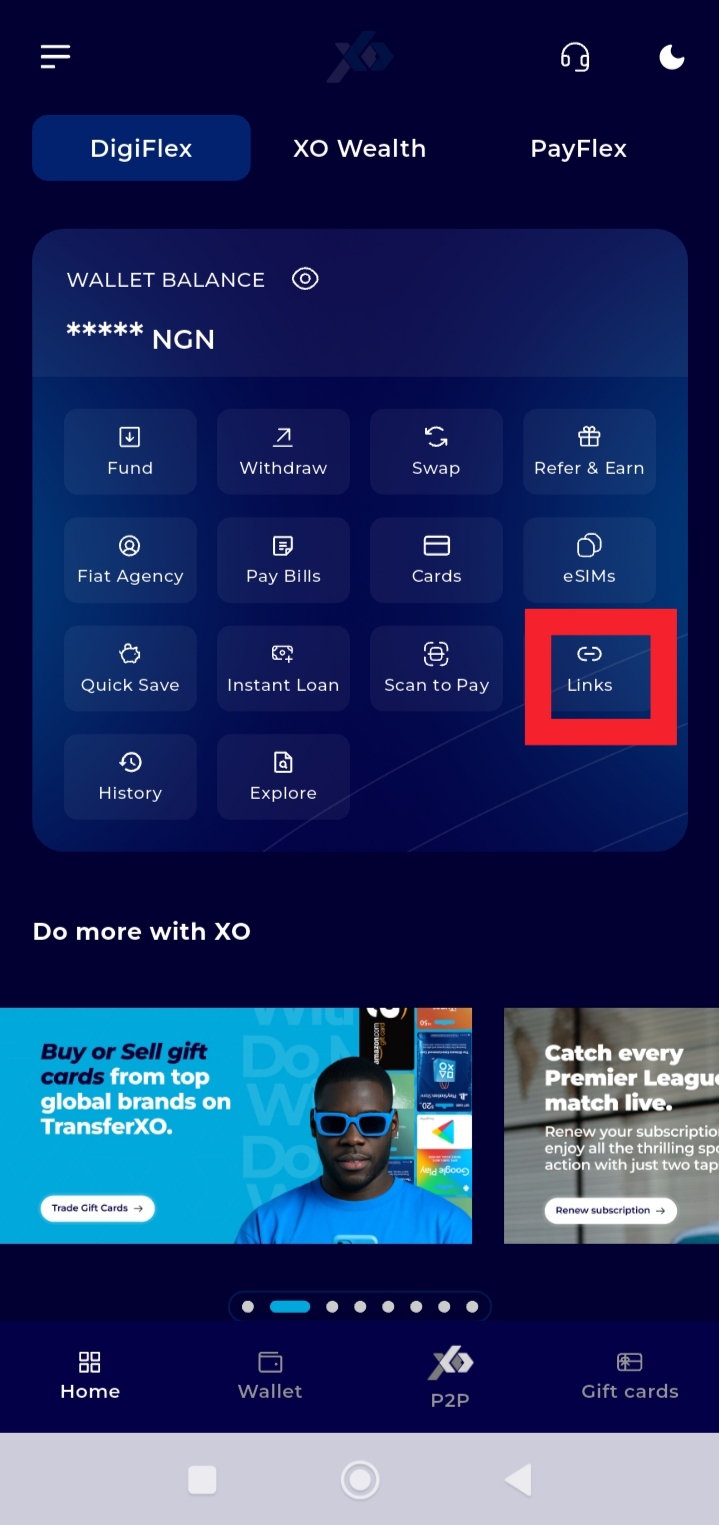
Step 3: On your Dashboard, tap Links.
This takes you to the section where all your created payment links are stored.
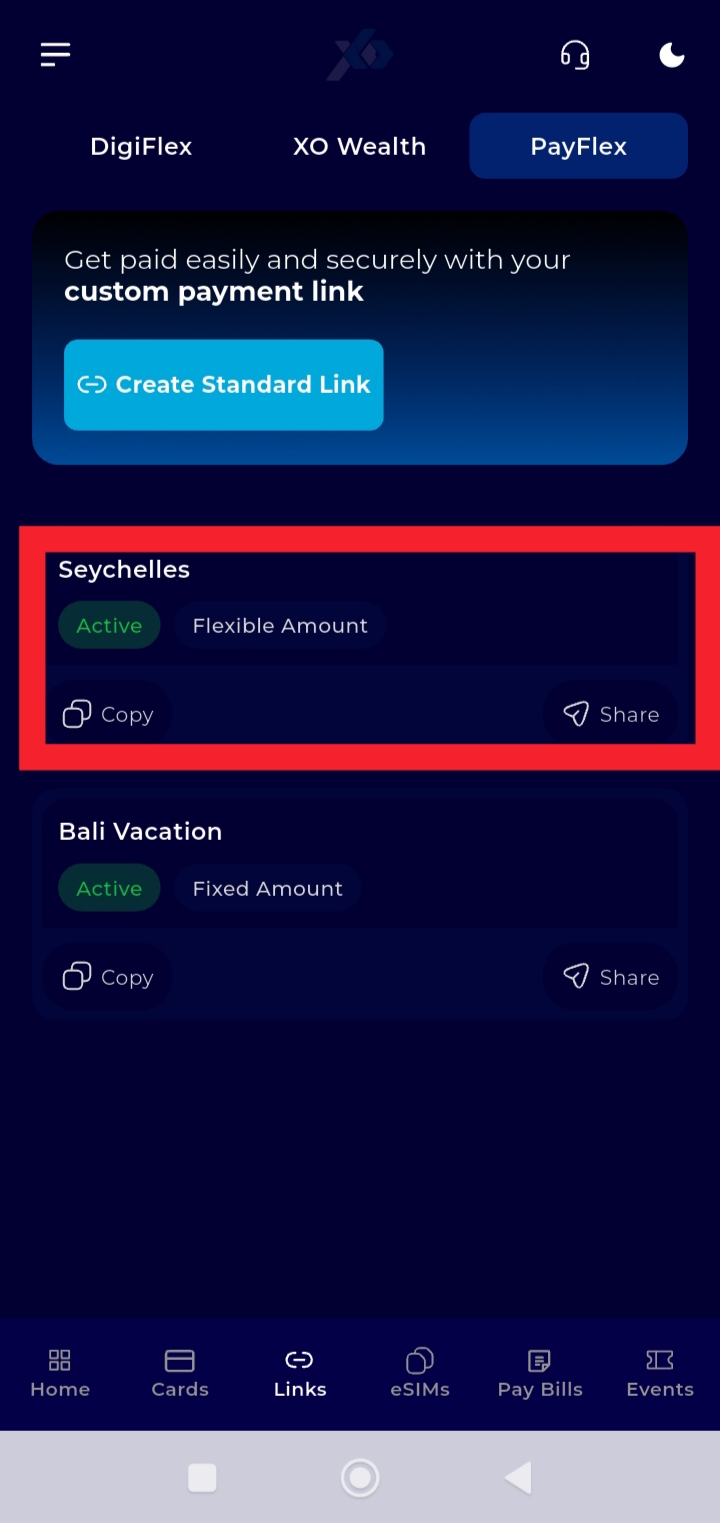
Step 4: Select the payment link you want to disable.
Tap the specific link to open its details.
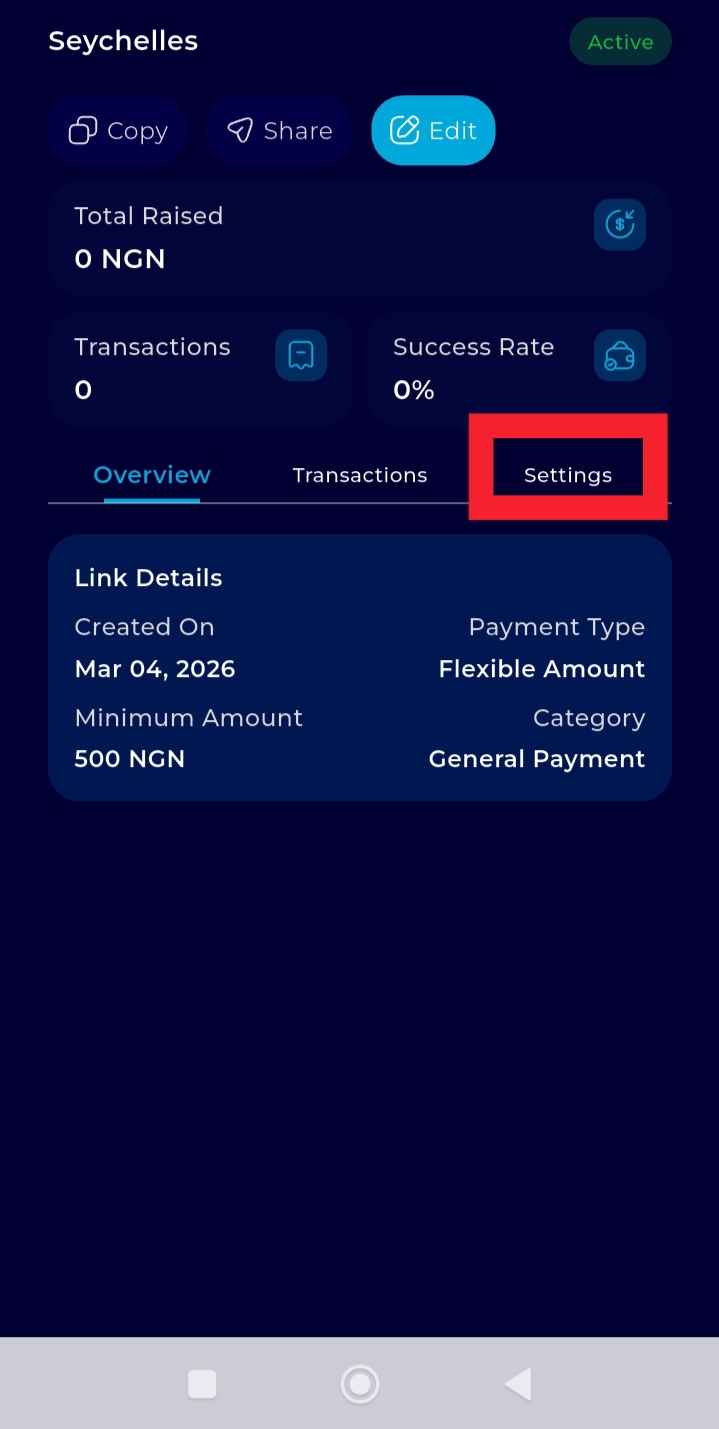
Step 5: Tap Settings.
This displays more options available for managing the selected payment link.
Step 6: Tap Disable Link and confirm the action.
This option allows you to deactivate the selected payment link.
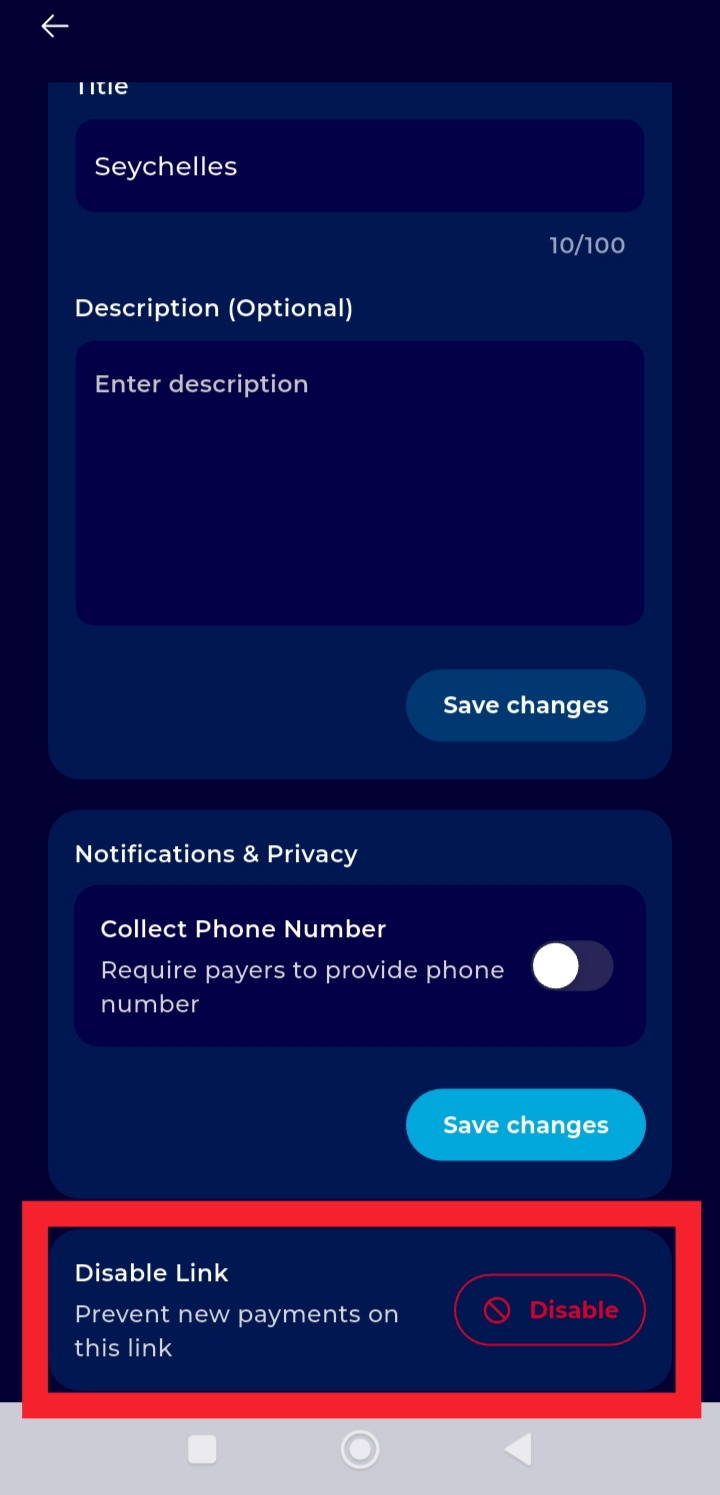
Once confirmed, the payment link will be disabled and will no longer accept payments.