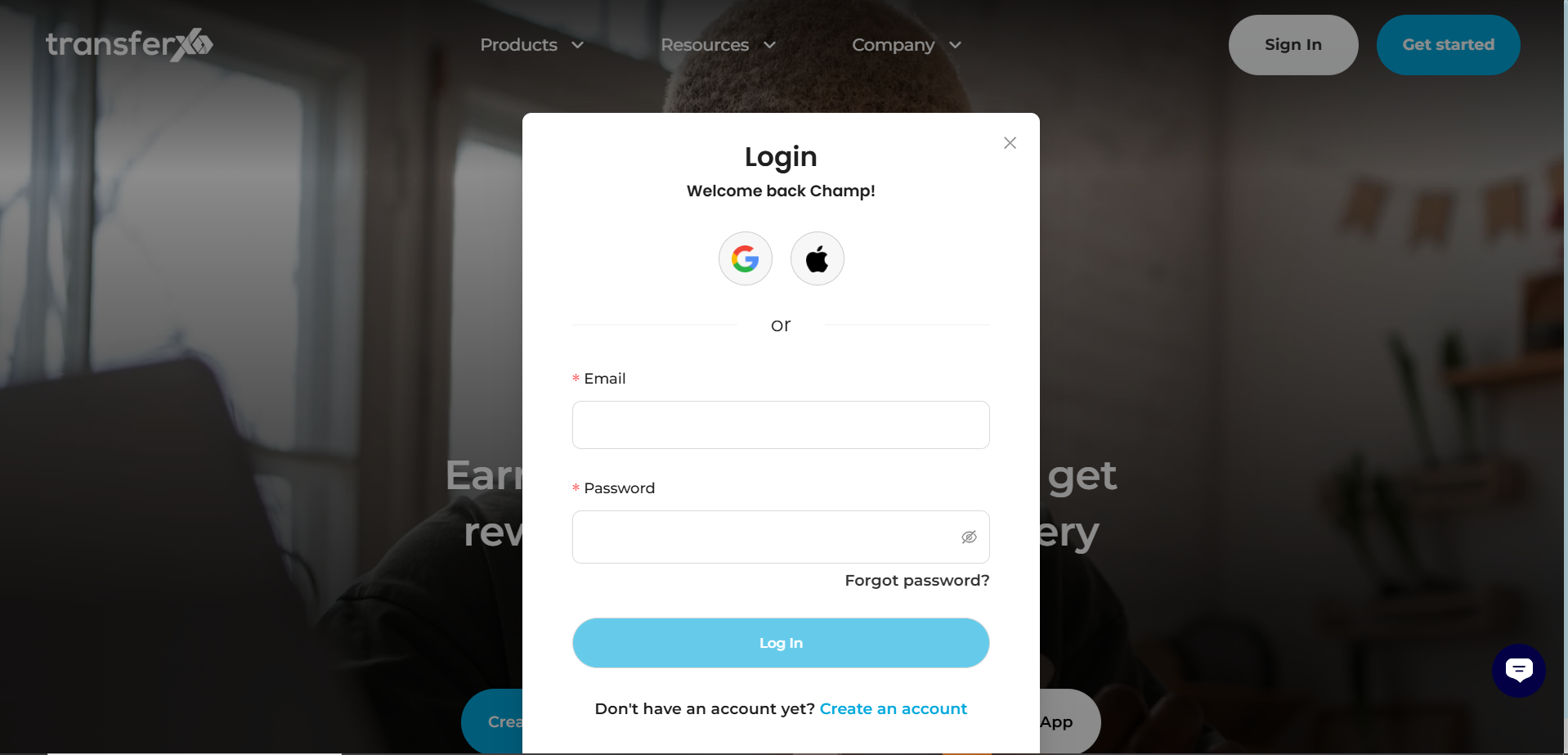
Step 1: Log In
Visit transferxo.com and sign in to your account.
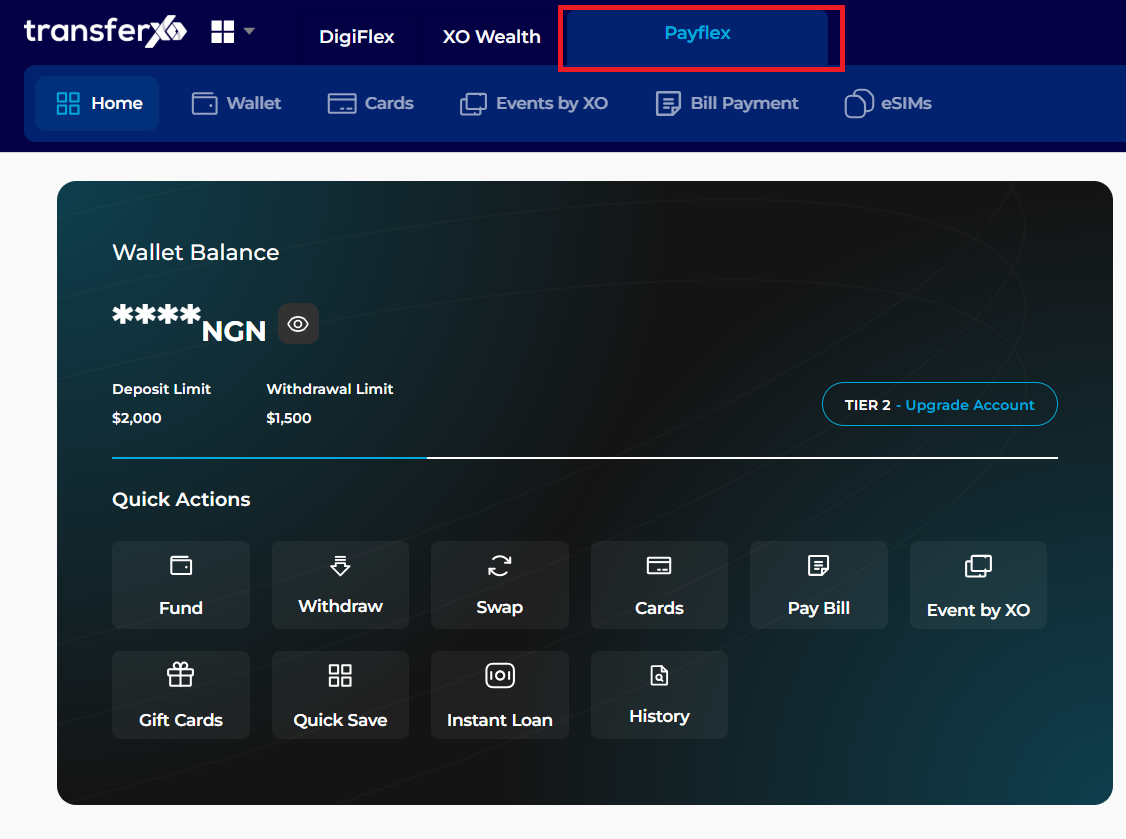
Step 2: Open PayFlex
From the dashboard, click on the PayFlex button located in the Key Offering Panel at the top.
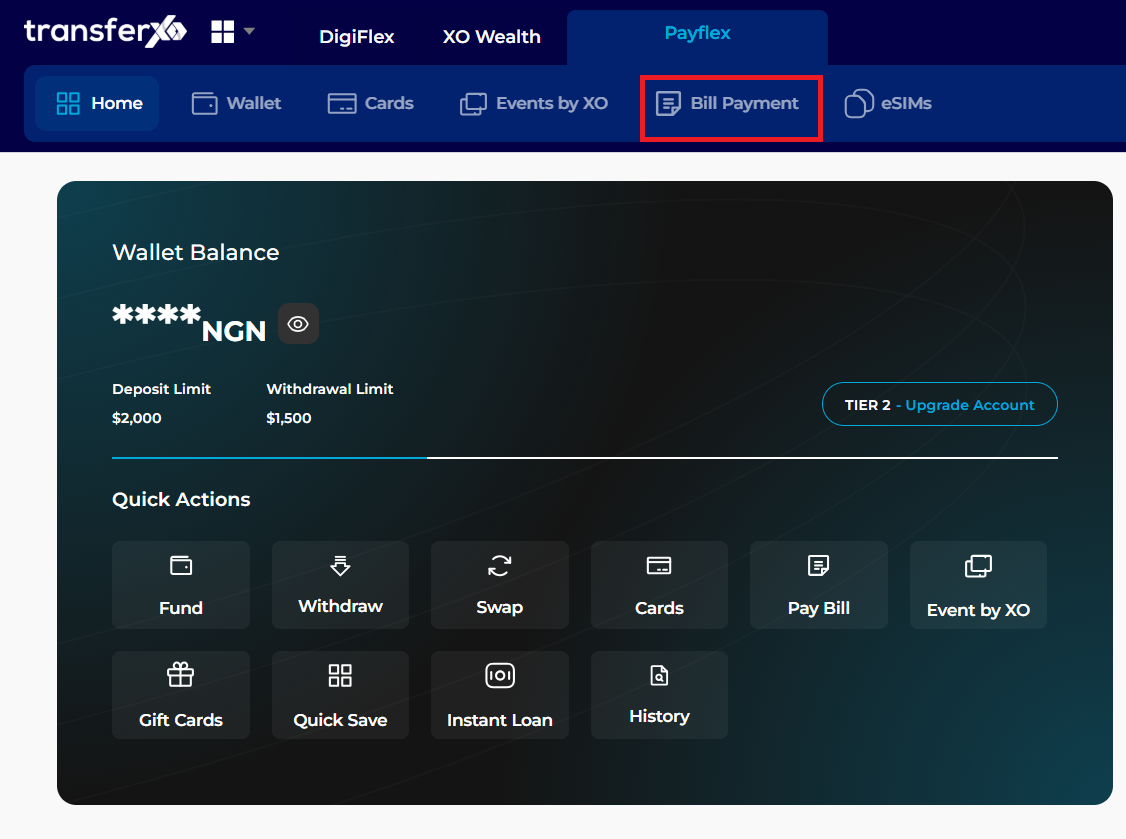
Step 3: Select Bill Payment
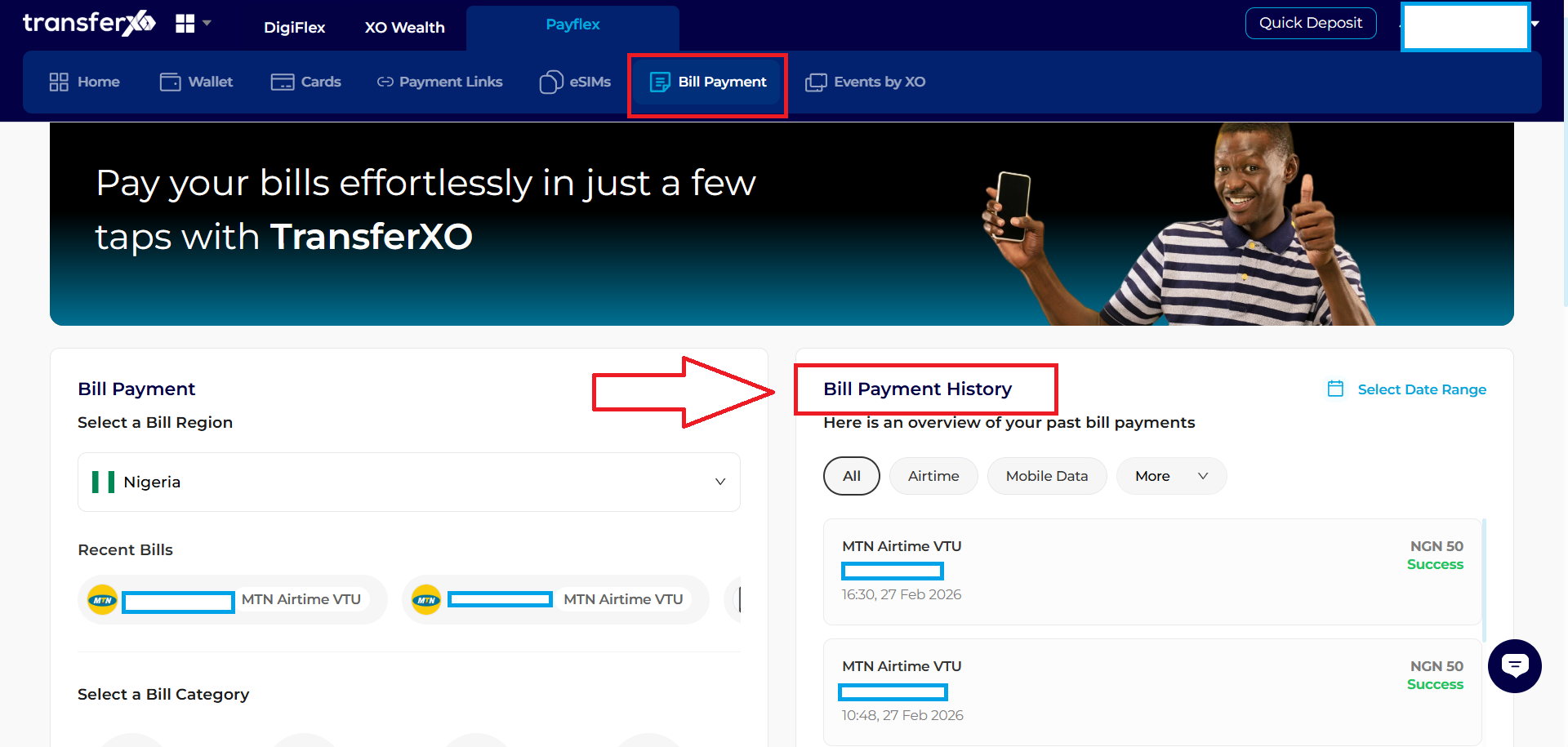
Click the Bill Payment tab.
Step 4: View Bill Payment History
The Bill Payment History pane is located as a side panel under the bill payment section
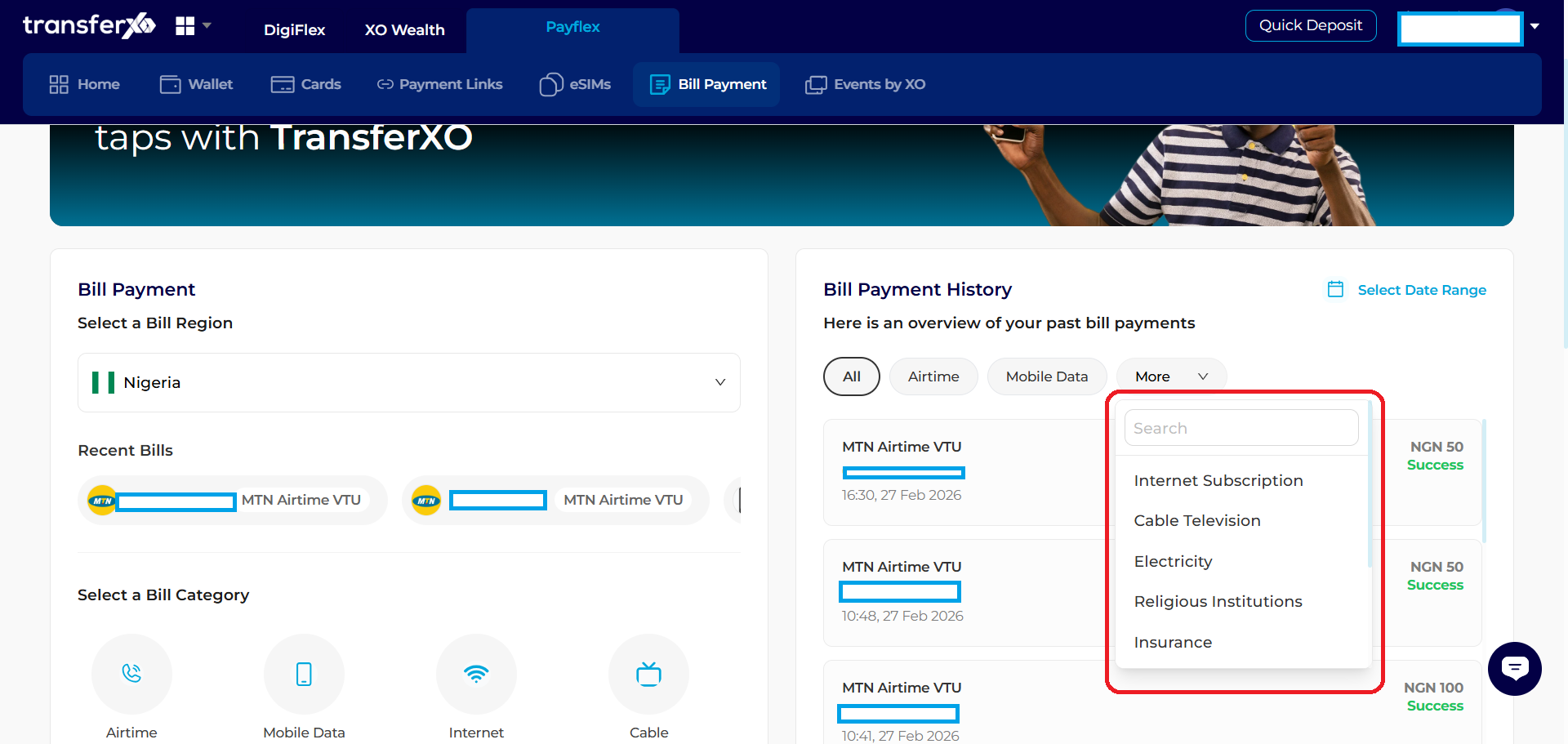
Step 4: View Specific Bills
This option lets you filter the bills based on their type, Cable TV, Mobile Date, Airtime e.t.c
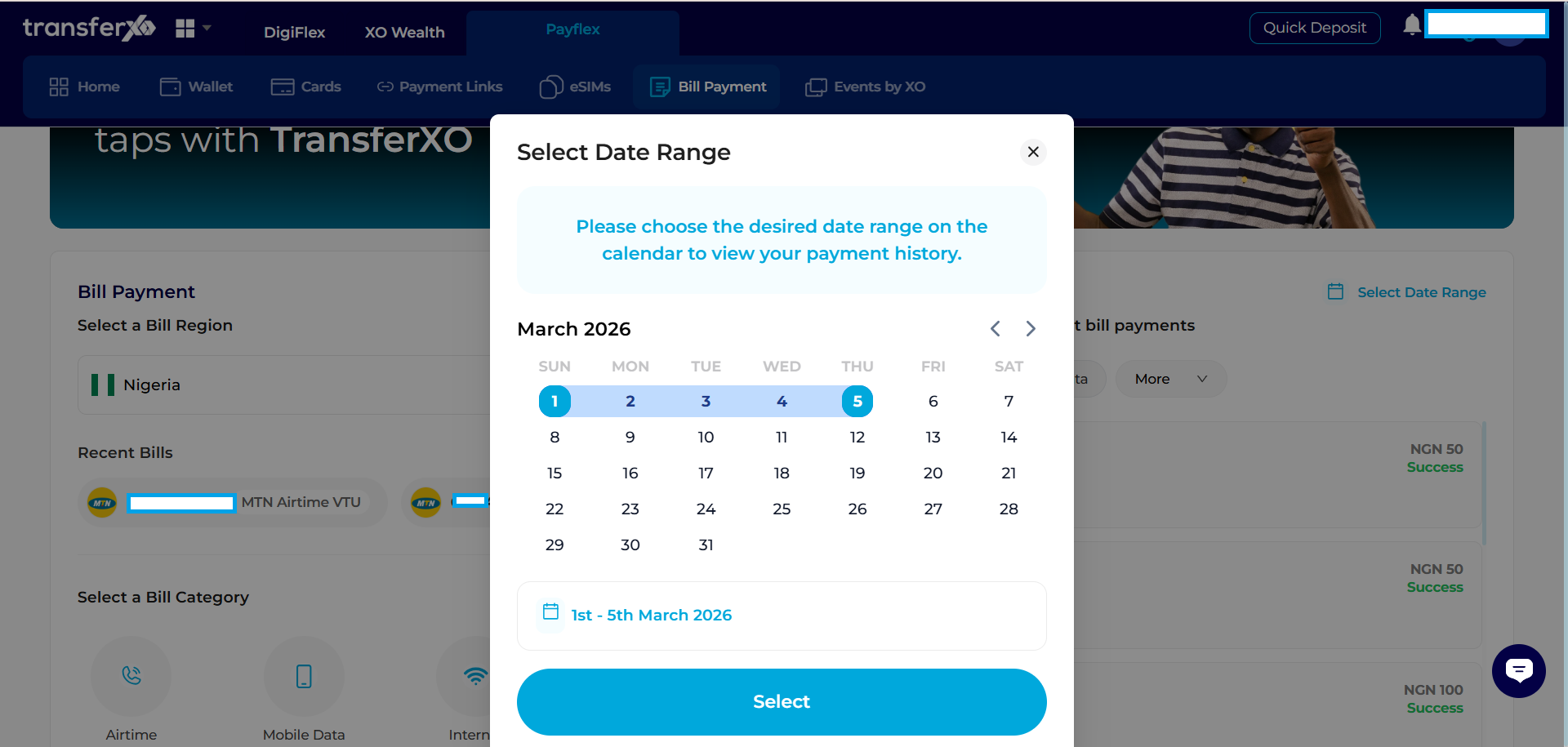
Step 5: Filter With Date
This option allows you filter the bills based on the date you made payments