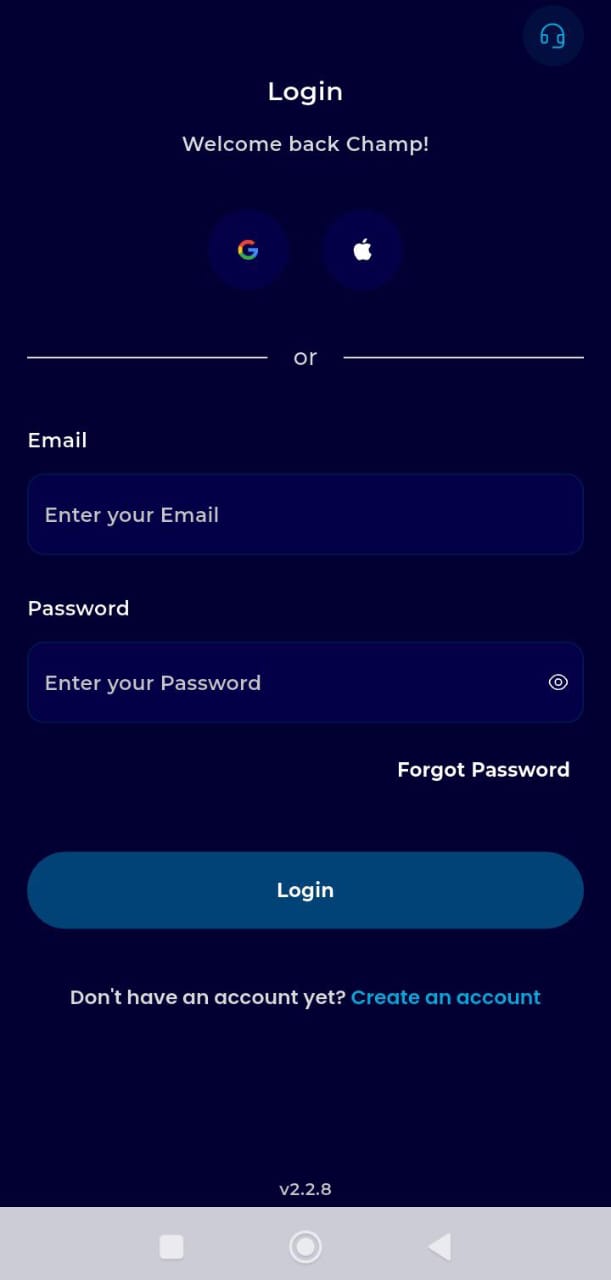
Step 1: Log in & Authorization
Log in to TransferXO via your mobile browser.
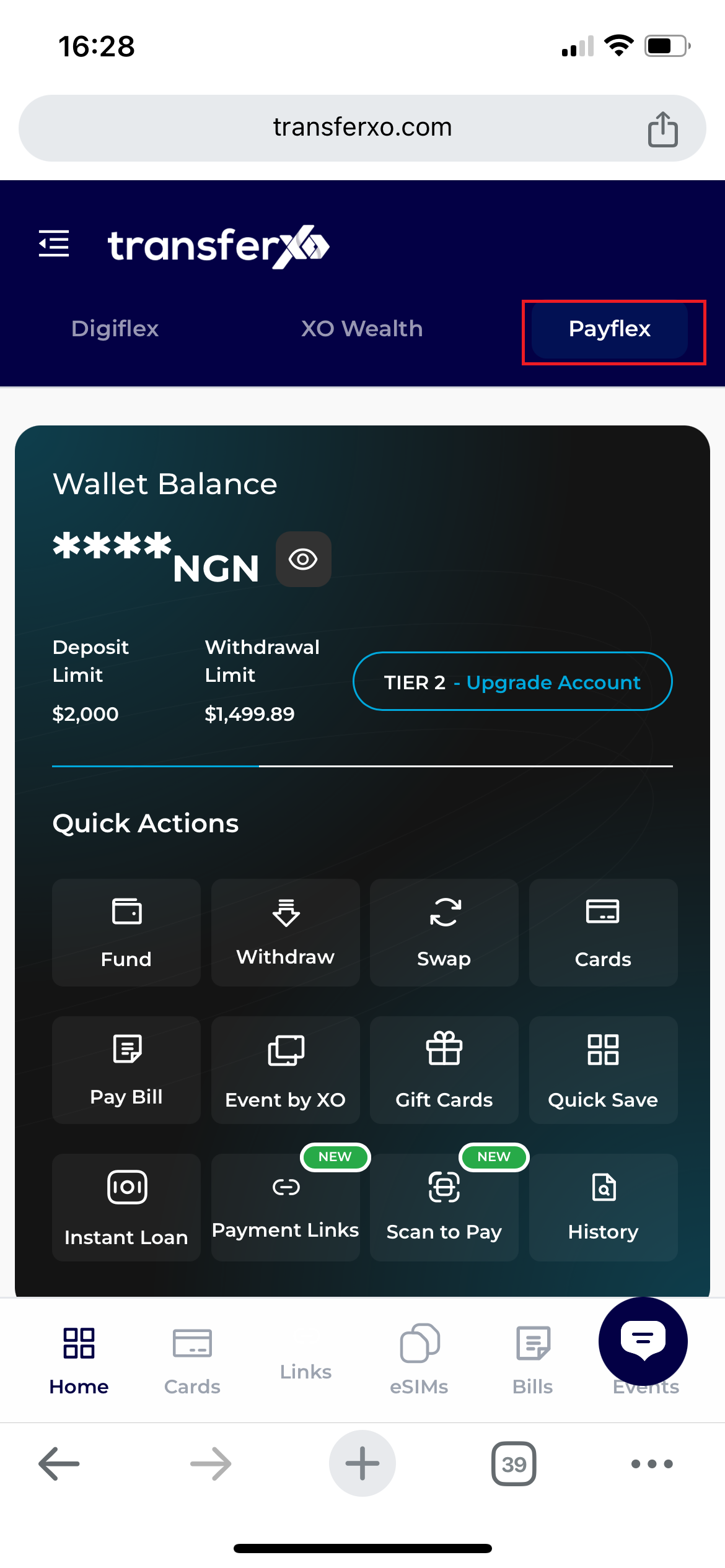
Step 2: Find PayFlex
On the dashboard, tap the PayFlex icon within the Key Offering section.
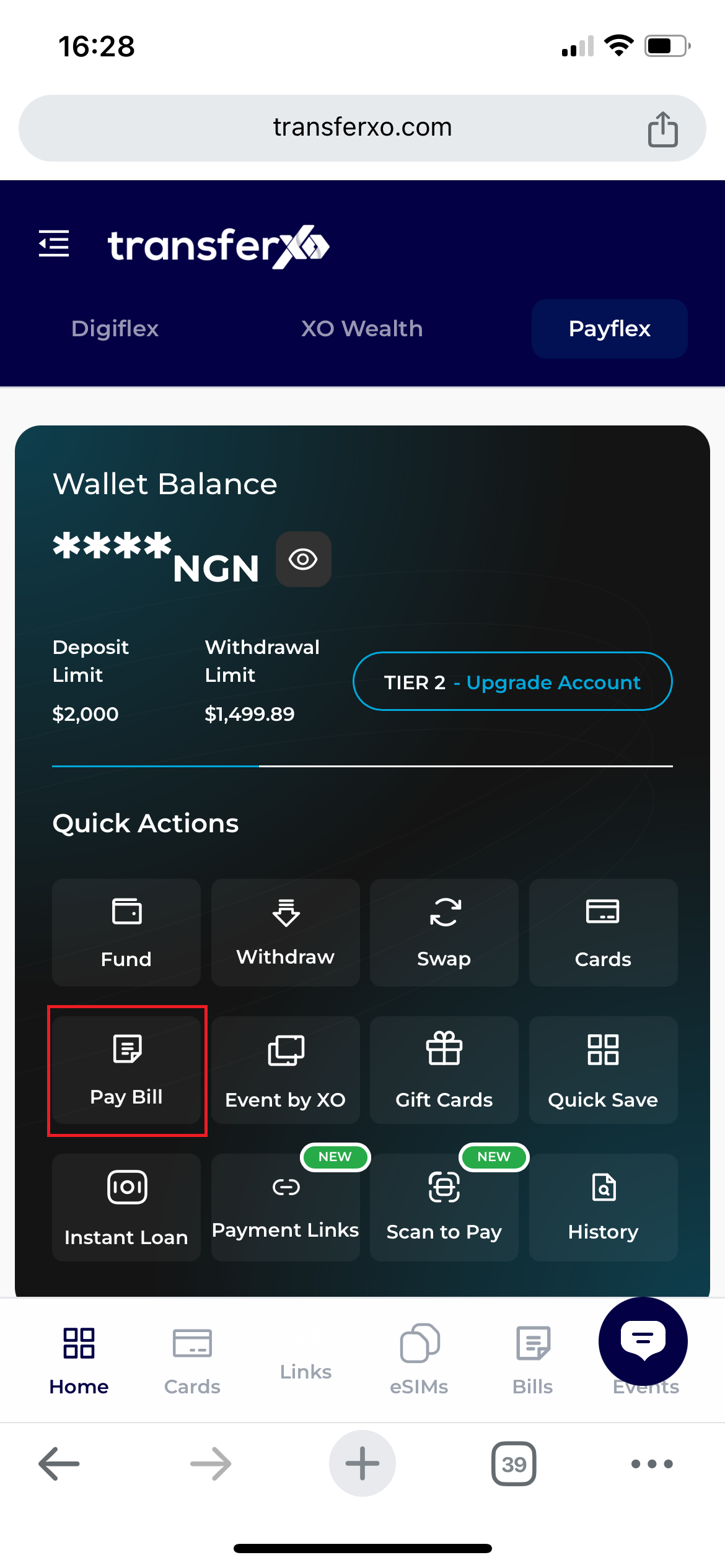
Step 3: Bill Tab
Tap the Pay Bill tab located at the bottom of the PayFlex interface.
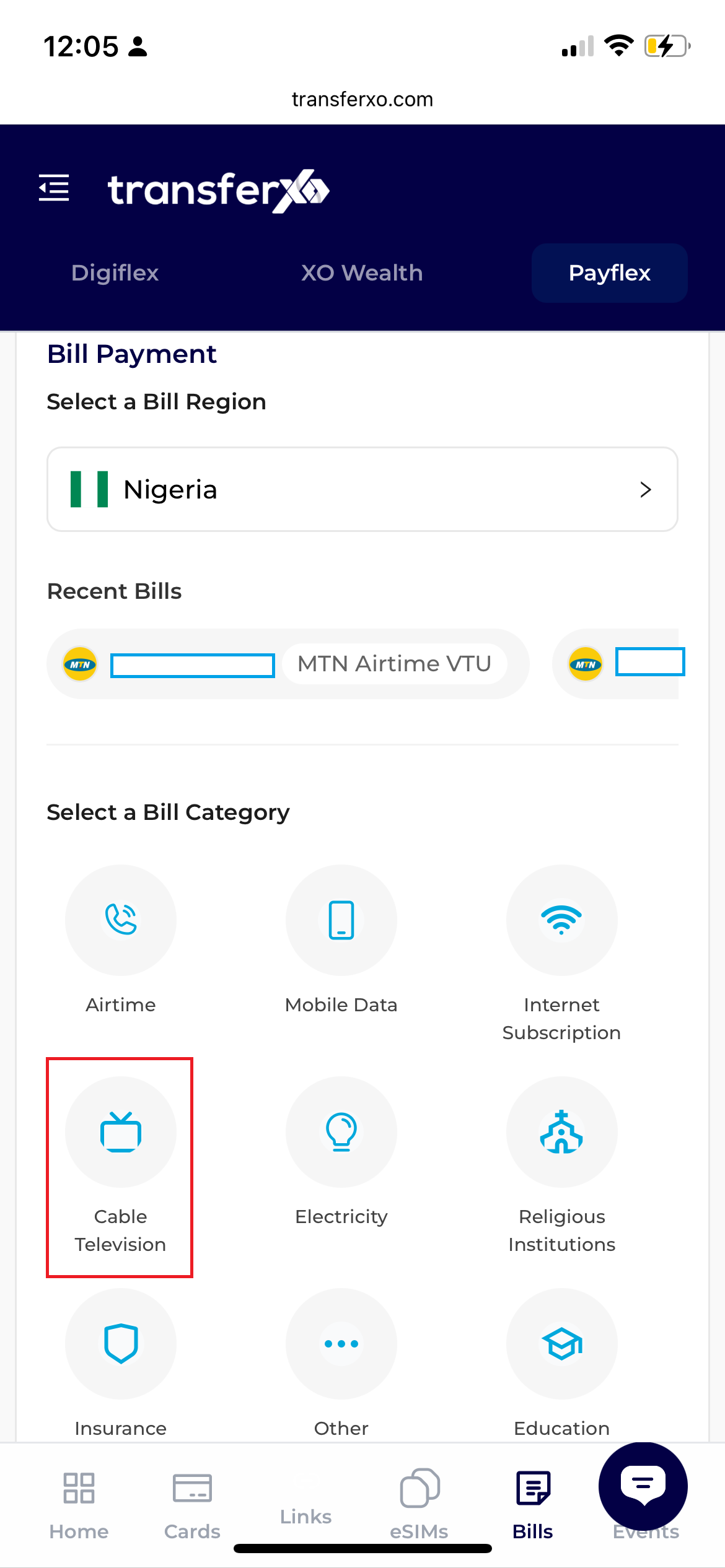
Step 4: Select Bill Category
Click on the Cable TV icon to begin your purchase process
Step 5: Transaction Form
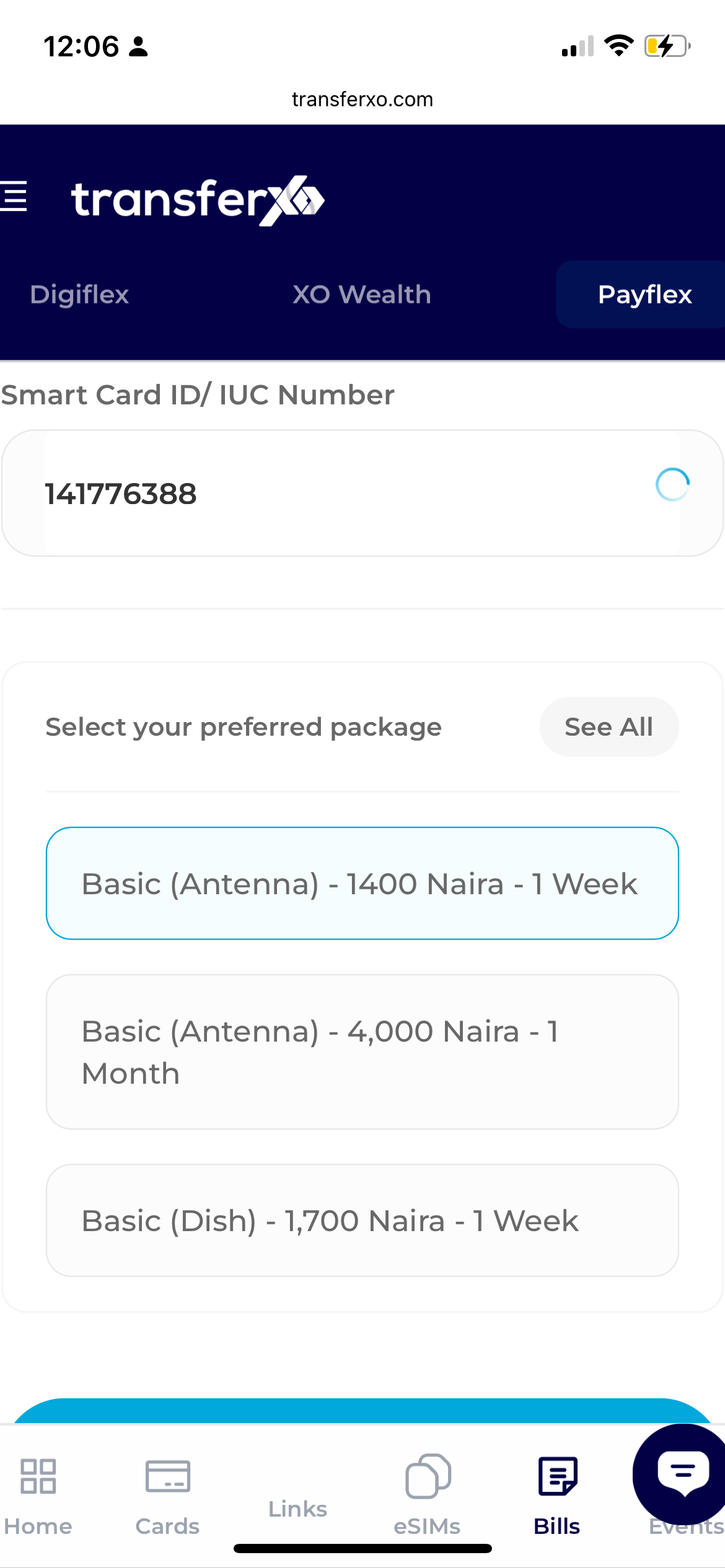
- Select Cable TV, your Country, and the Provider.
- Select your Package and provide the SmartCard/IUC Number.
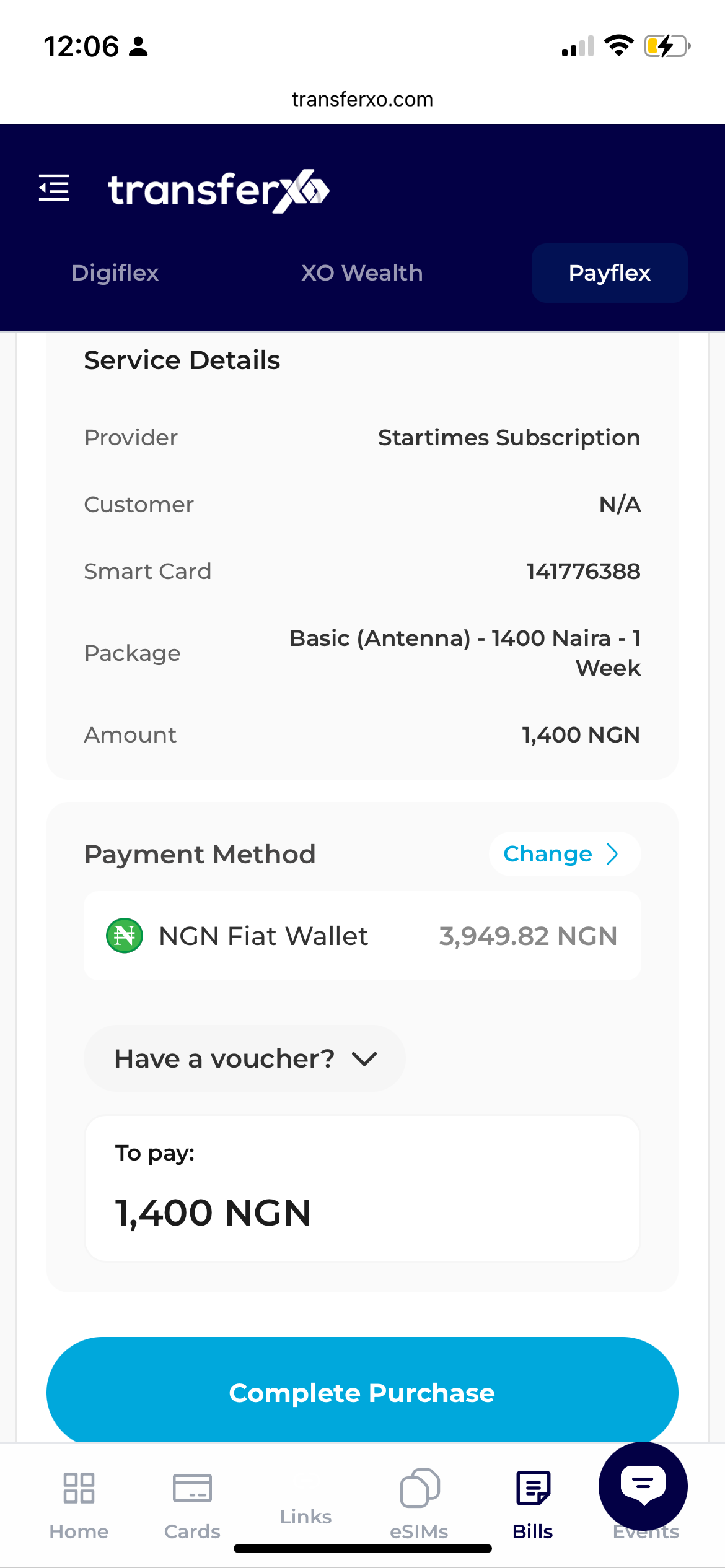
Step 6: Checkout
Tap Next, select your Payment Wallet (Fiat/Crypto), and choose the asset.
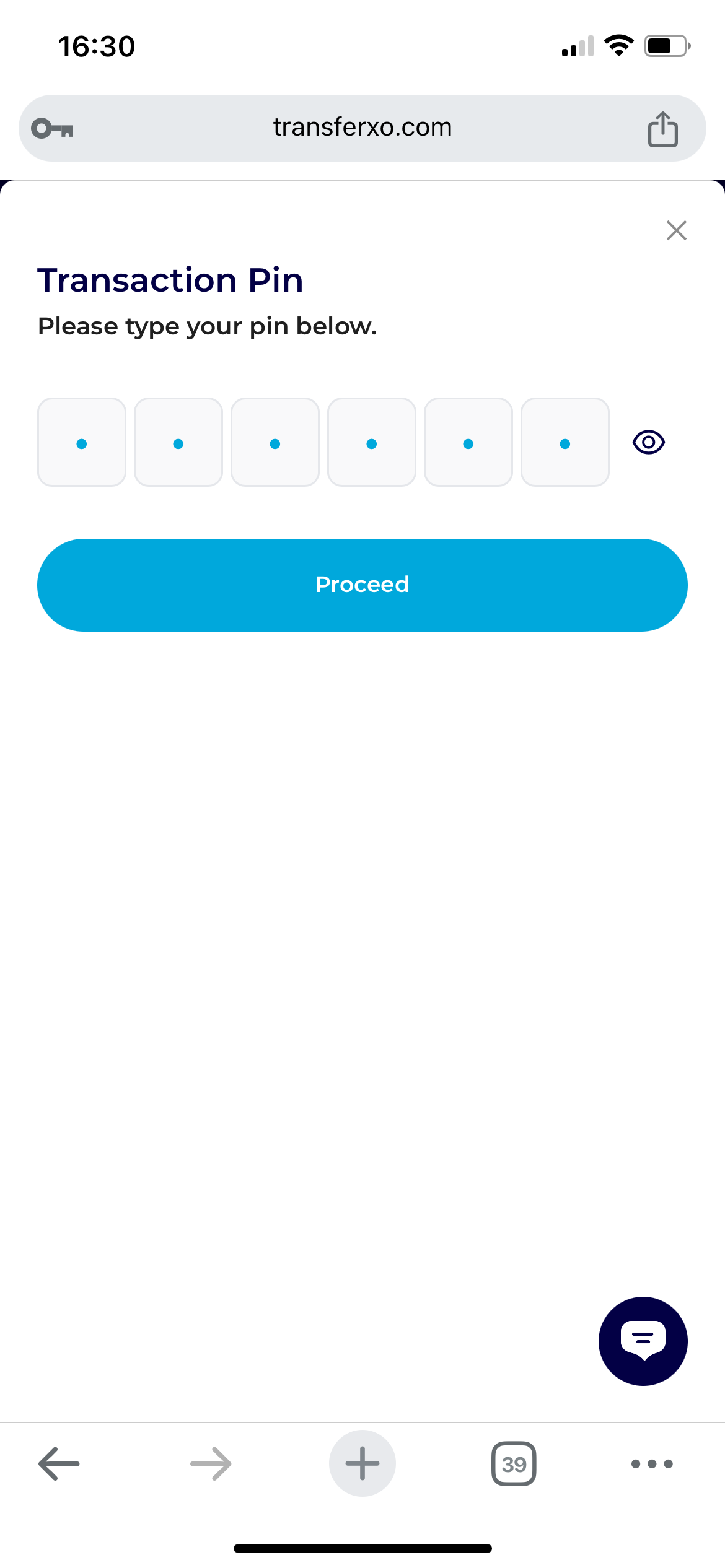
Step 6: Transaction Authorization
To Authorize Transaction, input your 6-digit PIN, and tap Proceed.
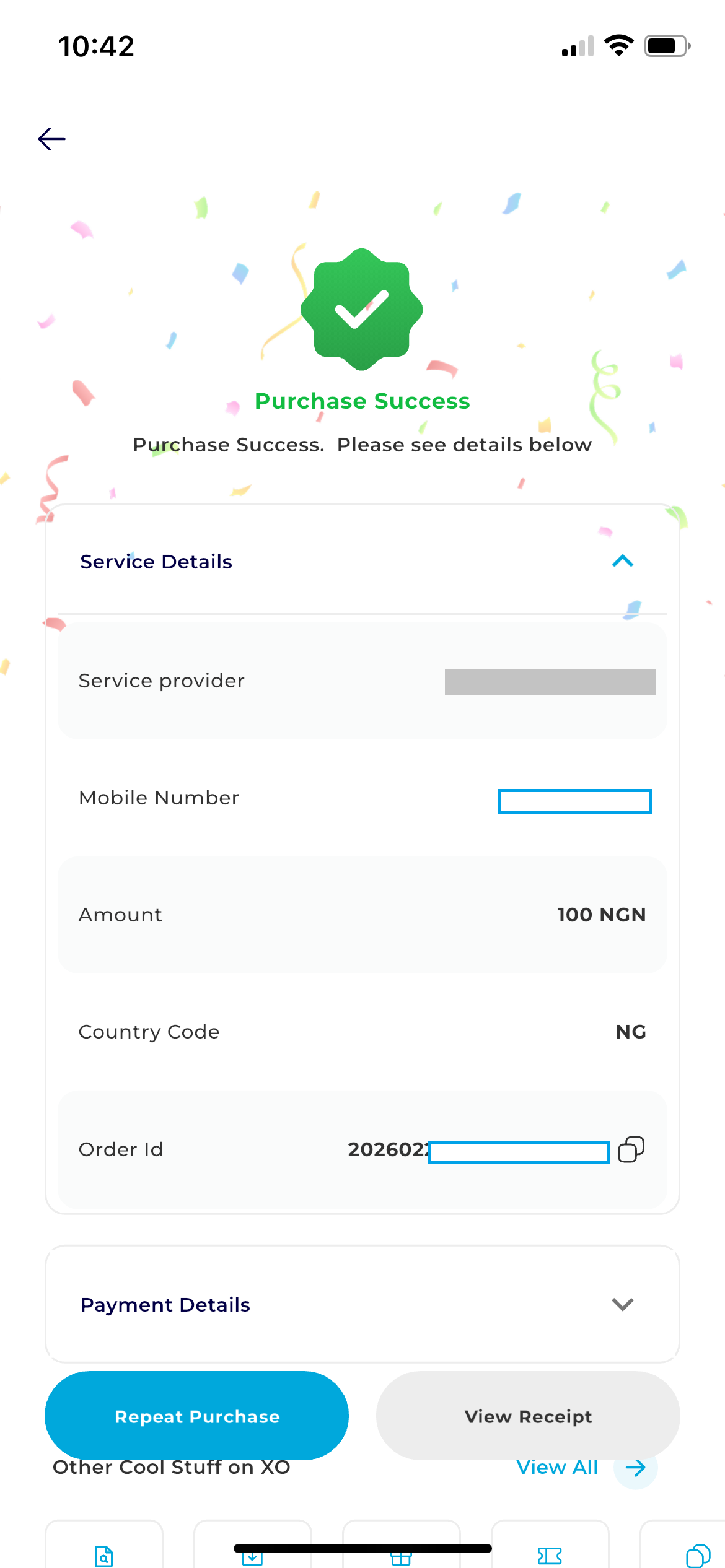
Congratulations, you have successfully completed your purchase