


This guide walks you through the steps to access and review your payment link details from the mobile website.
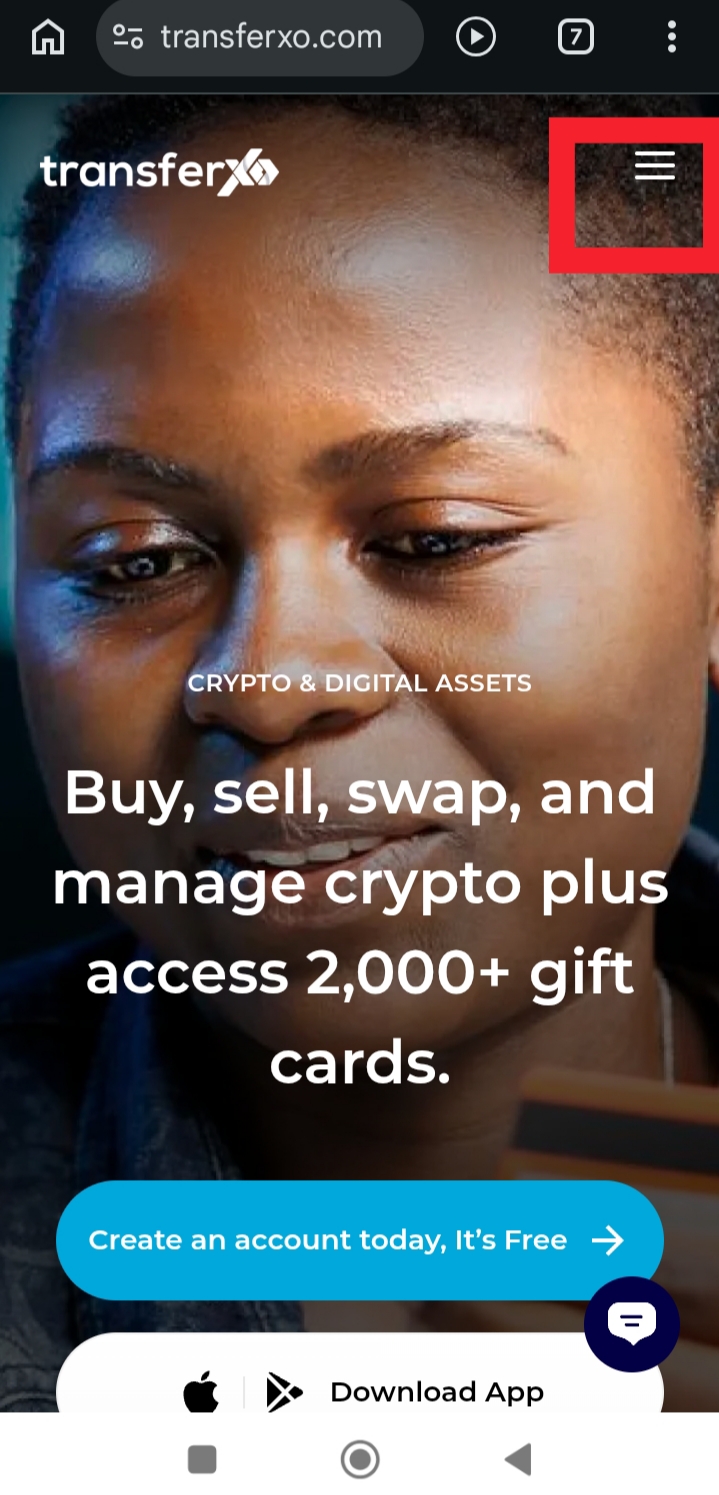
Step 1: Visit TransferXO.com and tap the Hamburger menu.
This opens the navigation menu to access the login option.
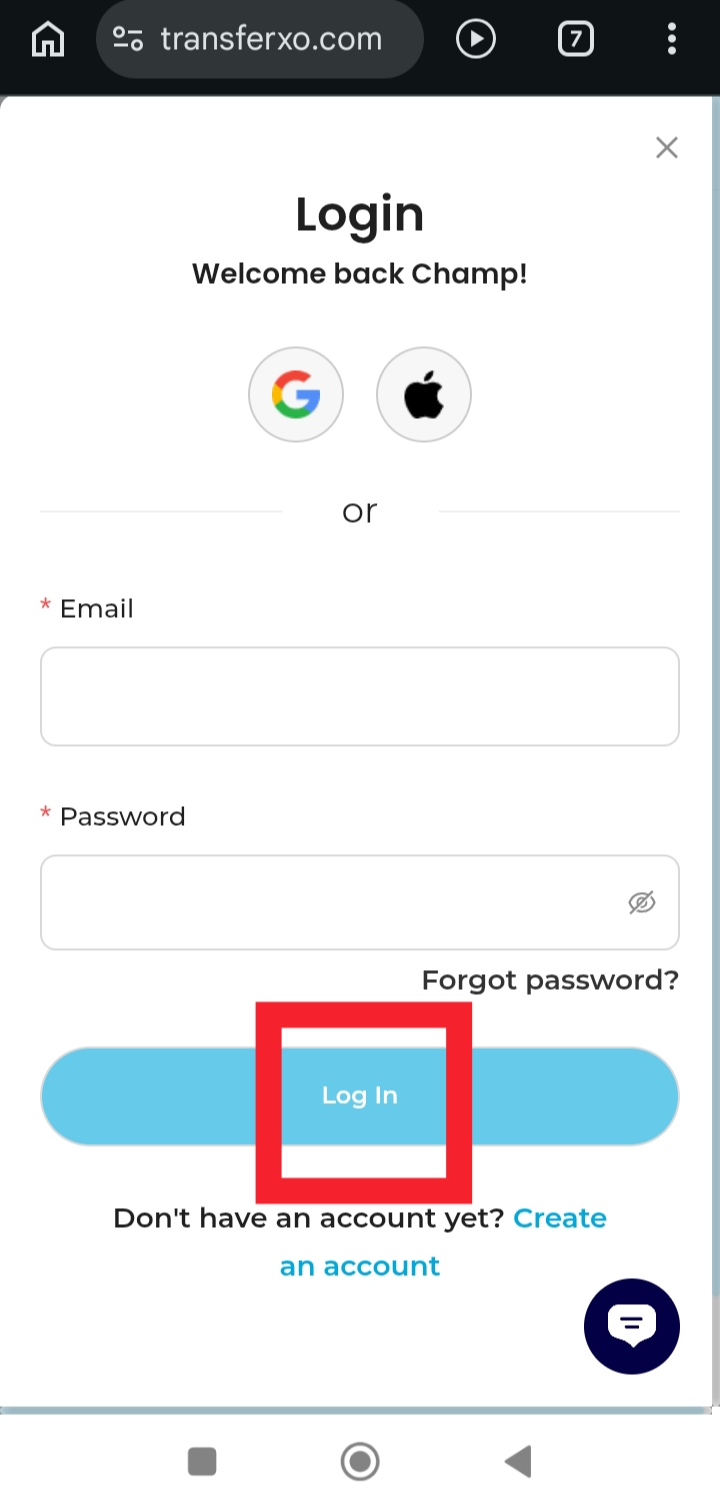
Step 2: Login to your account to access your Dashboard.
Enter your username and password to sign in to your account.
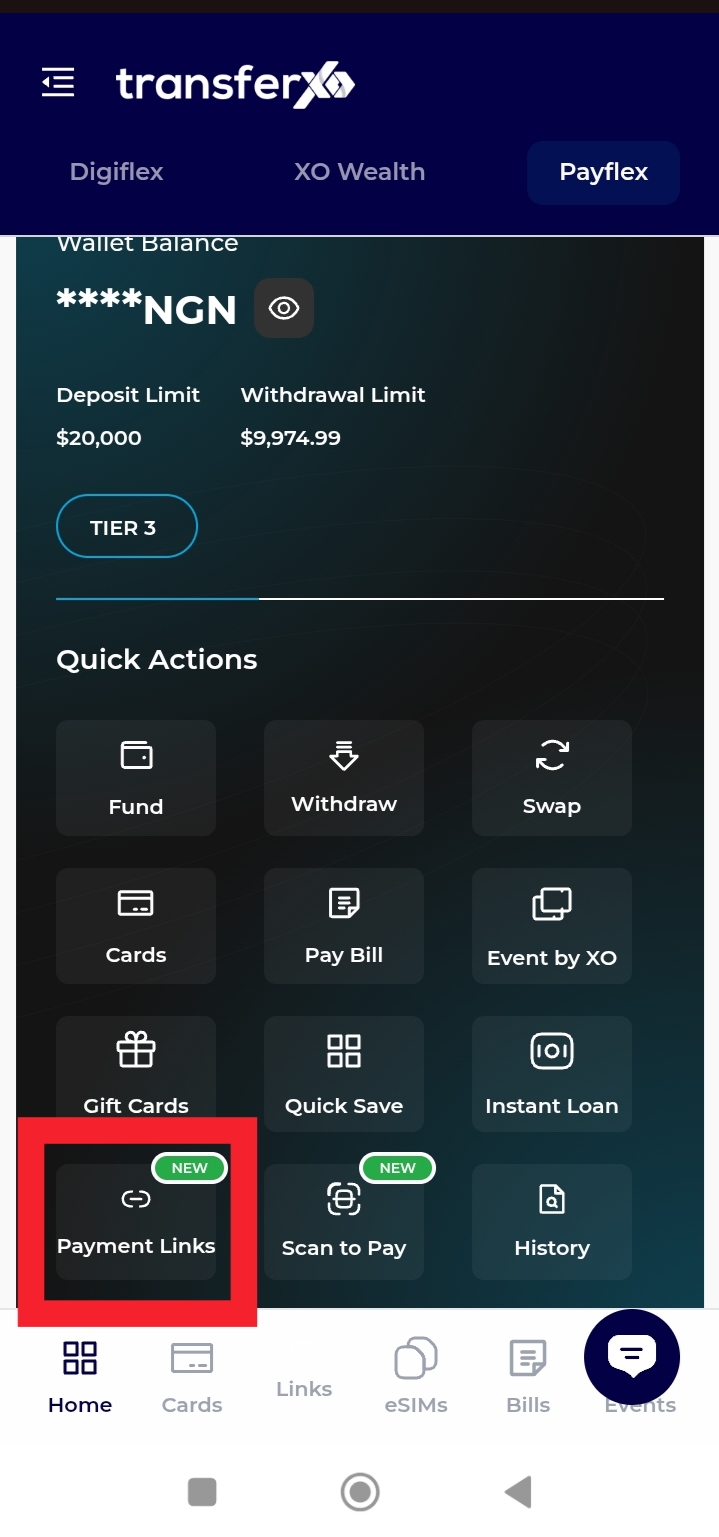
Step 3: On your Dashboard, tap Payment Links.
This takes you to the payment link management section.
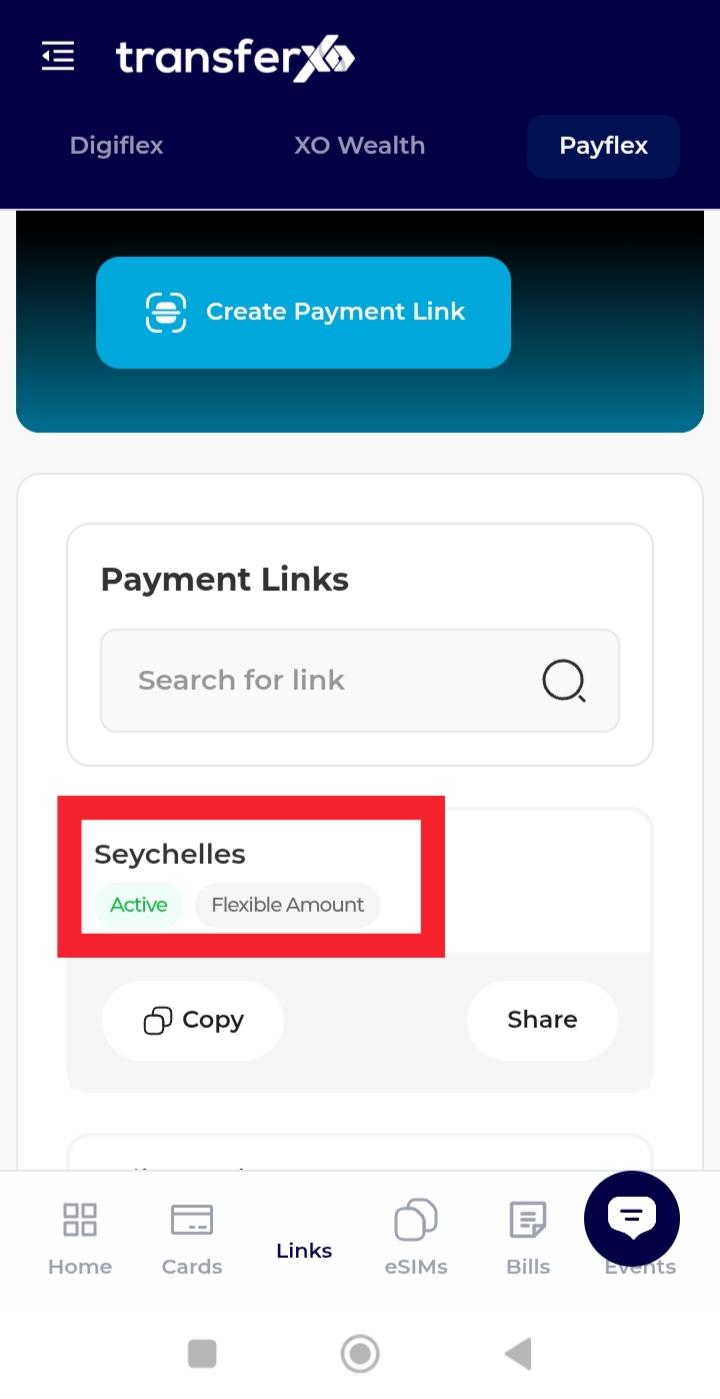
Step 4: Select the payment link you would like to view.
Tap the link to open its details.
Step 5: Review the payment link information.
You will be able to view the link title, amount type, payment progress, and other relevant details
You can now conveniently monitor your payment links directly from your mobile browser.