


This guide walks you through the steps to access and review the details of any payment link you have created.
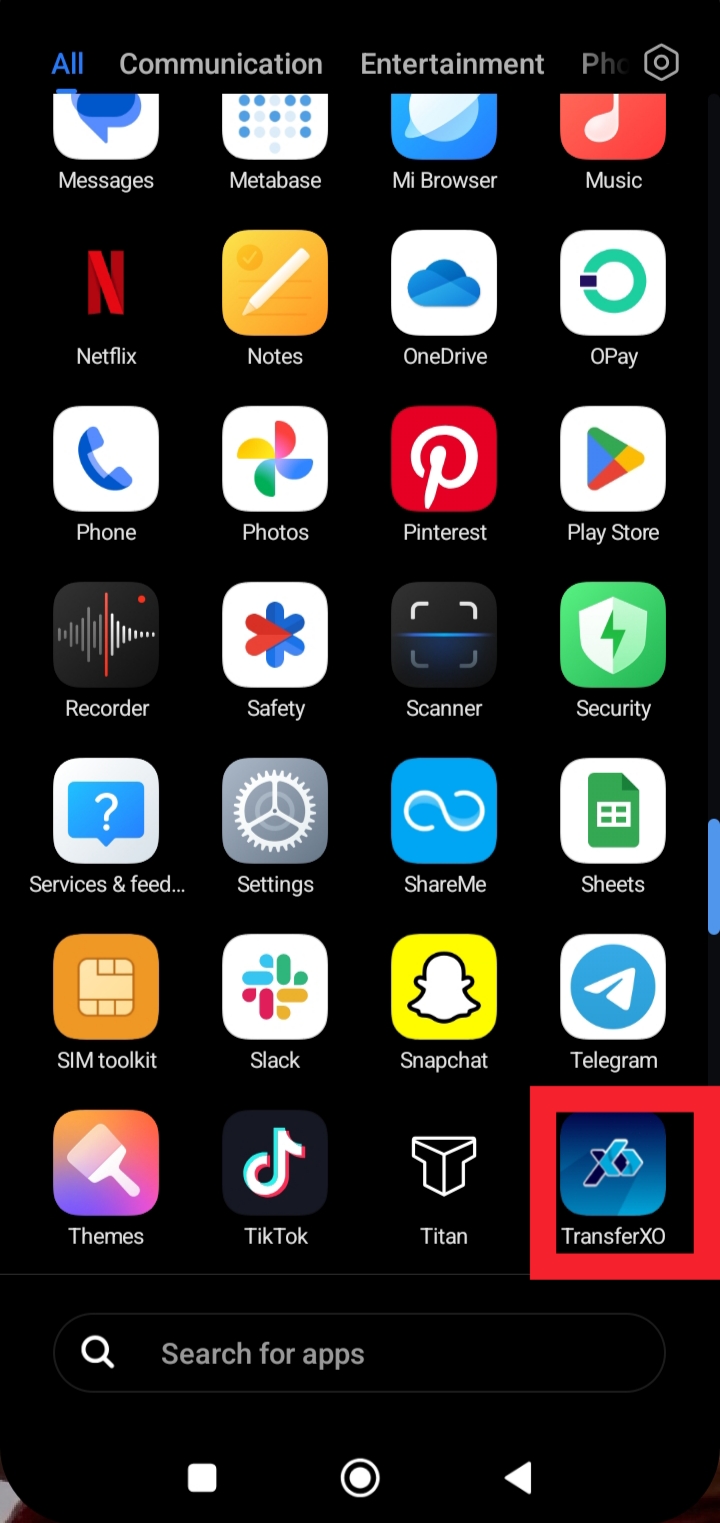
Step 1: Launch the TransferXO app on your mobile device.
Open the app to access your account services.
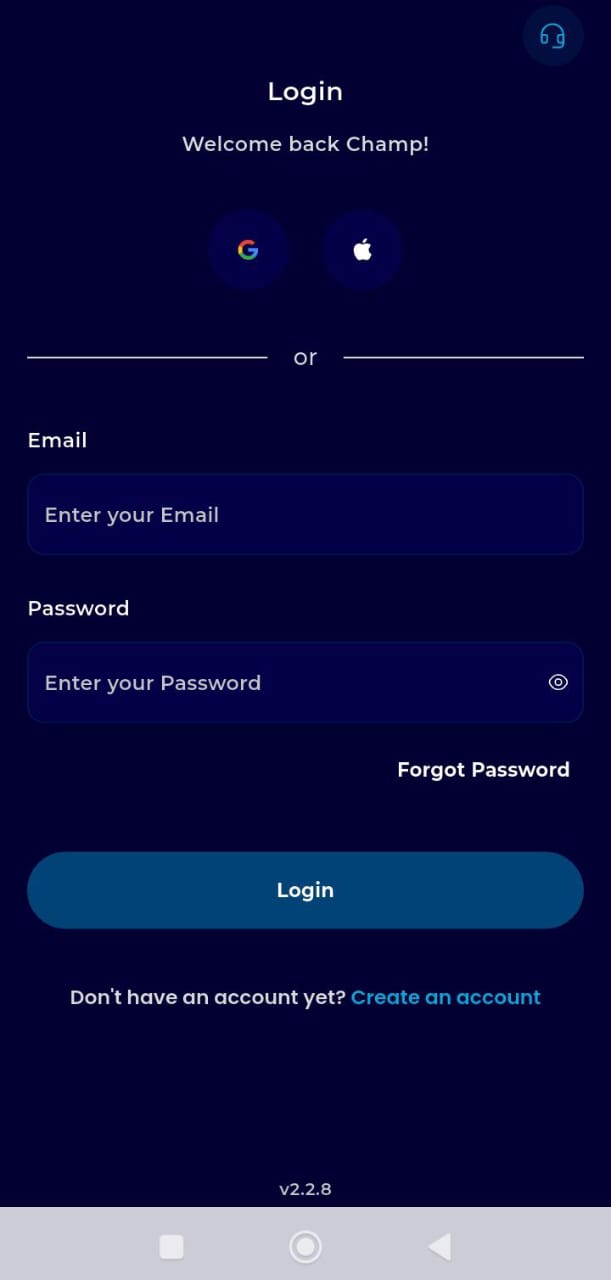
Step 2: Login to your account.
Enter your username and password to securely access your dashboard.
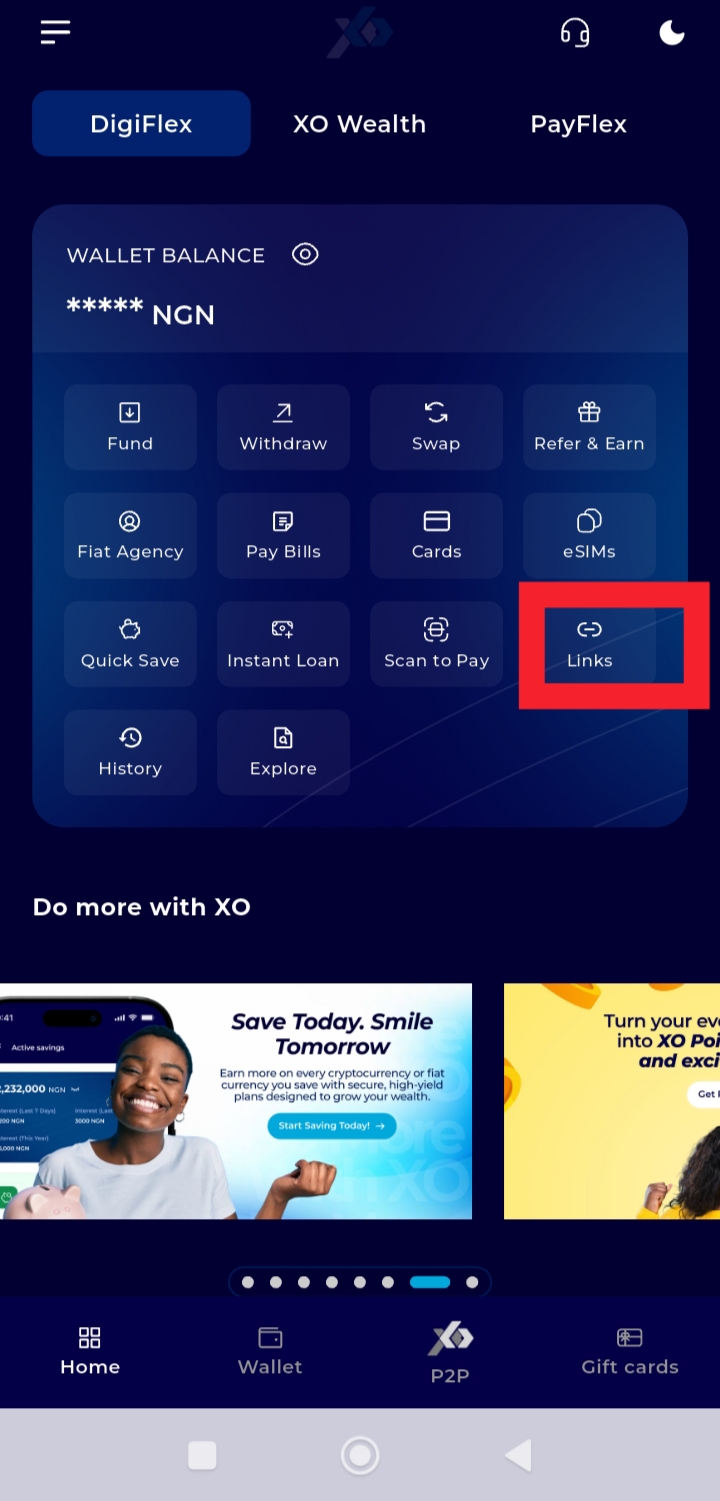
Step 3: On your Dashboard, tap Links.
This takes you to the payment link management section.
Step 4: Select the payment link you would like to view.
Tap the specific link to open its details.
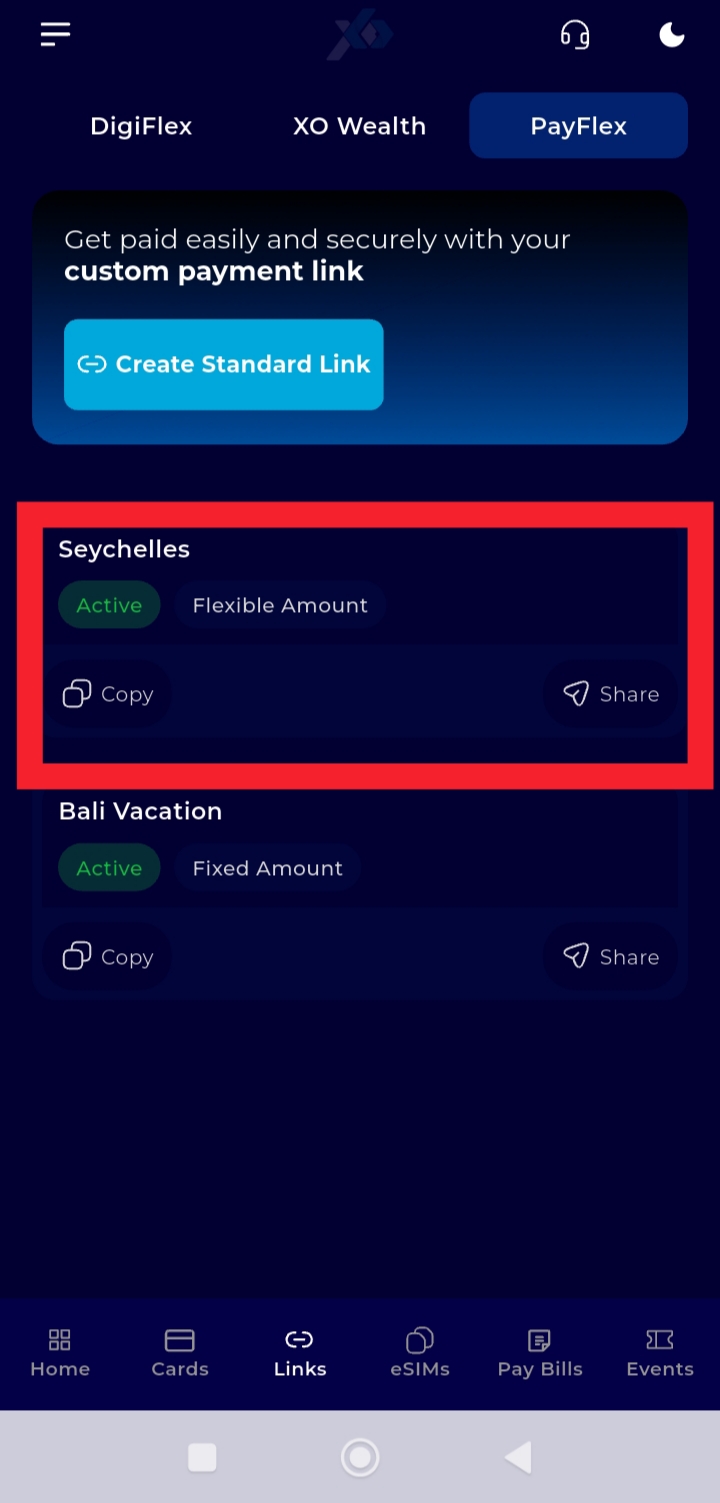
Step 5: Review the payment link information.
Here, you can view details such as the link title, amount type (Fixed or Flexible), payment status, and other relevant information.
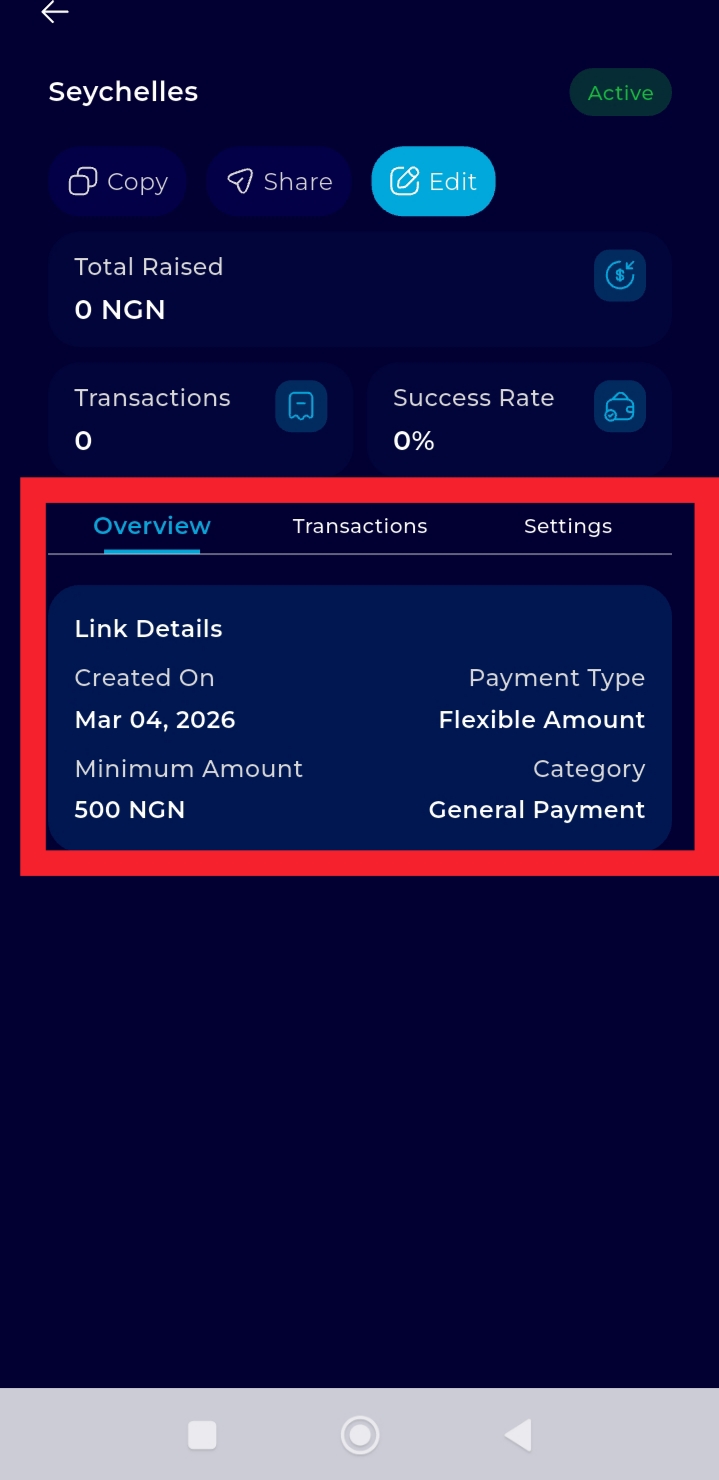
You can now monitor your payment link activity anytime and track its performance with ease.