


Follow the steps below to view your card details using the TransferXO mobile web app.
Step 1: Open the TransferXO Mobile Web App
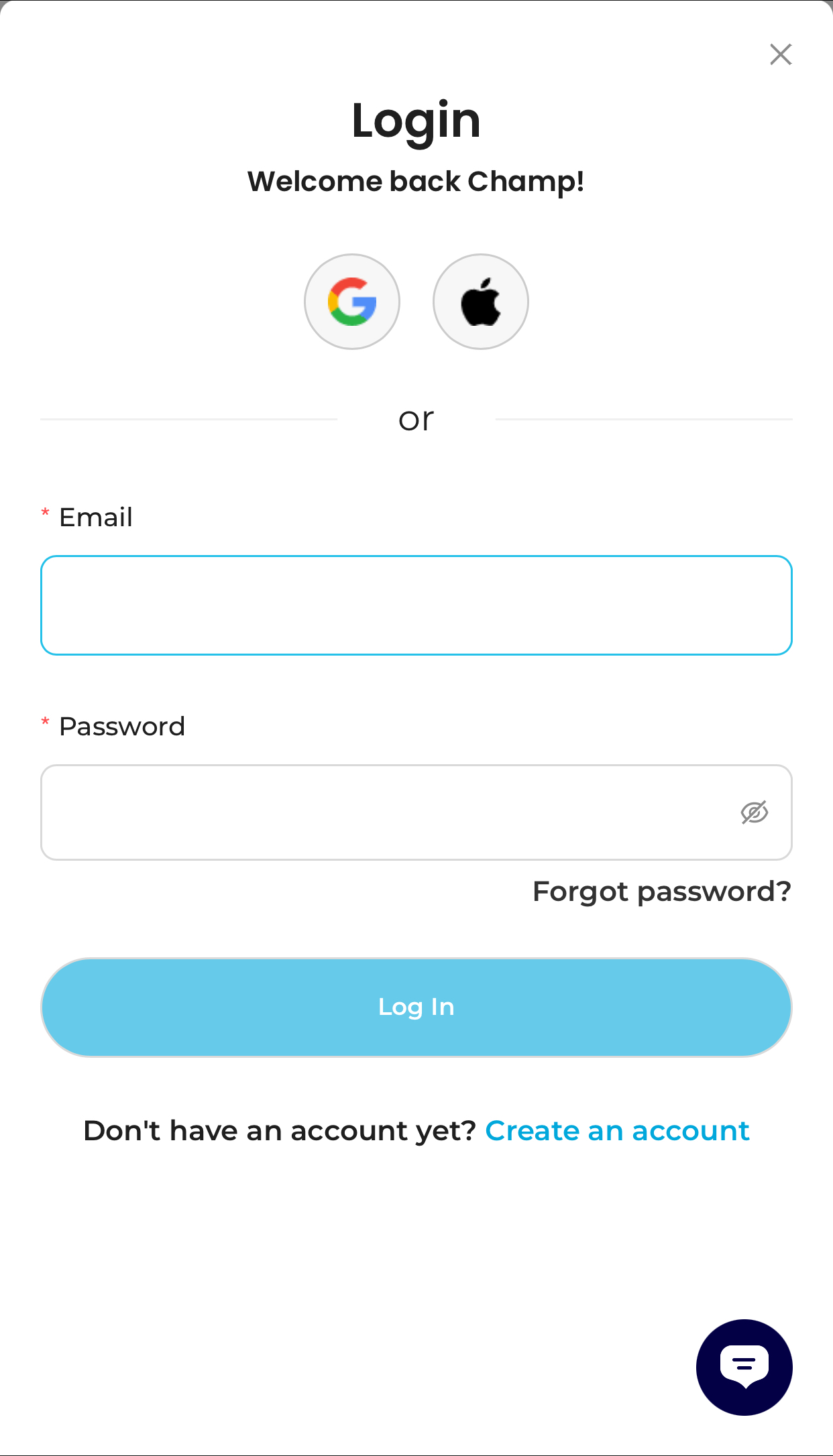
Open your mobile browser and log in to your TransferXO account.
- Enter your email address and password.
- If you registered using Gmail or Apple ID, select the corresponding option to log in.
Step 2: Go to Your Dashboard
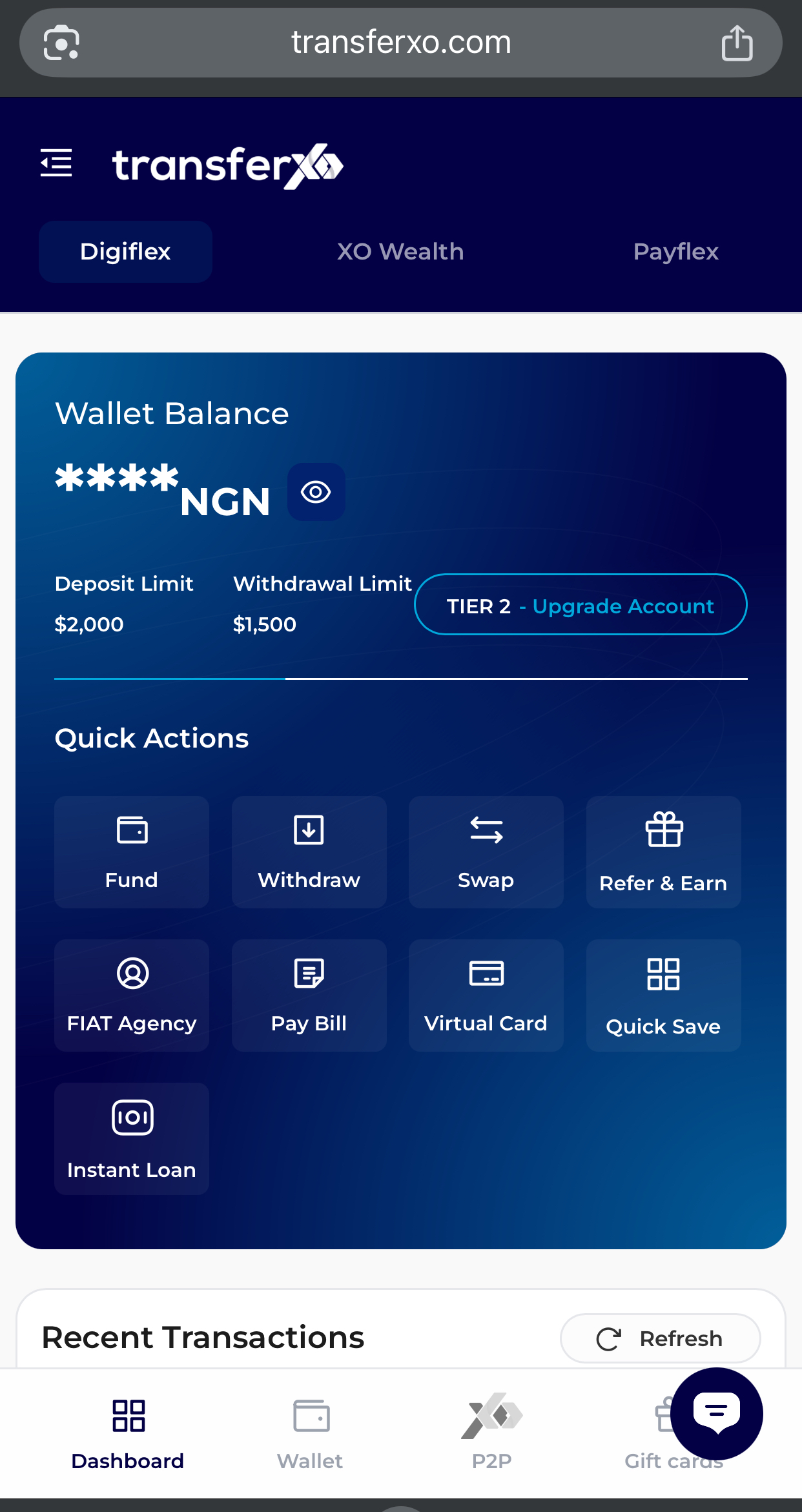
Once logged in, you’ll be directed to your dashboard.
Step 3: Select Cards
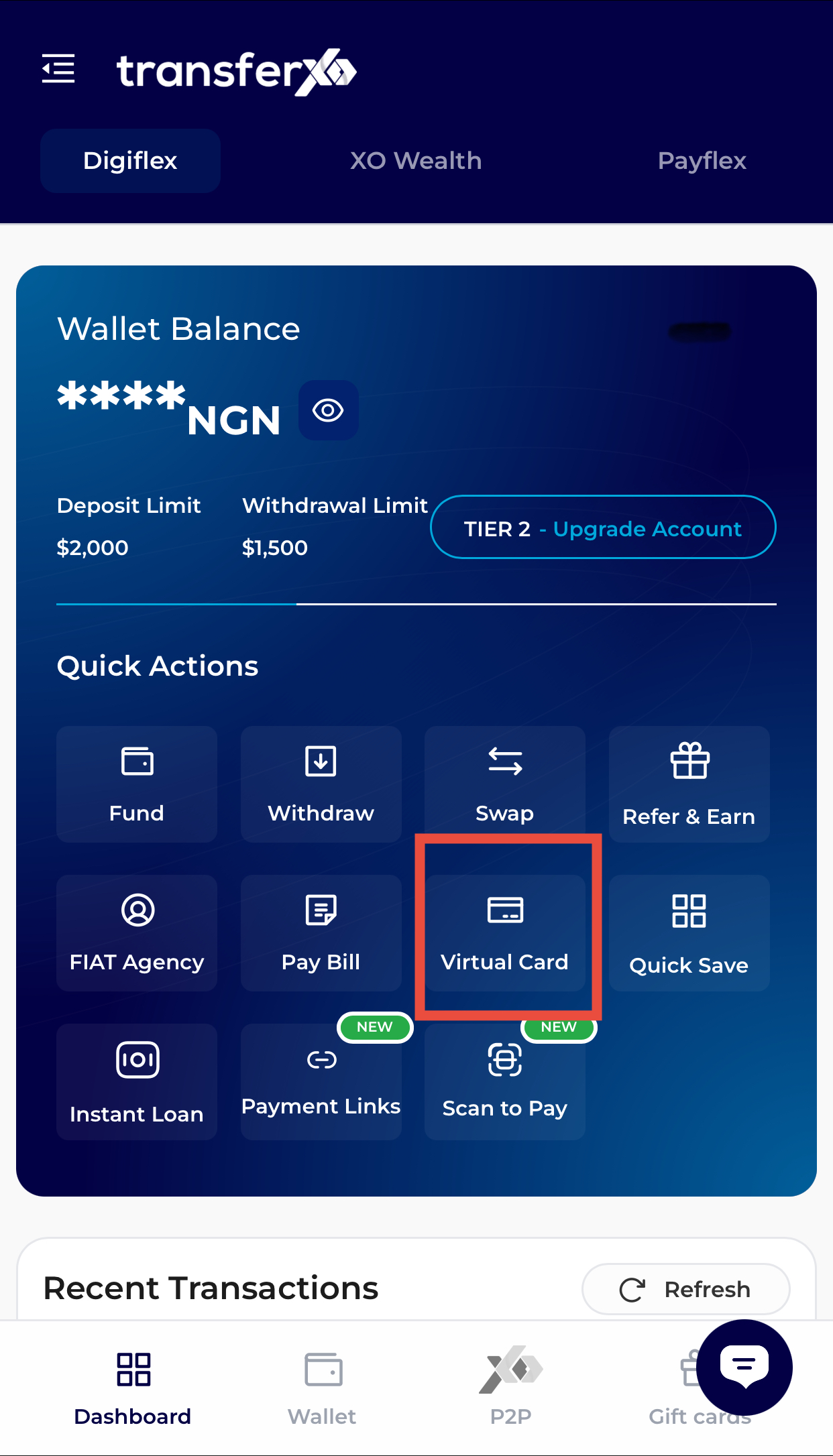
Tap Virtual Cards on the dashboard
OR
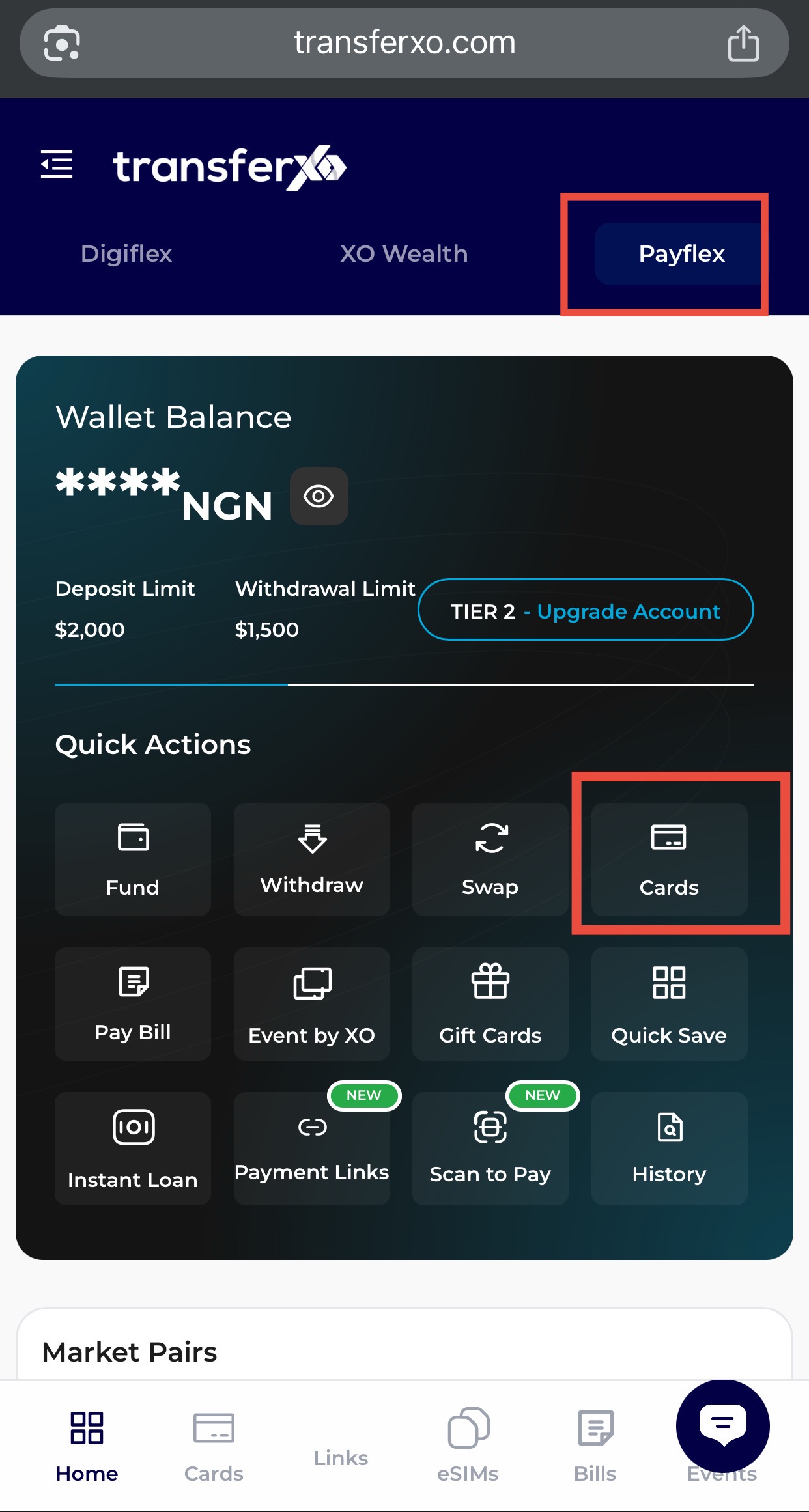
Navigate to PayFlex and select Cards from the menu.
Step 4: Select the Card
Tap the card you want to manage to view its details.
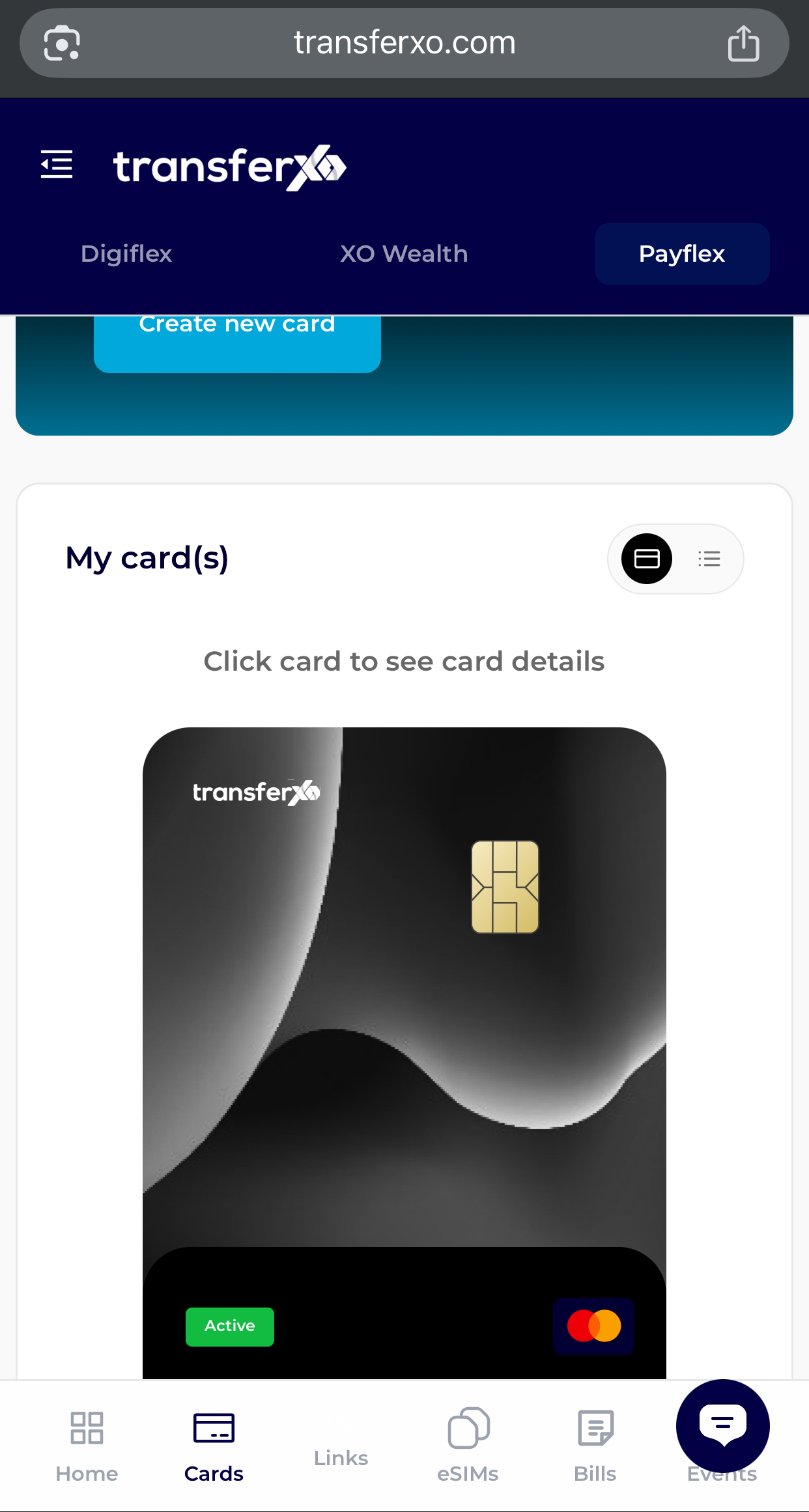
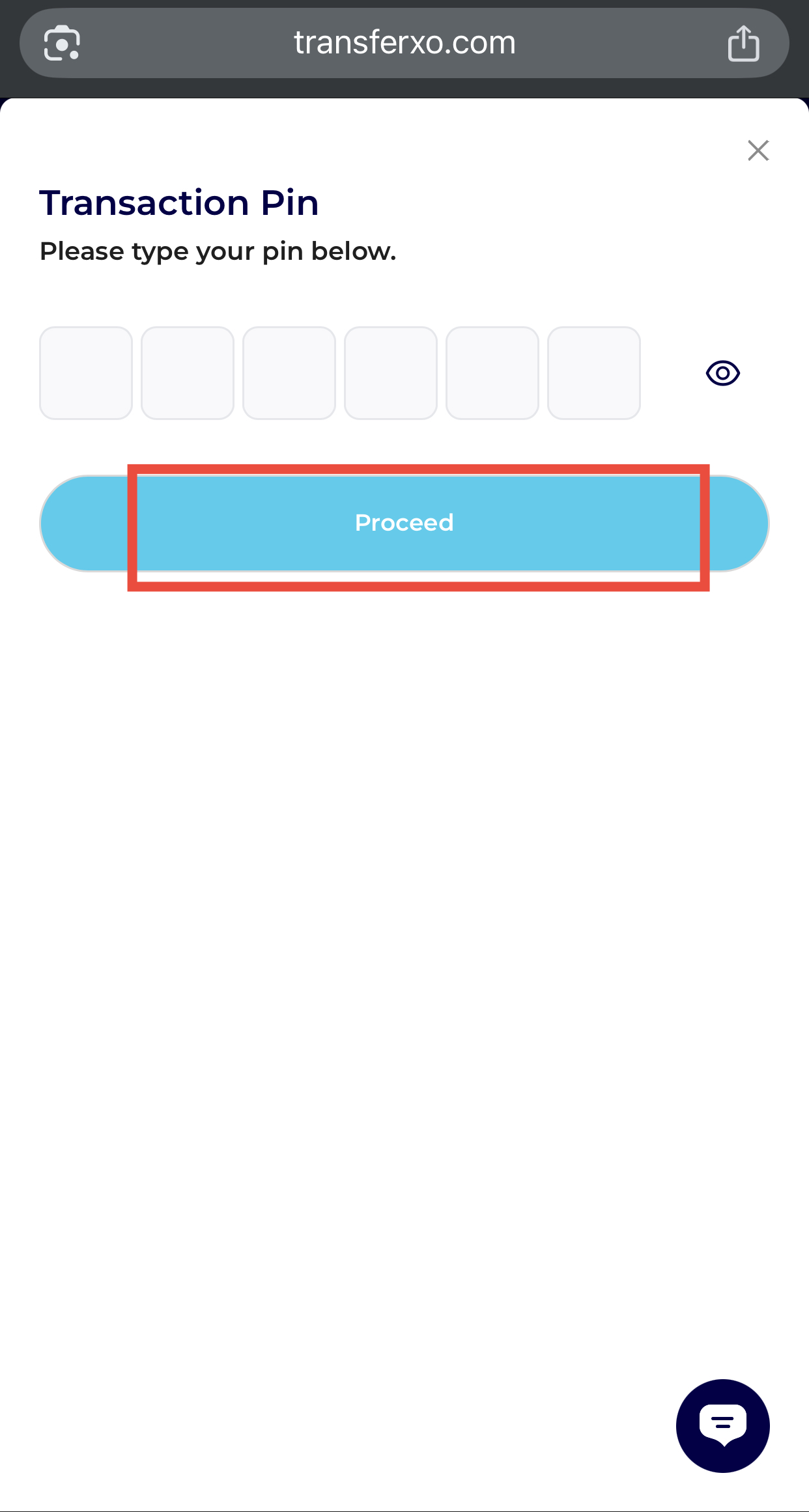
Step 5: Enter Your Transaction PIN
Input your Transaction PIN to verify your identity.
Step 6: View Card Details
Once verified, you will be able to see your card details, including:
Cardholder name
Card number
Expiry date
CVV
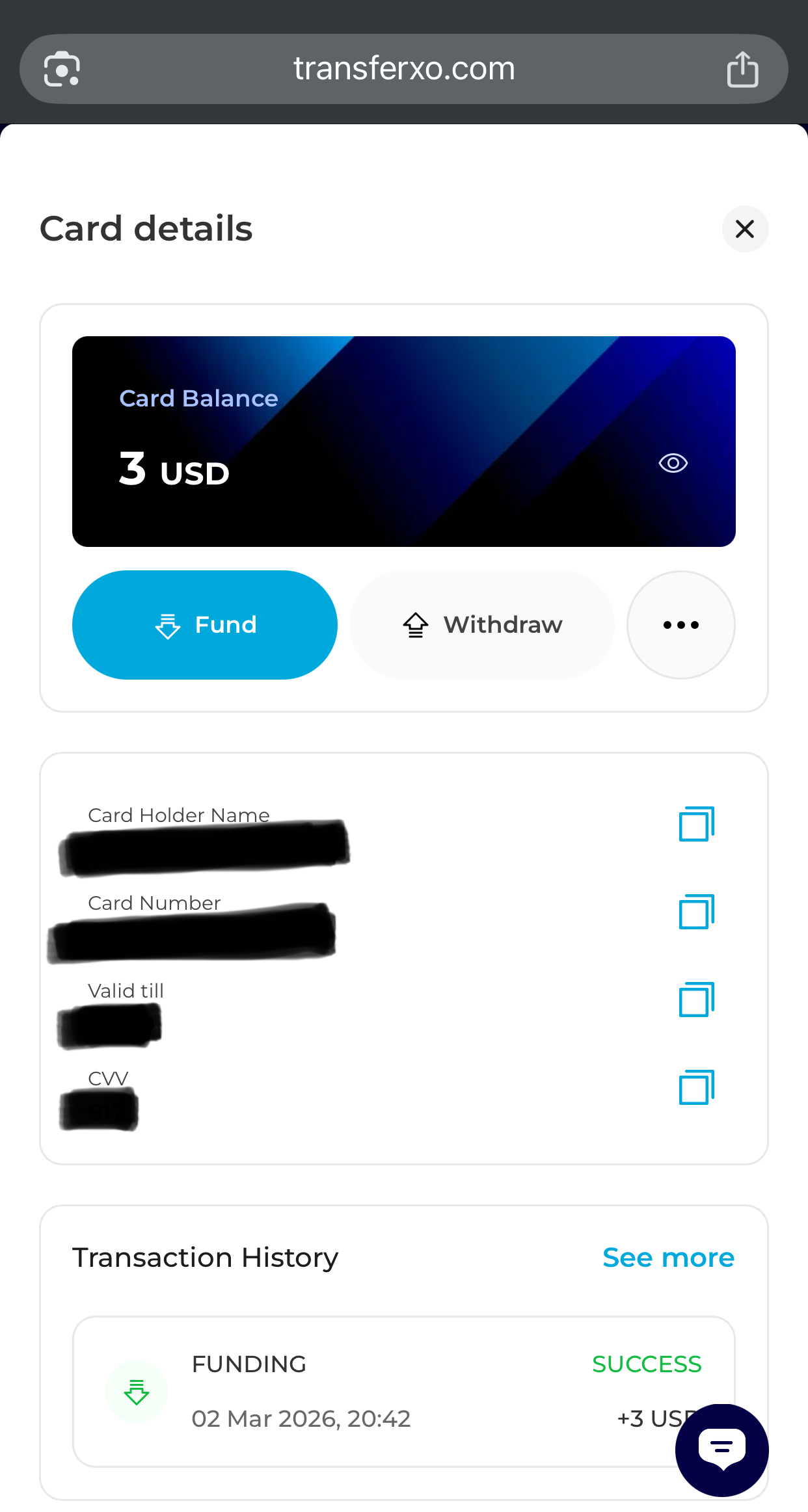
Your card details will now be displayed securely on your screen.