


Pre-Transaction Requirements
Before initiating a withdrawal, ensure the following:
Account Verification: You must have completed Tier 2 (Identity) verification.
Transaction PIN: You have your 6-digit security PIN ready.
Bank Match: The destination bank account name must match your TransferXO profile name.
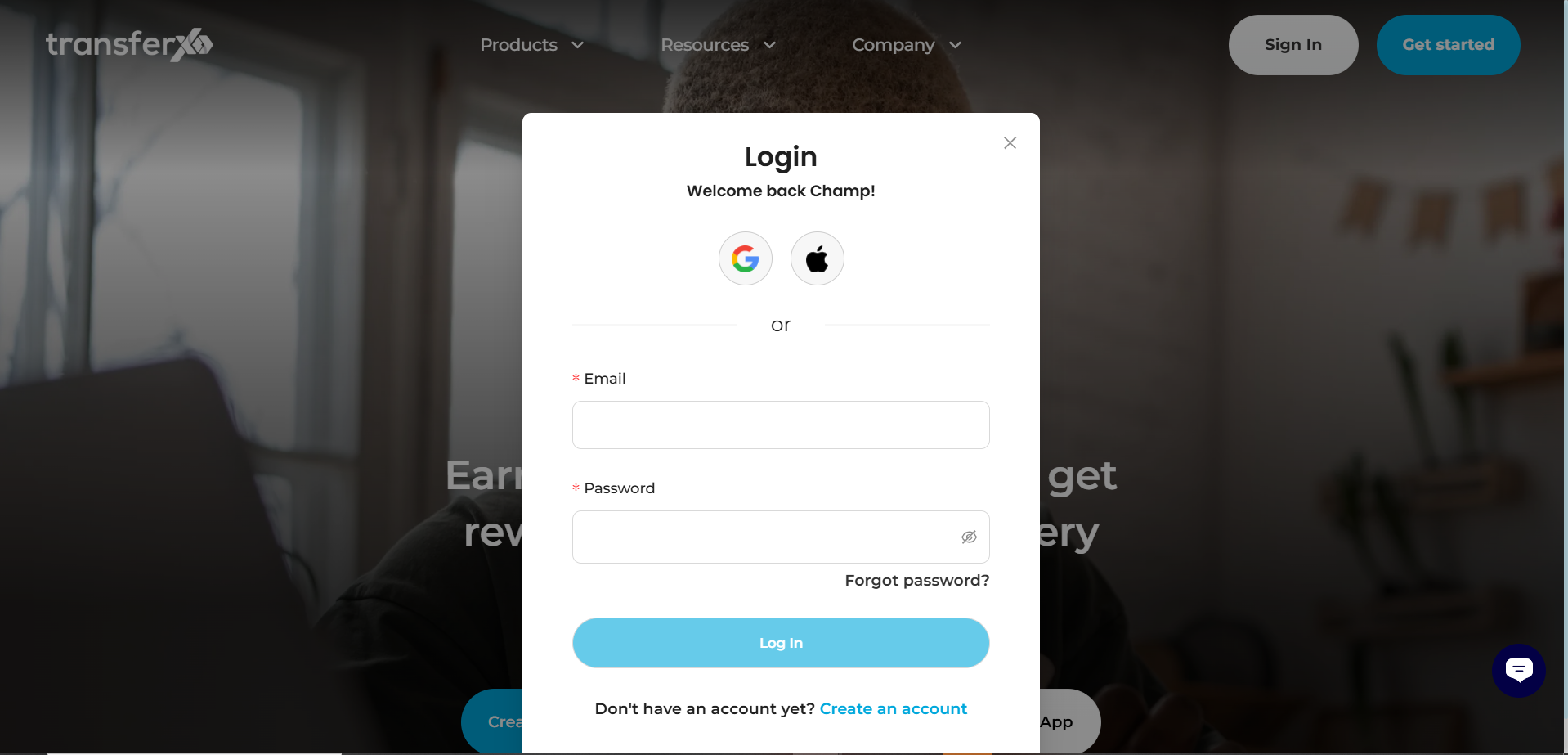
Step 1: Login
Navigate to transferxo.com and click Login. Authenticate your session
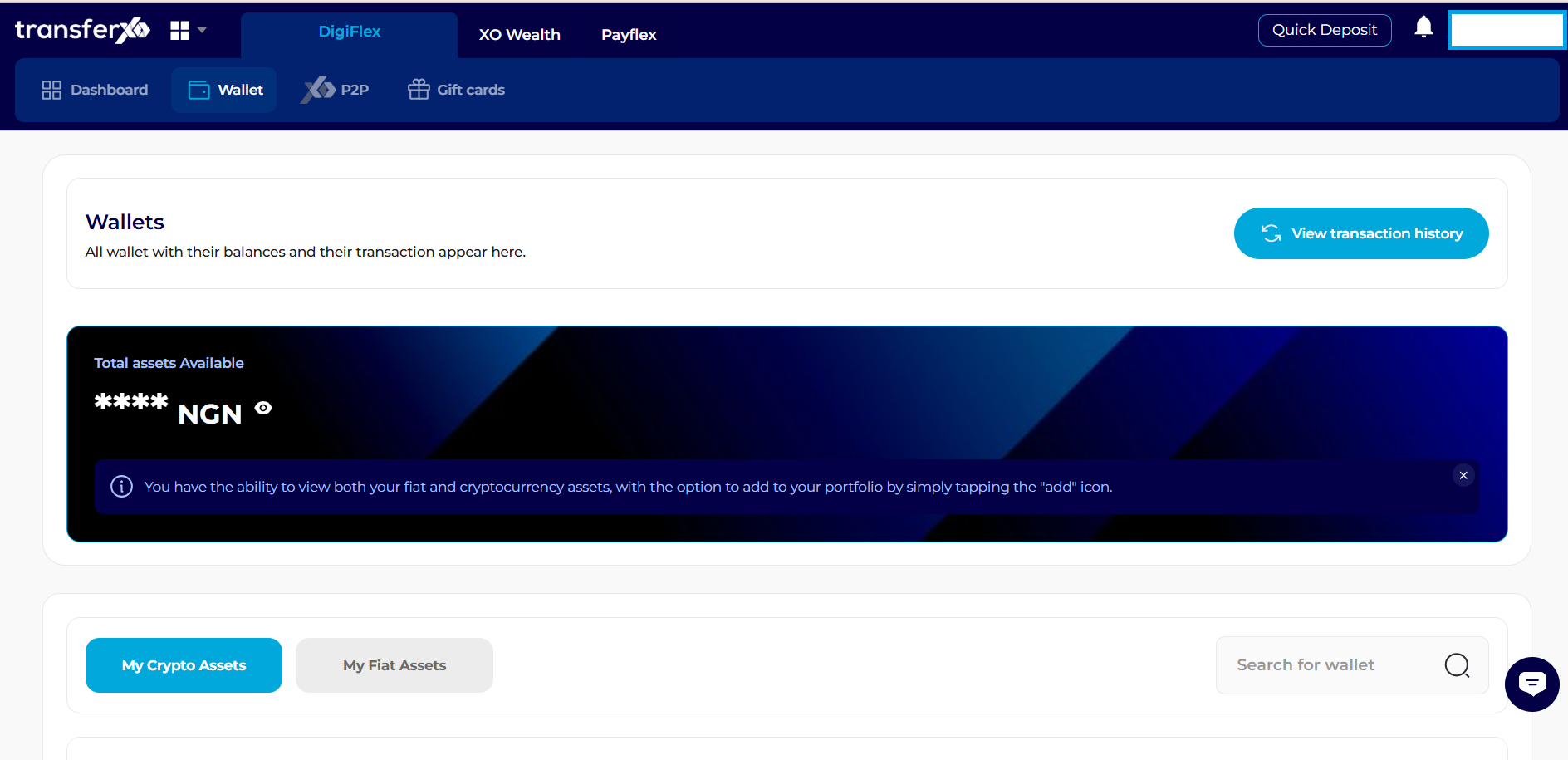
Step 2: Wallet Navigation
From the top navigation menu, click Wallet.
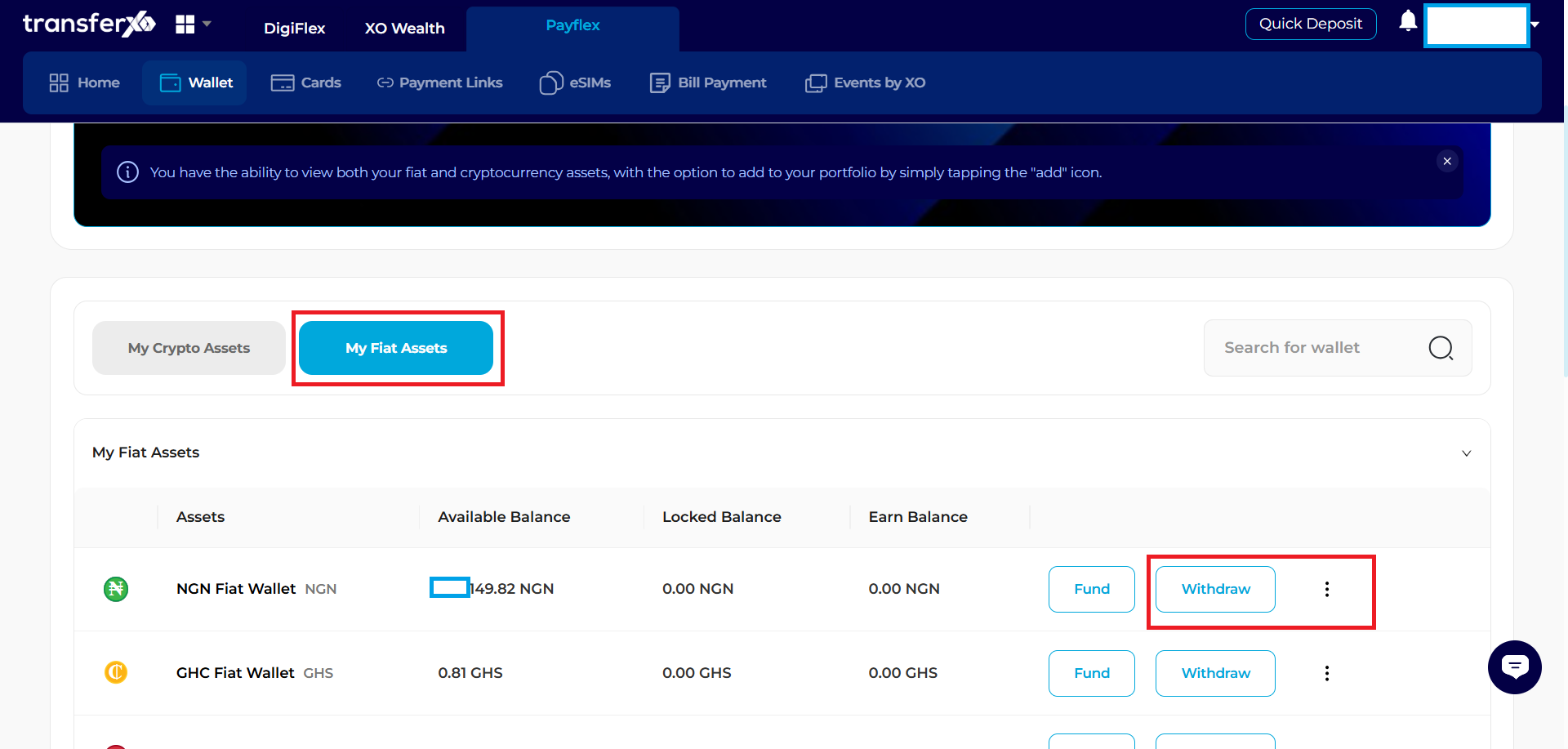
Step 3: Selection
Scroll to the "My Fiat Assets" section.
Locate the NGN row and click the Withdraw button on the right.
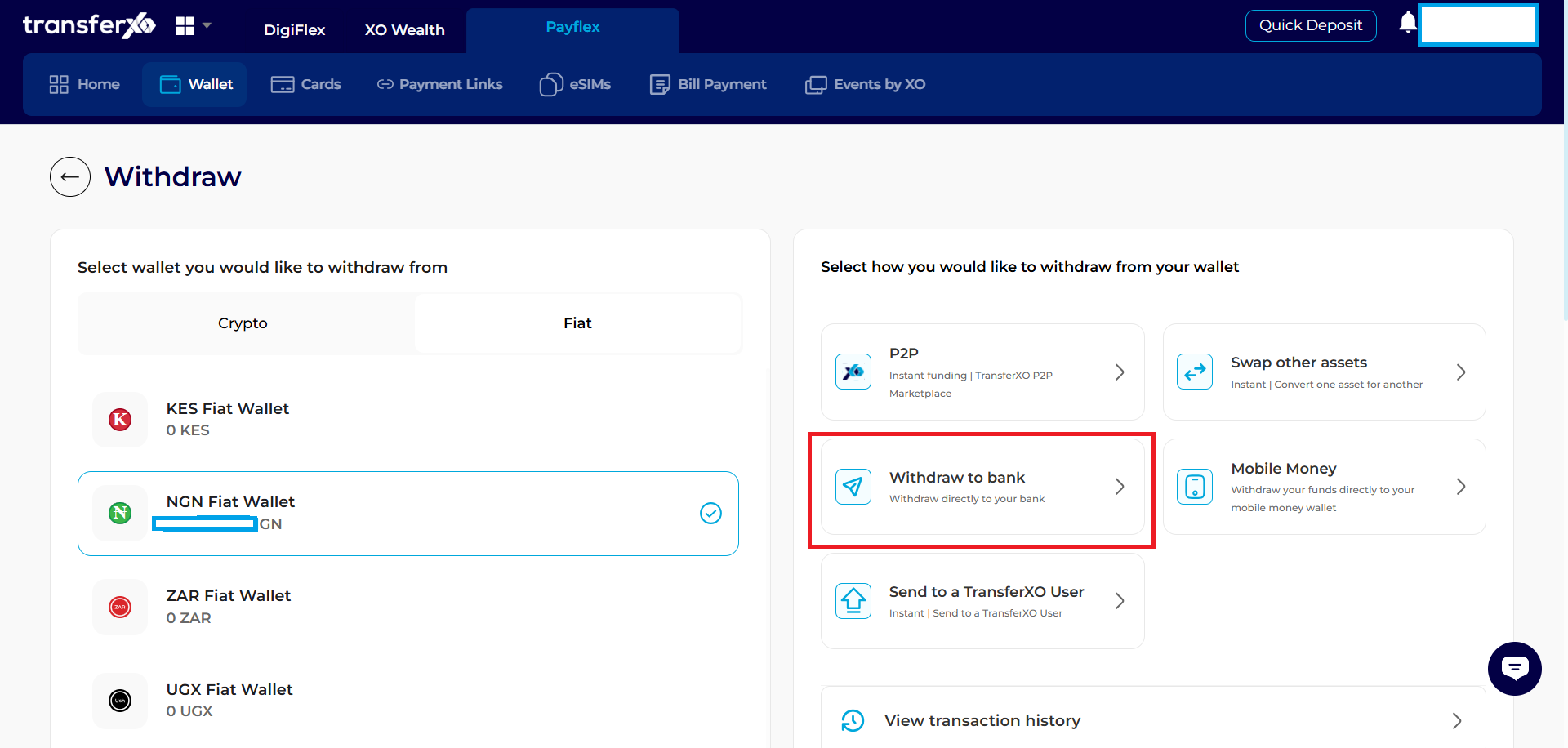
Step 4: Withdrawal Panel
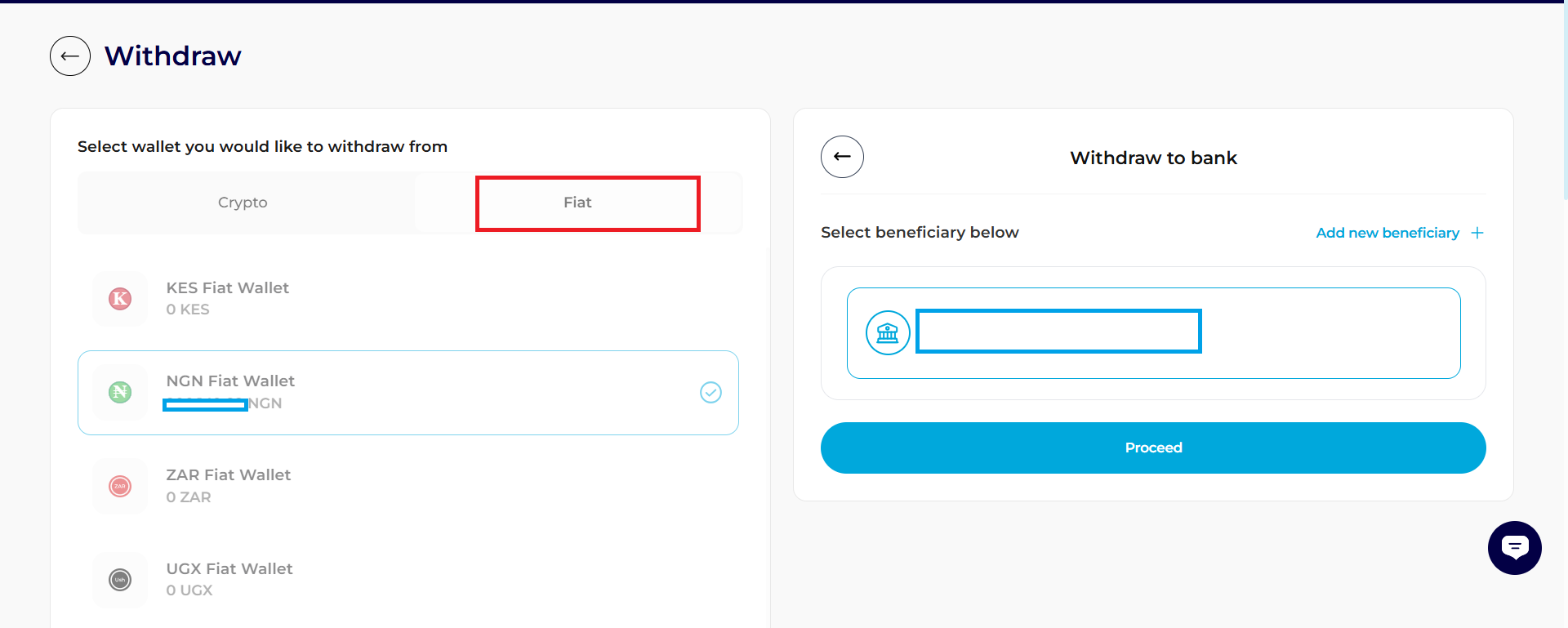
A panel will slide out from the right side of the screen. Select Withdraw to Bank.
Step 5: Verification & Execution:
Select your saved Beneficiary and enter the Amount.
Click Proceed.
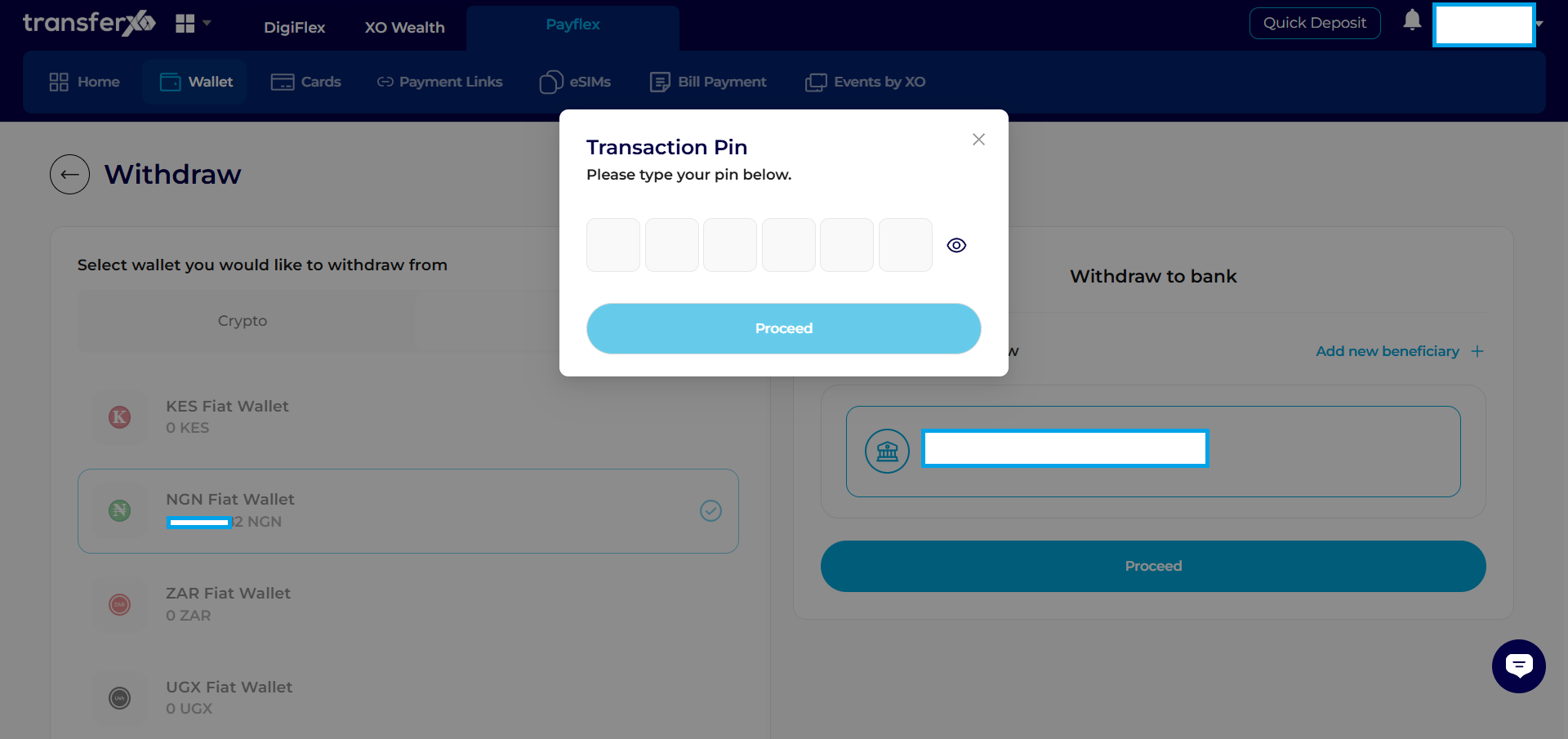
Step 6: Input Transaction Pin
Enter your Transaction PIN and click Proceed.
Congratulations, Your Withdrawal Is Completed!