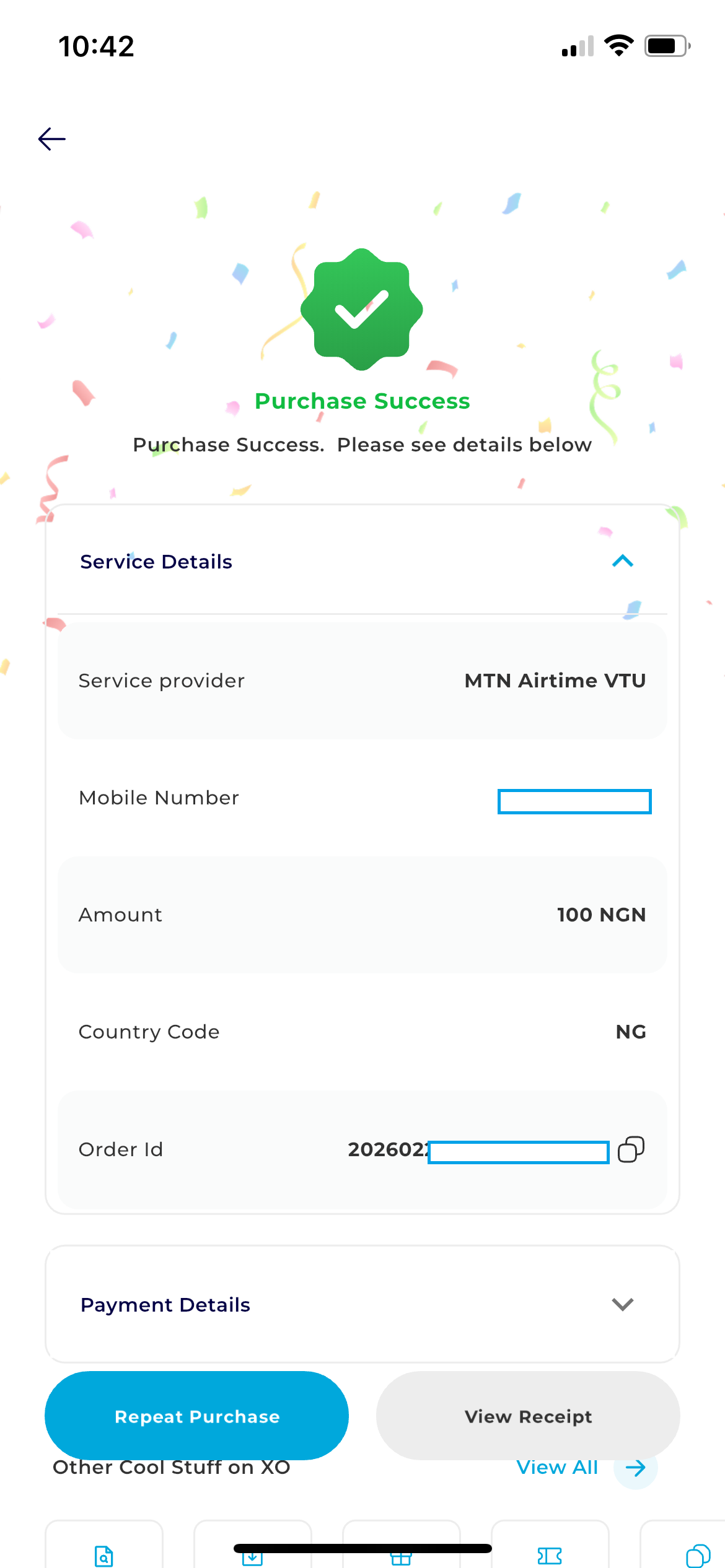
Step 1: Authentication
Open the app, enter your credentials, and log in to reach your DigiFlex dashboard.
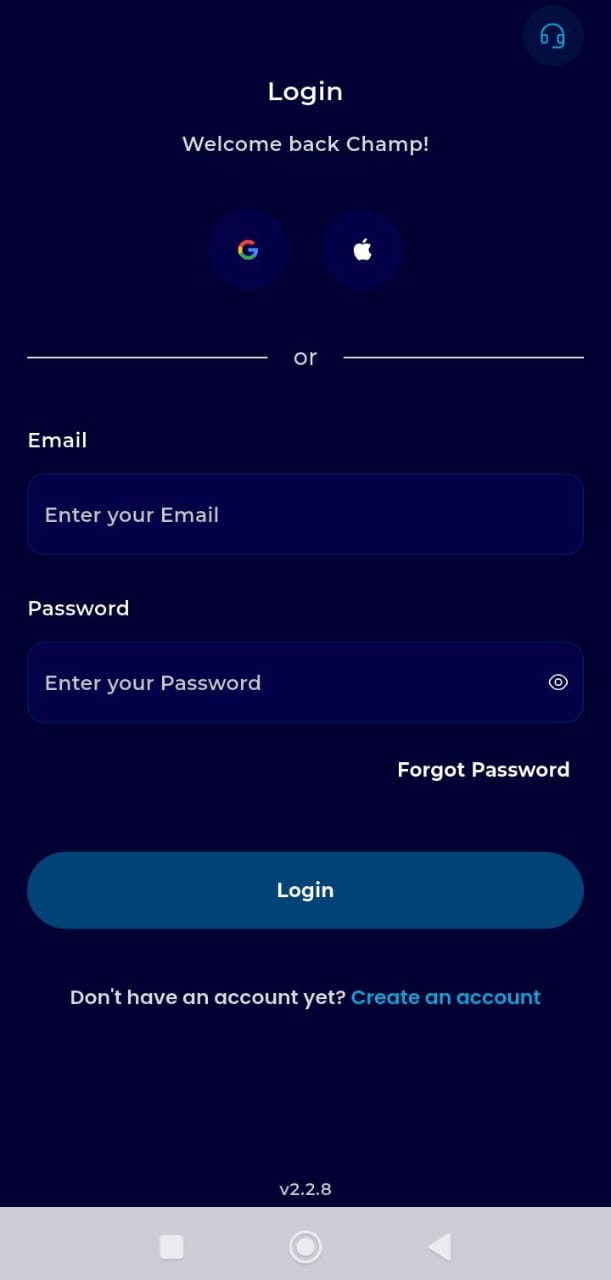
Step 2: Access PayFlex
Locate the Key Offering Panel (the row of icons at the top-left). Tap on PayFlex.
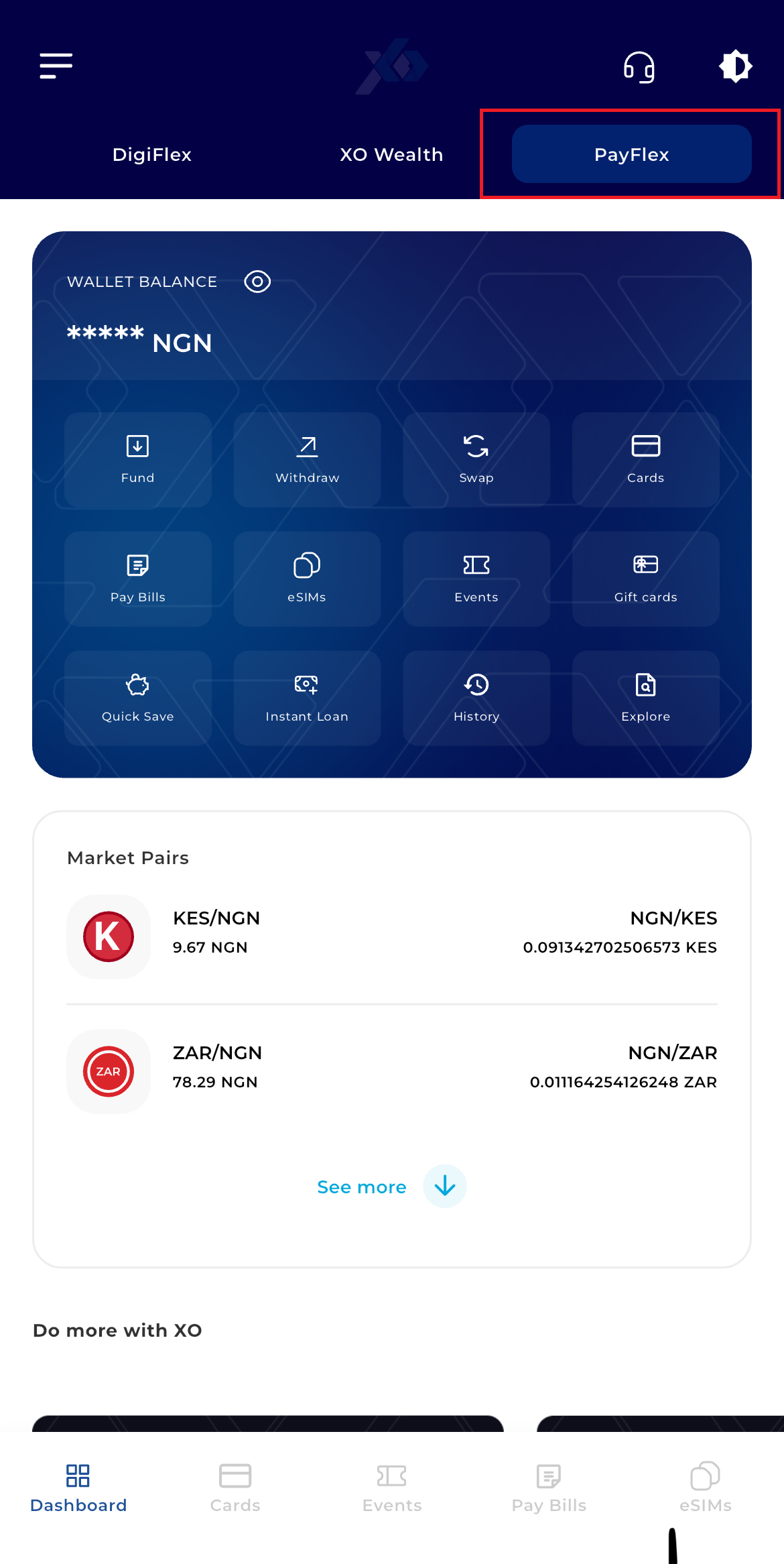
Step 3: Navigate to Bills
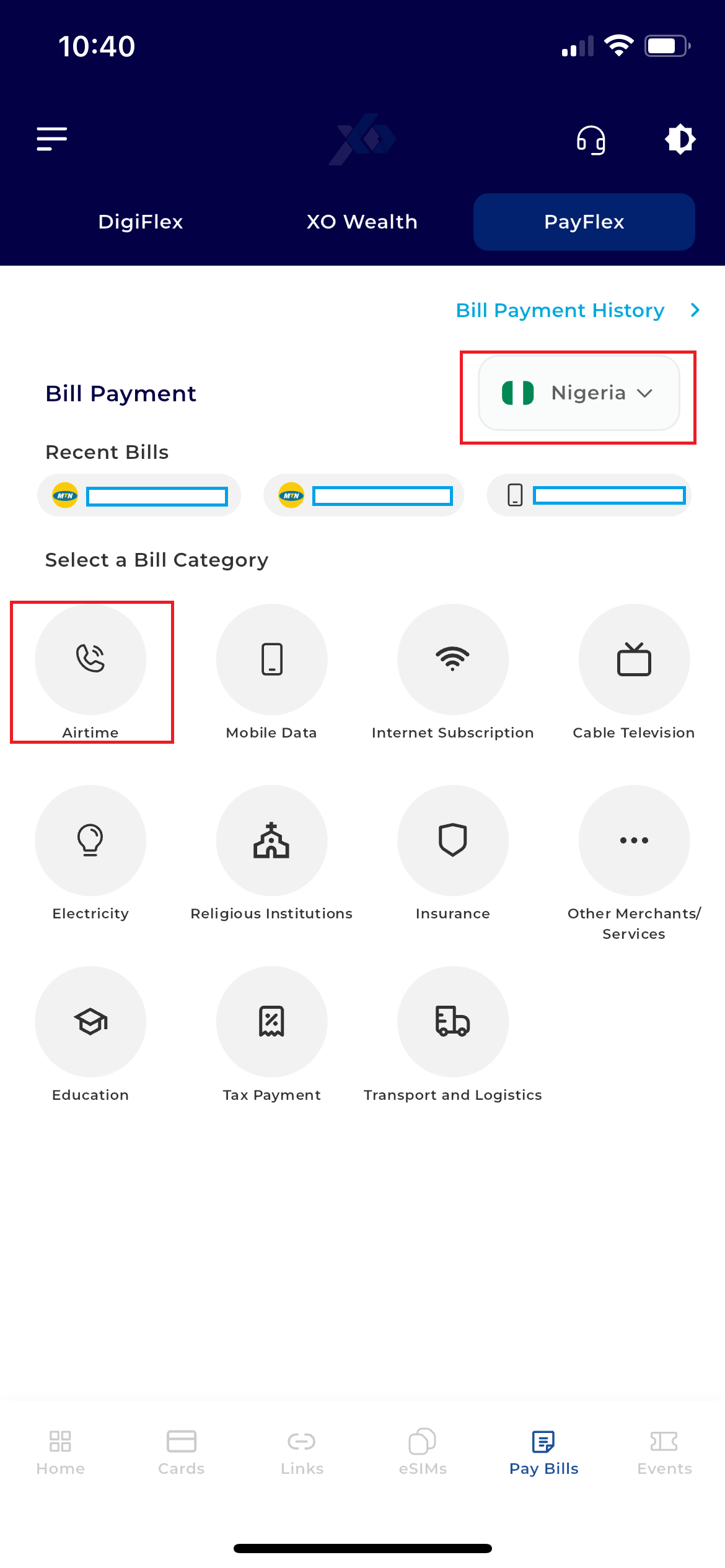
On the PayFlex dashboard, tap the Pay Bills tab at the bottom of the screen.
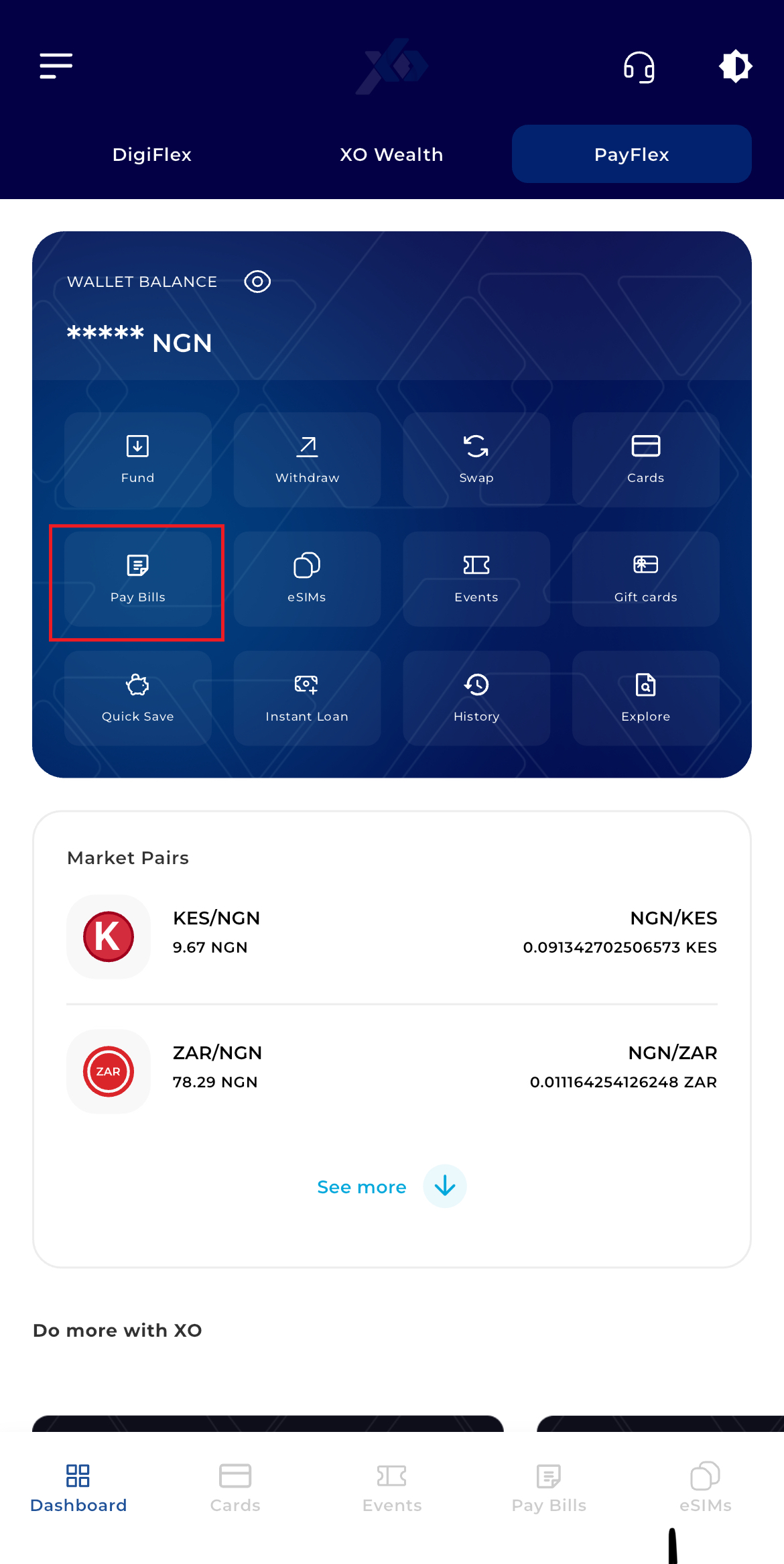
Step 4: Select Category
Choose your Country, then tap on the Airtime category.
Step 5: Enter Details
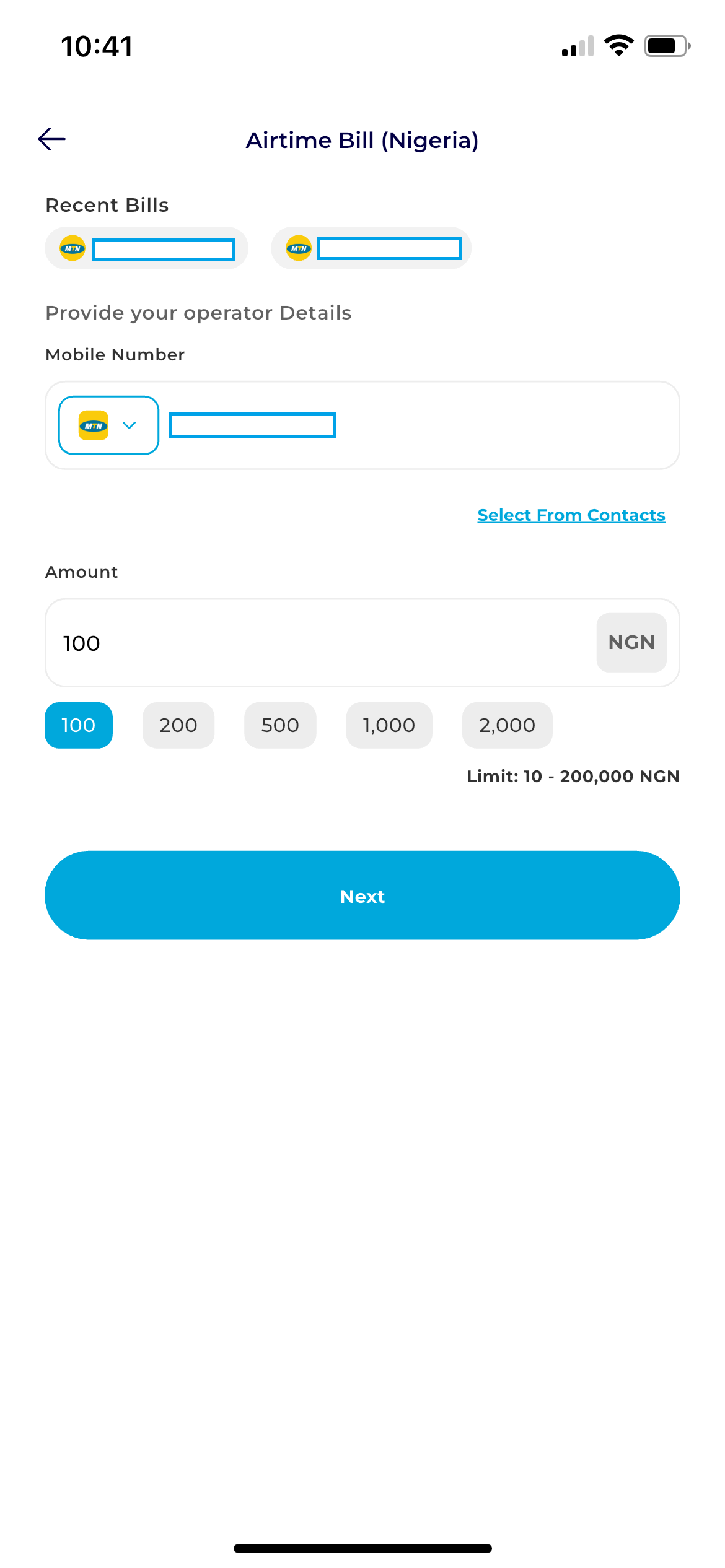
- Network: Choose your provider (MTN, Airtel, Glo, or 9mobile).
- Mobile Number: Enter the recipient's phone number.
- Amount: Input how much you wish to recharge.
Step 6: Payment Method
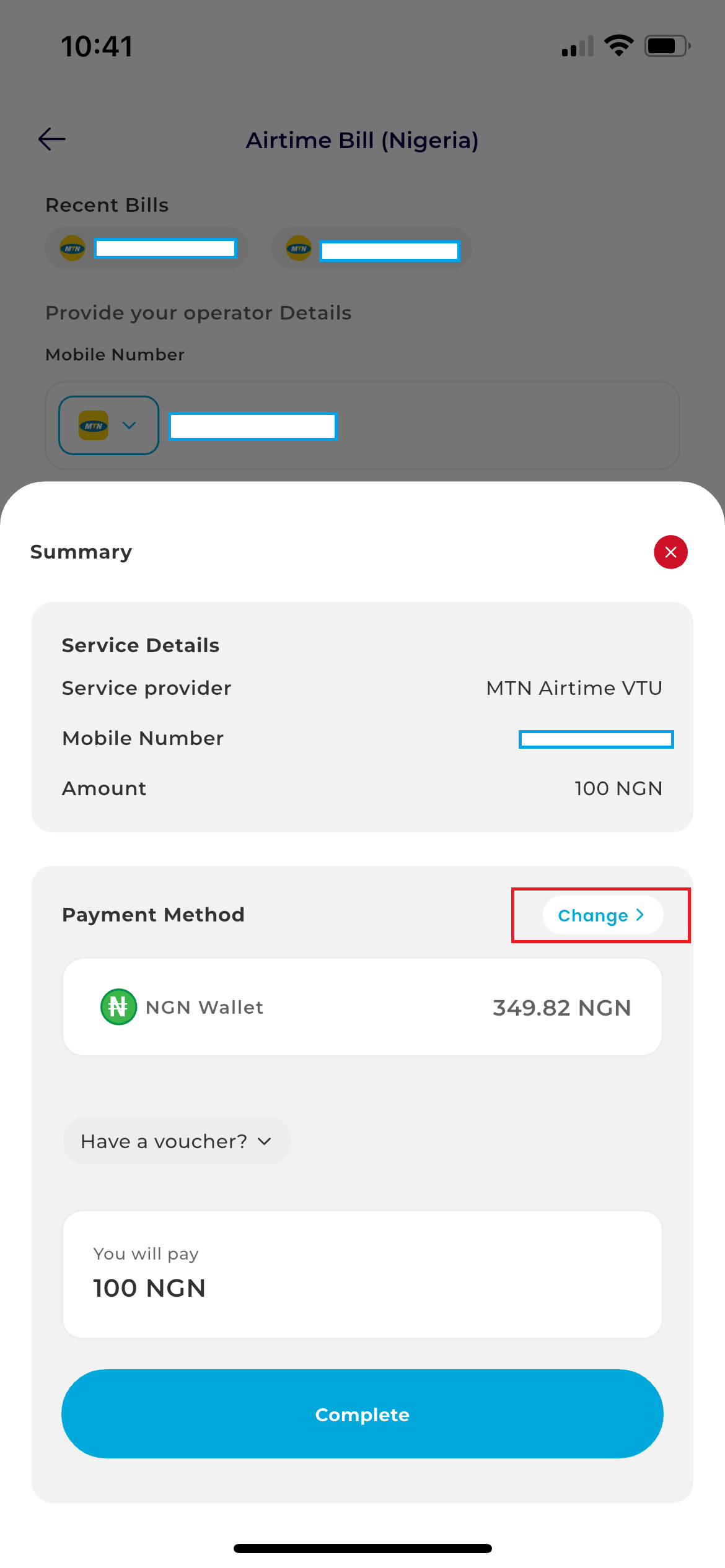
Tap Next. Select either your Fiat Wallet or Crypto Wallet, then choose the specific asset you want to spend (e.g., NGN or USDT).
Step 7: Authorize
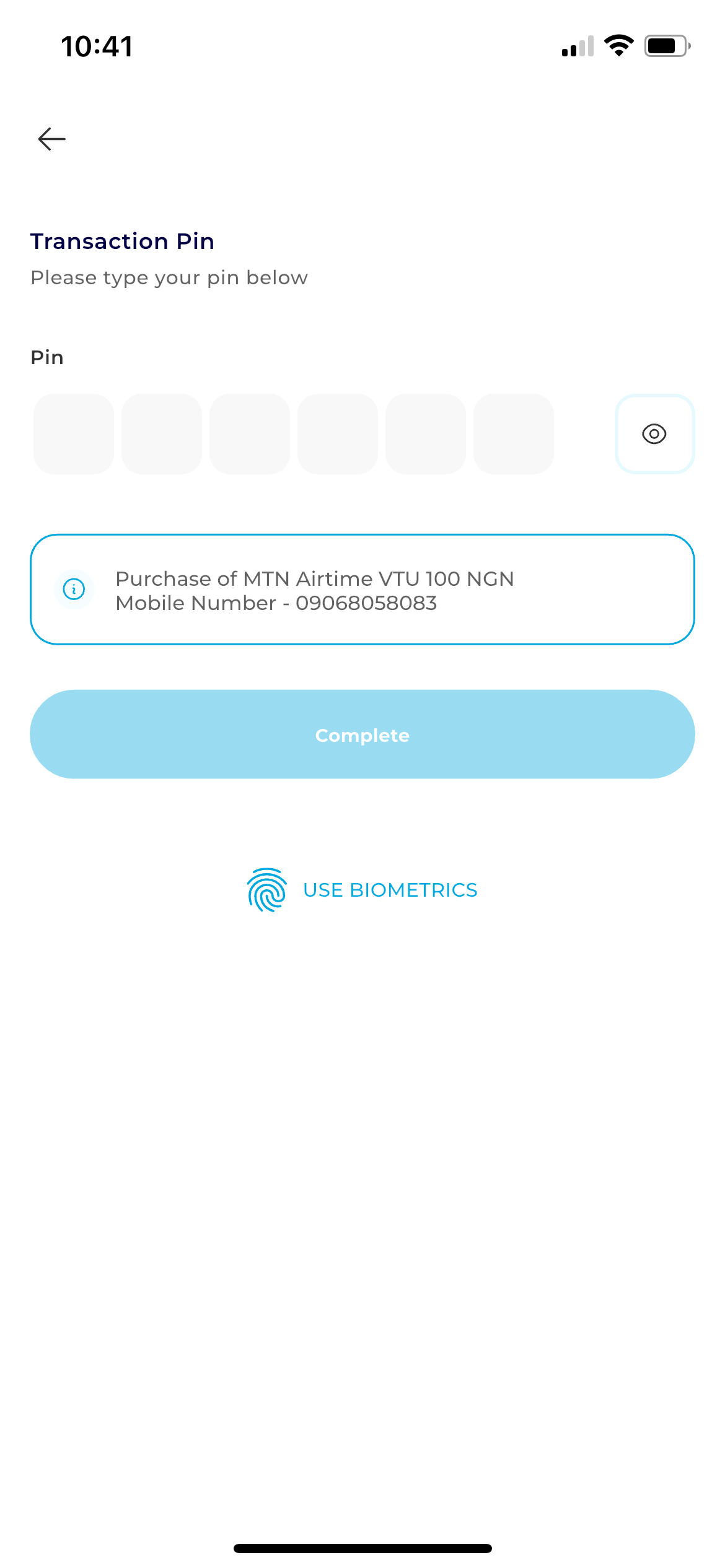
To Authorize, enter your 6-digit Transaction PIN, and tap Complete.
Congratulations, you have successfully purchased your desired Airtime.