


This guide will walk you through how to purchase an eSIM on TransferXO using your mobile browser.
Step 1: Launch your preferred browser and go to TransferXO.com.
Open your browser on your device to access the TransferXO website.
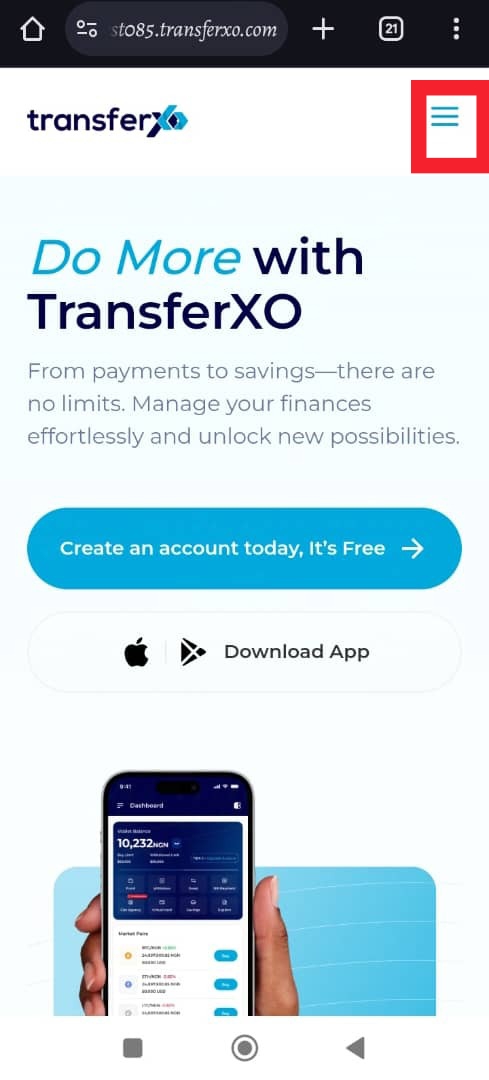
Step 2: Click on the Hamburger menu to access your Dashboard.
The three-line menu will open navigation options for your account.
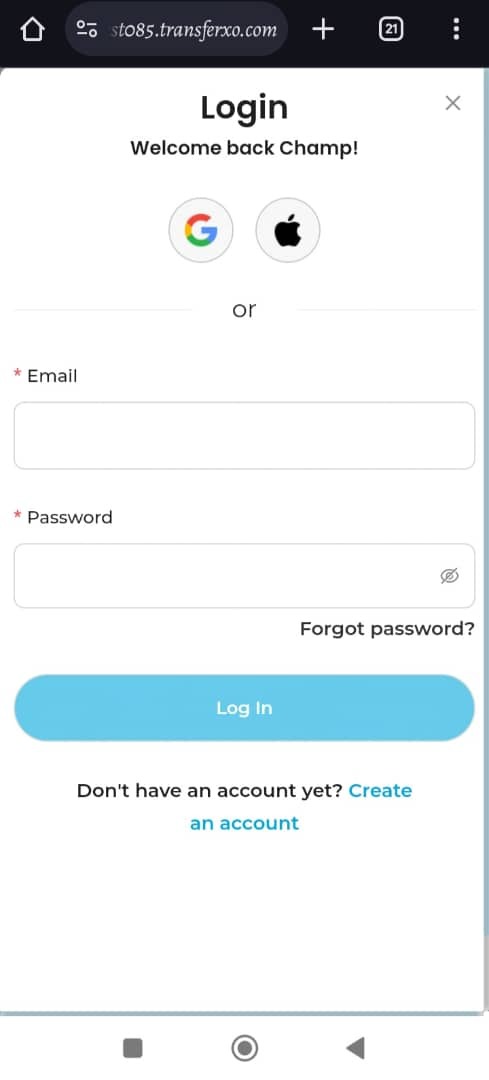
Step 3: Login to your account to access your Dashboard.
Enter your username or email and password to sign in.
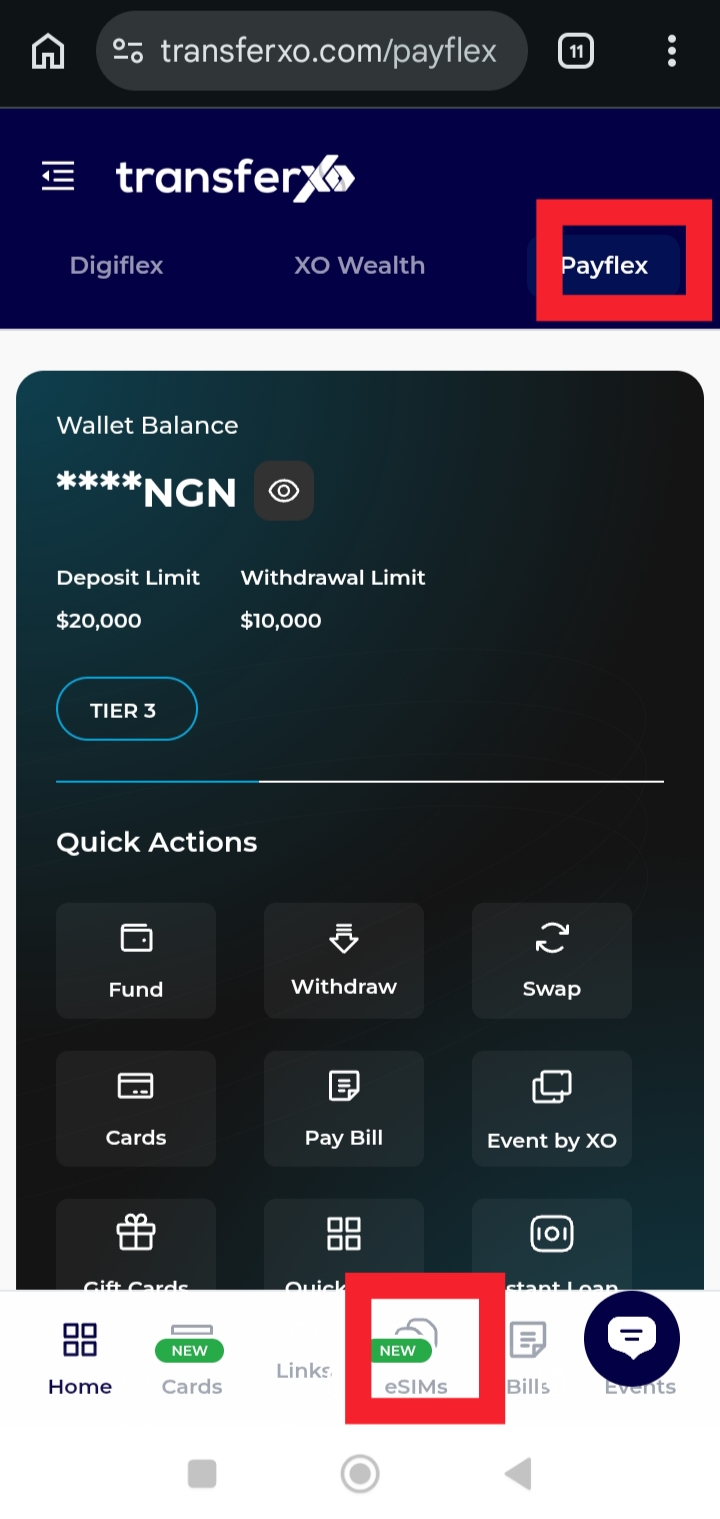
Step 4: Tap on PayFlex and Click on eSIMS.
This will take you to the section where you service options are managed and you can access all the eSIM options available on TransferXO.
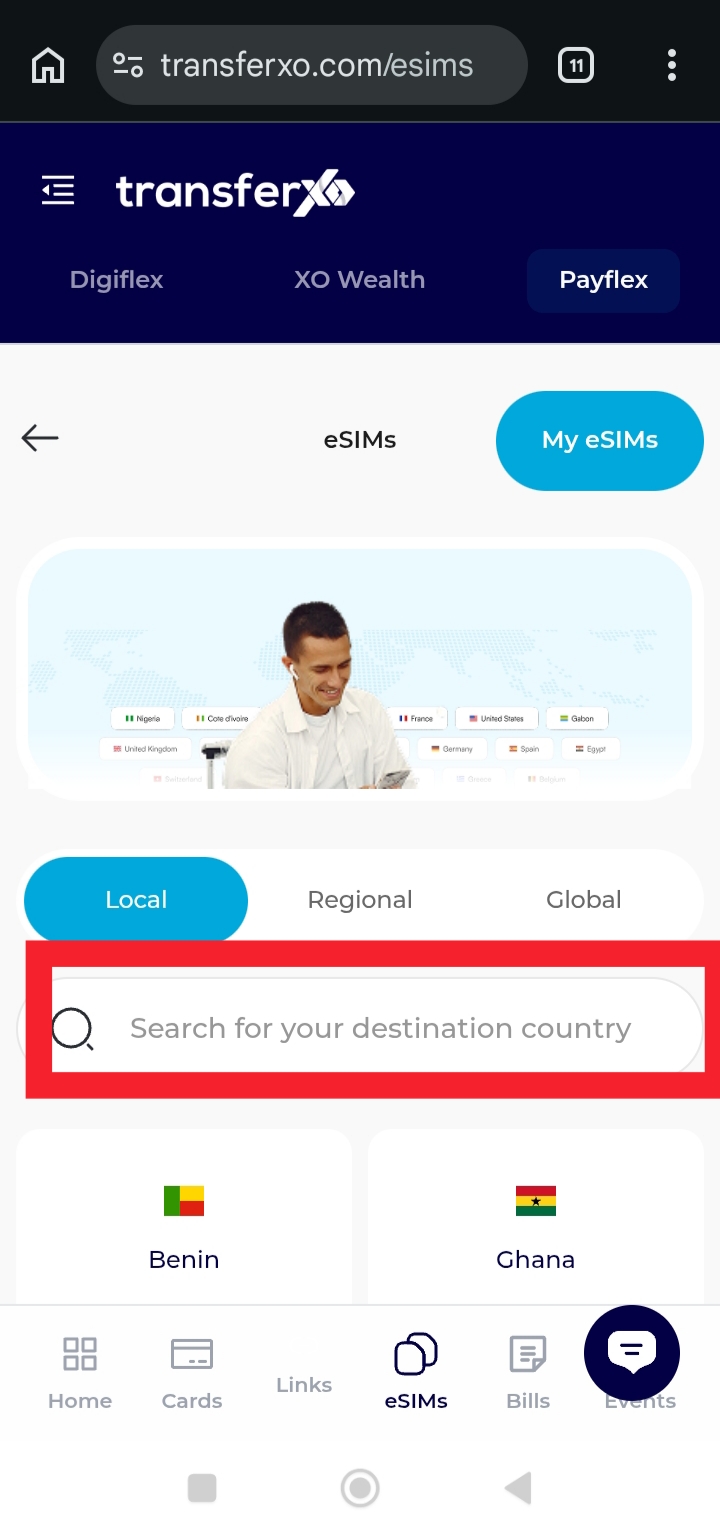
Step 5: Click on your destination country.
Select the country where you want to use the eSIM.
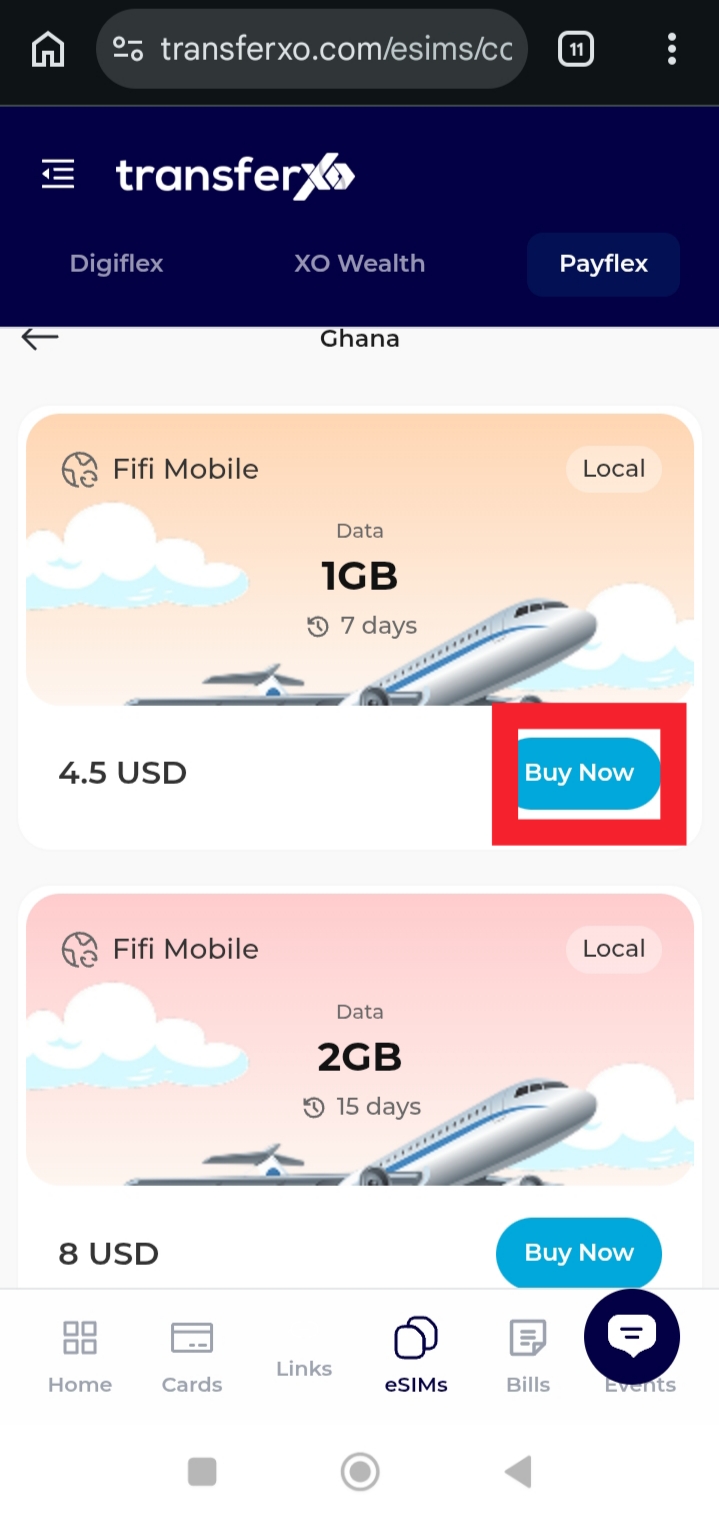
Step 6: Select the plan to buy and tap Buy Now.
Confirm your plan choice and complete the purchase.
This feature makes it easy to get mobile connectivity without a physical SIM card, giving you flexibility and convenience wherever you are.