


Step 1: Login On Your Web Browser
Sign in to transferxo.com and complete your 2FA verification.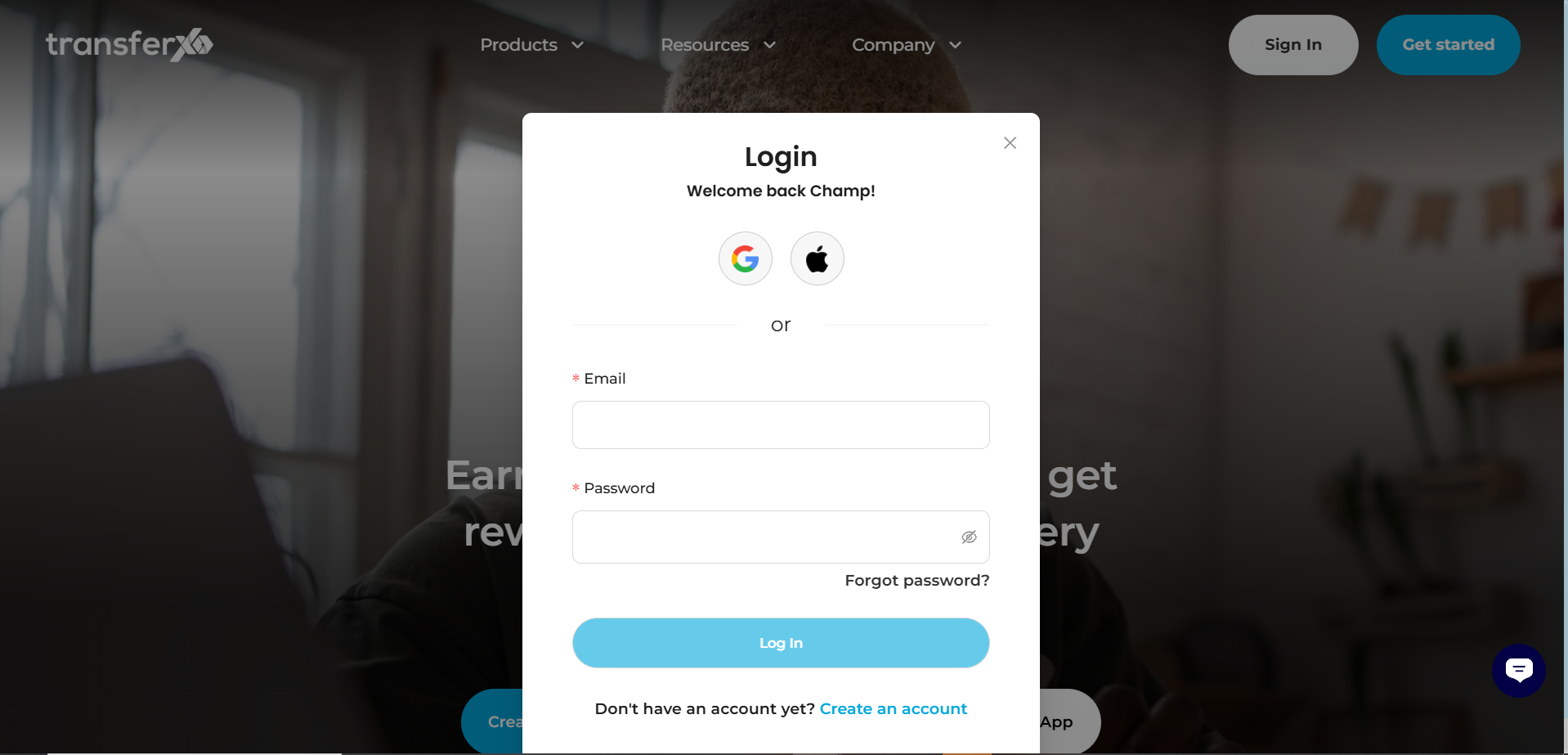
Step 2: Navigate to the Wallet Section
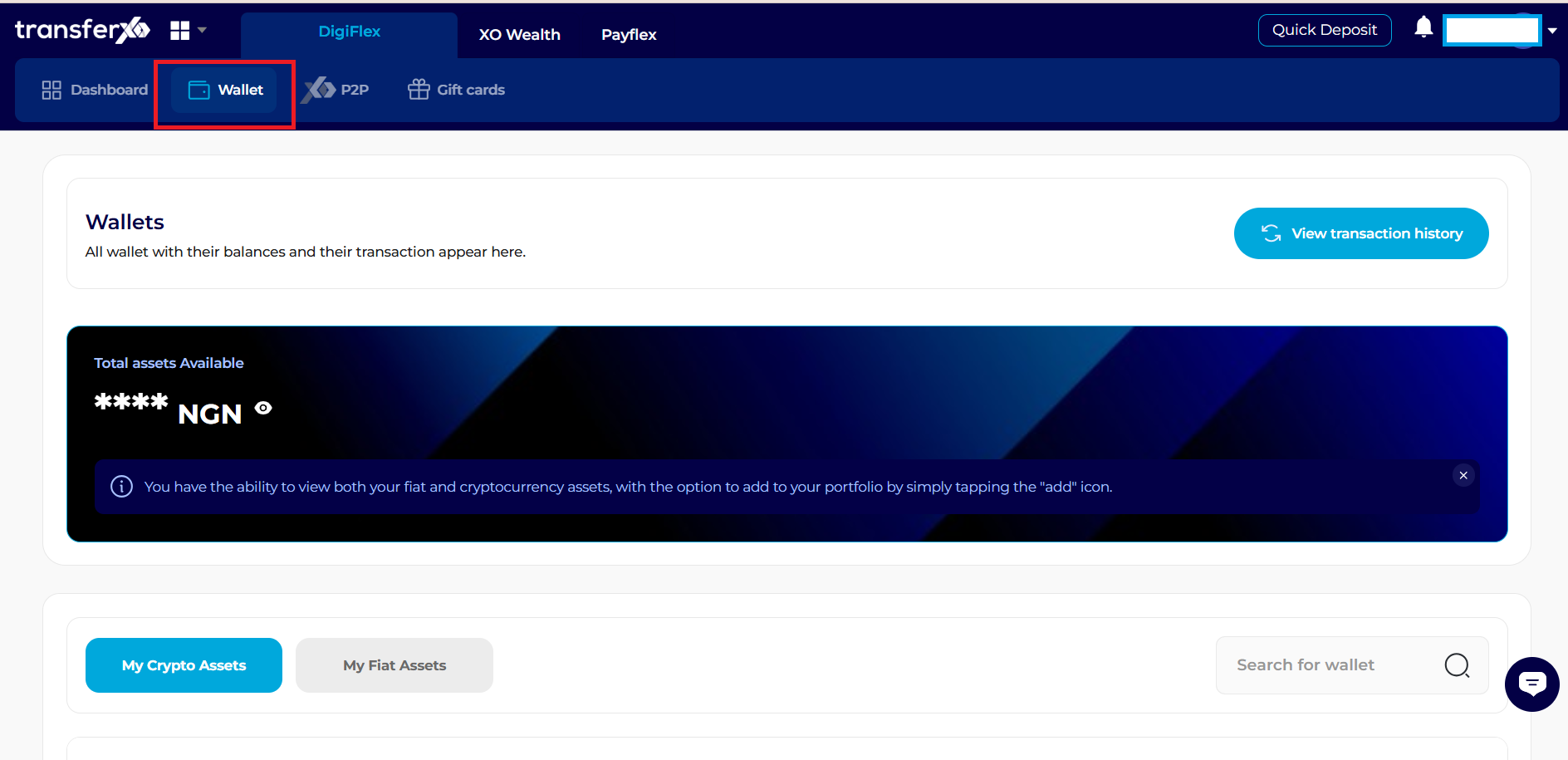
Click the Wallet tab in the horizontal navigation bar at the top of the page.
Step 3: Retrieve Your Funding Details
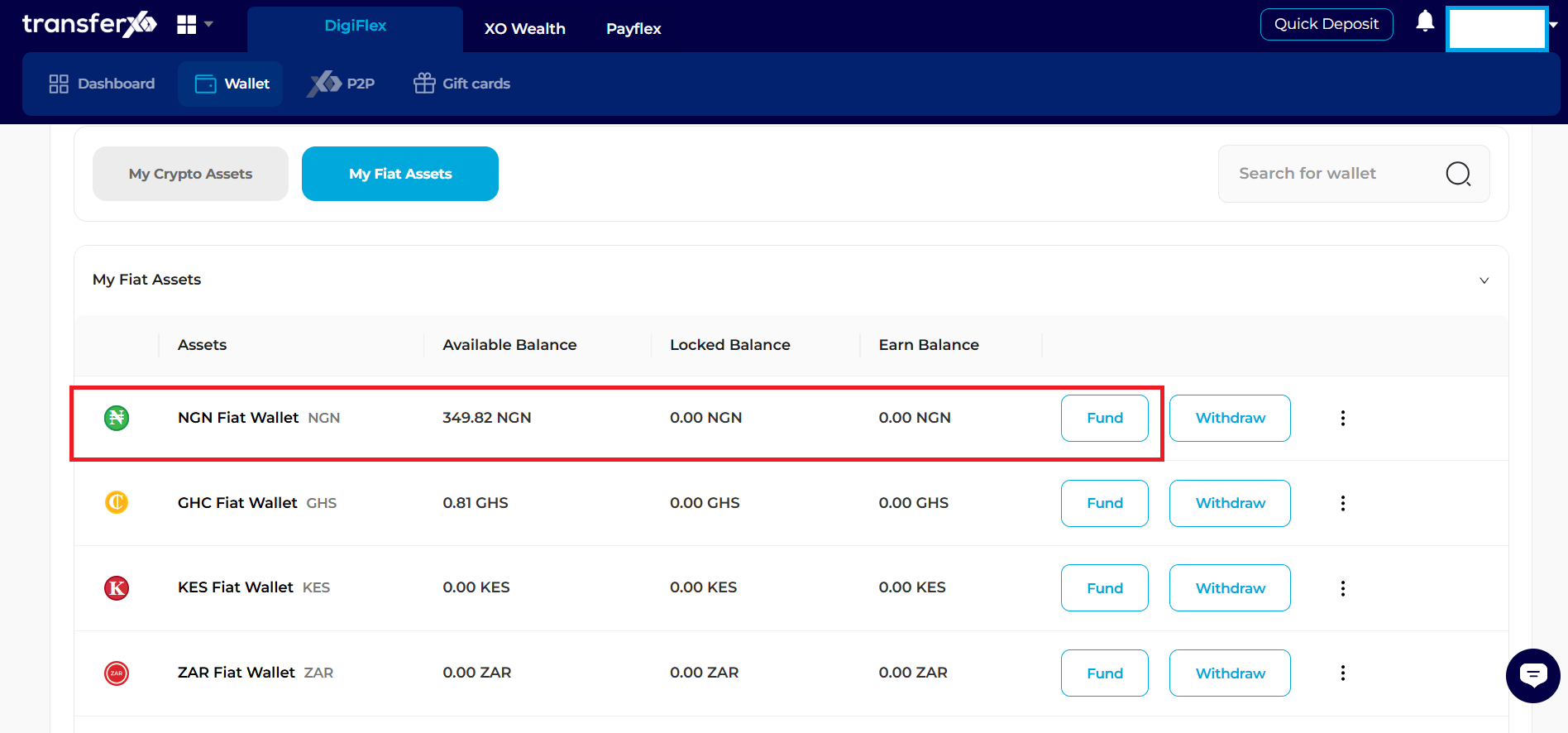
Asset Overview: Scroll to the "My Fiat Assets" section and locate NGN.
Step 4: Select The Option To Fund Your Wallet
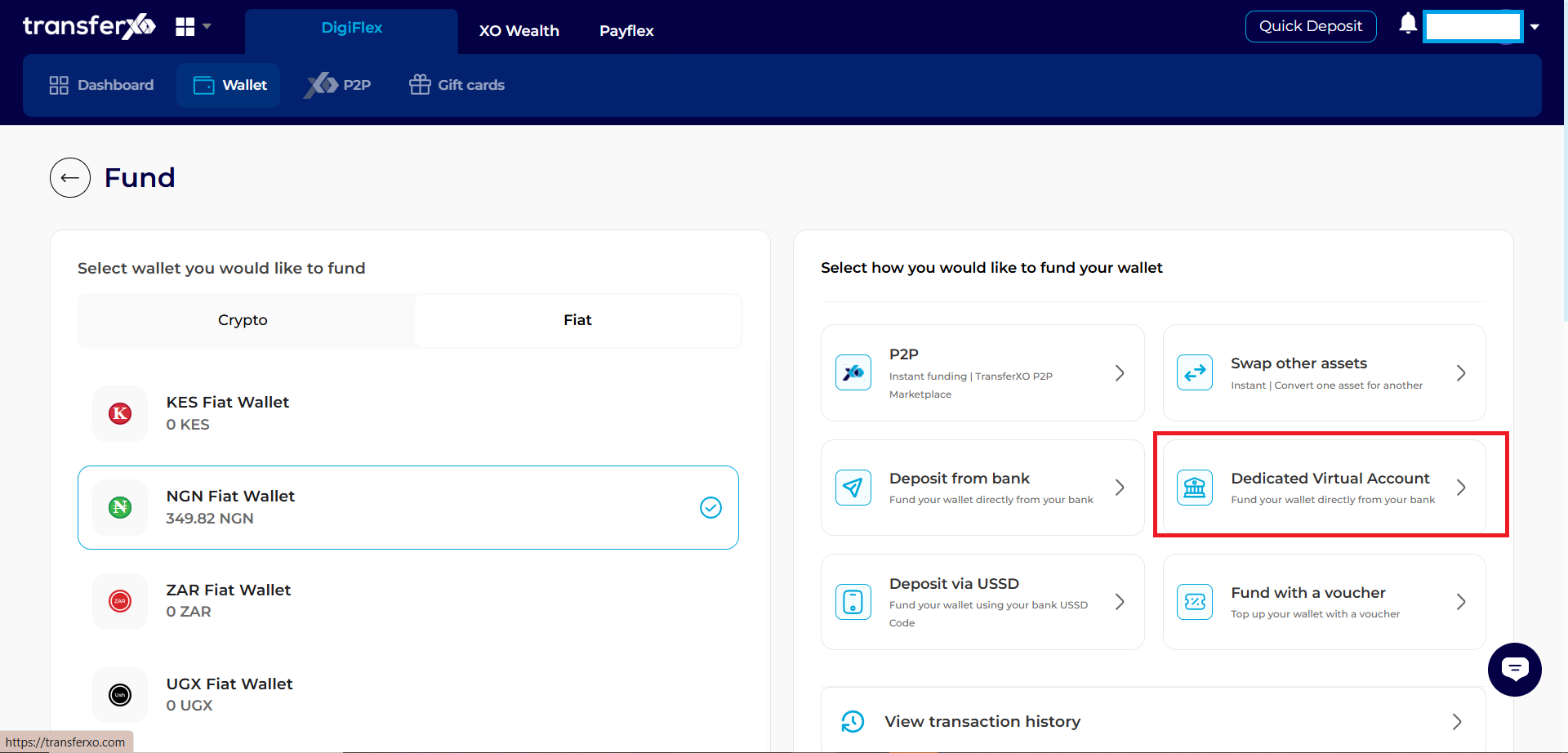
Step 5: View Your Dedicated Virtual Account
click Fund next to NGN. A panel will slide out from the right showing your Account Number, Bank Name, and Account Name.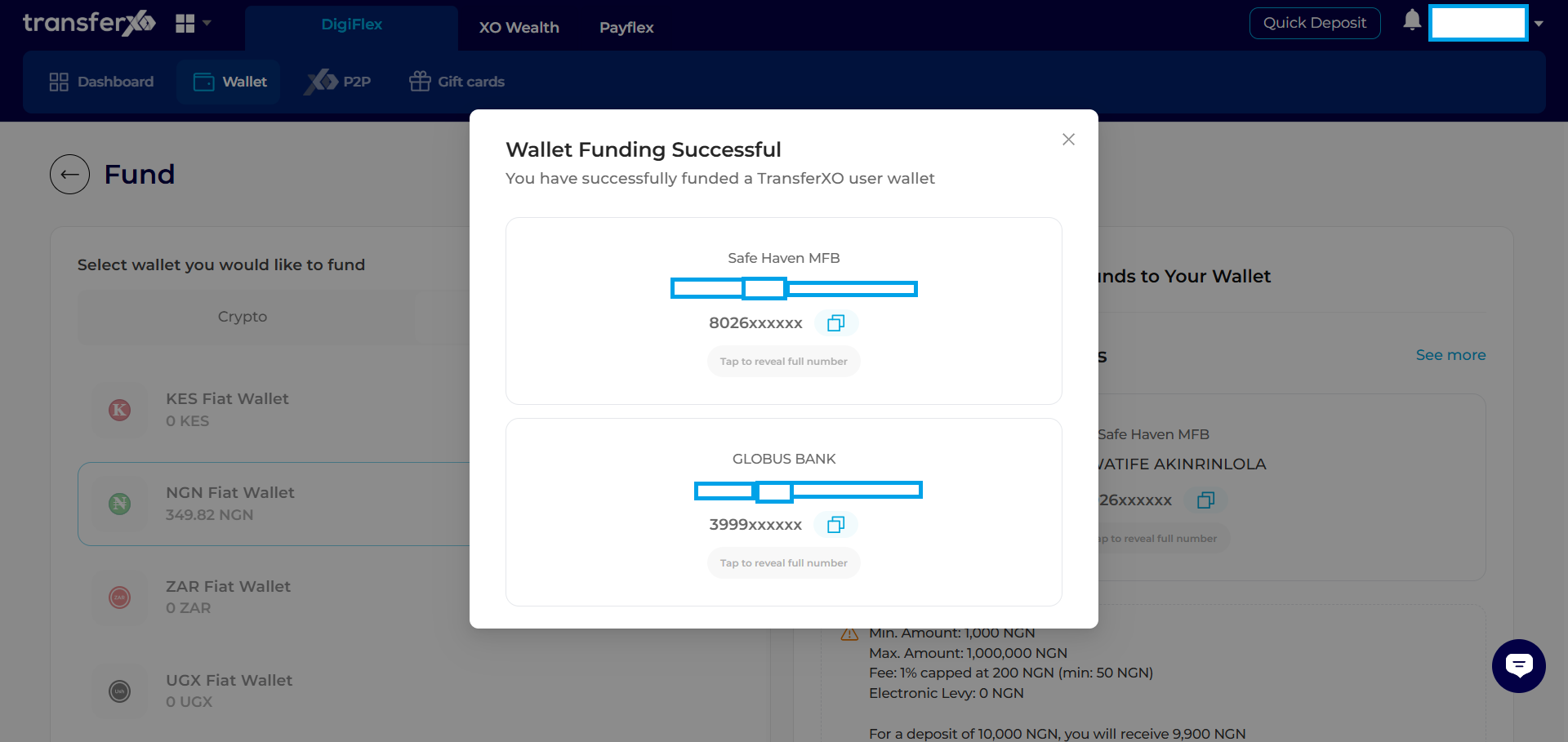
Step 6: MakeThe Transfer
Use your mobile phone or web banking to send funds to the displayed details.
Monitoring: Once the transfer is sent, stay on the Web Dashboard. You will see a "New Transaction" notification in the Recent Activities panel on the right side of the screen as soon as the funds arrive.