


1. The Global Header & Navigation
At the very top, you have constant access to support and account settings.
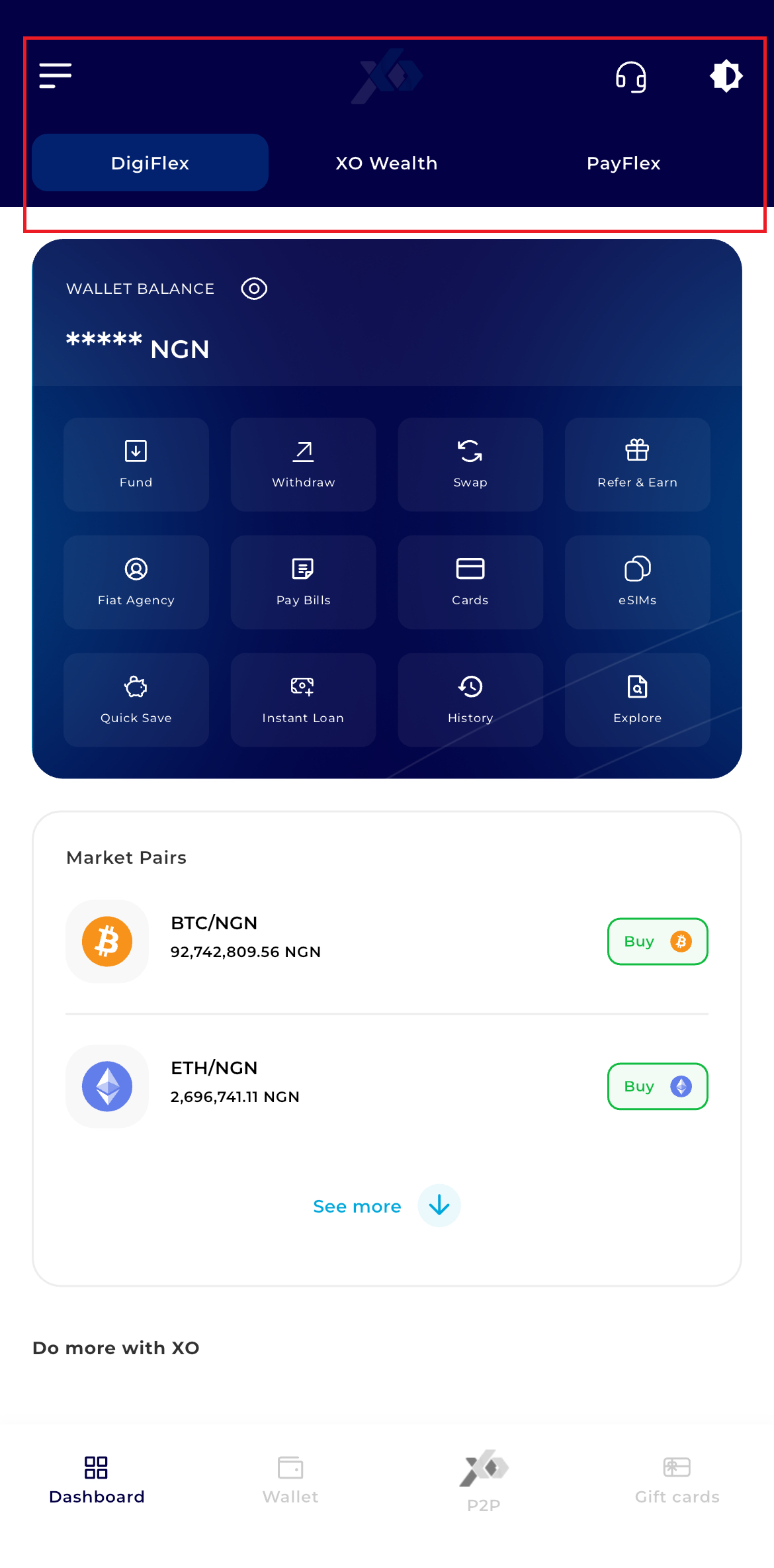
Hamburger Menu (Left): Access your profile, security settings, and verification status.
Support Icon (Headset): Direct link to customer service.
Theme Toggle (Sun/Moon): Switch between Light and Dark mode.
Service Tabs: Toggle between DigiFlex, XO Wealth, and PayFlex to change the content displayed in the functional grid.
The behavior of your entire dashboard including your balance and quick actions—is determined by the tab you select.
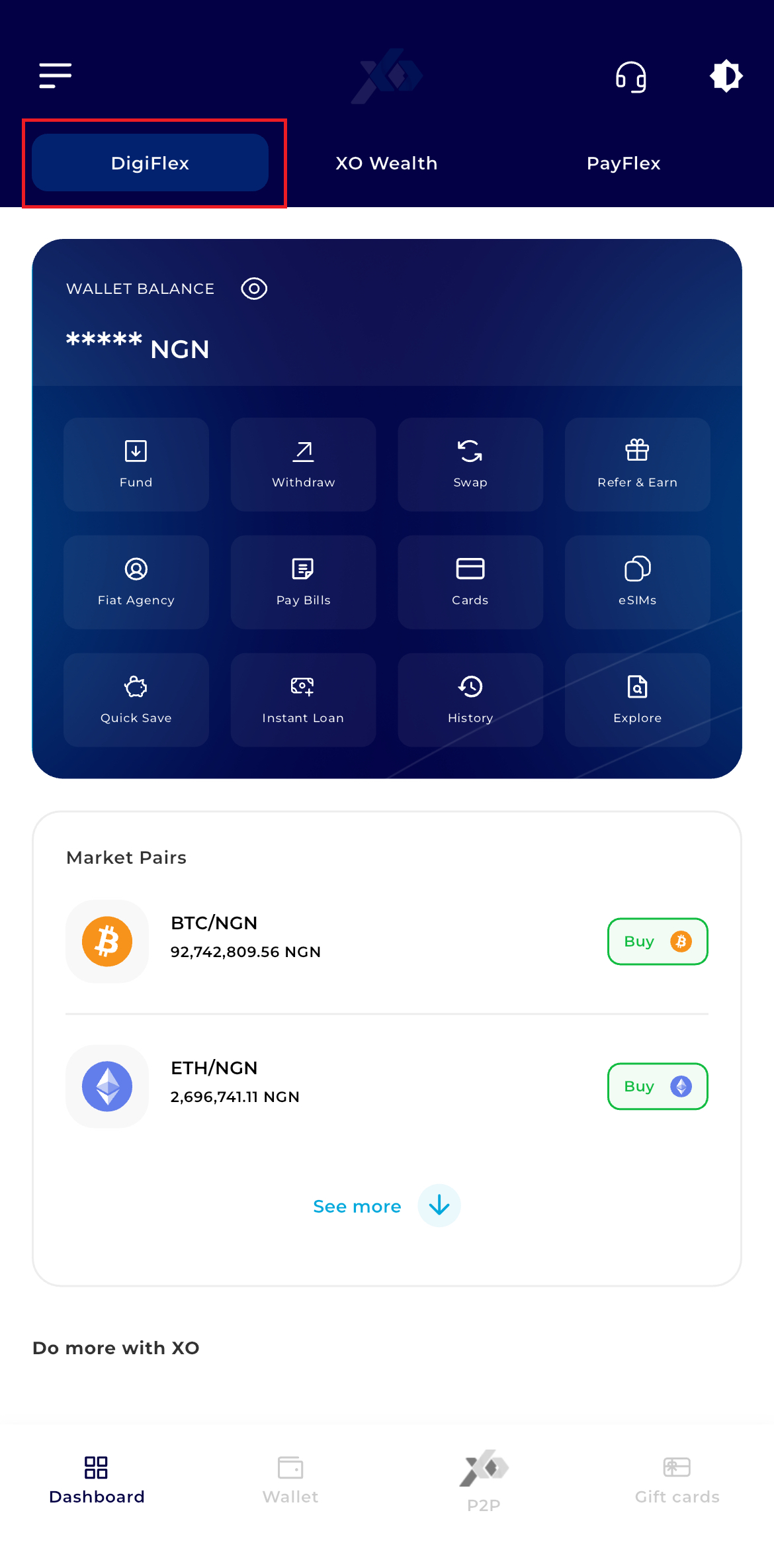
2. DigiFlex (Default)
Your primary hub for daily crypto transactions, funding, and withdrawals
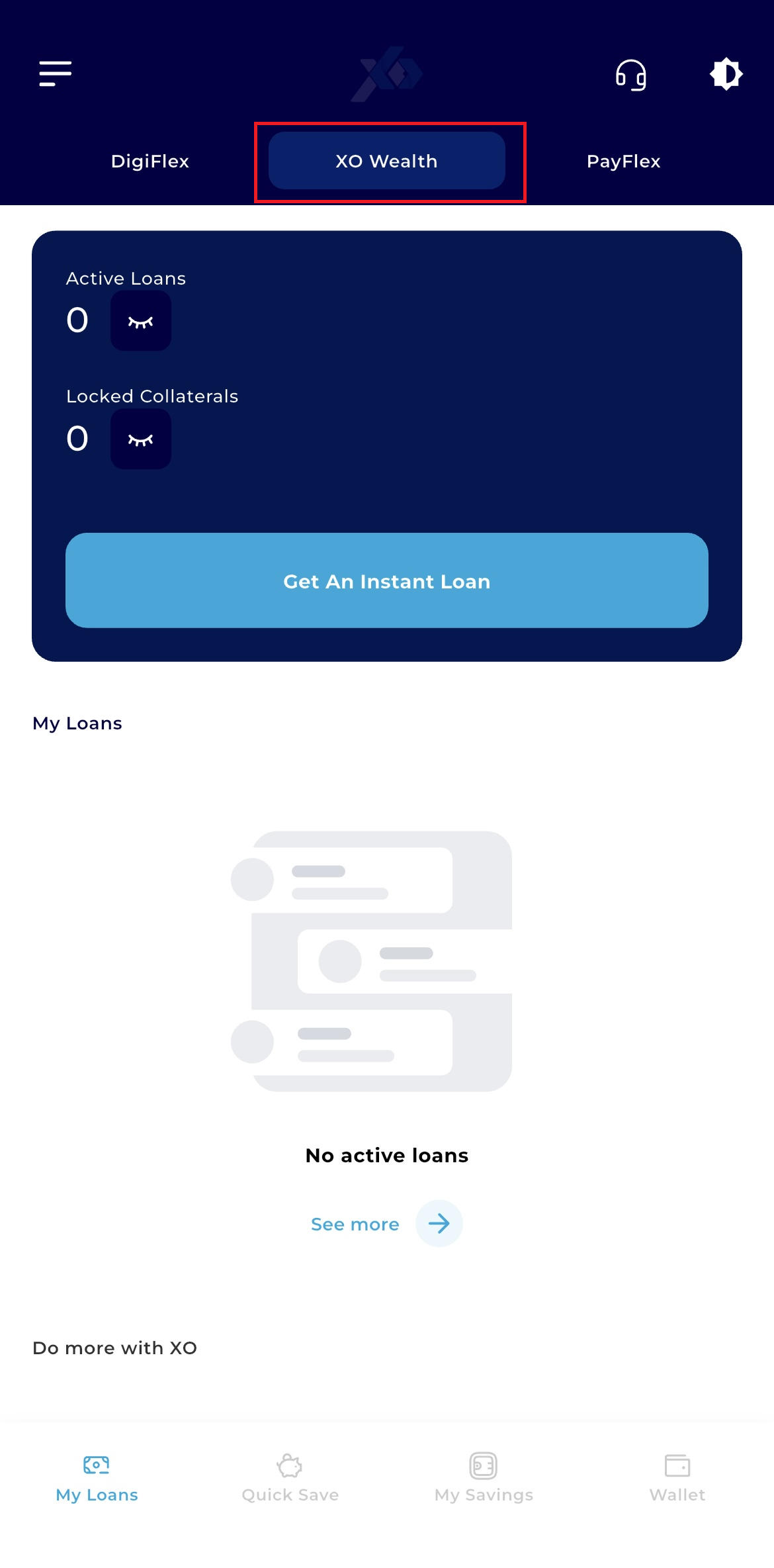
3. XO Wealth
Dedicated to long-term financial growth, including savings and investment products.
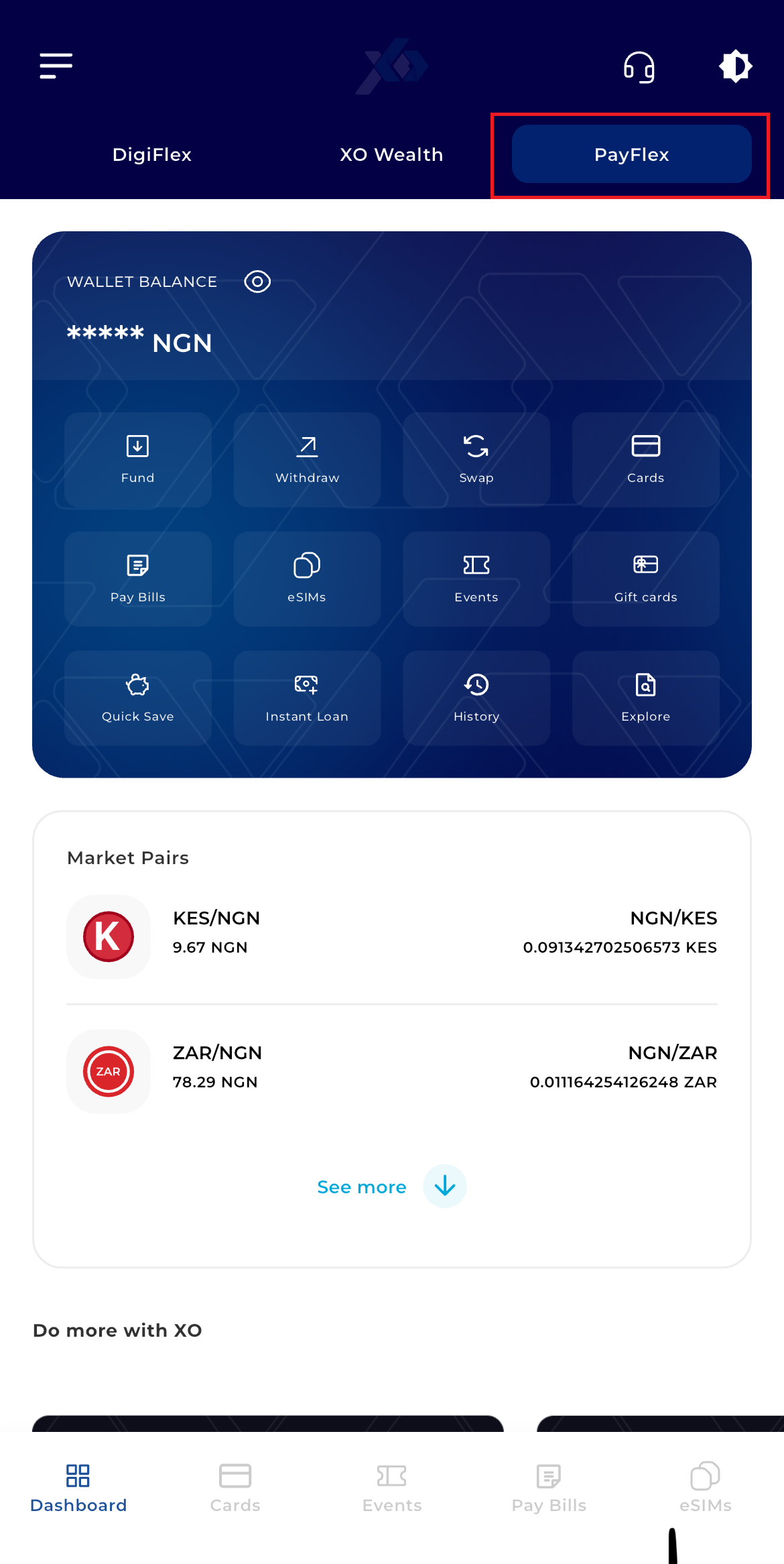
4. PayFlex
Your utility hub for paying bills, buying airtime, and managing daily expenses.
5. Market Pairs & Quick Buy
Quickly track the prices of top assets without leaving the home screen.
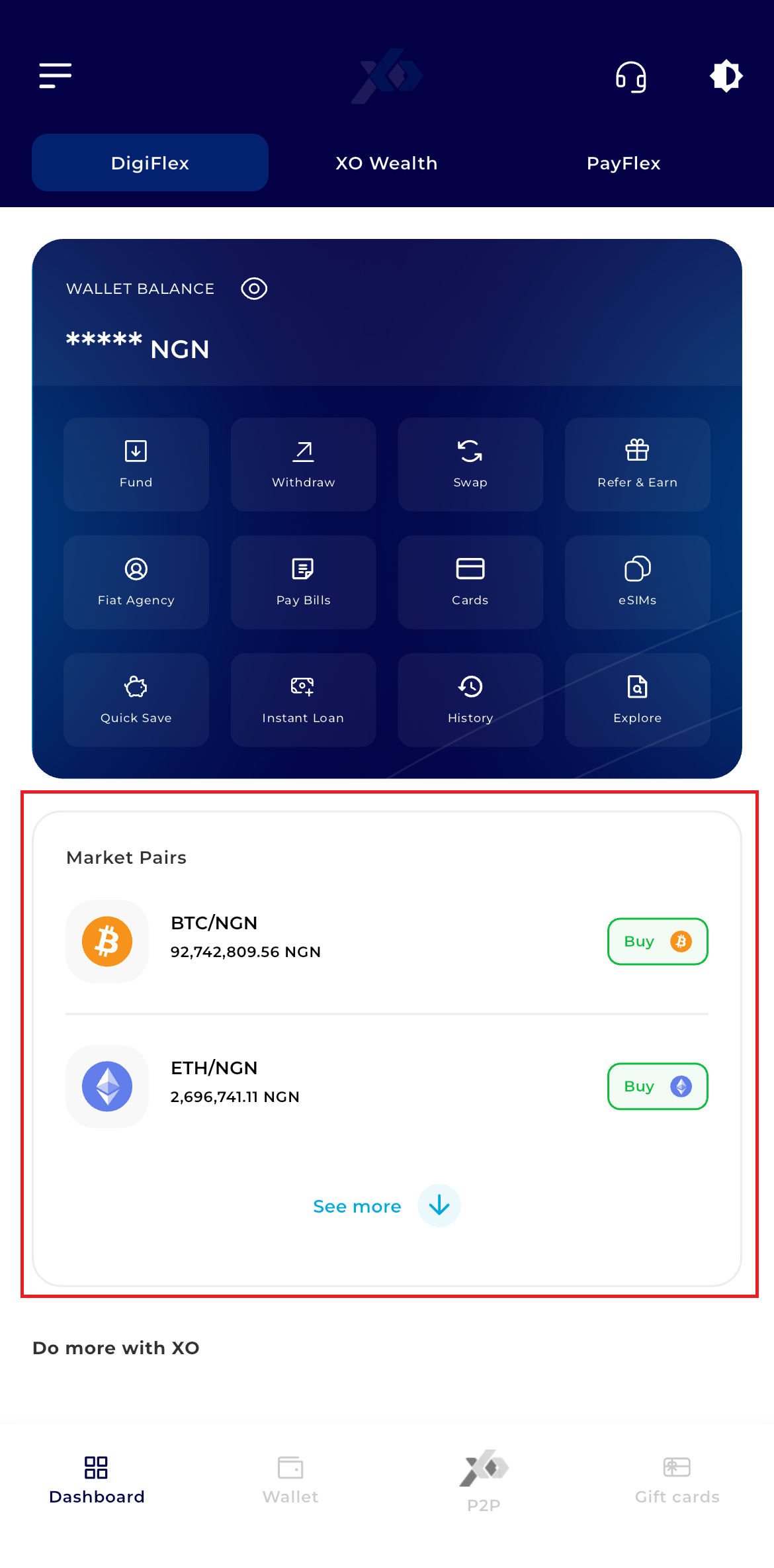
See real-time prices for BTC/NGN and ETH/NGN.
Click the Buy button next to any asset to go directly to the trade screen.
6. Discovery & Rewards (Scroll Down)
Scrolling down reveals the "Do more with XO" and rewards section.
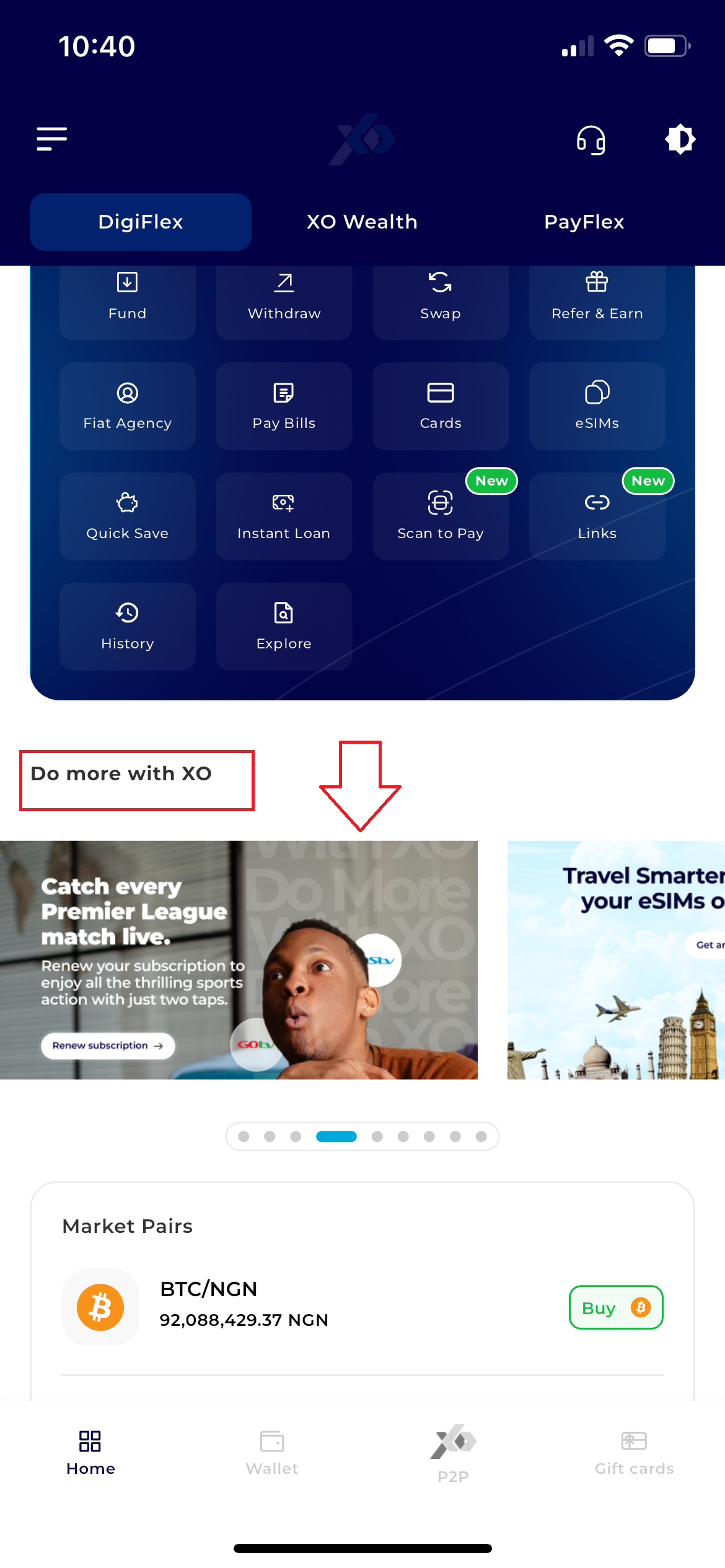
Promo Slider: View current events, referral programs, and news from the XO ecosystem.
Daily Challenges: Track your DigiFlex rewards and progress on platform tasks.
Recent Transactions: A quick-view list of your most recent activity (e.g., Bank withdrawals or P2P trades).
7. Bottom Navigation Bar
No matter where you are, these four icons allow you to switch modules instantly:
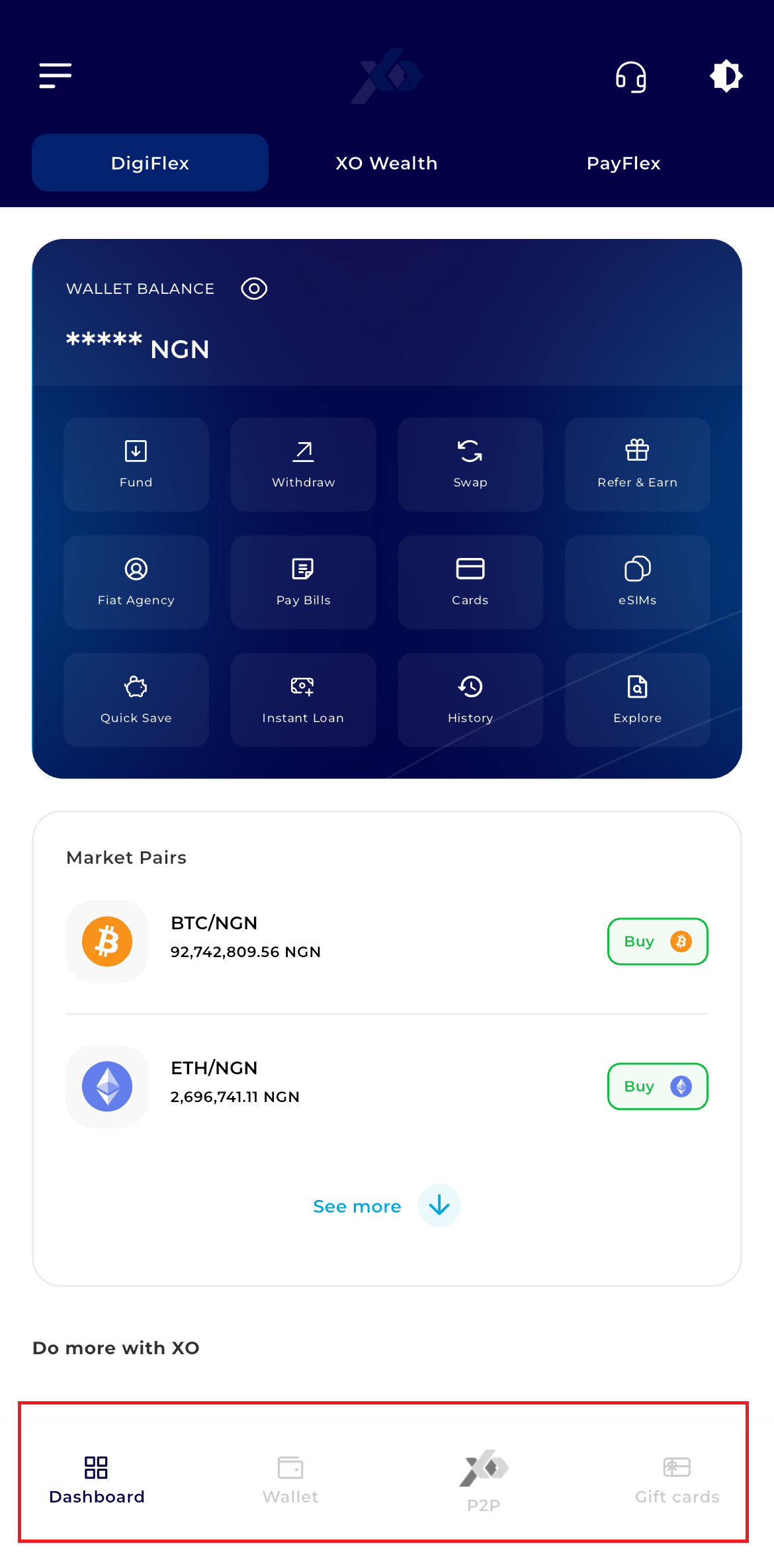
Dashboard: Your current home view.
Wallet: Detailed breakdown of individual crypto/fiat balances.
P2P: The peer-to-peer marketplace.
Gift Cards: Buy/Sell international gift cards.