


Step 1: Authentication:
Navigate to transferxo.com on your web browser and log in.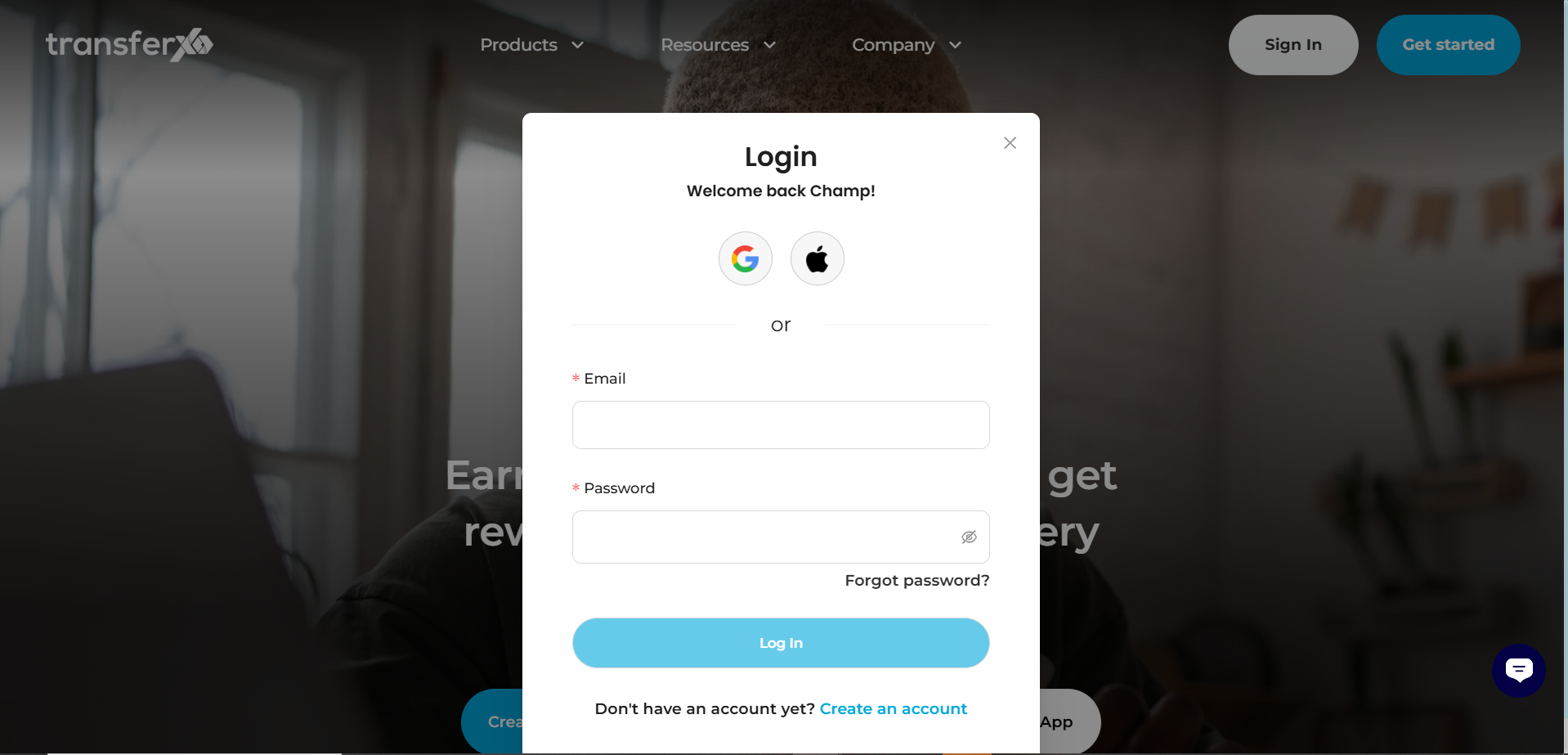
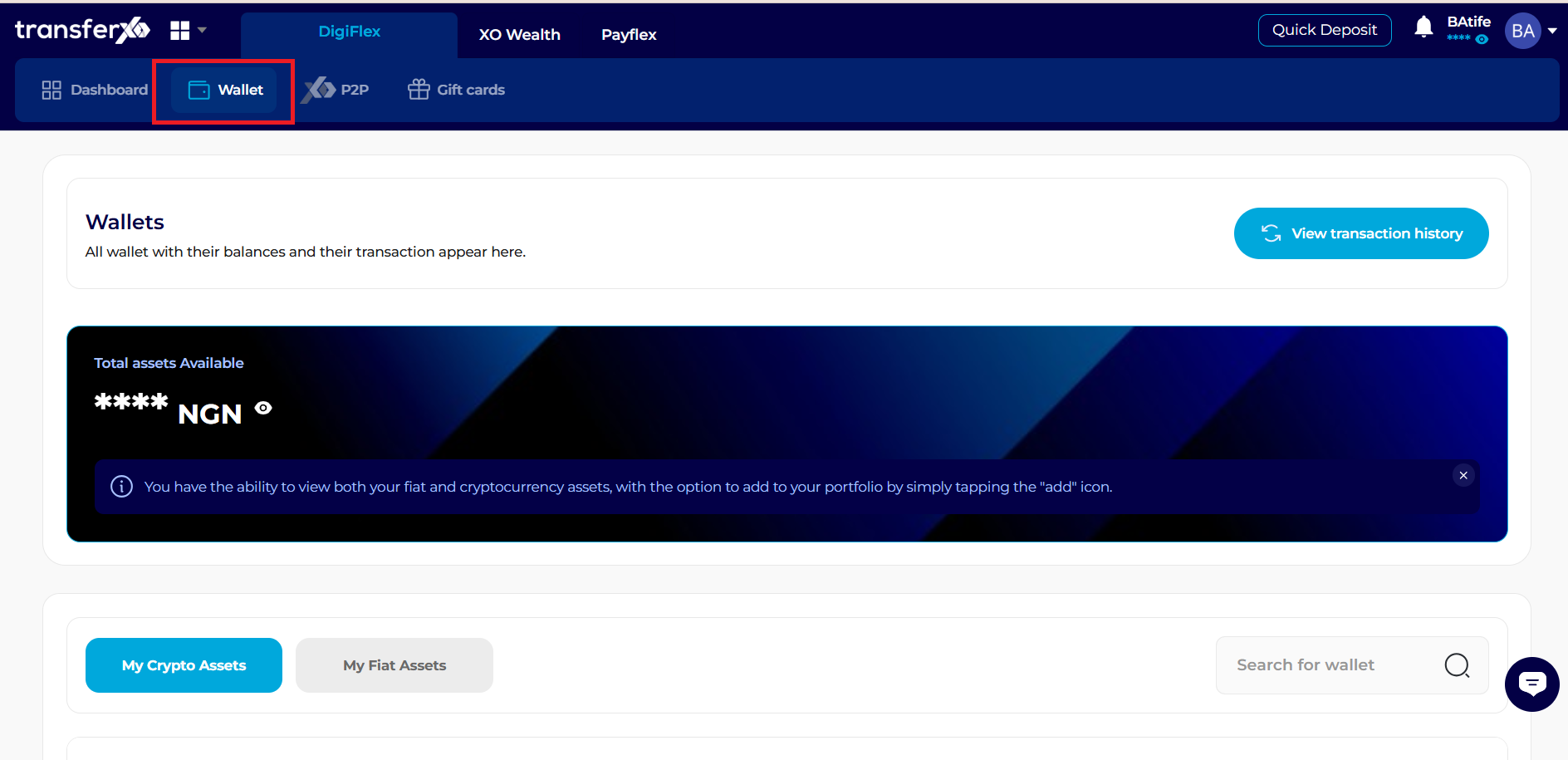
Step 2: Locate the Wallet Tab:
On Des Click the Wallet tab found in the primary navigation bar at the top of your screen.
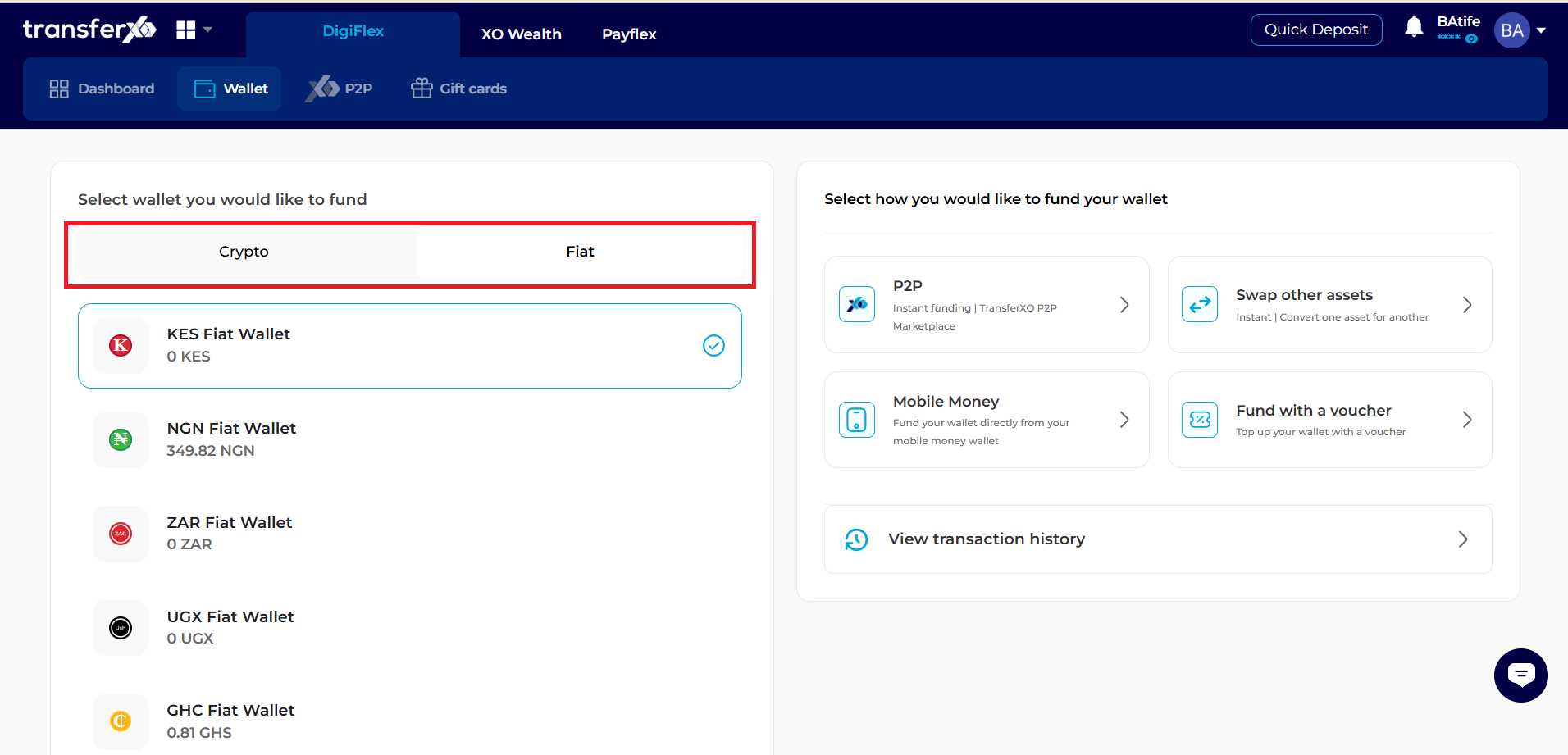
Step 3: Choose Your Asset:
You will see a list of your available balances (Fiat and Crypto). Browse to the asset that matches your voucher (e.g., NGN Wallet for a Naira voucher) and click/tap the Fund button next to it.
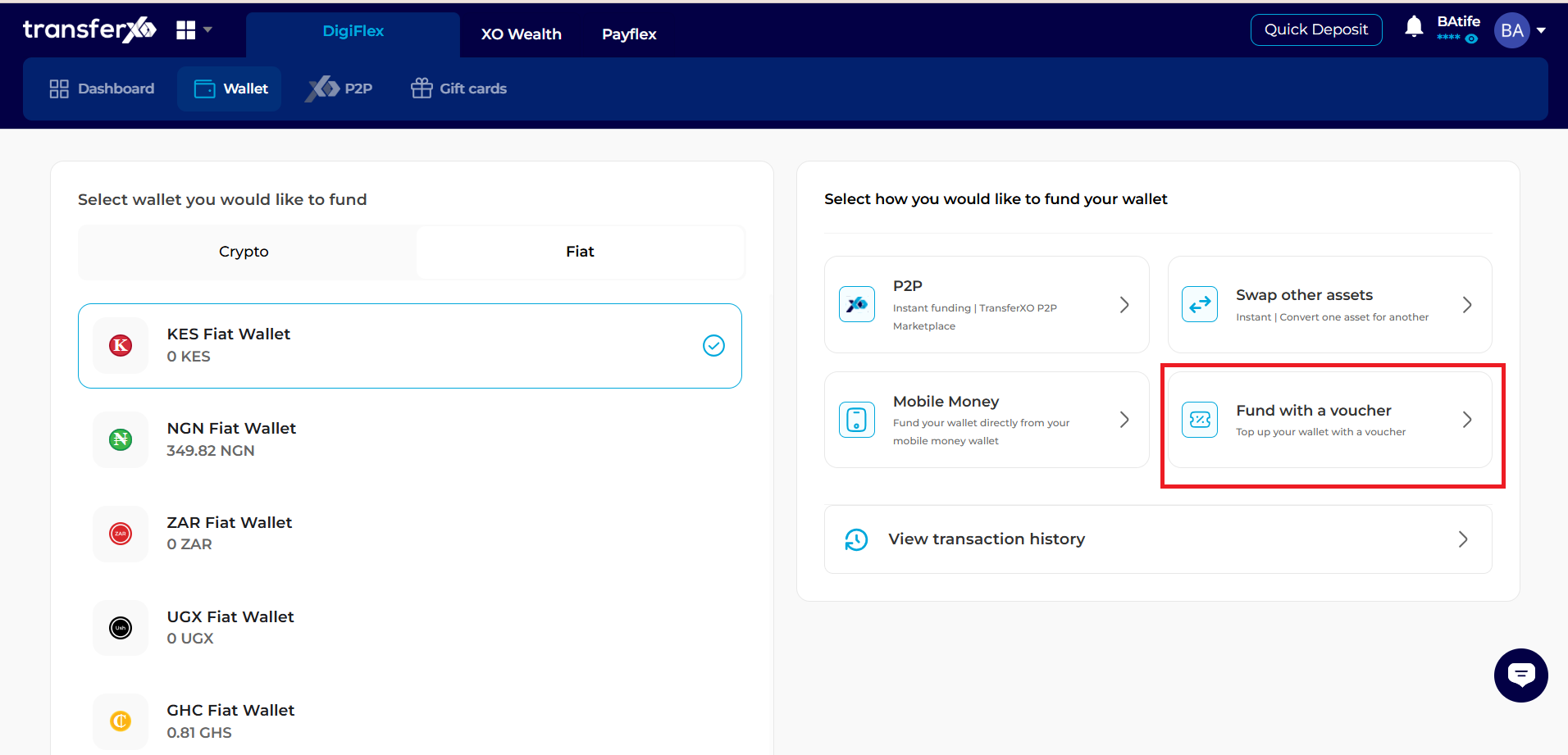
Step 4: Select Redemption Method:
A "Funding Method" panel will slide out from the right-hand side of the screen. From the list of available deposit options, select Fund with a Voucher.
Step 5: Enter Voucher Details:
Locate the "Enter Code" field within the panel. Carefully type or paste your unique 12 or 16-digit voucher code.
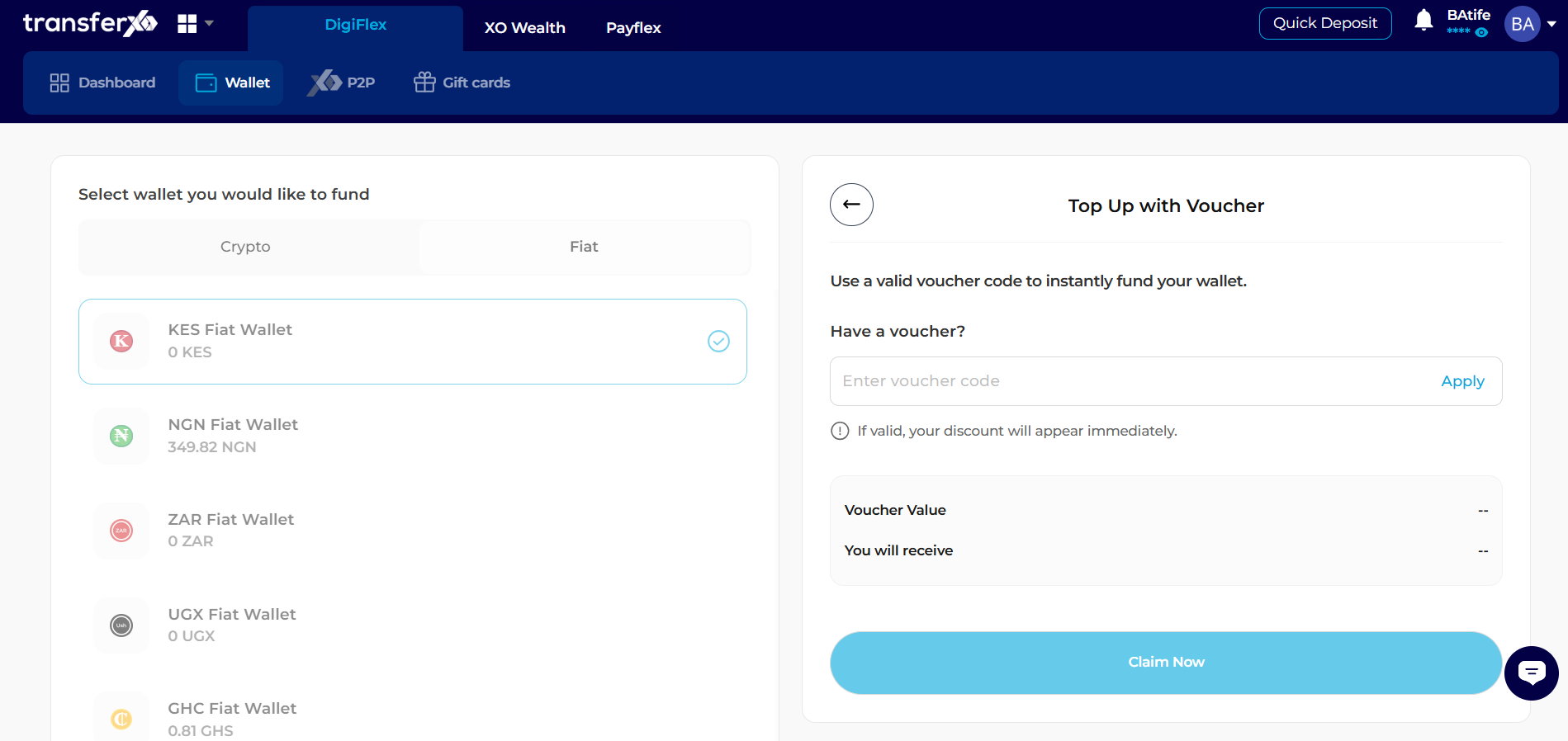
Step 6: Apply Code:
Click or tap the Apply button. The system will instantly communicate with the server to verify the voucher's value and status.
Step 7: Final Confirmation:
Once the value is displayed and confirmed, click Claim Now.
Step 8: Instant Balance Update:
Your account balance will reflect the voucher's value immediately. You can view the confirmation receipt by clicking on your Transaction History in the side panel.