


Follow the steps below to delete a payment method via the mobile app.
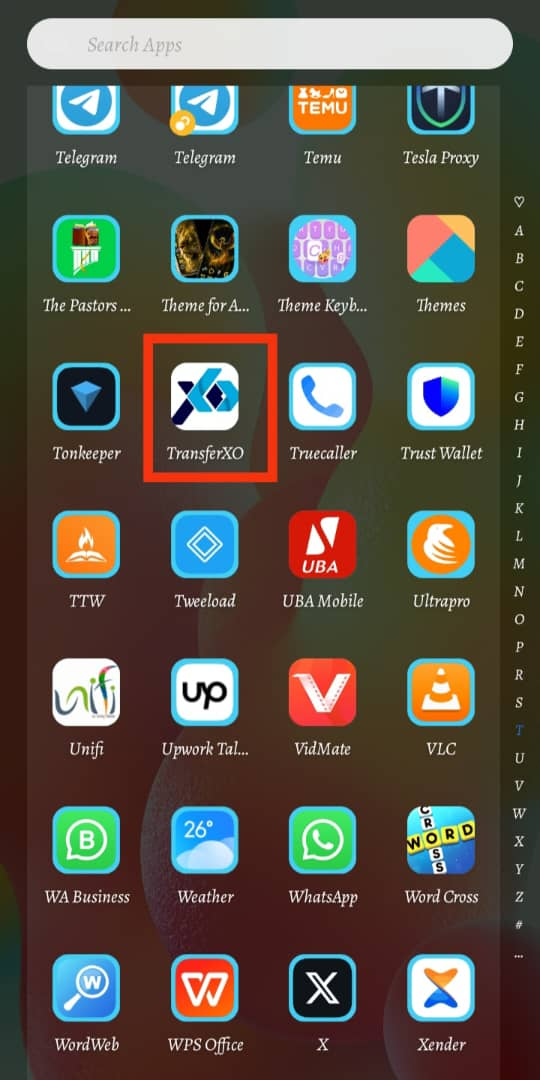
Step 1: Open the TransferXO Mobile App
Launch the TransferXO app on your mobile device.
Step 2: Log In to Your Account
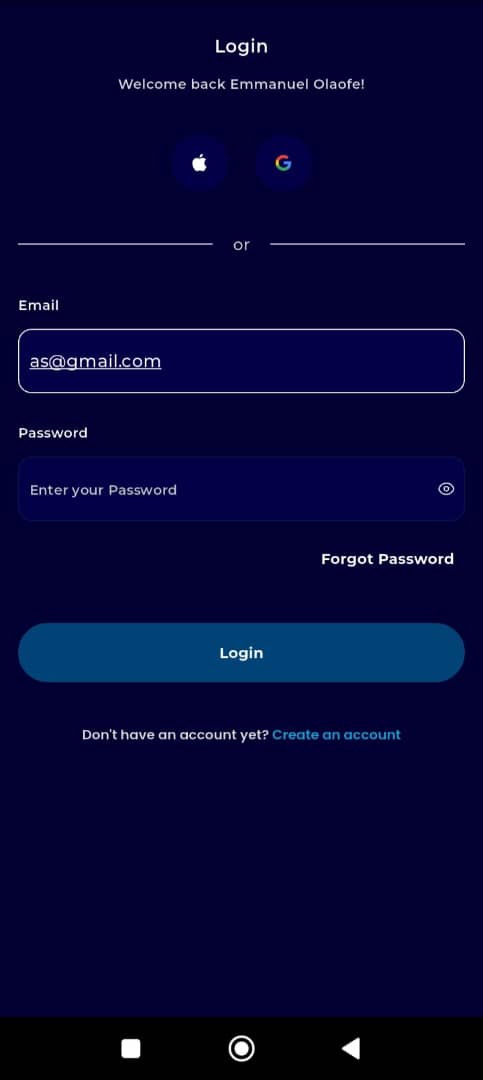
Enter your email address and password in the provided fields.
If you registered using Gmail or Apple ID, select the corresponding option to log in.
Step 3: Go to Your Dashboard
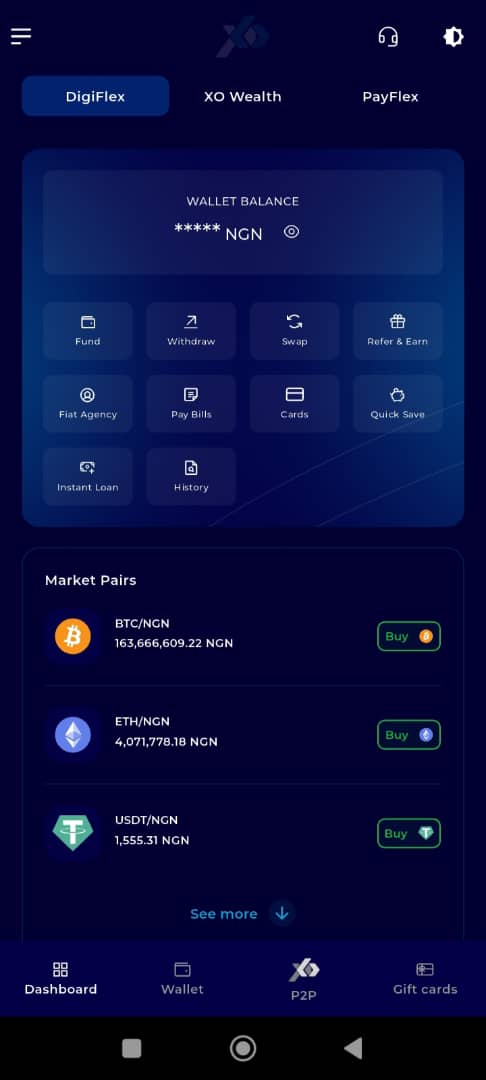
Once logged in, you’ll be directed to your dashboard.
Step 4: Open the Menu
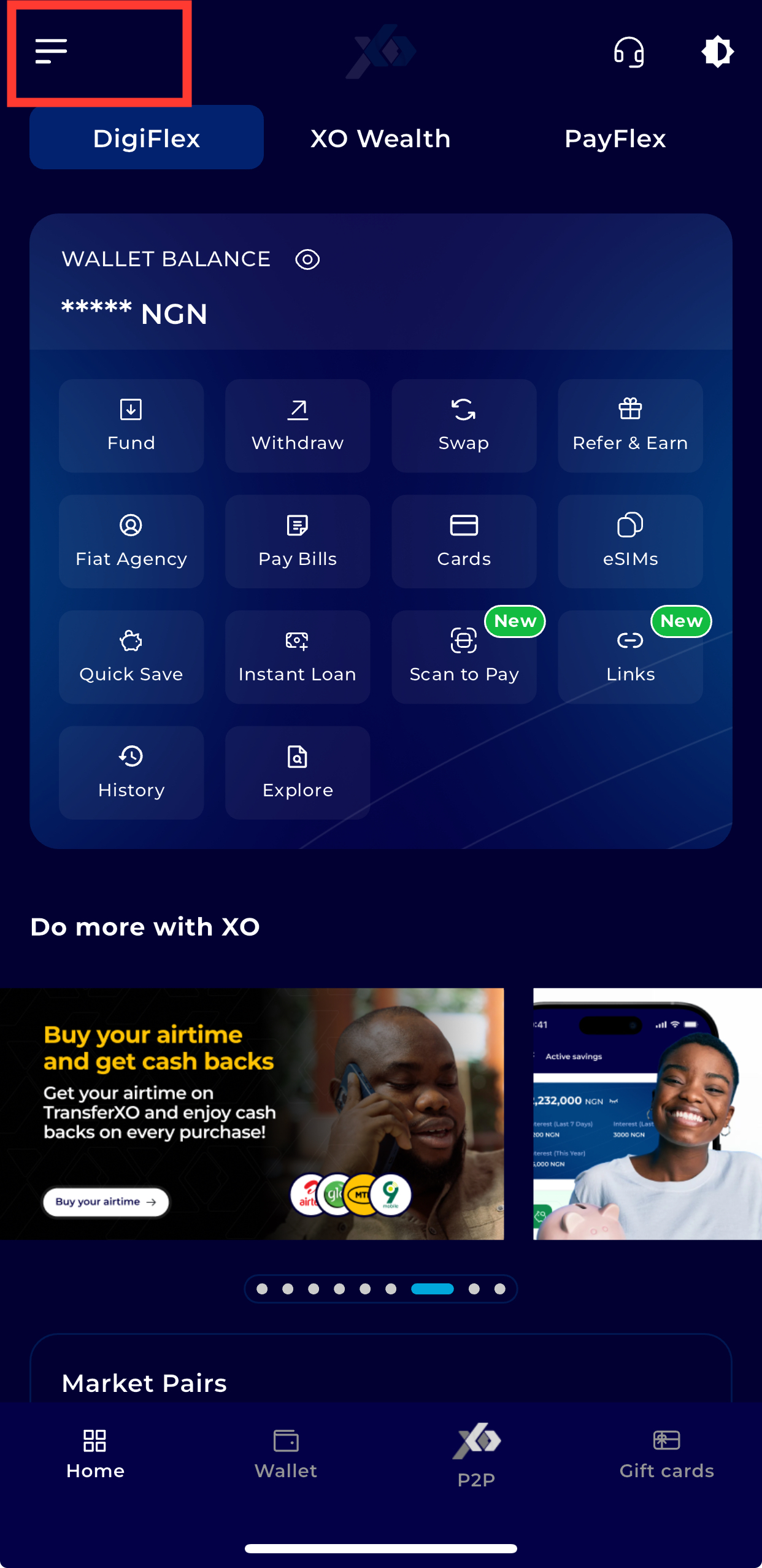
Tap the menu icon (three horizontal lines) at the top-left corner of the screen.
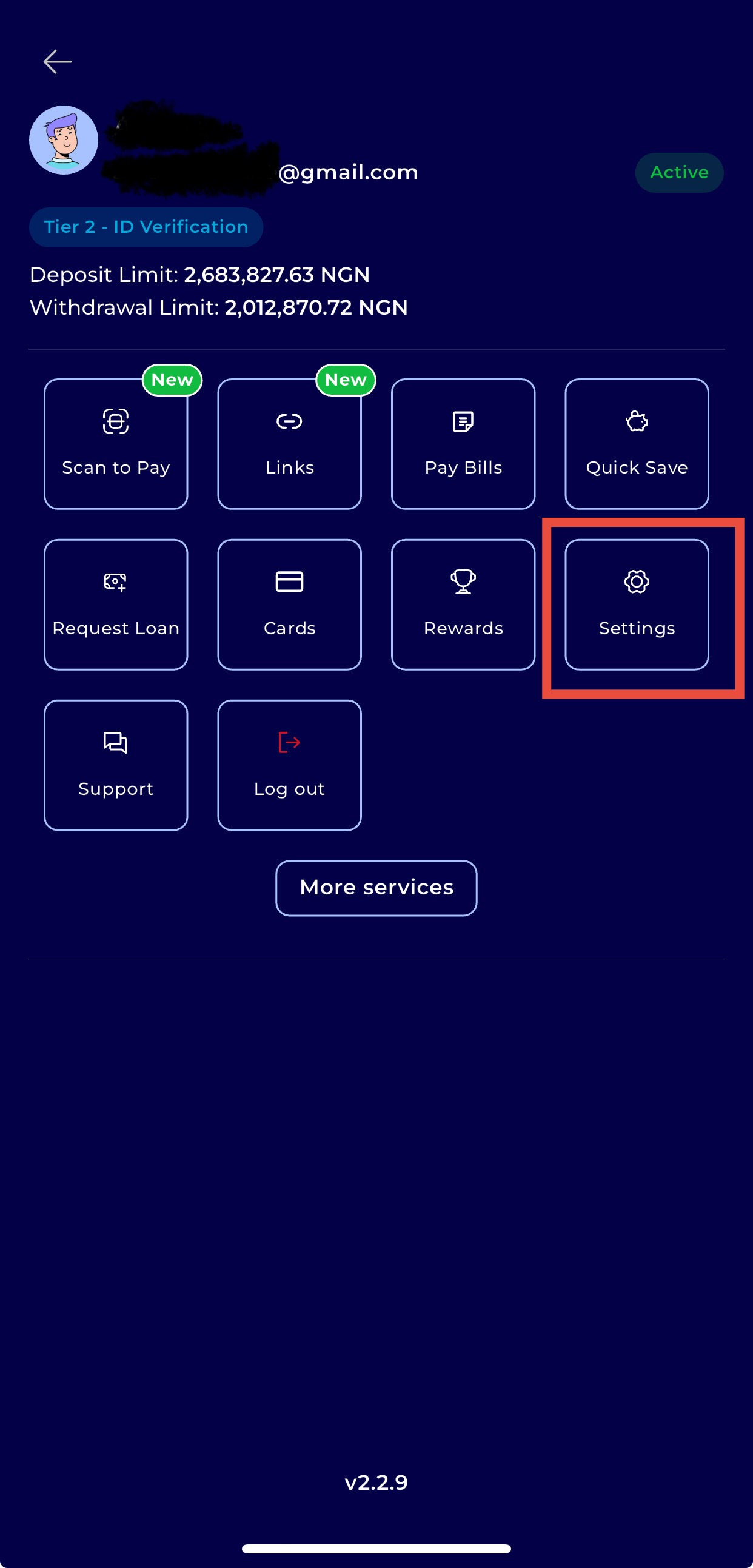
Step 5: Navigate to Settings
From the menu options, tap Settings.
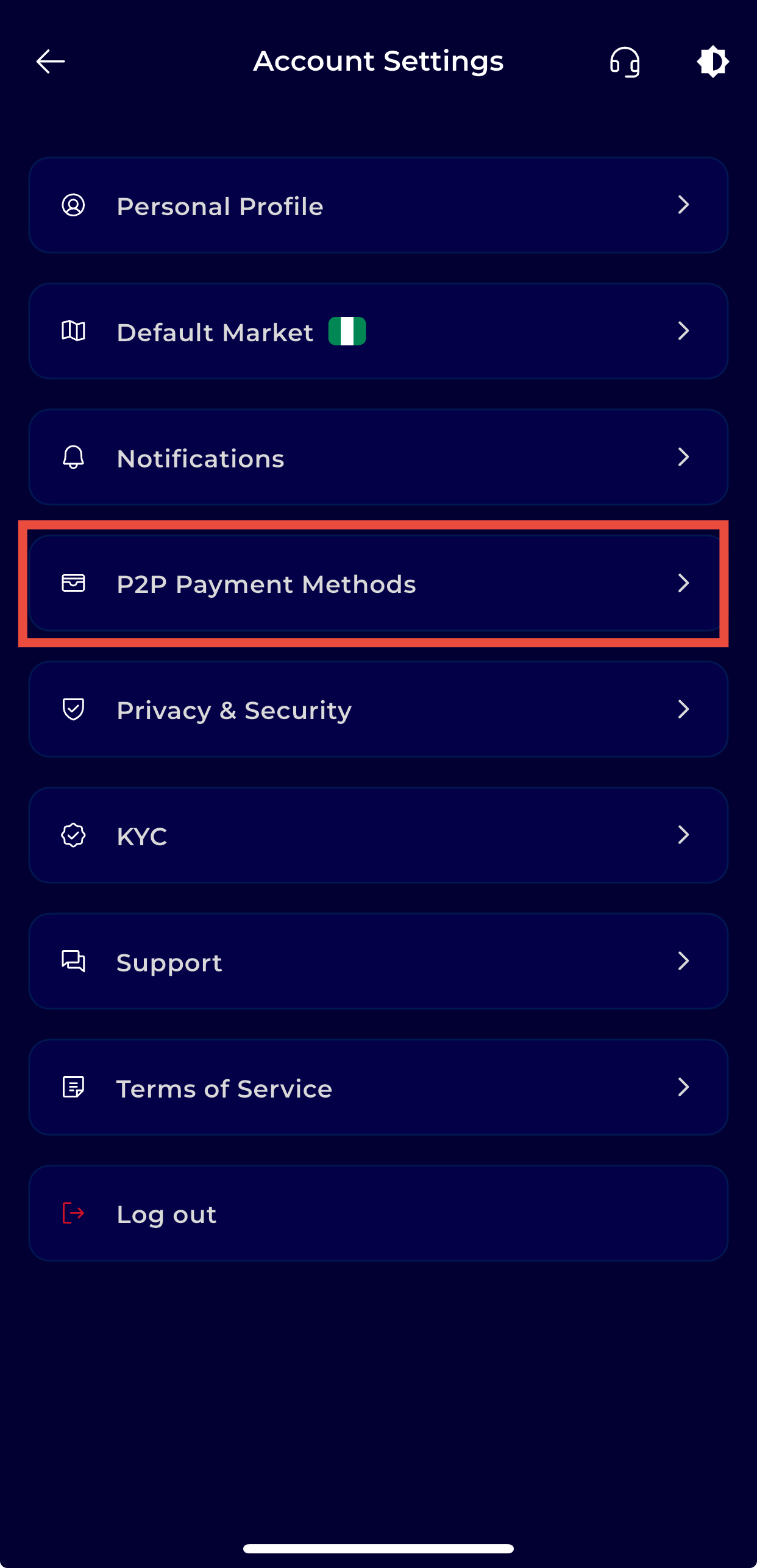
Step 6: Navigate to Payment Methods
Scroll down and click on P2P Payment Methods to view and manage your saved payment options.
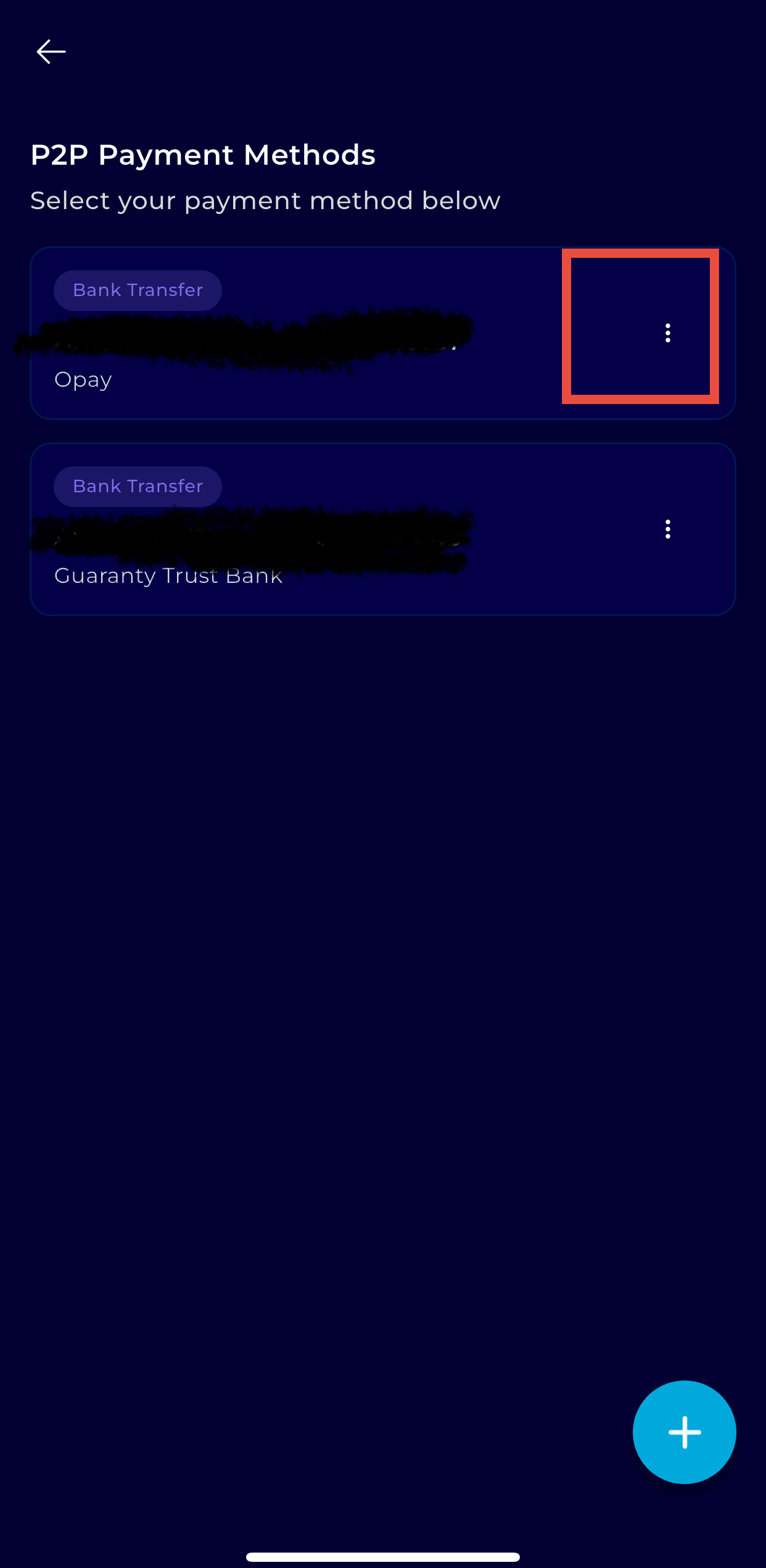
Step 7: Select the Payment Method
Choose the payment method you want to delete.
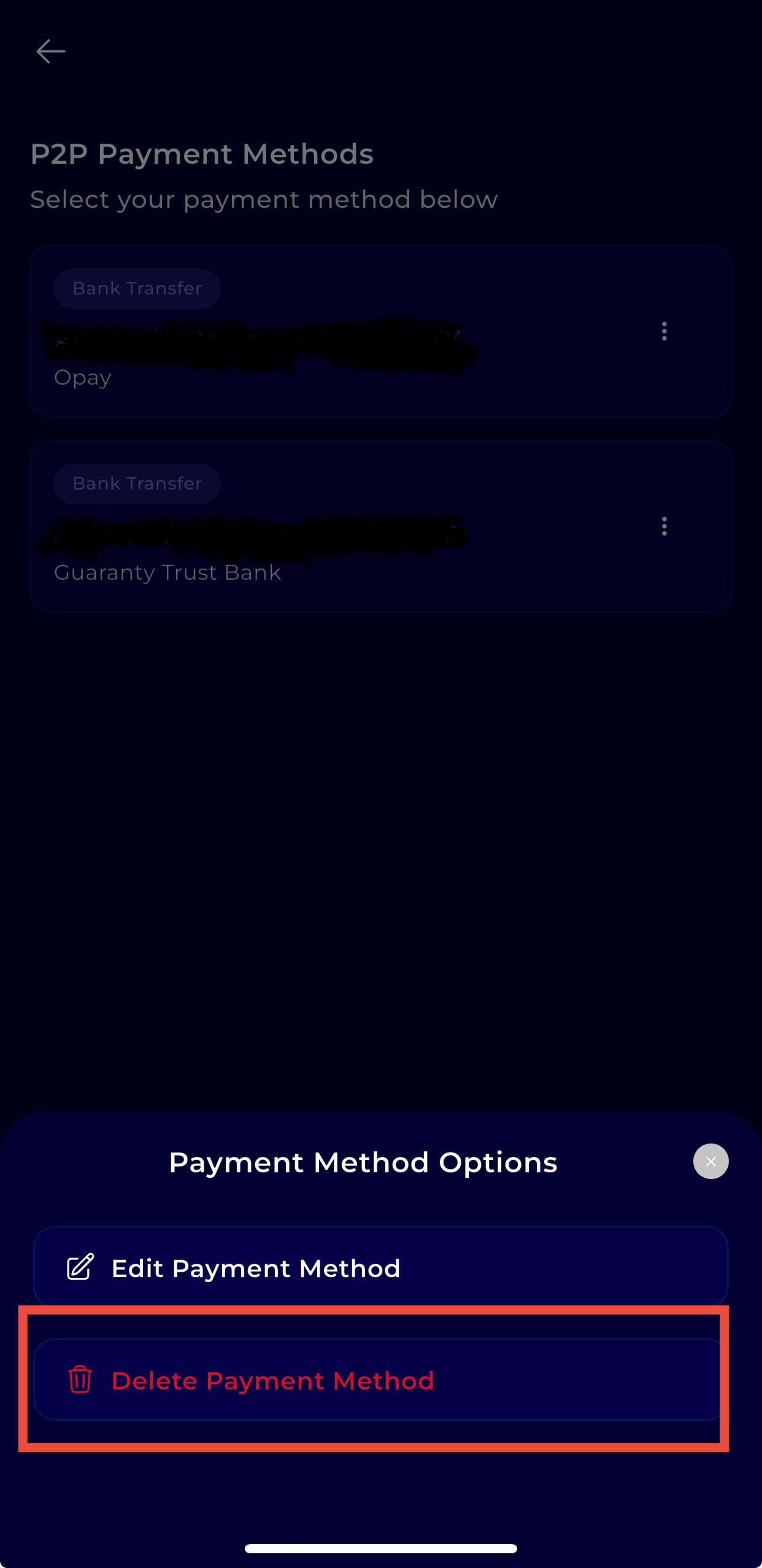
Step 8: Delete the Payment Method
Tap the bin (delete) icon below the edit option.
Step 9: Confirm Your Action
Tap Yes to confirm deletion or No to cancel.
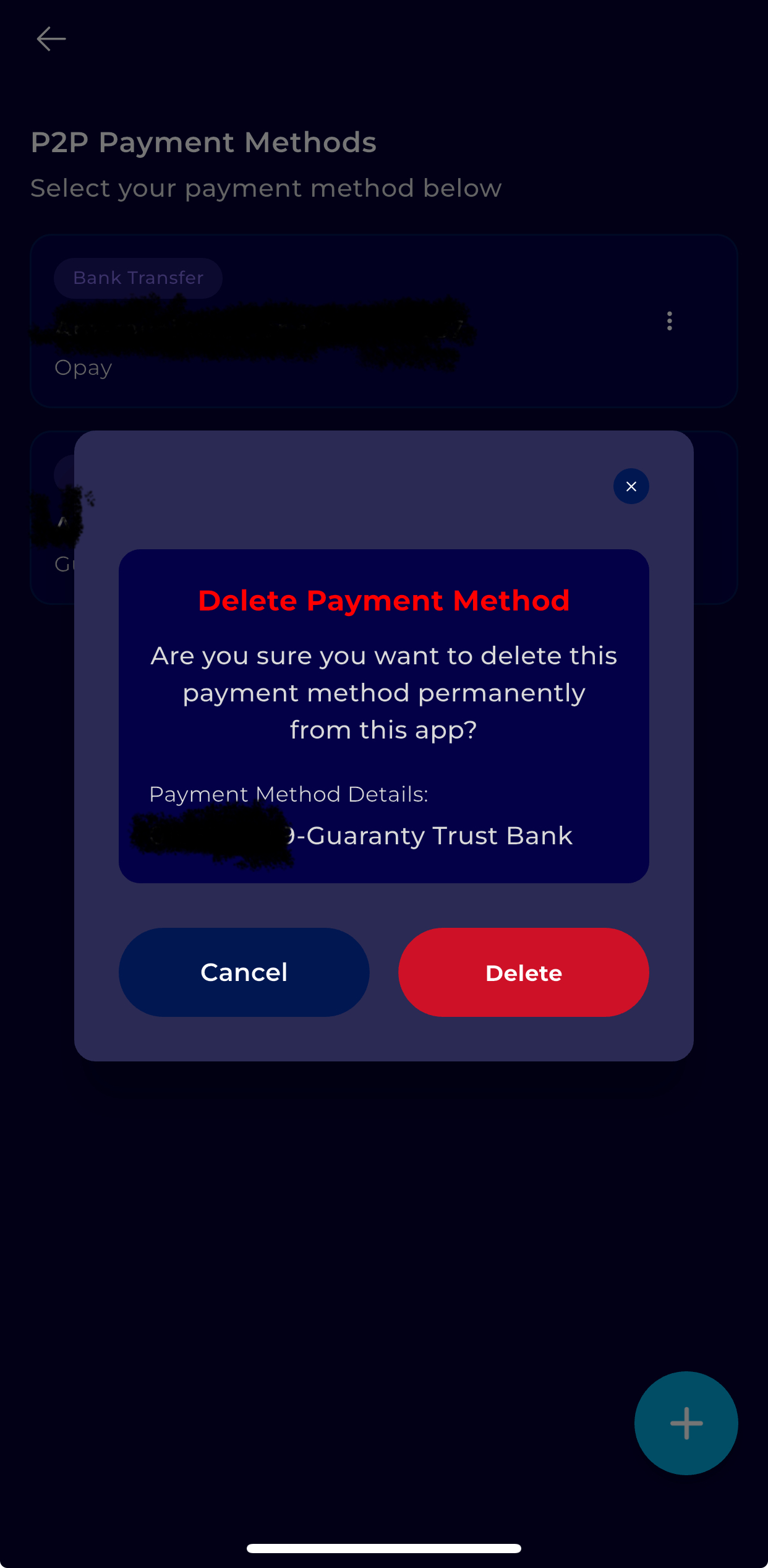
Once confirmed, the payment method will be permanently removed from your TransferXO account.