


Follow the steps below to add a new payment method via the web app.
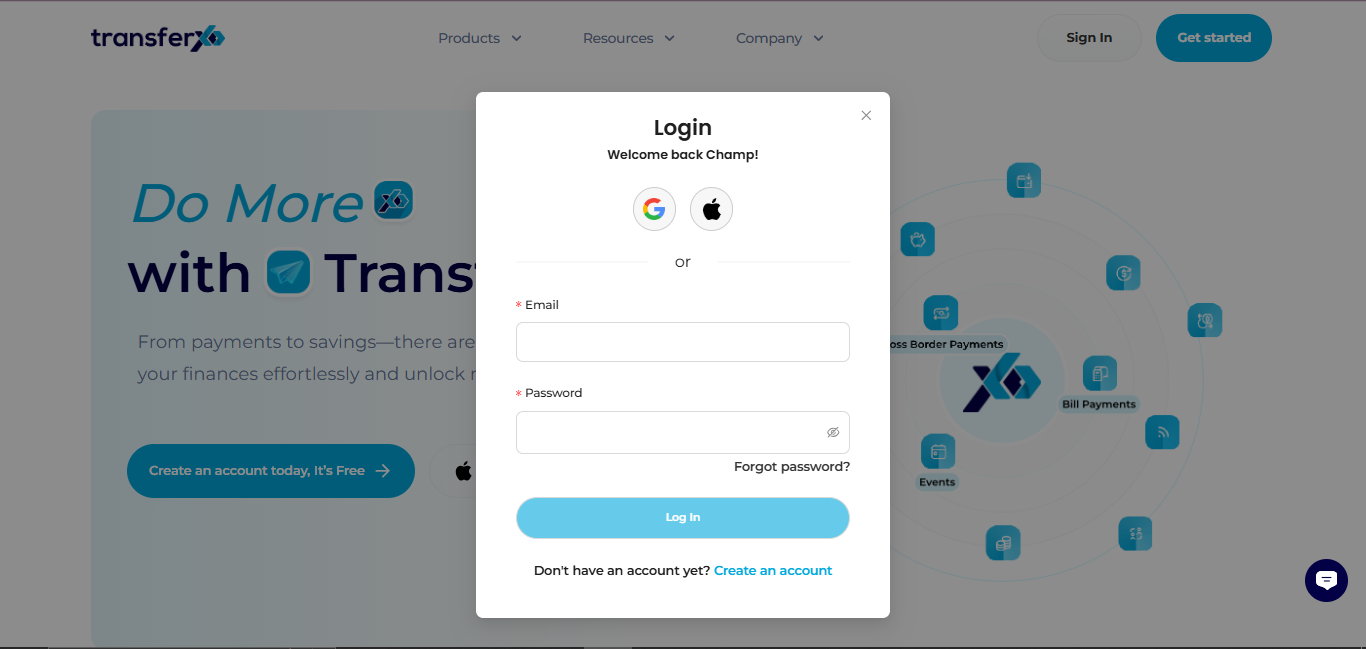
Step 1: Open the TransferXO Web App
Log in to your TransferXO account using your browser.
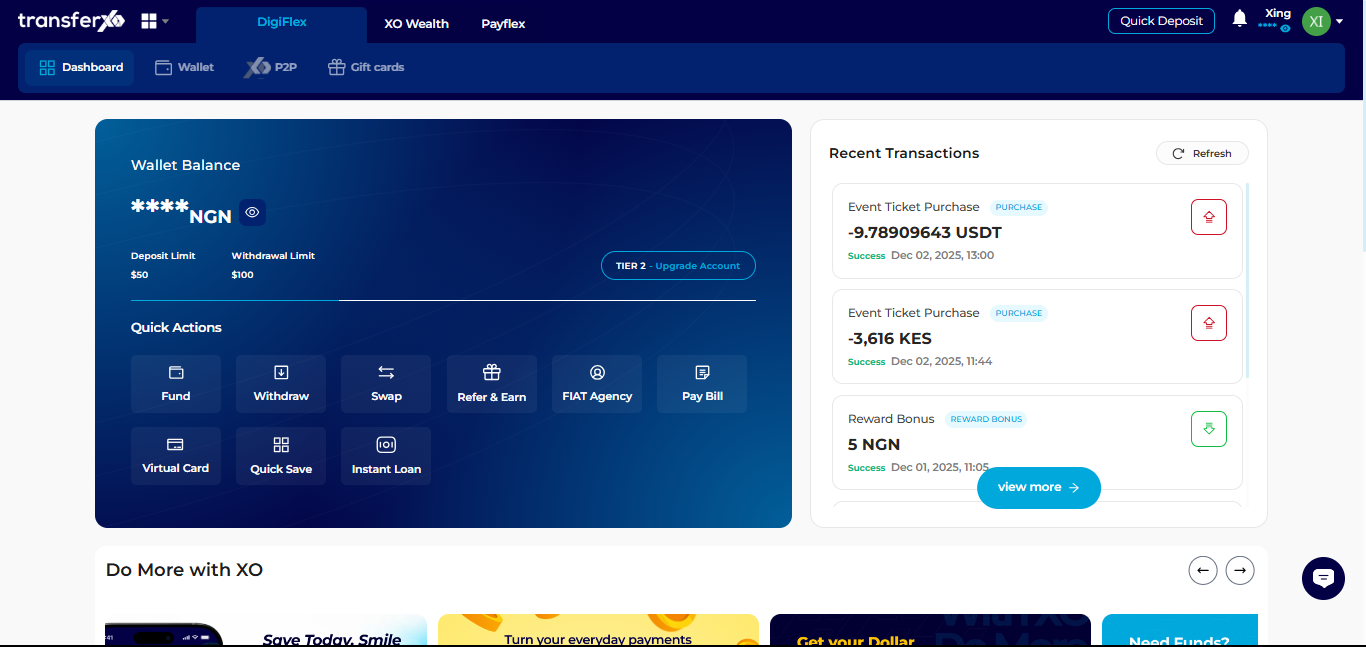
Step 2: Go to Your Dashboard
From your dashboard, access your account settings.
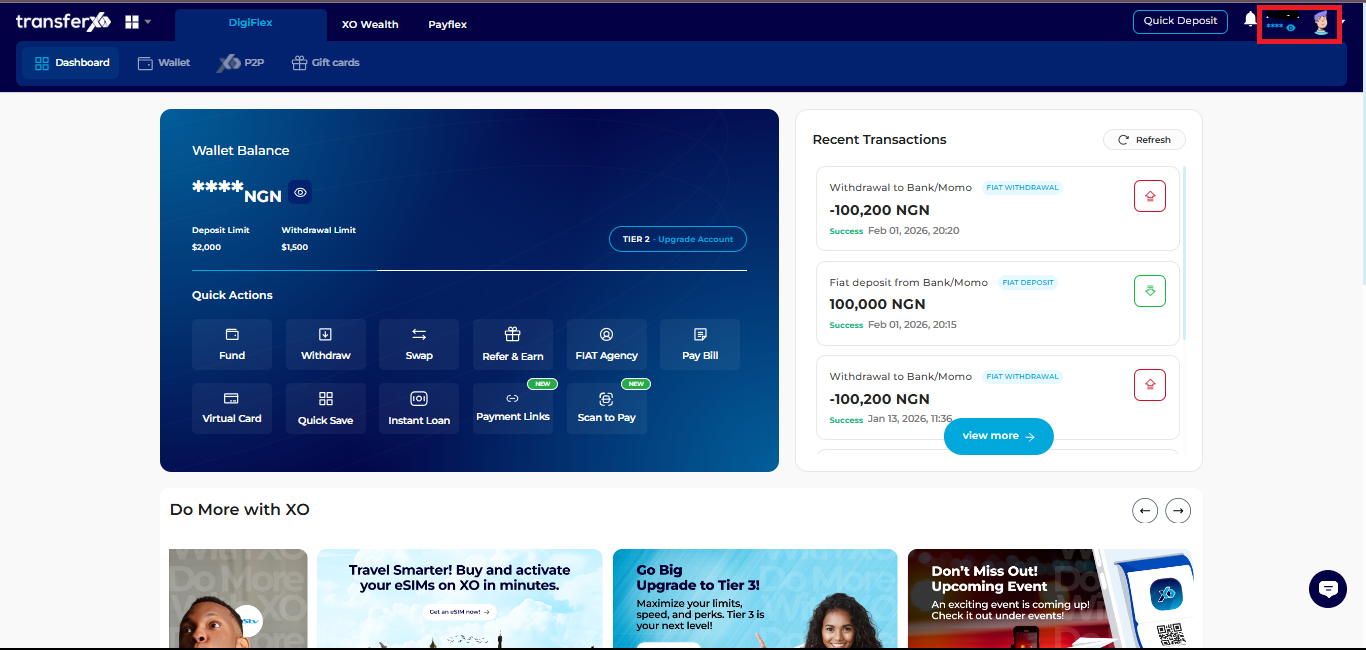
Step 3: Access Account Settings
Click your profile picture at the top right corner.
Select Account Settings from the dropdown menu.
Step 4: Open Payment Methods
Click Payment Methods to view and manage your saved payment options.
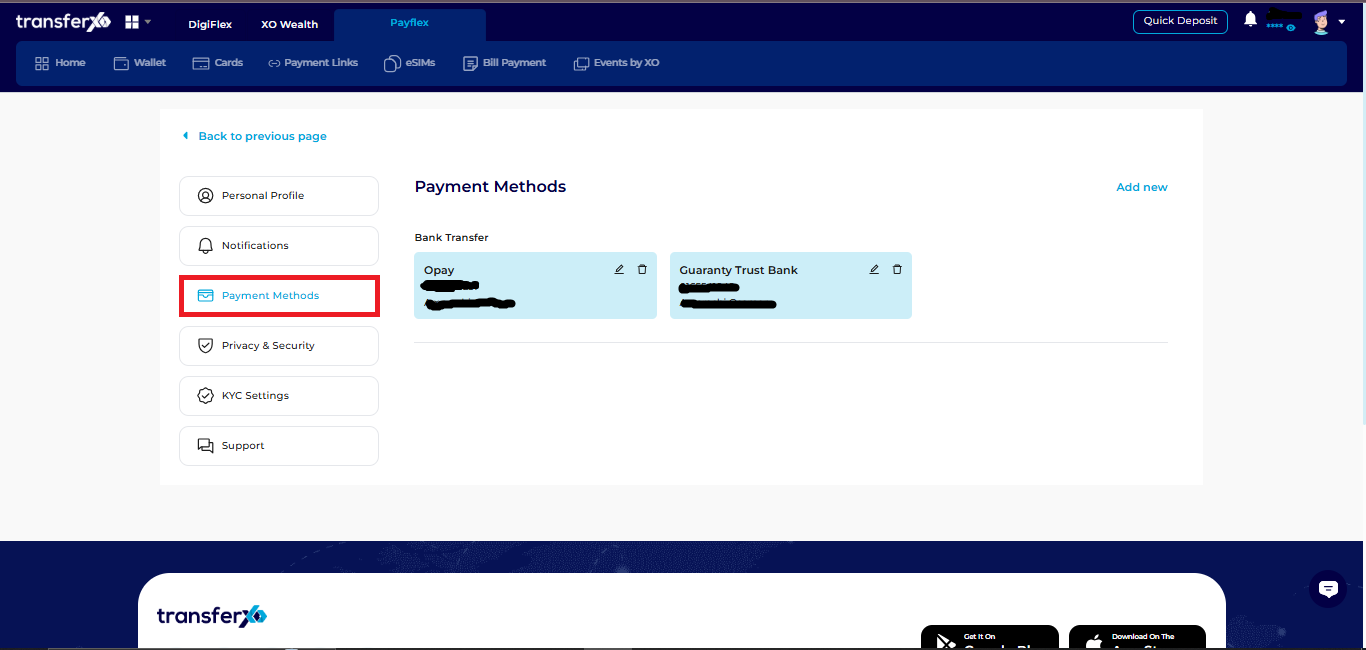
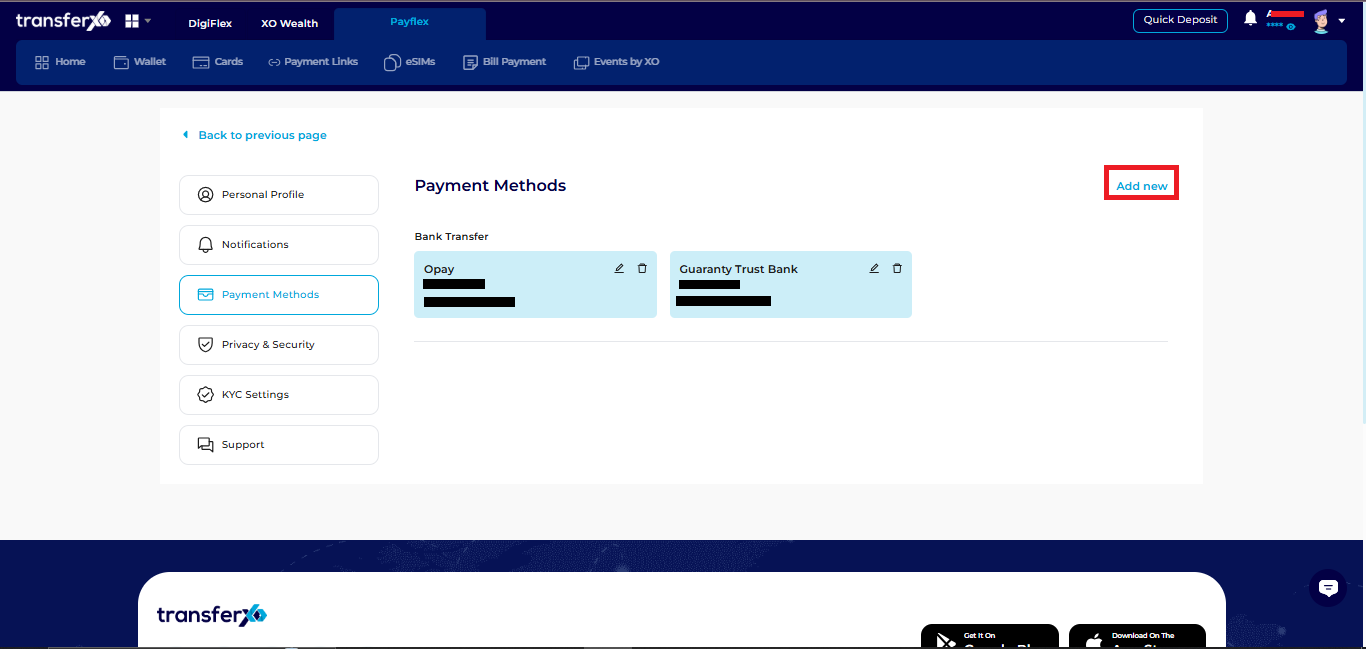
Step 5: Add a New Payment Method
Click Add New to select your preferred payment method.
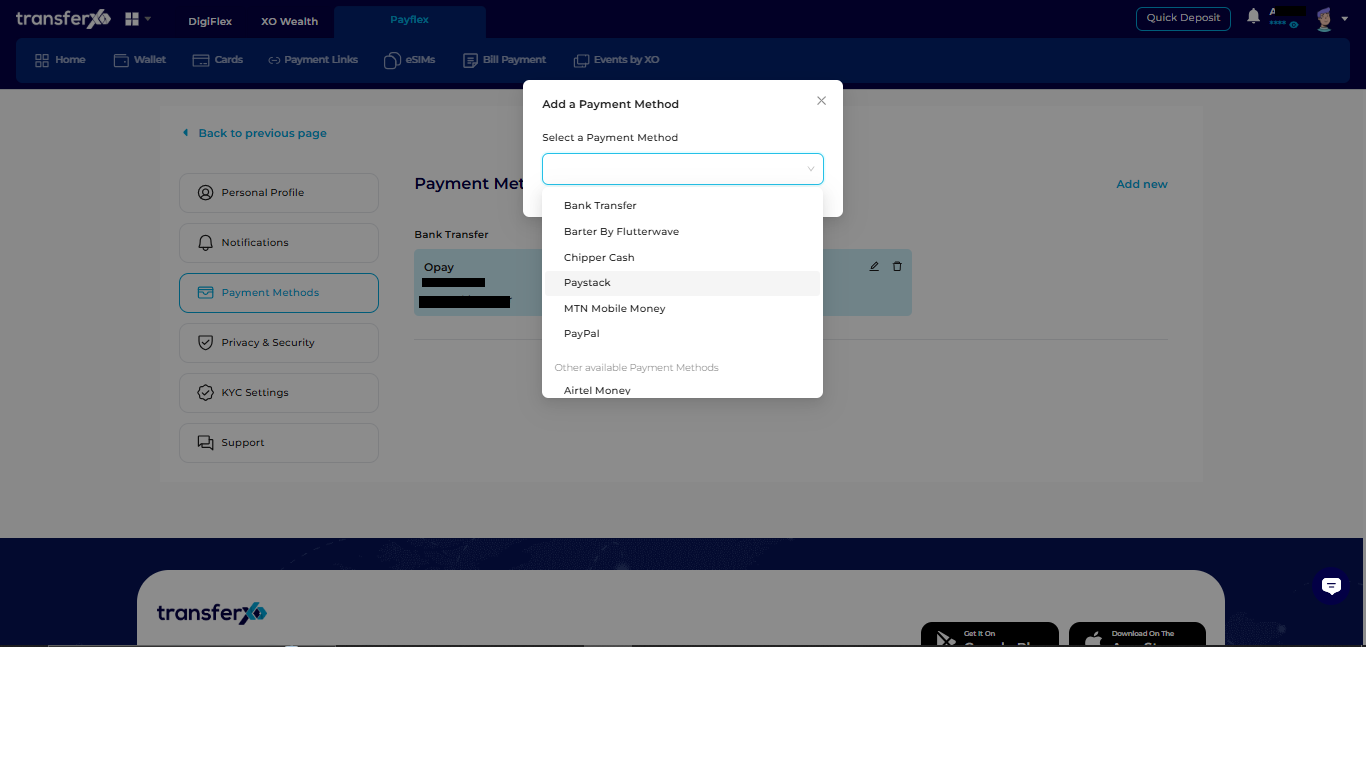
Step 6: Choose Payment Method
Select your preferred payment method from the options provided.
Step 6: Enter Required Details
Fill in the necessary information for the selected payment method.
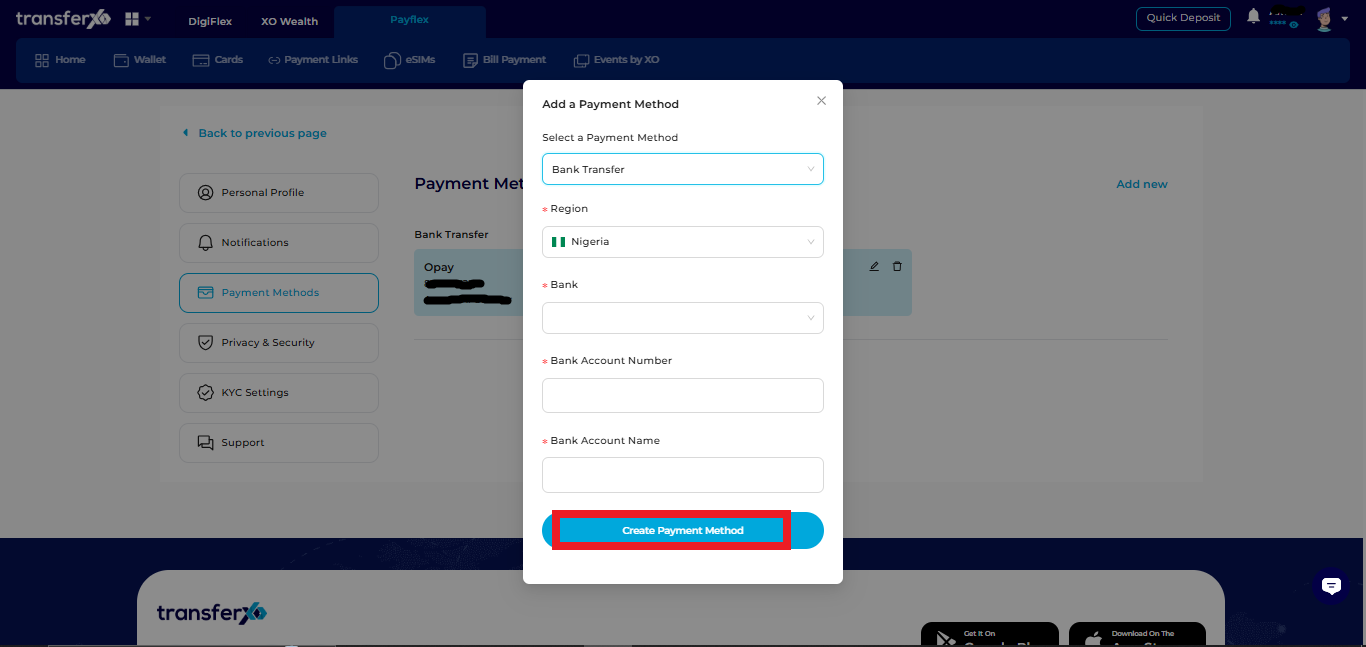
Step 7: Create Payment Method
Click Create Payment Method to save your details.
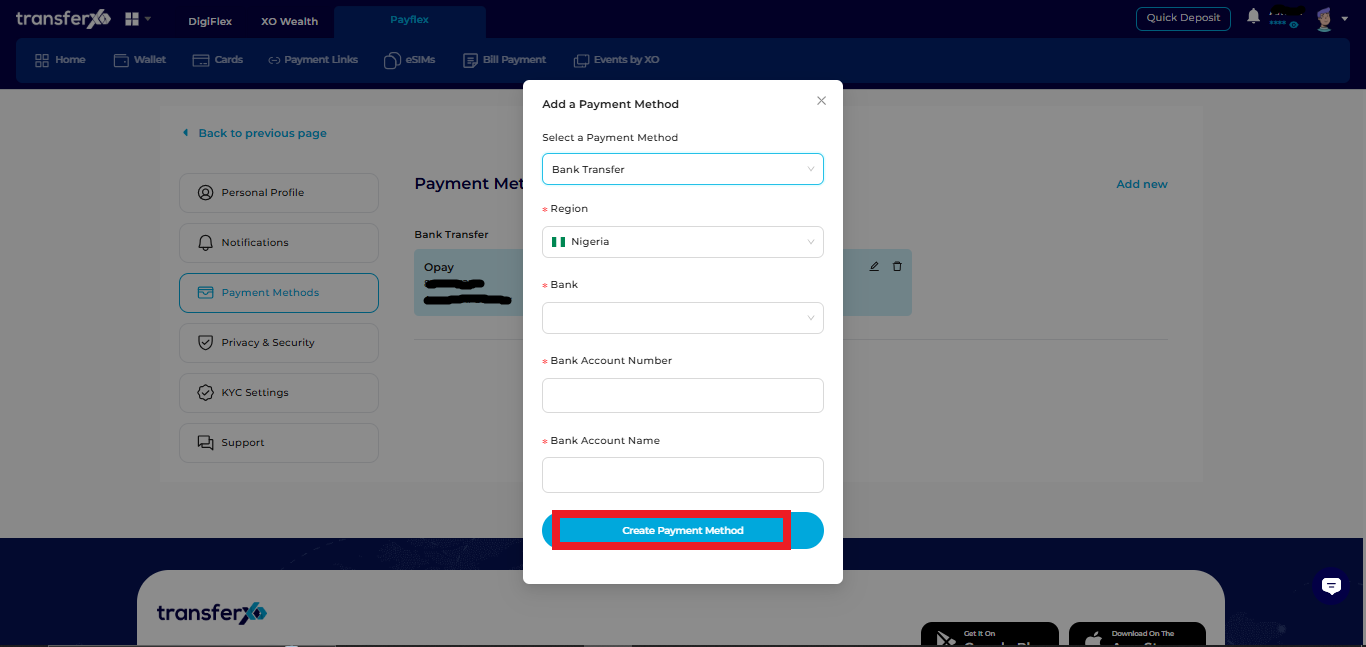
Your new payment method will now be available for use on TransferXO.