


This guide will walk you through how to start a Flexible Savings Plan on the TransferXO mobile app.
Step 1: Open your TransferXO app
Launch the TransferXO app on your mobile device.
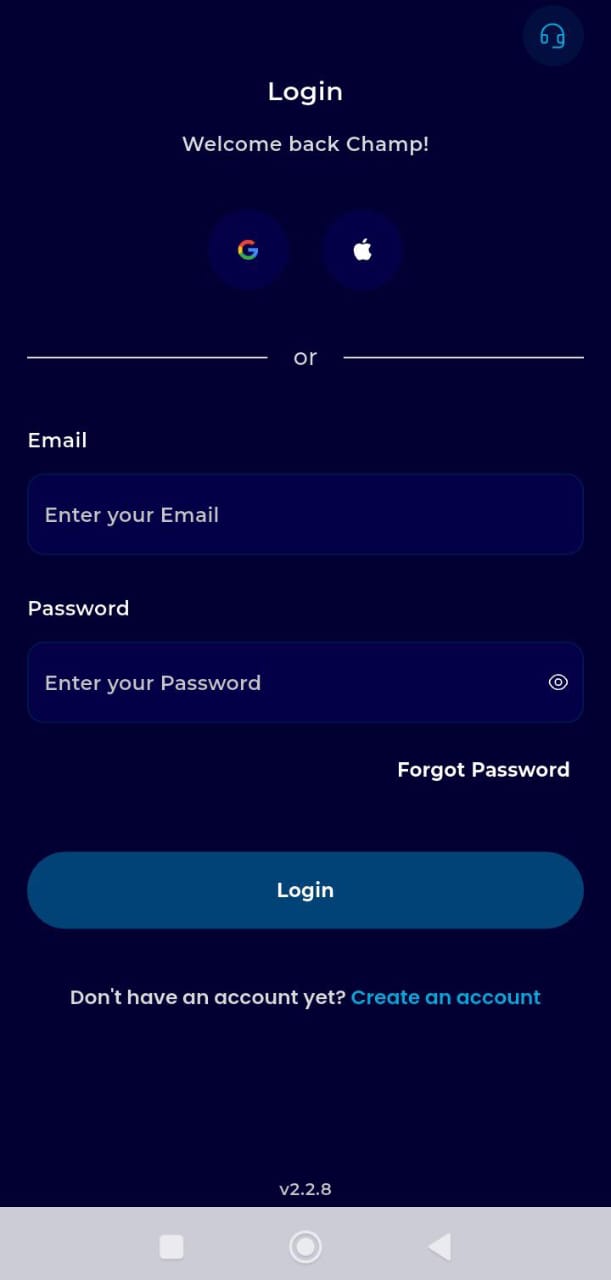
Step 2: Log in to your account.
Enter your credentials to access your Dashboard.
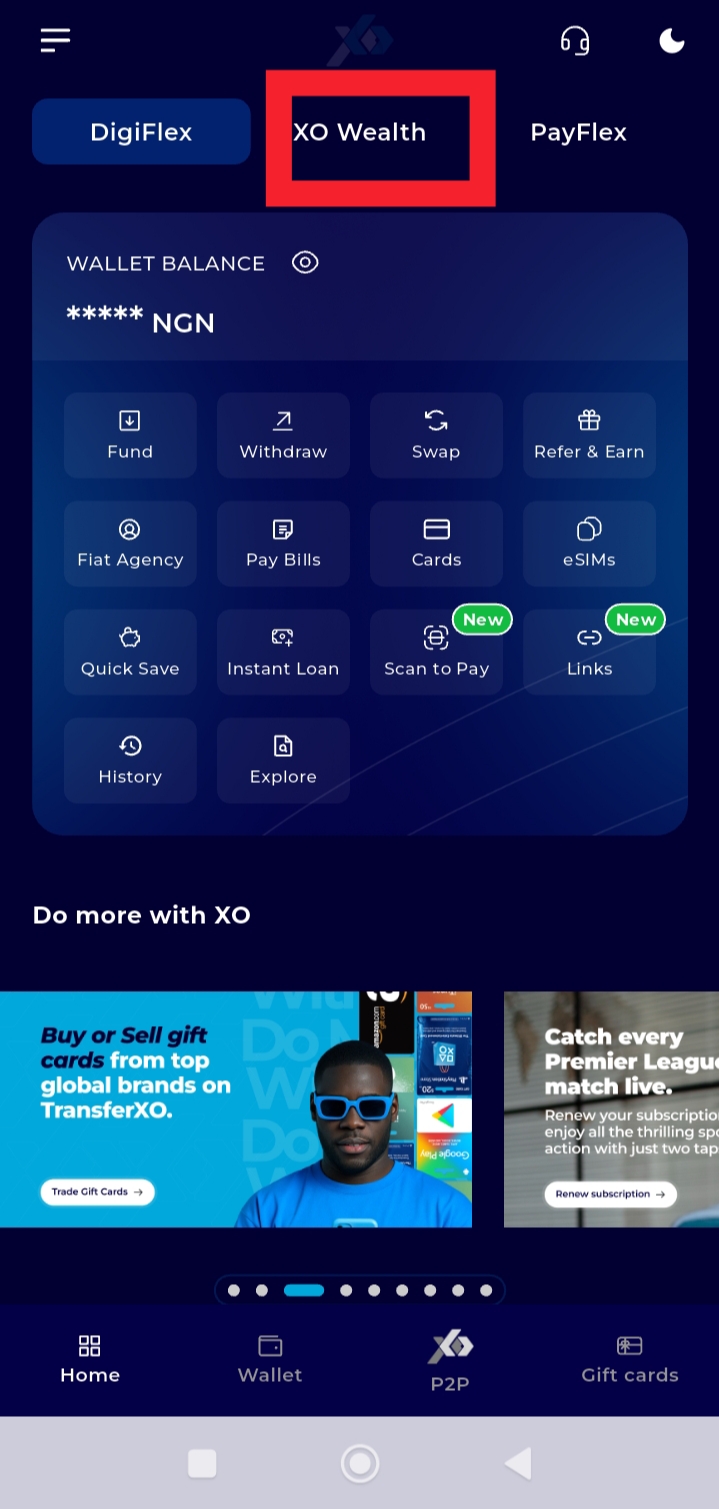
Step 3: On the Dashboard, tap Xo Wealth.
On this menu, you can manage all your saving plans.
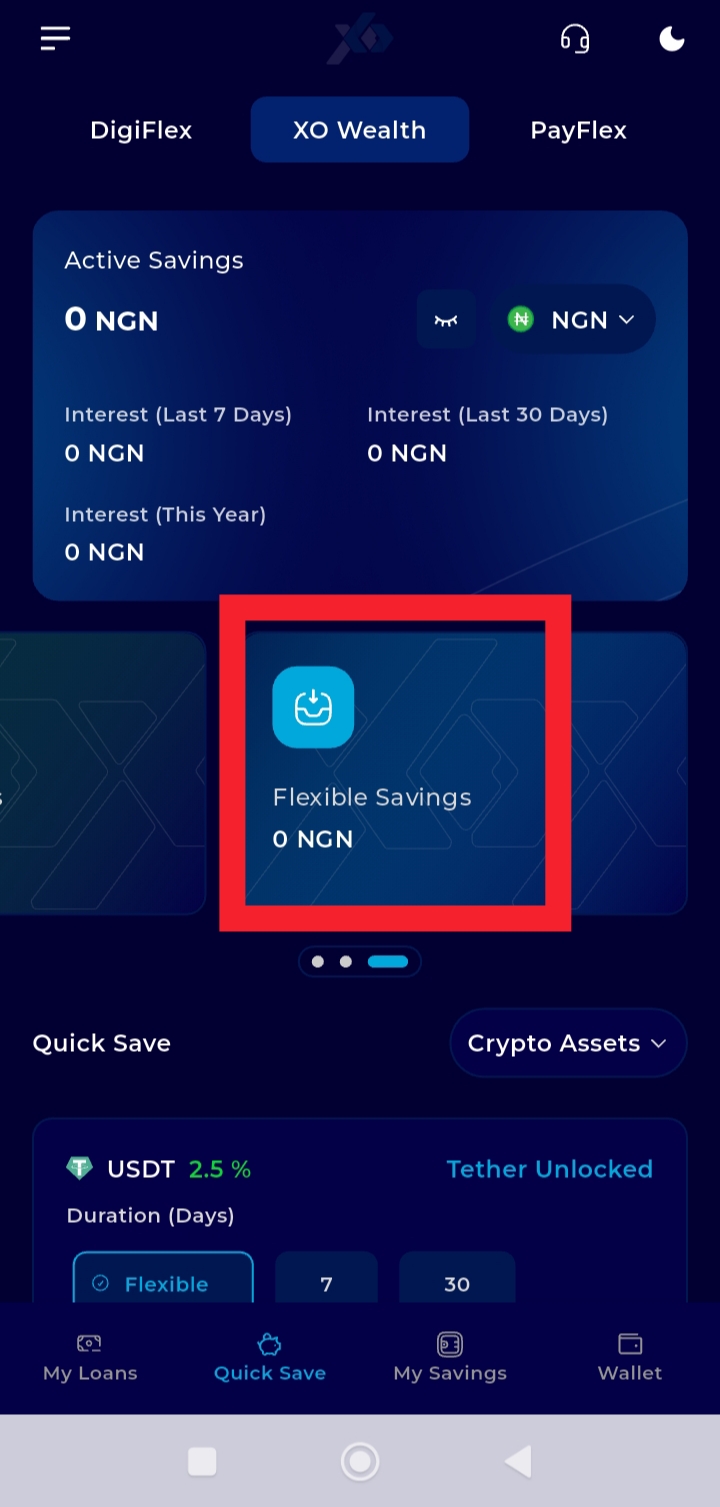
Step 4: Select Flexible Savings
From the list of savings plans under XoWealth, select “Flexible Savings.”
This allows you to proceed with setting up a flexible savings plan.
Step 5: Tap Fiat Savings
Click on fiat savings and choose the asset you would like to save in.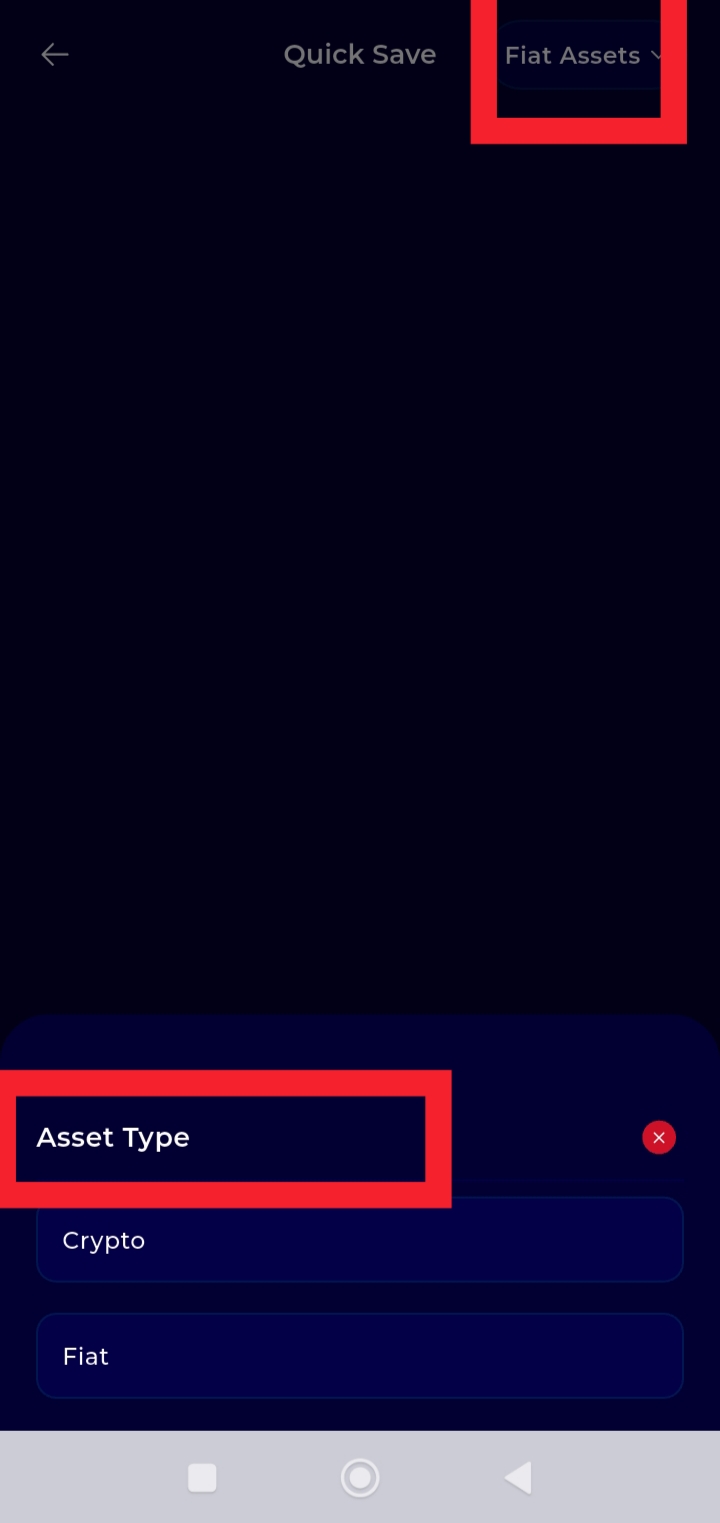
Step 6: Enter your savings objective and the amount you would like to save
For example; Rent, Tuition, Relocation, etc. This helps you clearly define your savings goal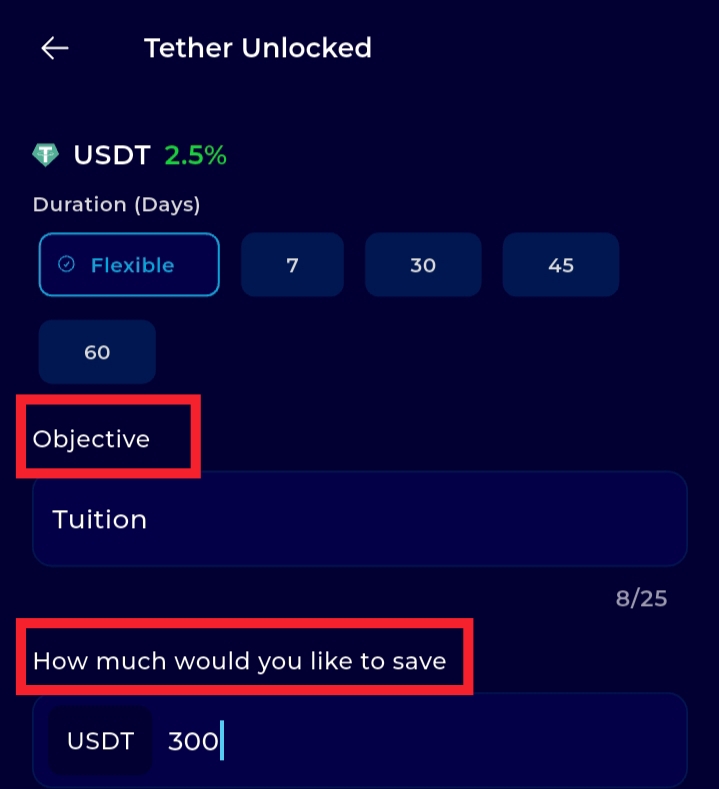
Step 7: Review your details and start plan.
Your Flexible Savings Plan will be successfully created.
You can access your principal and earnings at any time. Interest is credited daily on your principal, and you may withdraw your earnings whenever you choose.