


Updating your phone number on TransferXO is quick and easy. Follow these steps:
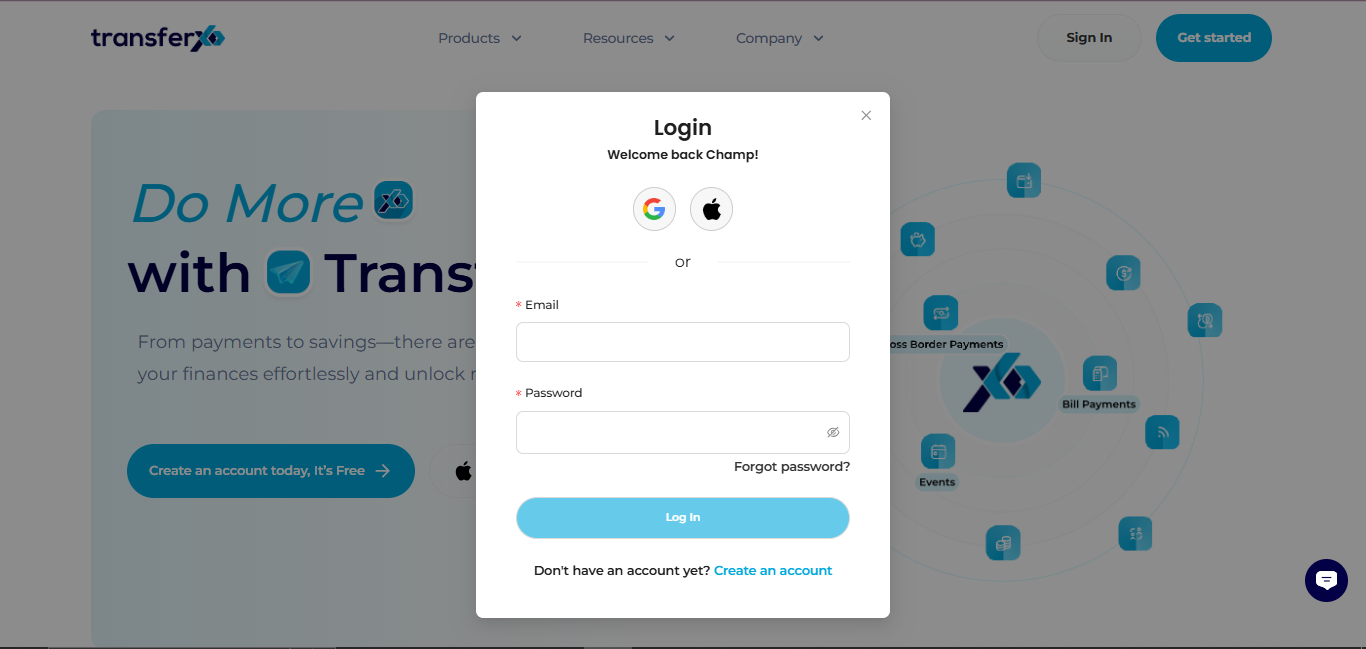
Step 1: Open the TransferXO Web App
Log in to your TransferXO account using your browser.
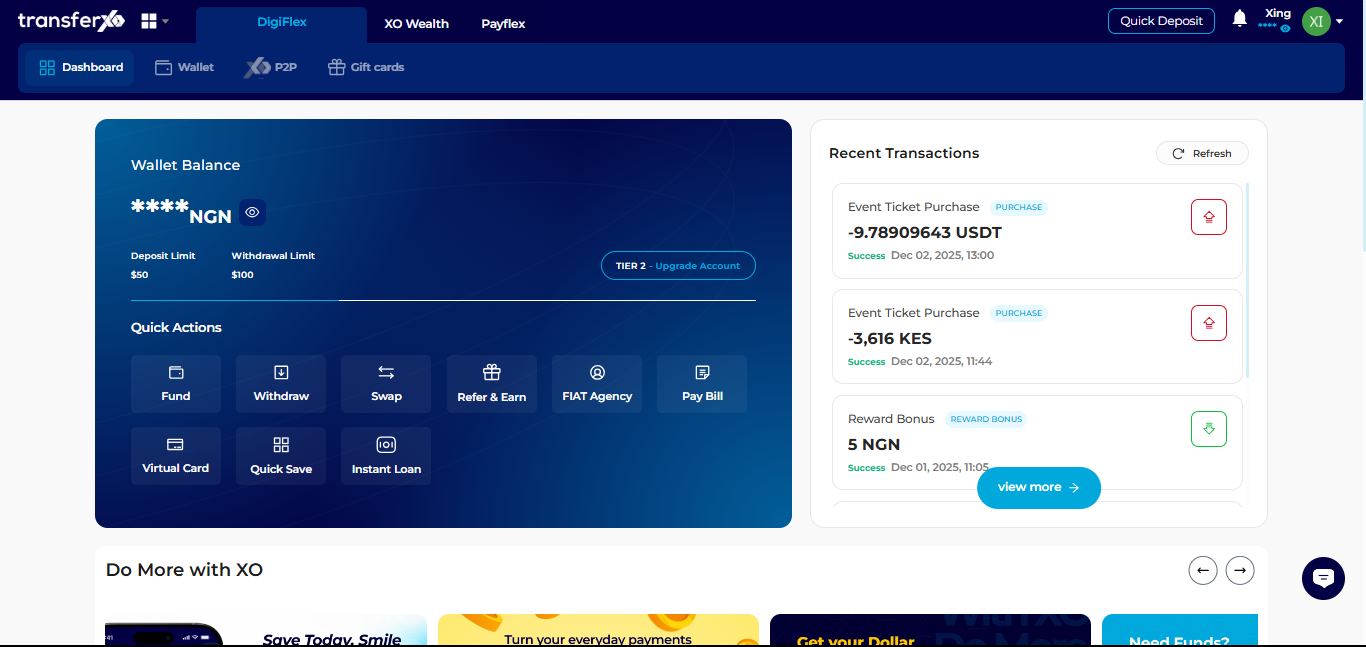
Step 2: Go to Your Dashboard
This is the main page displayed after login.
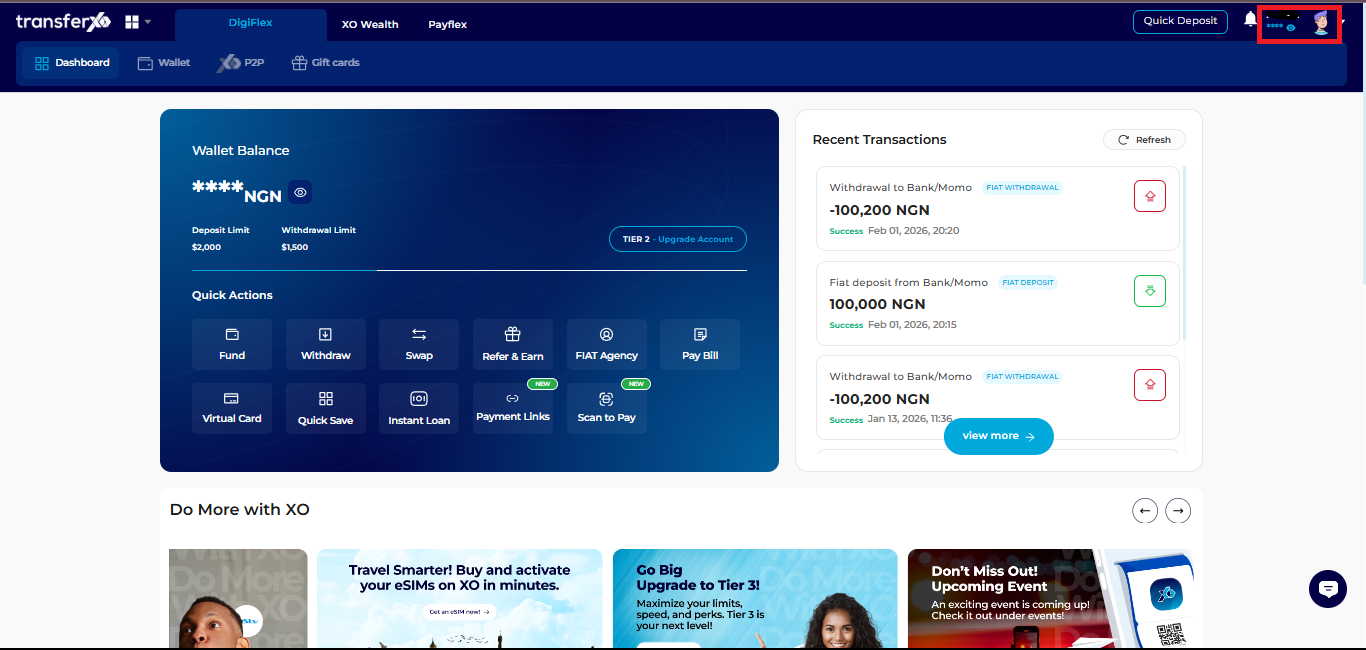
Step 3: Access Account Settings
Click your profile picture at the top right corner.
Select Account Settings.
Step 4: Go to Personal Profile
In Account Settings, click on Personal Profile to manage your personal information.
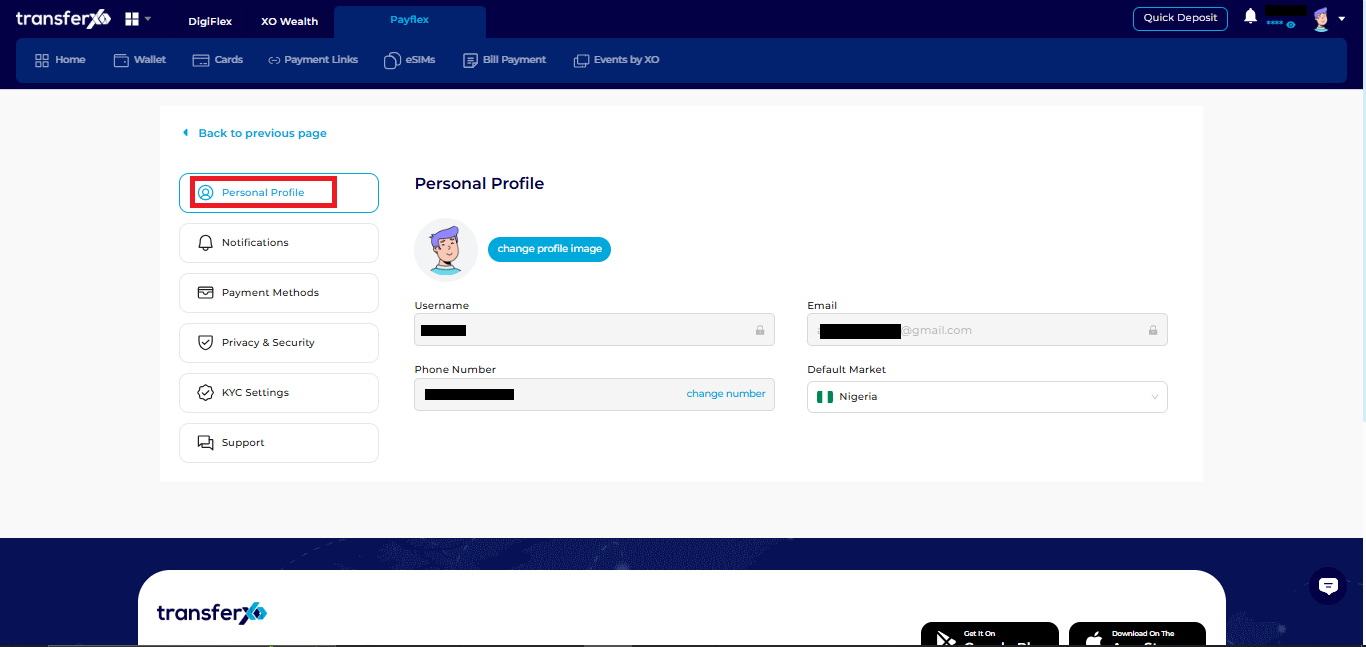
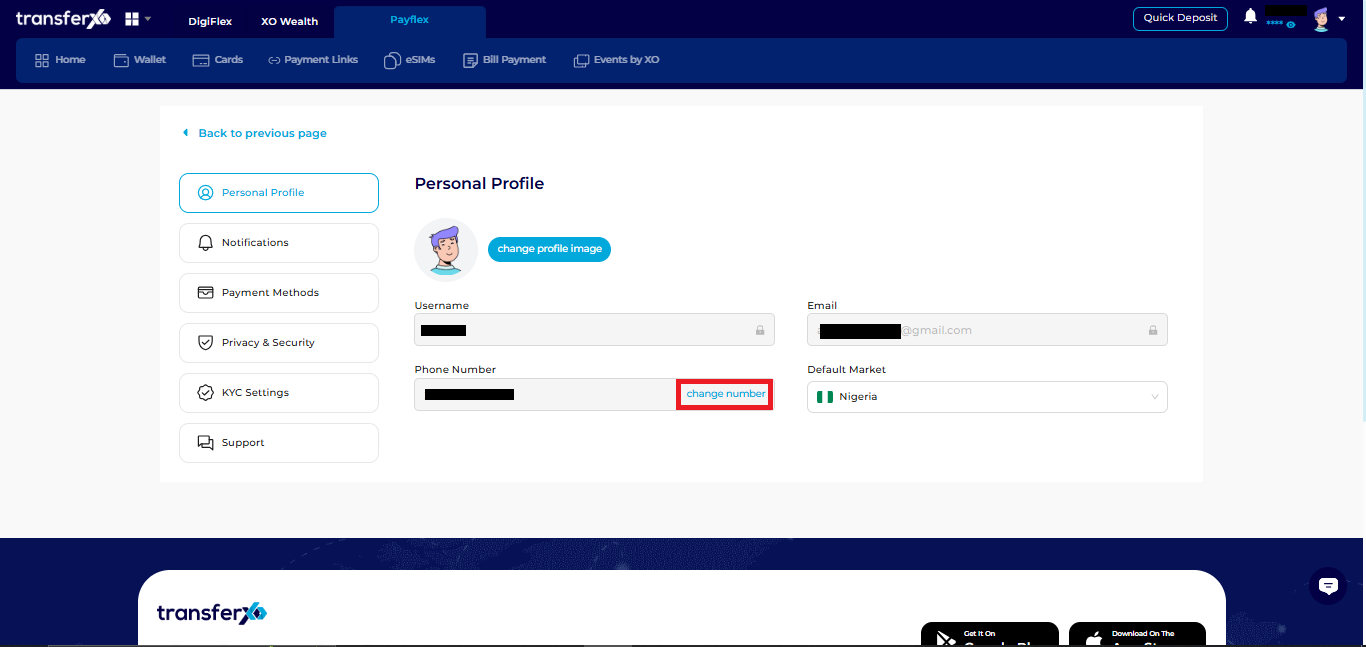
Step 5: Select Change Number
Click Change Number to start the process of updating your phone number.
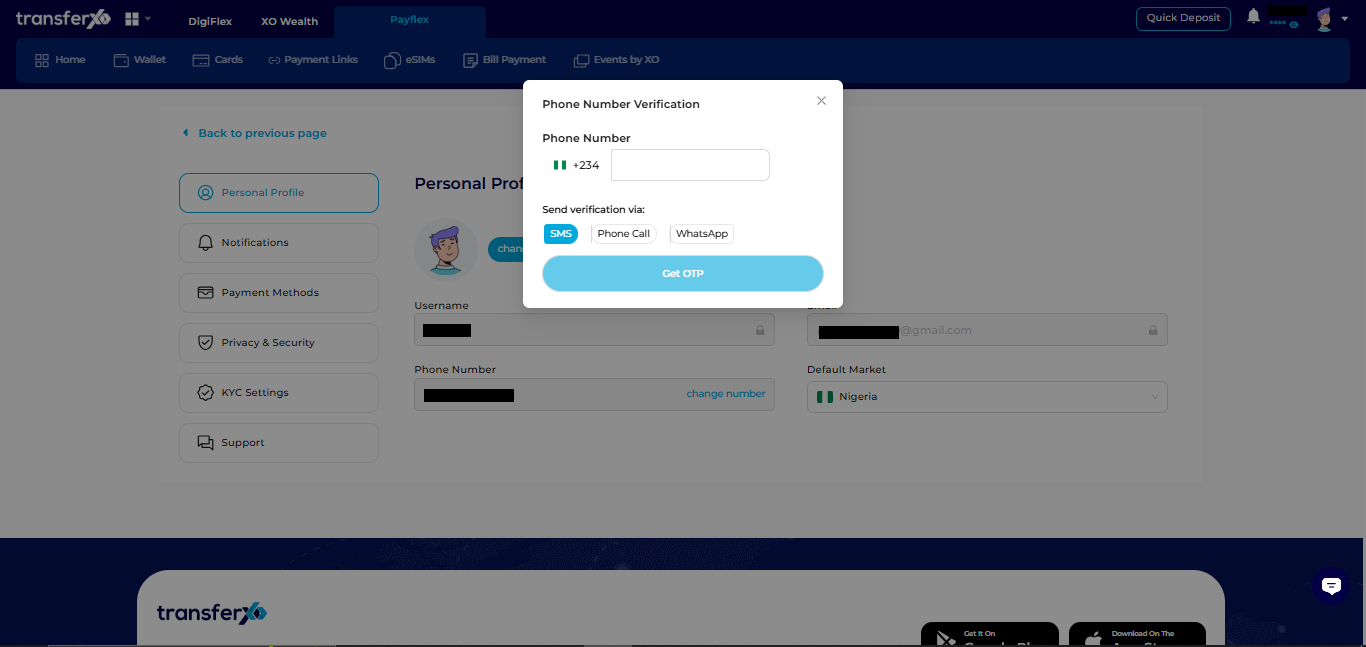
Step 6: Enter Your New Phone Number
Input your new phone number and choose your preferred verification method:
- SMS
- Phone call
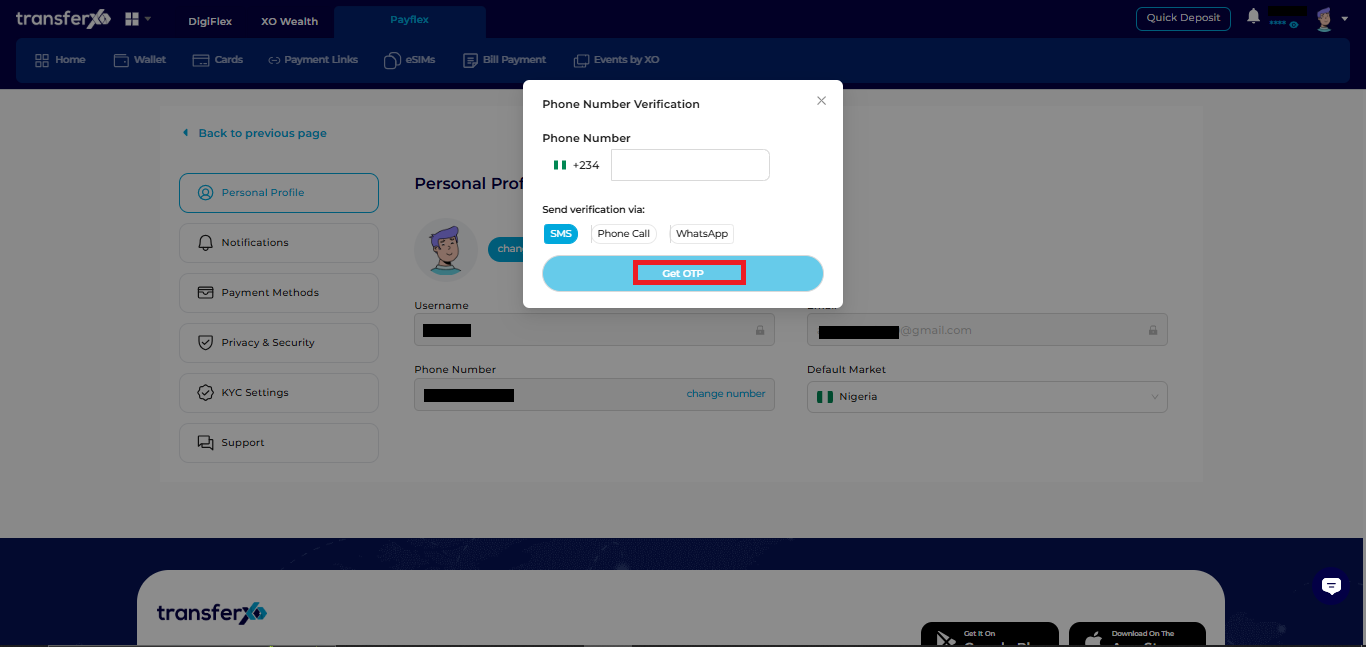
Step 7: Get OTP
Click Get OTP to receive a six-digit verification code.
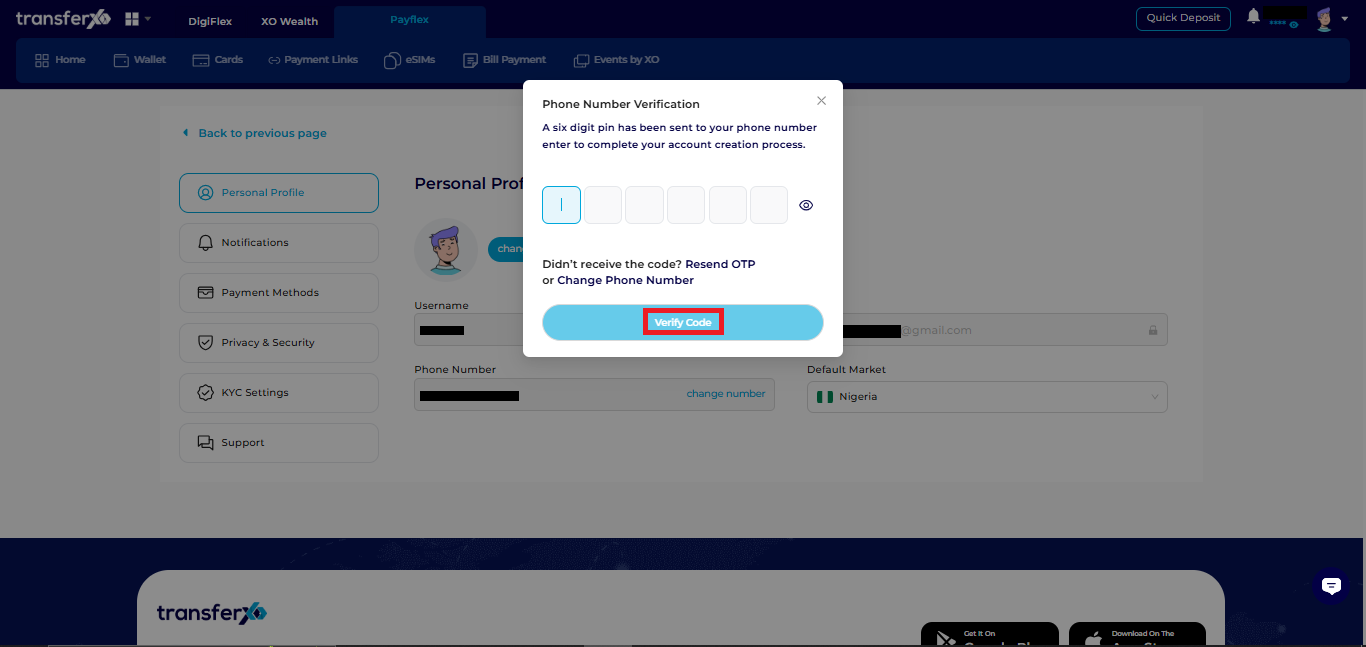
Step 8: Enter OTP
- Input the six-digit code sent to your phone to confirm your new number.
- Click verify Code
Once verified, your TransferXO account will be updated with your new phone number.